After a long 12-year wait, Apple Pay has finally launched in India today. Apple Pay offers a high level of security in thier pay compared to others. Apple Pay uses hardware and software integration, including biometric authentication and tokenisation, to ensure your actual card numbers are never stored or shared with merchants.
This service also offers tap-and-pay with debit or credit cards, rather than, like UPI, entering the amount, selecting the bank, entering the PIN, and paying. But all set to be experienced for the first time. So, let’s understand the process, like how to use Apple Pay in India.
Also Read: Google Pixel 11 Quick Review: Better Specs, Same Pixel DNA?
What Is Apple Pay?
Apple Pay was first launched in 2014. This is a digital wallet and payment system that can be used on various devices that run on iOS. Apple Pay is a contactless payment system that works with Apple products. It was created to shift people away from carrying actual wallets and toward a world where your debit and credit cards are stored on your iPhone or Apple Watch, allowing you to pay with your device rather than a card.
Key features:
- Enabled by NFC
- Reliable authentication with Touch ID or Face ID
- It is available in over 60 countries.
- Accepted in millions of stores throughout the world.
- Offers payments between individuals in the United States
Apple Pay Eligibility
Apple Pay is now available in India. It works with all iOS devices that have a Secure Element. This secure element is basically an industry-standard, certified chip for securely storing payment information.
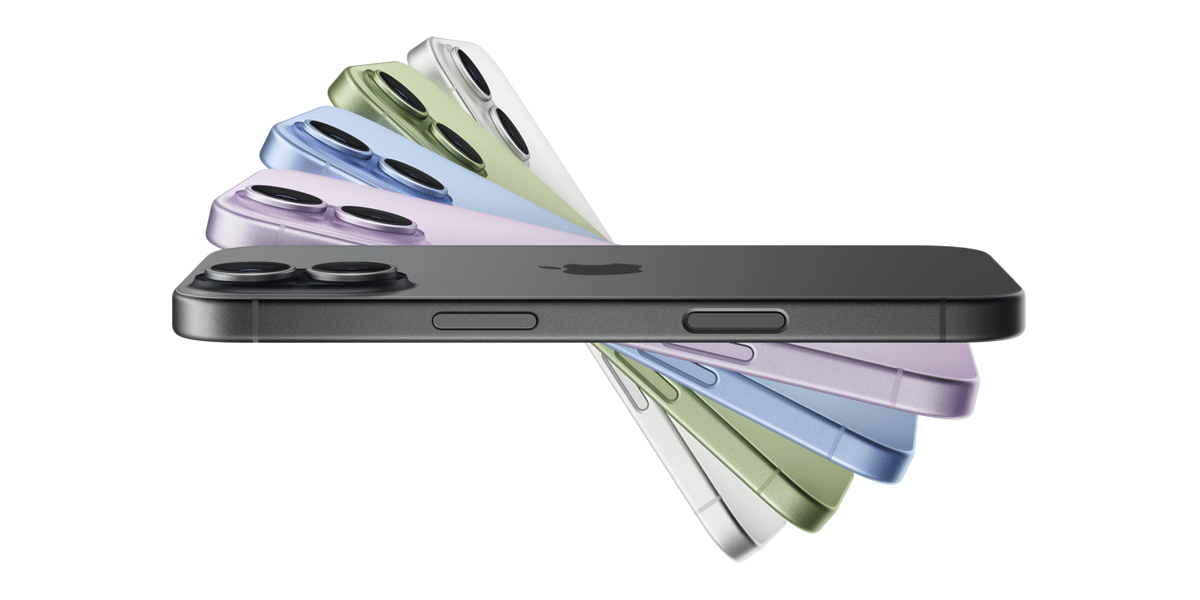
To authorise the payment on macOS, users must have an Apple Pay-enabled iPhone or Watch or a Mac with Touch ID. So, I can say any iPhone with Face ID or Touch ID (except the iPhone 5s), iPad with Touch ID or Face ID, Apple Watch (Series 1 and later), Apple Vision Pro, and compatible Mac models with Touch ID or Apple silicon are eligible for Apple Pay.
Also Read: Samsung Galaxy Z Flip8 Quick Review: The Flip Phone Gets Better
How To Set Up Apple Pay?
Apple Pay is built into iPhone, Apple Watch, Mac, iPad, and Apple Vision Pro. Setting it up is simple; you can add an eligible credit or debit card directly through the Wallet app.
- Open the Wallet app: Launch the Wallet app on your iPhone and tap the + (Plus) button.
- Add your card: Follow the on-screen instructions to add an eligible credit or debit card. You can tap the back of your iPhone with your card to add its details.
- Add the card to other devices: You can choose to add the same card to your Apple Watch, iPad, Mac, or Apple Vision Pro during setup.
- Complete verification: Follow your bank or card issuer’s instructions to verify the card.
- Start paying: When you’re ready to make a payment, simply double-click the side button, authenticate, and hold your iPhone near a contactless payment reader.
- Keep earning rewards: Apple Pay continues to provide your card’s eligible rewards, points, and miles when you make purchases.
Note that, at launch in India, Apple Pay supports eligible Visa and Mastercard credit cards issued by Axis Bank. We may see more card eligibility in future.
Also Read: Vivo X300 Pro Review: The Phone That Changed Camera Standards
How to pay using Apple Pay in India?
Using iPhone
- In order to utilise your default card, follow these steps:
- Double-click the side button if your iPhone has Face ID. To open Apple Wallet, authenticate with Face ID or enter your passcode if required.
- Double-click the Home button on your iPhone if it has Touch ID.
- To switch to another card, tap your default card to reveal your other options. Authenticate by tapping a new card.
- Hold your iPhone near the contactless reader until you see the message Done with a checkmark appear on the screen.
Using Apple Watch
- Double-click the side button to activate it.
- Instantly, your default card appears. To select a different card, scroll down.
- Hold your Apple Watch near the contactless reader until you hear a beep and feel a soft tap.
Also Read: Vivo X300 FE Review: Powerful, Stylish, And Camera-Focused
What happens if you misplace your iPhone or Apple Watch?
Losing your iPhone or Watch is traumatic enough, but with Apple Pay, it’s even more so. Since every transaction requires your fingerprint, face, or passcode, whoever finds your iPhone will be unable to make any purchases unless they have your passcode. They’ll see your billing address and the last four numbers of your stored cards, but nothing else.
Find My app can be used to place your device in Lost Mode from another iOS device. This will secure everything, including Apple Pay and Wallet info, and prevent others from accessing it. You can also use the Find My app to totally wipe your iPhone clean.
Also Read: Samsung Galaxy Z Fold8 Ultra First Impressions: Slimmer, Smarter, But Is It Truly Ultra?
Is Apple Pay safe and reliable?
Yes, Apple Pay is designed to offer secure and private payments in stores, apps, and online. It uses built-in hardware and software security features, including Face ID, Touch ID, passcodes, and tokenisation, to protect your transactions.
Apple does not store your original credit or debit card numbers or share them with merchants. It also does not retain transaction information that can be linked to you. However, you can view your recent transactions in the Wallet app. These security features make Apple Pay a convenient and secure alternative to using physical cards.
Conclusion
Apple Pay brings a simple and secure tap-and-pay experience to iPhone, Apple Watch, and other compatible Apple devices in India. With Face ID, Touch ID, and tokenisation, you can make contactless payments without sharing your actual card number with merchants. At launch, Apple Pay supports eligible Visa and Mastercard credit cards from Axis Bank in India. As Apple expands card and bank support, it could become a convenient alternative for users who prefer contactless payments.
FAQs
How can I use Apple Pay in India?
To use Apple Pay in India, add an eligible credit or debit card to the Wallet app on your compatible Apple device. Once the card is verified, double-click the side button on your iPhone, authenticate with Face ID or Touch ID, and hold the device near a contactless payment terminal.
Which cards are supported by Apple Pay in India?
At launch, Apple Pay supports eligible Visa and Mastercard credit cards issued by Axis Bank in India. Card and bank support may expand as Apple Pay becomes available to more users.
Can I use Apple Pay without an internet connection?
Yes, Apple Pay can generally be used for contactless payments without an active internet connection because payment credentials are securely stored on the device. However, card activation, verification, or certain transactions may require connectivity depending on the card issuer.
Is Apple Pay safe to use in India?
Yes. Apple Pay uses device-level security features such as Face ID, Touch ID, passcodes, and tokenisation. Your actual card number is not shared with merchants during Apple Pay transactions, adding an extra layer of security compared with using the physical card.
Also Read: Samsung Galaxy Z Flip7 Long Term Review: The True King Of Flip Phones
Are you still browsing through your broken screen? Don’t worry! Book an at-home mobile phone screen repair with Cashify—an affordable and one-stop destination for all your mobile phone needs. In case you break your screen within 1 month of repair, we will replace your screen again—for FREE.