Hello?…What?..Your voice is cracking! Is this happening too frequently now? Like, frequent enough to know that it’s not a network problem, but the speaker is giving up? Even the music doesn’t play nicely, and you have been blaming Redmi all along. You increase the volume to maximum, but it still feels weak. That’s when you need to fix the Redmi 14C speaker problem.
Luckily, that doesn’t immediately mean that you need to rush to the repair centre. There are certain things you can try before shelling out money. So, troubleshoots, best repair option, types of sound issues…
We are going to discuss it all today.
Also read: Damaged Your POCO X7 5G Speaker? Complete Speaker Repair Guide!
What Might Be Causing The Redmi 14C Speaker Problem
The issue can arise from both software glitches and hardware failure. Or it may even be as simple as dirt in the speaker grille blocking the sound. Or other apps interfering, like Bluetooth connected to another device. Here are some of the common culprits:
- Debris and dust blocking.
- Water or moisture exposure from sweat, rain, accidental splashes and so on.
- Internal sound issue due to the phone dropping.
- Even if the phone screen looks fine, the speaker component may loosen or crack inside.
Redmi 14C Speaker Problem Solutions & Troubleshooting
1. Restart The Phone First
This sounds simple, but temporary audio bugs can sometimes interfere with speaker performance.
A restart helps reset:
- Background audio processes
- Stuck apps
- Temporary software glitches
- Audio routing problems
If the speaker has suddenly become low or stopped working recently, restarting may immediately fix it.
Also read: Redmi 14C 5G Screen Not Responding Suddenly? Here’s Your Repair Guide!
2. Check If Bluetooth Is Connected
Many users think their speaker is damaged when the audio is actually connected to:
- Wireless earbuds
- Bluetooth speakers
- Smartwatches
- Car audio systems
If Bluetooth remains connected in the background, your phone speaker may appear silent.
Go to Bluetooth settings and disconnect all paired devices before testing the speaker again.
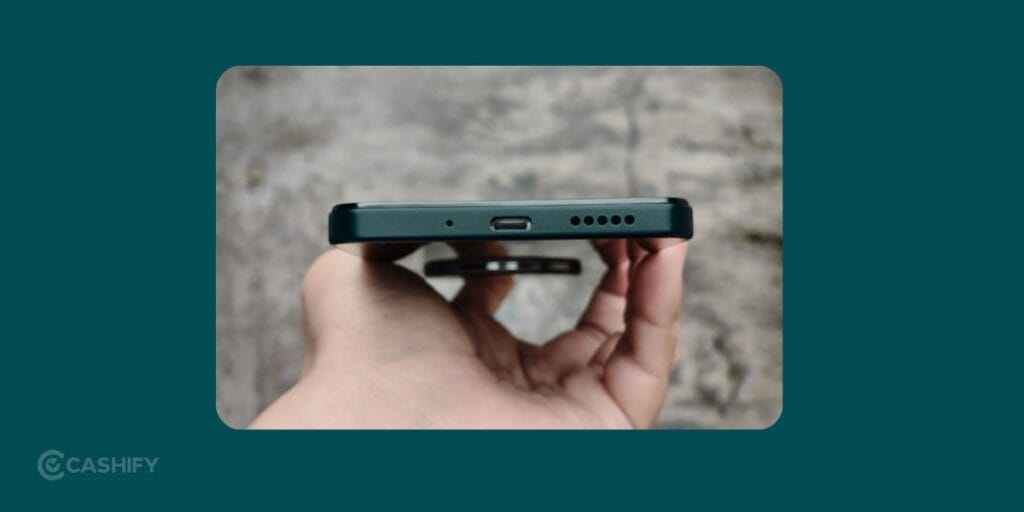
3. Remove Dust Blocking The Speaker Grill
One of the biggest reasons behind low sound is dust accumulation.
Over time:
- Pocket lint
- Dirt particles
- Oil residue
- Pollution dust
All of this can block the speaker opening and reduce sound output.
But How Would You Know? Signs of dust blockage:
- The audio sounds muffled
- Volume feels trapped
- Sound clarity reduces gradually
If your phone is used outdoors regularly, this is highly possible.
Also read: 8 Signs That Your Android Phone Motherboard Needs Repair!
4. Turn Off Audio Enhancement Features
Certain sound enhancement settings can sometimes distort audio output.
Features like:
- Sound effects
- Volume boosters
- Third-party equaliser apps
may interfere with the Redmi 14C speaker performance.
If the speaker sounds distorted only at high volume, these settings could be the reason.
5. Observe Whether The Problem Happens Only At Maximum Volume
Smartphone speakers can distort naturally at extreme volume levels.
If your Redmi 14C sounds normal at medium volume but crackles at 100 percent, the speaker may be:
- Wearing out
- Slightly damaged
- Under strain
This is especially common if you are using Redmi 14C heavily for:
- Gaming
- Music playback
- Speaker phone calls
Also read: How Do I Check My Android Hardware Health?
6. Check If The Speaker Problem Started After A Phone Drop
Physical impact can damage the speaker internally.
Even if:
- The display looks normal
- The body has no major dents
- The internal speaker module may still get affected.
Common signs include:
- Vibrating sound
- Sudden low volume
- Audio cutting in and out
- Distortion during bass-heavy sound
In such situations, hardware inspection is usually required.
Cashify Can Get You Out Of The Redmi 14C Speaker Problem!
If the speaker remains extremely low, crackling continues constantly, or no sound comes out at all- Time to call in the professionals. If you are hesitant about the mobile repair process, like quality, technician’s experience, cost, etc., you don’t have to be anymore. Cashify is the certified mobile phone repair platform that you can trust for your Redmi phone repair.
When you choose Cashify, you get to meet a skilled technician. Cashify has had the service active across 200+ cities for years now. It is something you can rely on while not getting ripped off.
Cashify ensures a reasonable phone repair fee with full transparency and discounts at your disposal. This means you get an approximate quote for the Redmi 14C Speaker Problem Fix on the website in advance. The best part? There’s a free doorstep visit so you can get the repair done while relaxing at home. If that’s not convenient, then what is?
Also read: Xiaomi Redmi A2 Plus Screen Not Responding? Here’s The Smartest Fix!
In The End
You might be able to remove the weak or distorted volume and fix the Redmi 14C speaker problem without hassles. Only if you choose smartly. Before that, understand whether the issue is.
Do the necessary checks and troubleshoot. This might actually solve the whole speaker problem in some cases. But if the speaker keeps sounding distorted, muffled, or unusually low, professional inspection is usually the safest and most effective solution before the damage worsens further.
If you’ve just bought a new phone and don’t know what to do with your old phone, then here’s your answer. Sell old mobile to Cashify and get the best price for it. If you are planning to buy a new phone, check out Cashify’s refurbished mobile phones. You can get your favourite phone at almost half price with six-month warranty, 15 days refund and free delivery.