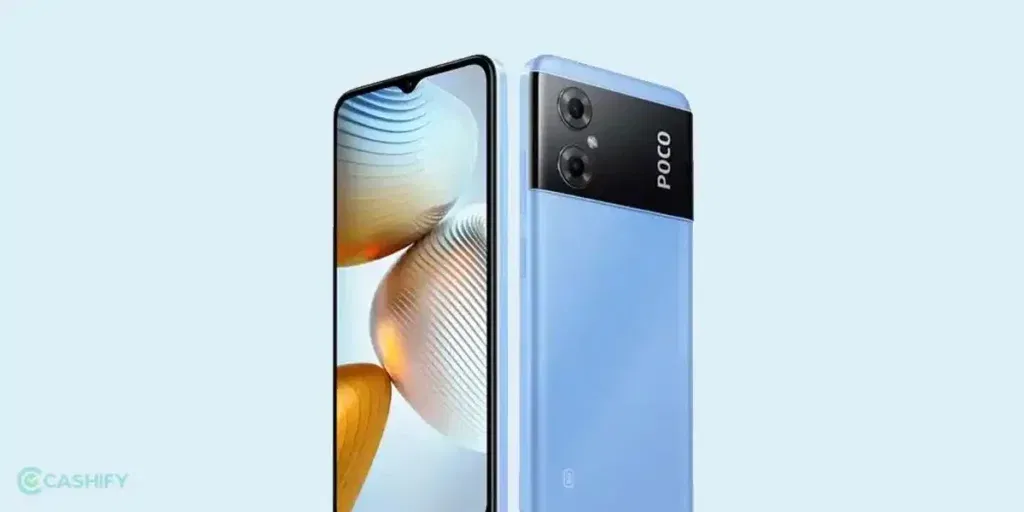
Is your POCO M4 screen not responding? Maybe taps aren’t working, the screen is lagging, or it freezes for a few seconds. It can be really frustrating, I know. Most of the time, it happens because of simple things like too many apps running at once or the phone getting too hot. The good thing is, you don’t always need a screen replacement. Let’s take a look at why this happens and some easy steps you can try at home before replacing it.
Also read: How To Fix Vivo V11 Pro Screen Issues? Replace It Affordably!
Why Is the POCO M4 Screen Not Responding?
Let’s first look at the main reasons why the POCO M4 screen not responding issue may happen:
Touch Issues in Certain Apps
Sometimes, specific apps don’t work well with the POCO M4’s MIUI system. You may notice the screen feels slow, or taps don’t register properly, only when using those apps.
Temperature Problems
Your phone doesn’t like extreme temperatures. If it gets too hot in the sun or too cold outside, the touch screen may stop working properly. Usually, it returns to normal once the phone’s temperature is stable.
Screen Calibration Drift
Over time or after software updates, the screen may lose its perfect calibration. This means touches may be slightly off or not registered at all in some areas.
Battery Swelling
A battery that swells can press against the screen from inside. This pressure can cause the POCO M4 screen not respond in certain areas.
Too Many Background Apps
The POCO M4 runs multiple apps and system services in the background. If too many are running at the same time, the screen may lag or miss touches.
Moisture or Humidity
Even a small amount of water, sweat, or humidity can affect the touch screen. This can happen if you just cleaned the screen or used the phone in a humid place.
Magnetic Interference
Strong magnets nearby, like in certain cases or speakers, can interfere with the touchscreen. You might notice some taps not registering while the magnet is close.
Loose Screen Edges
Dropping the phone can loosen the edges of the screen. Even if the glass looks fine, some parts of the display may stop responding to touch.
Also read: How Do I Check My Android Hardware Health?
Quick Checks To Try Before Screen Replacement
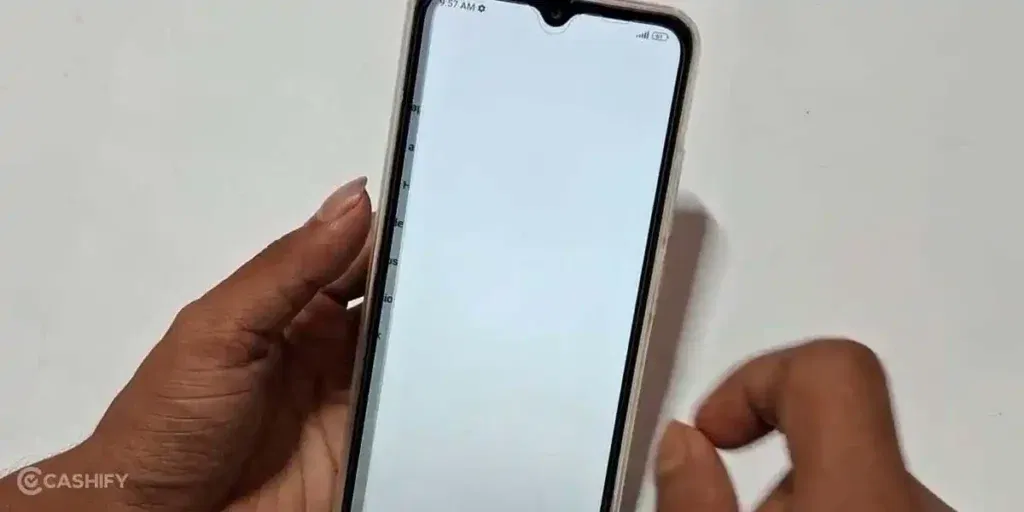
So, you have seen the possible reasons that might cause the POCO M4 screen not responding issue. Here are some practical solutions you can try before thinking about a screen replacement:
Check Problematic Apps
Update the apps that are causing touch issues. If the problem continues, try reinstalling them. Clearing the app cache can also help improve responsiveness.
Let the Phone Adjust Temperature
Move your phone to a normal room temperature. Avoid using it in extreme heat or cold until it stabilises.
Recalibrate Touch Response
Restart your phone to refresh the system. You can also use touch calibration tools in settings or a reliable app to improve accuracy.
Inspect the Battery Area
If the phone shows signs of a swollen battery, stop using it immediately. Take it to a professional for replacement.
Close Background Apps
Manually close apps you aren’t using. You can also clear RAM from system settings to help fix the POCO M4 screen not responding issue.
Dry Out Moisture
Wipe the screen gently with a soft cloth. Let the phone air-dry completely if it got wet or was exposed to humidity.
Move Away from Strong Magnets
Keep the phone away from magnetic cases, speakers, or other strong magnets. This can restore normal touch functionality.
Check for Loose Screen Parts
Inspect the edges of the screen. Avoid pressing areas that feel loose, and have the phone checked by a technician if needed.
If your POCO M4 screen not responding issue still happens after trying these steps, don’t worry. Choosing the right professional mobile repair service can help fix it safely and quickly.
Also read: 8 Signs That Your Android Phone Motherboard Needs Repair!
Why Choose Cashify For POCO M4 Screen Repair?
When dealing with POCO M4 screen not responding issue, you need a service you can trust. Cashify is a certified mobile phone repair platform used by thousands. Here’s why Cashify is a great choice:
- A certified technician comes to your home to repair the screen, and you pay only after the job is done.
- Skilled technicians handle your POCO M4 carefully, making sure the screen is fixed correctly.
- Only high-quality compatible parts are used to ensure the screen fits perfectly and works smoothly.
- The total cost of the phone repair is shared with you upfront, with no hidden charges.
- Every screen repair comes with a six-month warranty and an extra one-month replacement for any screen breakage.
- Cashify has over 200 service centres across India, so you can visit one if you prefer.
- A 7-day refund is available on screen repairs if you are not satisfied with the service.
(*Repair warranties are subject to discretion based on Cashify’s terms and conditions. Please refer to our warranty policy for detailed information.)
Also read: Vivo Y83 Pro Aux Jack Not Working? Repair It Fast With Cashify
How To Book POCO M4 Screen Repair With Cashify?
If you want to fix the POCO M4 screen not responding issue with Cashify, don’t worry. Booking the repair is easy and quick:
- Go to the Cashify website or open the Cashify app, and go to the Mobile Repair section.
- Select POCO as your phone brand.
- Choose POCO M4 from the list of models.
- Pick Screen as the issue you want to fix.
- Enter your address to schedule a doorstep repair.
- Select a date and time slot that works for you.
- Confirm your booking, and a certified technician will come to replace the screen.
You can also apply the code RPR50 to get up to 50% off on your POCO M4 screen repair. The offer is valid for a limited time on orders above Rs. 1,000.
Also read: Vivo Y73 Not Powering On? Motherboard Repair Explained!
Final Thoughts On POCO M4 Screen Not Responding
So that’s it from my side! You’ve seen all the possible reasons why the POCO M4 screen not responding issue can happen. You’ve also learned simple solutions that you can try at home. In many cases, these quick checks can bring the touch screen back to normal.
If the problem still continues, Cashify is the reliable choice for professional POCO mobile repair. With experienced technicians, high-quality compatible parts, and free doorstep service, Cashify ensures the phone is fixed without any hassle.
If you’ve just bought a new phone and don’t know what to do with your old phone, then here’s your answer. Sell old mobile to Cashify and get the best price for it. If you are planning to buy a new phone, check out Cashify’s refurbished mobile phones. You can get your favourite phone at almost half price with six-month warranty, 15 days refund and free delivery.