

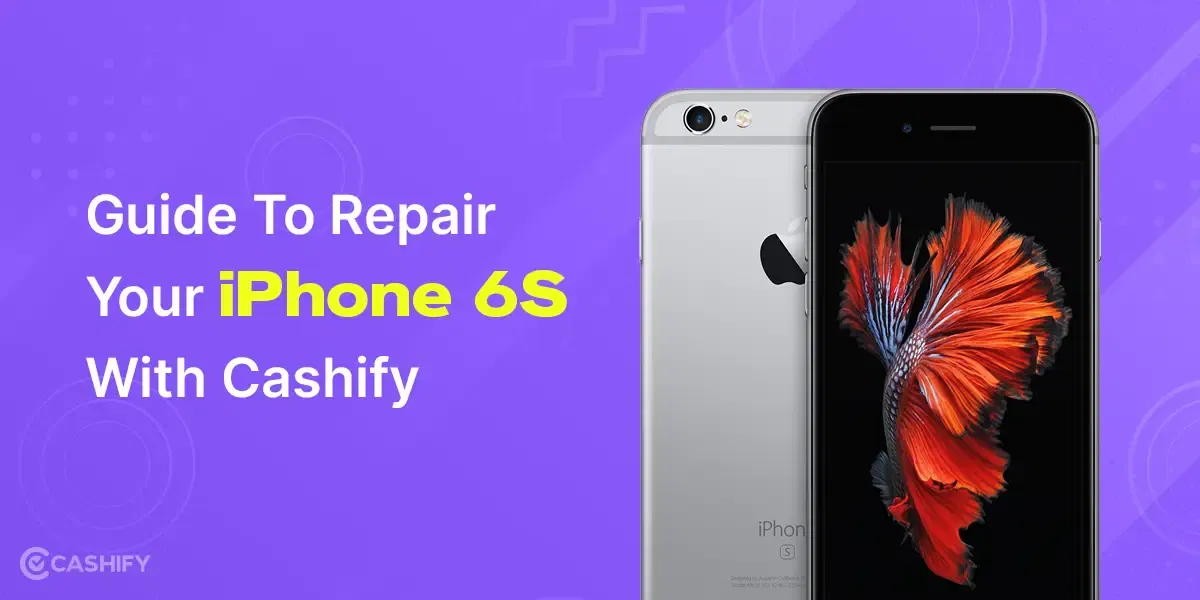
In the fast-paced world of technology, a glitch in your iPhone 6S can disrupt your daily routine. When it comes to reliable and hassle-free repairs, Cashify stands out as a trusted solution. In this comprehensive guide, we’ll walk you through repairing your iPhone 6S battery with Cashify, ensuring a smooth and efficient restoration of your beloved device. Say goodbye to technical woes and embrace a hassle-free approach to iPhone maintenance. Let’s delve into the steps to have your iPhone 6S back in top-notch condition in no time!
Also Read: How To Enable Two-Factor Authentication on Facebook?
Cashify Helps To Repair Your iPhone 6S Through Following Steps:
The first and the most convenient alternative is to visit Cashify :
- Visit the Cashify Website or App:
Begin by accessing the Cashify platform through their website or mobile application. Ensure that you have an internet connection. - Select ‘Repair’ Services:
Navigate to the ‘Repair’ section on the Cashify platform. Look for the specific option related to iPhone 6s battery repair. - Enter Device Details:
Provide accurate information about your iPhone 6s, including its model, current battery issues, and other relevant details. This helps Cashify understand the specific problem. - Get a Quote:
After entering the necessary details, you’ll receive a price quote for the battery repair service. Review the cost and make sure it fits your budget. - Schedule a Repair Appointment:
Choose a convenient date and time for the repair service. Cashify typically offers options for on-site repairs, where a technician will come to your location, or you may be directed to a certified service centre. - Hand Over Your Device:
On the scheduled date, hand over your iPhone 6s to the technician or drop them off at the designated service centre. Make sure to back up your data and remove any sensitive information before giving your device for repair. - Receive Repaired Device:
Once the battery repair is complete, you’ll receive your iPhone 6s back in working condition. Check the device thoroughly to ensure the battery issue has been resolved satisfactorily.
Evaluating Apple Service Centers For iPhone 6S Battery Solutions!
The second alternative is to reach out to your nearest Apple service centre to get your iPhone’s battery repaired or to replace it:
1. Apple assures its customers that it provides the original battery or, for that matter, any part of a damaged iPhone, but it comes with a huge price range.
2. The Apple iPhone 6S battery replacement price in India at an Apple-authorized service centre is Rs. 2,999, which is costly for battery repair purposes.
3. If you want your phone repaired at an Apple service centre, you will have to leave your phone at the store for at least one week.
4. Apple does not offer doorstep or instant repair services. This means a customer will have to rush to the authorized centre in order to get their Apple iPhone 6S battery repaired.
A Comprehensive Guide To Knowing When To Replace
Trying to figure out when to replace the battery on your iPhone? If it needs to get a replacement, you can know right away:
Get a Quote:
- After furnishing information about your iPhone 6s and indicating the battery concern, Cashify will generate a comprehensive quote detailing the costs associated with the repair service.
- Examine the quote to comprehend the expenses associated with resolving the battery issue. The quote encompasses the service fee, the expense of potential replacement parts, and any other pertinent charges.
- Confirm that the quoted price aligns with your comfort level before moving on to the subsequent steps.
Schedule a Repair Appointment:
- Once you have reviewed and accepted the quote, schedule a repair appointment with Cashify.
- Choose a convenient date and time to have a technician come to your location for on-site repair or drop off your iPhone 6s at a Cashify-certified service centre.
- Confirm the appointment following the provided instructions. Look for a confirmation email or notification.
- Be prepared to hand over your iPhone 6s to the technician or the designated service centre on the agreed-upon date.
Cashify Repair Service is one of the safest options to choose for a phone’s battery repair or replacement purpose. Apple iPhone 6S battery replacement with Cashify is one of the most hassle-free experiences for customers.