

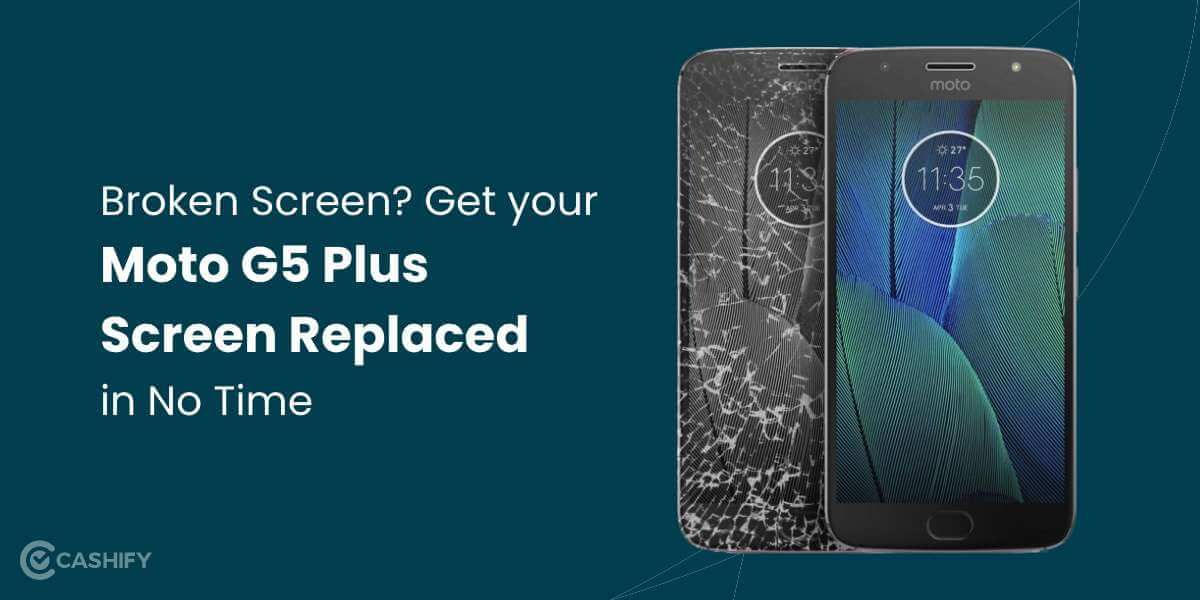
Moto G5 Plus was launched in 2017. It has a decent design and is built with a sturdy jacket and is partially durable. But since one must be using the device for four years now, the screen might have worn out. Are you facing difficulty in the display while you stream your favourite Netflix series? We are going to show you the two best methods to fix your Moto G5 Plus screen.
Also Read: Best Rugged Smartphones You Can Buy in India!
Method 1: Cashify repair
Firstly, you must have to visit Cashify mobile repair to fix your Motorola Moto G5 Plus. Now, Just follow these simple steps:
Step 1: First you need to create a Cashify account and provide your phone details.
Step 2: Now go to the screen repair section of the website and put the brand of your phone, like in this case you have to fill up the Motorola brand.
Step 3: Now select the phone model and you’ll be taken to the Motorola Moto G5 Plus Screen Repair & Replacement page. Here, select the colour of the device.
Step 4: On the next page, select the screen option and book your repair appointment.
Step 5: Cashify offers services at very affordable prices. Moto G5 Plus screen repair will only cost you Rs. 2,449.
Step 6: In order to ensure maximum customer satisfaction, Cashify only uses genuine spare parts for its repair services. And that’s why there is a three-month manufacturer’s warranty on all parts.
Step 7: Cashify also offers a door repair service, where a professional service agent comes to your home and fixes your smartphone screen right in front of you.
Also Read: Mobile Phones With The Best Display
Method 2: Motorola Service Center
Your second option is to go to a Motorola Service Center and have your device repaired.
Step 1: Motorola repair costs a lot of money. This may be beyond your budget.
Step 2: Motorola Authorized Store will charge you more than Rs. 3000 for your Moto G5 Plus screen, which can only increase the cost of repair.
Step 3: Also, to repair your phone, you need to find and physically visit an authorized Motorola store. And, Motorola does not provide any service above the threshold.
Also Read: Sell Old Motorola Mobile Phone
Motorola is a durable and sturdy phone. Screen damage can cause its durability to reduce significantly. Cashify will be the best way to fix your Moto G5 Plus screen within your finances.
Cashify offers the latest information about all smartphones worldwide. For more information about Moto G5 Plus, specifications, features, tips and tricks, and related news, please visit our product page.