You plug in your Apple iPhone 16 Plus, but the charging is slow or the phone stops charging suddenly. Sometimes it works for a while, and other times it doesn’t charge at all, even with the same cable. If you are facing Apple iPhone 16 Plus not charging issues, it can be really annoying when you need your phone urgently. Let’s look at the common reasons behind this problem and how it can be fixed.
Also read: How To Fix Vivo V11 Pro Screen Issues? Replace It Affordably!
Common Reasons For Apple iPhone 16 Plus Not Charging
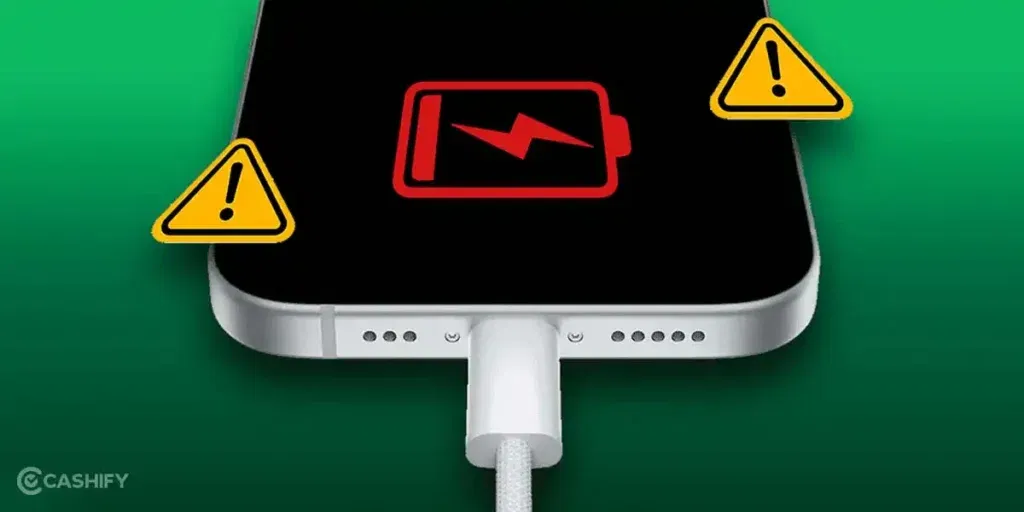
First, let’s look at why your Apple iPhone 16 Plus may not be charging. Some common reasons are:
USB-C Port Contacts Worn Out
The charging port pins inside the USB-C socket can wear down over time. This happens when the cable is inserted and removed frequently. When the contacts don’t align properly, the phone may show charging, but the current is weak. Sometimes it may stop charging suddenly.
USB-C Port Bent or Loose (Physical Damage)
The USB-C port is soldered to the motherboard. If the phone is dropped or the cable is pulled forcefully, the port can bend. The solder joints can also weaken. This causes an unstable connection. Charging works only at certain angles or stops completely.
Charging IC Failure
The charging IC (integrated circuit) controls the power flow into the battery. If this chip gets damaged, the phone may not charge at all. Damage can happen due to overheating, liquid damage, or manufacturing defects. Sometimes the phone charges very slowly, even with a working cable and adapter.
Battery Health Degradation
iPhone batteries lose capacity and performance over time. When battery health drops significantly, the phone may struggle to hold a charge. It may also not charge properly even if the charger is fine. This is common in older phones or those used heavily.
Software Update or Firmware Bug
Sometimes, a recent iOS update can create charging bugs. This can cause conflicts with the charging system. Your Apple iPhone 16 Plus may show charging errors or stop charging randomly. It may also show slow charging even with a normal charger. This is not a hardware issue, but it still affects charging performance.
Third-Party Charger or Cable Issue
iPhone devices are sensitive to non-MFi chargers and cables. If the charger is not certified, the iPhone may show “Accessory not supported.” It may charge slowly or stop charging after a while. This is common with cheap USB-C adapters or low-quality cables.
Also read: Vivo Y73 Not Powering On? Motherboard Repair Explained!
Quick Fixes Before Going For Charging Jack Repair
Now that you know the common reasons, here are some quick fixes you can try at home. These steps may help with the Apple iPhone 16 Plus not charging issue.
Secure the Charging Connection
Plug in the charger and place the phone on a flat surface. Keep it still while charging. This often prevents sudden charging breaks.
Adjust the Cable Once and Leave It
Insert the cable and adjust it gently until charging starts. Once it begins, avoid moving the phone. Charging usually stays stable this way.
Use Wireless Charging Temporarily
Place the phone on a wireless charger and let it charge. This keeps the phone powered without using the charging port. It works as a short-term solution.
Allow Slow Charging to Continue
Leave the phone connected for some time, even if charging feels slow. Battery percentage may rise gradually. Avoid unplugging too often.
Restart the Phone Before Recharging
Restart the iPhone and connect the charger again. Temporary charging errors often clear after a reboot. Charging may return to normal.
Charge Using an Apple-Certified Accessory
Use an original or MFi-certified cable and adapter. Unsupported chargers can interrupt charging. Certified accessories provide steady power.
Also read: How Do I Check My Android Hardware Health?
Why Cashify Is Best For Apple iPhone 16 Plus Charging Jack Repair?
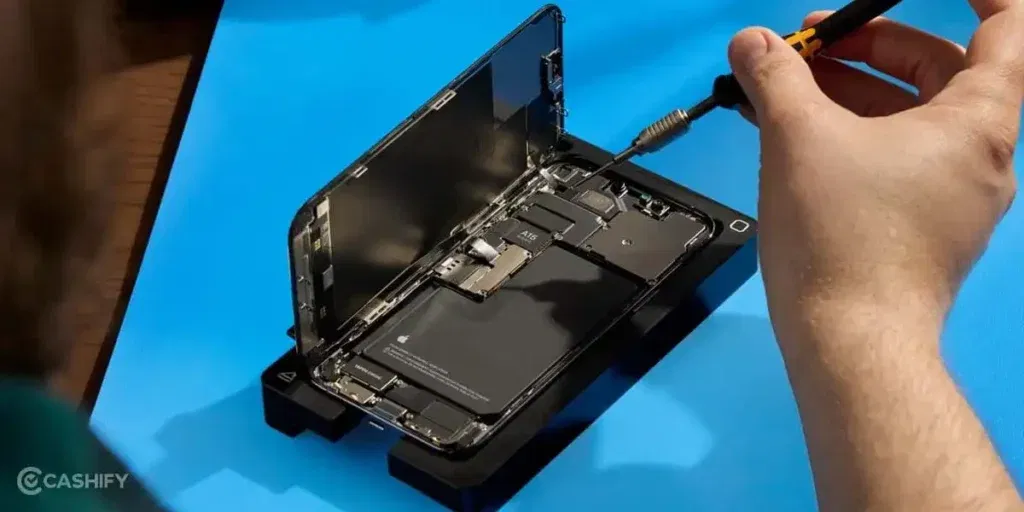
You may have tried all the fixes already. If the Apple iPhone 16 Plus not charging issue is still there, it’s time for professional help. Cashify offers reliable Apple mobile repair for charging jack issues. Here’s why it is a trusted choice:
Repairs Done the Right Way
Charging jack repairs are handled by technicians who regularly work on Apple phones. The focus stays on fixing the issue properly, not just making the phone charge again. This helps avoid repeat problems.
High-Quality Compatible Parts
Only high-quality compatible parts are used during mobile phone repair. This keeps charging stable and avoids performance issues later. Your phone continues to behave normally after the repair.
Issue Checked Before Any Work
The phone is checked first to understand what’s causing the problem. Simple issues are handled during home service when possible. Bigger repairs are moved to a service centre. Payment is made after the mobile repair is completed.
No Surprise Charges
The phone repair cost is shared before the work begins. What you see is what you pay. There are no last-minute additions.
Easy Access to Repair Support
Cashify has 200 service centres across India. You can also choose in-store repair if that feels more comfortable. This gives you flexibility in how you get the phone repaired.
Also read: 8 Signs That Your Android Phone Motherboard Needs Repair!
How To Book Apple iPhone 16 Plus Charging Jack Repair With Cashify?
If you have decided to fix the Apple iPhone 16 Plus not charging issue with Cashify, you can book the repair easily. Here is how you can do it:
- Visit the Cashify website or open the Cashify app and go to the Mobile Repair section.
- Select Apple as your phone brand from the list.
- Choose Apple iPhone 16 Plus from the available models.
- Pick Charging Jack as the issue you want to fix.
- Enter your location to check service availability in your area.
- Select a date and time slot that works for you.
- Confirm the booking, and a trained technician will inspect your phone and complete the repair.
Also read: Vivo Y83 Pro Aux Jack Not Working? Repair It Fast With Cashify
Final Thoughts On Apple iPhone 16 Plus Not Charging Properly
You now know the common reasons behind the Apple iPhone 16 Plus not charging issue. We also shared a few quick fixes you can try at home before going for a charging jack repair. If the problem still persists, Cashify offers reliable repair services to get your phone charging normally again.
If you have any questions or need more help, feel free to drop a comment below. I’ll be happy to guide you and help you fix the charging issue.
Use code: TECH25 to avail of a discount of up to Rs. 300 by using the (on the minimum order value of Rs. 2499).
Use code: RPR50 to avail up to 50 per cent off on a minimum spend value of Rs. 1000.
If you’ve just bought a new phone and don’t know what to do with your old phone, then here’s your answer. Sell old mobile to Cashify and get the best price for it. If you are planning to buy a new phone, check out Cashify’s refurbished mobile phones. You can get your favourite phone at almost half price with six-month warranty, 15 days refund and free delivery.