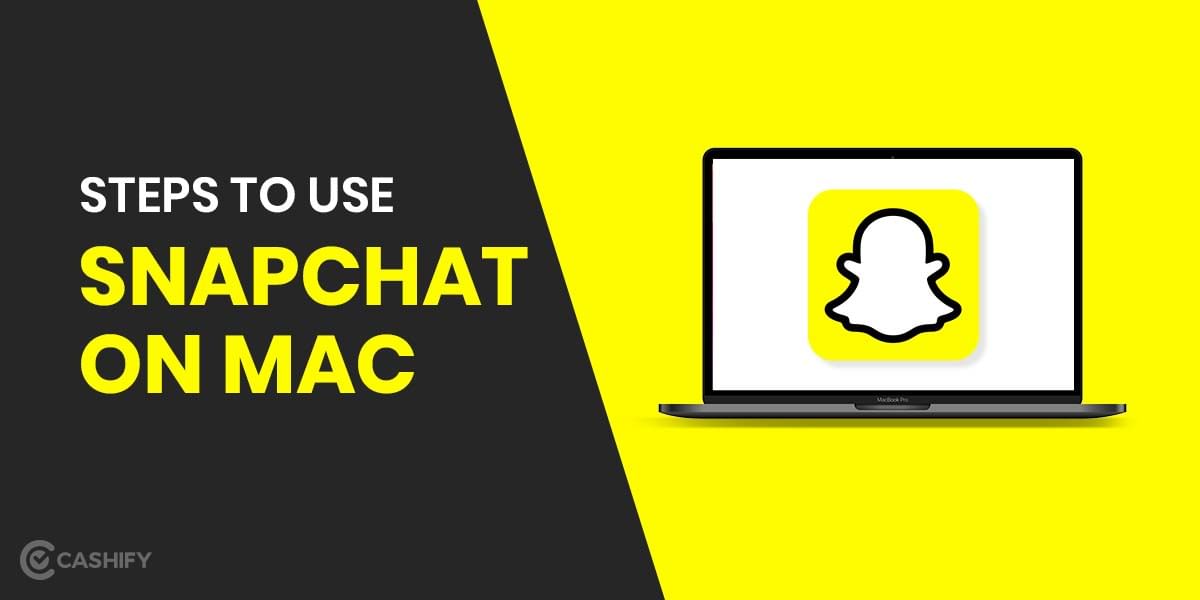
If you’re looking for steps on how to download Snapchat on Mac in 2021, you’ve come to the right spot. Because Snapchat isn’t officially available on the Mac App Store, users have to figure out how to use it on their Macs. There are many methods including both reliable and non-reliable approaches. Non-reliable methods, on the other hand, will not get you anywhere. As a result, we’d like to give an easy and reliable method to our readers on how to use Snapchat on their Mac.
Also read: How To Use JioTV App on PC or Laptop?
Steps to Use Snapchat on Mac or MacBooks
Step 1: Download the BlueStacks Android Emulator on your Mac
Go to https://www.BlueStacks.com/ and Download BlueStacks on your Mac.
Click the Allow button to begin the installation process. Allow the prompts and instructions on the screen to install your .dmg file.
After that, on your Mac, click the Open > Install Now option.
Also read: Who All Can See My Instagram Story?
Step 2: Launch the BlueStacks App
After you’ve completed the installation of BlueStacks, learn how to get Snapchat on Mac by following the steps and setting it as your default app. Following that, you must grant all of the app’s permissions.
If you’re running a newer version of macOS, make sure BlueStacks is unblocked. Proceed to Security & Privacy > General > Allow.
Step 3: Link Your Google Account
To download apps from the Play Store, you must now sign in with your Google account.
Step 4: Download Snapchat from the Play Store
To download Snapchat, search for it in the Google Play Store and click the Install option.
Open the Snapchat application on your Mac and start using it after the installation is complete.
Also read: What is Airtel Xstream App and How to Use it?
To use Snapchat on your Mac device, simply follow these easy steps until Apple releases an official version for the Mac OS.