A cracked phone screen is one of those problems that you cannot live with for too long. The longer you wait, more inconvinience you face. Repair process is simple though if it is just about screen replacement. However, complications arise with wrong part, poor installation, or careless handling. Hence, phone screen replacement check is important.
Before you hand over your phone, you need to protect your data and know what questions to ask. After the replacement, you should never assume everything is fine just because the screen turns on. A few quick checks can save you from touchscreen issues, fake parts, and expensive repeat repairs.
Here is what you should know before and after getting your phone screen replaced:

First Decide Where You Should Get Your Screen Replaced!
The repair shop you choose affects the part quality, warranty, privacy, and long-term reliability of your phone.
Official Service Centres: Best For Safety and Original Parts
Official brand service centres are usually the safest choice. They are good if you have an expensive phone or a newer model.
You usually get:
- Original replacement parts
- Brand-approved repair methods
- Better warranty support
- Lower risk of compatibility problems
The downside is cost. Official repairs are often the most expensive option.
Also read: Screen Repair Vs Screen Glass Repair: Know The Whole Truth!
Cashify Repair Services: A Practical Middle Option
Professional mobile repair services can be a good choice if you want a balance between cost and reliability. Cashify uses quality compatible parts and provides a warranty period.
A major advantage is transparency. Doorstep phone repair allows you to watch the technician replace the display in front of you.
Before booking, ask:
- Is the screen highly compatible according to standards?
- How long is the warranty?
- Will fingerprint sensors, Face ID, or calibration work after repair?
- Is the technician trained for your exact model?
Is there any charges for the mobile phone repair at home services?
Local Repair Markets: Cheap, Fast, But Risky
Markets such as Gaffar Market in Delhi, Nehru Place, or Ritchie Street in Chennai are popular. It is because prices are negotiable and repairs are quick.
The problem is quality can vary a lot.
A cheap screen may look fine on day one but later show a lot of issues.
If you choose a local repair shop, insist on a live repair. Do not leave your phone overnight unless you fully trust the shop.
Also Read: Do You Lose Data When Replacing LCD Screen?
Things To Keep A Check On Before Phone Screen Replacement
A few minutes of preparation can protect your personal information and your device.
Back Up Your Important Data
Always create a backup before repair. You need to save your photos, videos, contacts, chats, documents, and more.
Remove Your SIM Card and Memory Card
Take out your SIM card before handing over your phone.
If your device supports a MicroSD card, remove that too. These items contain personal information. They do not need to stay inside the phone during repair.
Remove Accessories
Take off the phone cover, pop socket, camera lens protectors, screen guard.
This helps the technician inspect the device properly. It prevents accidental damage to your accessories.
Record Your IMEI Number
Dial *#06# to view your IMEI number.
Write it down or save a screenshot before repair. This helps confirm that you receive your own phone back after service.
Charge Your Phone Before Repair
Keep your battery above 50 percent if possible.
Technicians need enough power to test:
- Display brightness
- Touch response
- Cameras
- Sensors
- Charging
Protect Your Privacy Before Repair
Your phone contains your personal life.
Samsung Users Should Enable Maintenance Mode
Samsung users can activate Maintenance Mode through Settings > Device Care > Maintenance Mode.
This hides photos, messages, accounts, and personal files. The technician can test the phone without accessing your private information.
Google Pixel Users Should Enable Repair Mode
Google Pixel phones have Repair Mode in Android settings. It creates a separate environment for service checks while protecting your personal content.
iPhone Users Should Prepare Their Device Properly
Create an iCloud backup before visiting an Apple service location. Some repairs may require additional device handling, so having a backup is always the safer choice.
Also read: Samsung Galaxy A52 Screen Shattered: Click For A Quick Solution!
Things To Check Immediately After Screen Replacement
Do not walk away from the repair counter until you test the important functions. A screen that lights up does not automatically mean the repair was successful.
Check Display Quality
Open a white background image or webpage and inspect the screen.
Look for dead pixels, uneven brightness, yellow tint, colour changes, light leaking from the edges, and more.
A replacement display should look consistent across the entire panel.
Test Touch Response Everywhere
Open the calculator app and tap every button quickly.
Then drag an app icon around every corner of the screen.
You are checking for:
- Dead touch zones
- Delayed response
- Incorrect touch registration
Small touch problems often become bigger frustrations later.
Test Fingerprint and Face Unlock
Biometric systems are commonly affected by screen replacements.
Check:
- In-display fingerprint scanner
- Face Unlock
- Face ID
Third-party screens can sometimes interrupt fingerprint performance. It happens on phones that use optical fingerprint sensors under AMOLED panels.
Check Cameras and Sensors
Make a phone call and place the phone near your ear.
The display should turn off when the proximity sensor works correctly.
Also test:
- Front camera
- Rear camera
- Flash
- Automatic brightness
Look for dust or marks inside the camera area. Dust trapped under the glass usually means the repair was not completed properly.
Inspect the Screen Fitting
Run your finger around the edges of the display. The panel should sit evenly inside the frame.
Avoid accepting a repair if you notice:
- Gaps around the screen
- Loose edges
- Visible glue
- Uneven alignment
- A poor fit can allow dust and moisture to enter later.
- Collect Your Invoice
- Always ask for a proper bill.
The invoice should mention:
- Phone model
- IMEI number
- Repair date
- Warranty period
- Parts details
A verbal warranty is difficult to claim later.
Also read: 3 Types Of Screen Issues In Samsung Galaxy A70 You Can Solve Right Away!
Brand-Specific Checks You Should Know
Different phone brands use different repair systems. A screen replacement is not always just a simple part swap.
Apple iPhone Screen Replacement Checks
Apple devices connect certain display information to the motherboard. A third-party replacement can trigger an “Important Display Message” about an unknown part.
After repair, check:
- True Tone in Control Centre
- Face ID
- Touch response
- Display brightness
If True Tone stops working, the replacement process may not have transferred the required display data correctly.
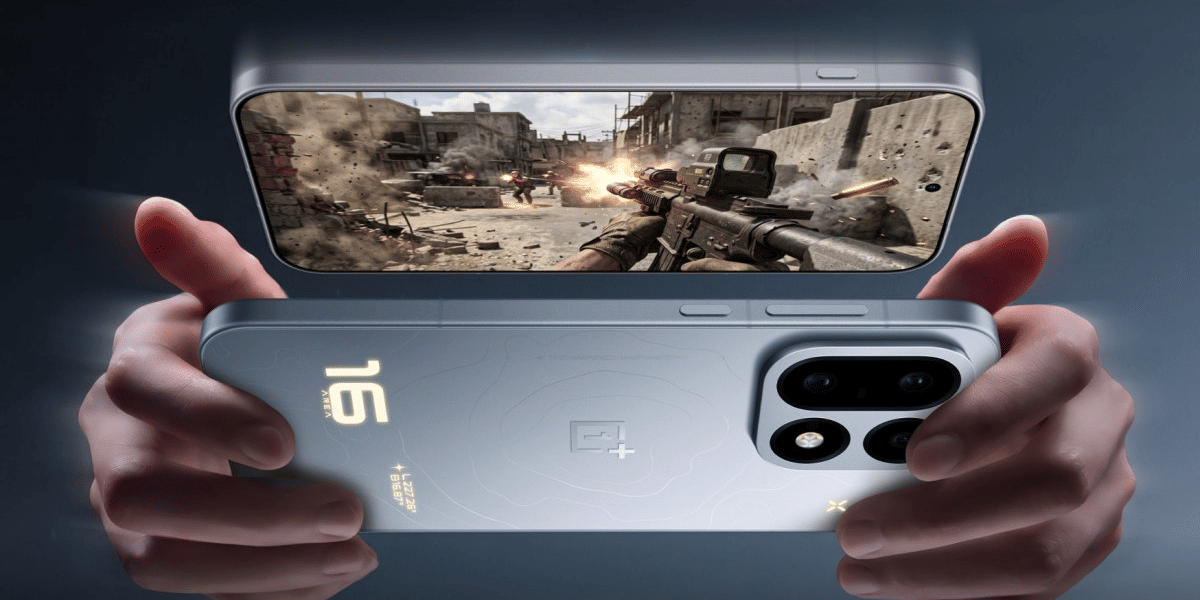
OnePlus Screen Replacement Checks
OnePlus users should first check if their device qualifies for any official screen replacement support programs.
After replacement, test:
- Fingerprint scanner
- Touch accuracy
- Colour quality
- Refresh rate settings
AMOLED screen replacements need proper calibration for the fingerprint sensor to work correctly.
Google Pixel Screen Replacement Checks
Pixel users should confirm that fingerprint calibration is completed after display replacement.
The new screen may require software calibration so the fingerprint sensor communicates correctly with the motherboard.
After repair, test:
- Fingerprint unlock
- Display colours
- Touch response
- Cameras
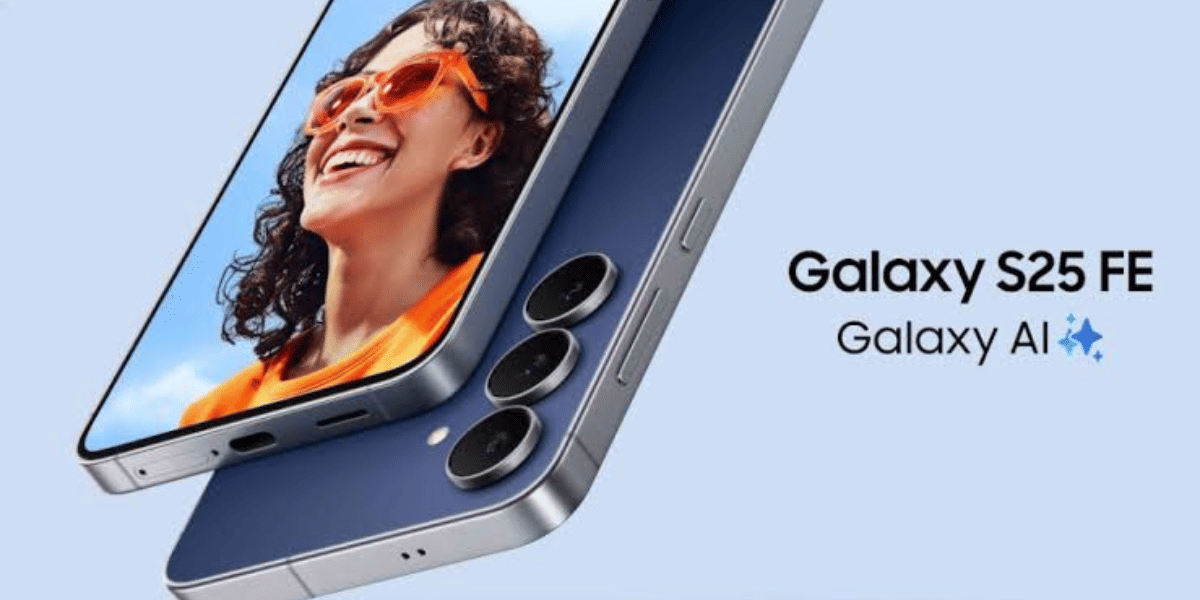
Samsung Screen Replacement Checks
Samsung users should enable Maintenance Mode before repair. After replacement, inspect the frame and screen quality carefully. Poor frame alignment can create problems later.
Also read : Understanding Repair Timelines for Phone Screen Issues
Final Thoughts
Before you approve any repair, take a little time to ask questions and inspect the work. A few careful checks can protect your money, your data, and your phone. The best repair is not always the cheapest one. So make sure you remember this checklist. Share this with anyone who is about to get a screen replacement in your circle.
If you’ve just bought a new phone and don’t know what to do with your old phone, then here’s your answer. Sell your old mobile to Cashify and get the best price for it. If you are planning to buy a new phone, check out Cashify’s refurbished mobile phones. You can get your favourite phone at almost half price with a six-month warranty, 15-day refund and free delivery.