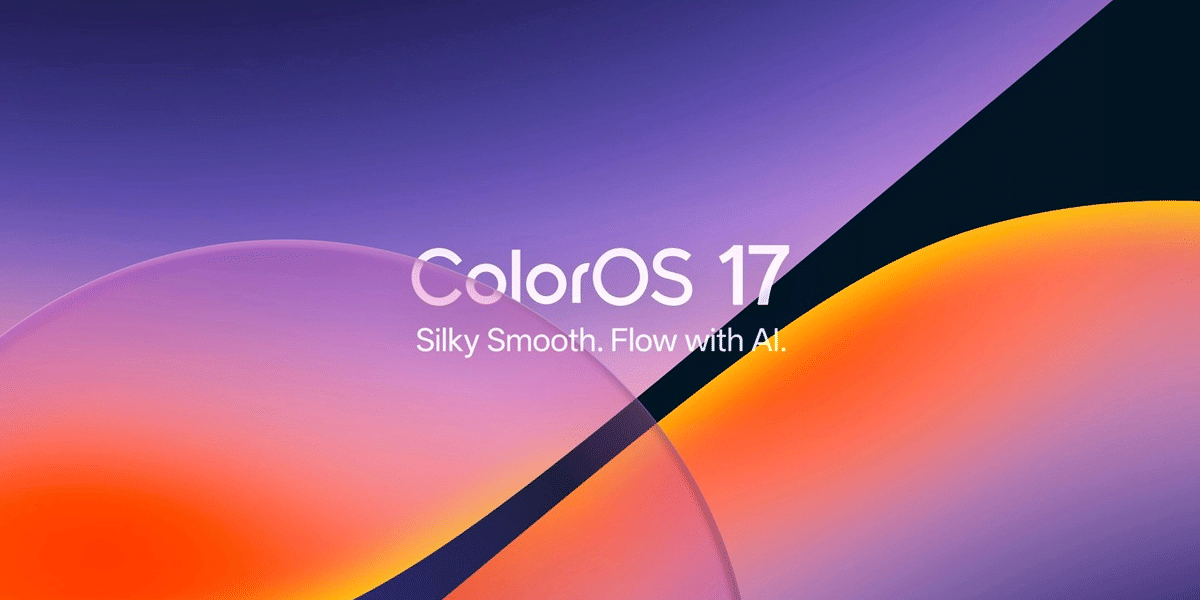
The Oppo ColorOS 16 August update is now rolling out to select Oppo smartphones. This is actually not a massive ColorOS redesign. Instead, Oppo is focusing on useful day-to-day improvements. That includes new AI editing tools, better security, Home Screen shortcuts, Currency Converter widgets, and upgrades to the Notes app.
So far, we know the update is based on Android 16 and started rolling out in phases around August 1, 2026. Oppo is targeting completion by August 31, though the exact timing can vary by phone and region.
The new Currency Converter widgets are one of the most useful additions. The security improvements and easier notification management also make this a valuable update for supported Find and Reno phones.
Oppo ColorOS 16 August Update: What’s New?
The Oppo ColorOS 16 August Update adds several practical features without changing the overall ColorOS experience. Here is a quick look at the biggest changes:
| New Feature | What It Does |
|---|---|
| AI Remix Collage | Creates sticker sets, mood boards and collages from photos |
| Enhanced Security | Detects suspicious app behaviour and alerts users |
| Customisable Phone Manager | Lets users customise tools shown on the main screen |
| Home Screen Gesture | Clears all notification badges with a two-finger gesture |
| Currency Converter Widgets | Shows real-time exchange rates on the Home Screen |
| Notes Upgrades | Lets users draw, highlight and annotate directly on images |
| Storage Cleanup | Provides clearer storage categories for easier cleanup |
The focus here is simple: fewer small annoyances and more useful tools built into the phone.
AI Remix Collage Gets More Creative
One of the more interesting additions in the August update is AI Remix Collage.
The feature lets users turn their photos into personalised sticker sets, mood boards and collages. It also includes Smart Cutout, which can extract a subject from a photo so users can place it into another design.
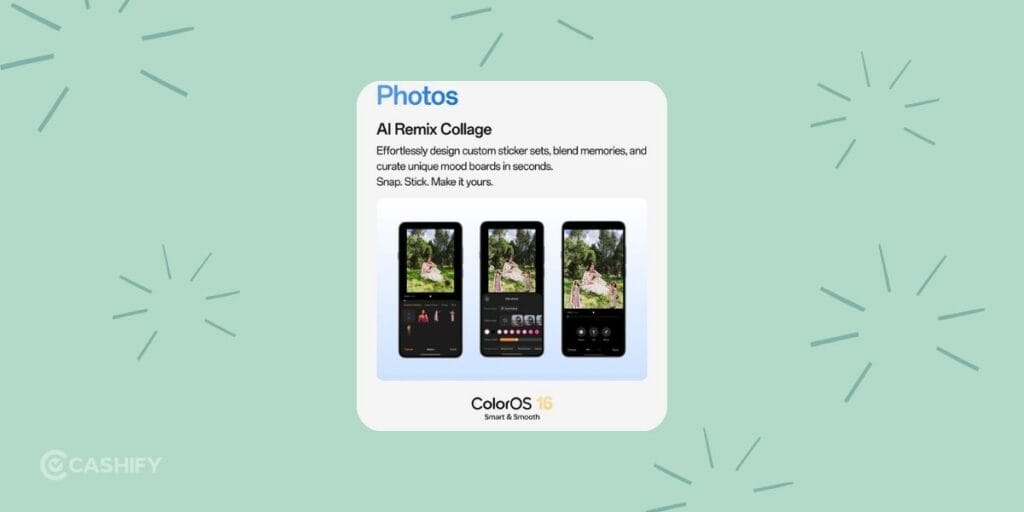
Users can also adjust outline styles and control different layers while editing.
This feature was previously available on the Reno16 series and is now expanding to more supported devices.
For people who regularly create Instagram posts, WhatsApp Status updates, festival greetings, or simple social media graphics, this is a nice addition. You can do more directly on the phone instead of switching between multiple editing apps.
Better Security With Real-Time Threat Detection
Security is another major part of the Oppo ColorOS 16 August Update.
The updated security system can detect suspicious app behavior in real time. This includes malicious pop-ups, unusual battery drain and attempts to access or control the device in abnormal ways.
Users can receive real-time alerts when potentially suspicious activity is detected.
This is useful in India, where users can come across apps from third-party sources, aggressive advertising apps and phishing-style pop-ups.
Phone Manager Gets Easier To Use
Oppo is also changing parts of Phone Manager.
The tools displayed on its main screen can now be customised, so users can put their most-used functions where they can access them quickly.
Storage Cleanup has also been reorganised with clearer categories. This should make it easier to find large or unnecessary files when your phone starts running low on storage.
Hidden apps also get a usability improvement, with easier access to switching them into floating windows.
Clear All Notification Badges With One Gesture
The Home Screen gets a small but genuinely useful shortcut.
With the August update, users can use a two-finger pinch-out gesture on the Home Screen to clear all app notification badges at once.
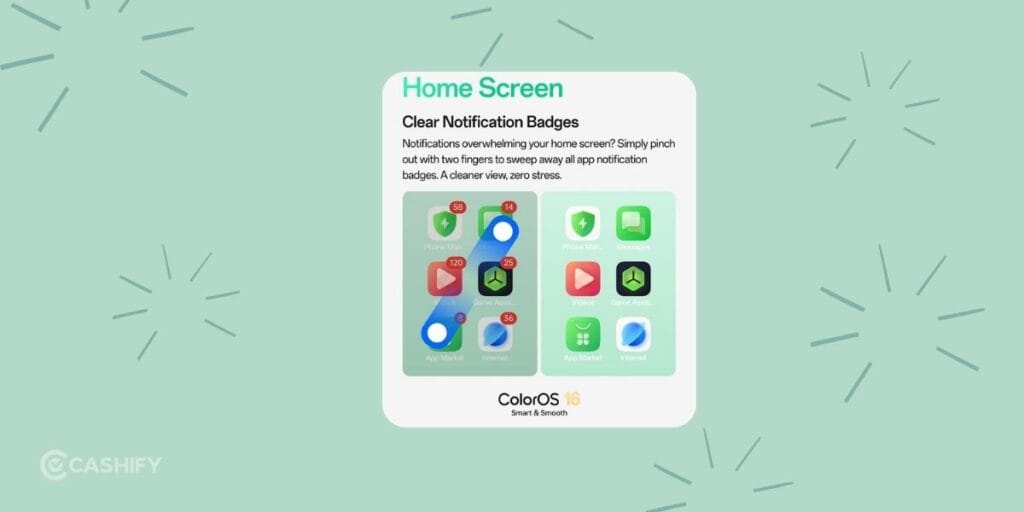
Importantly, this does not delete the actual notifications. It only removes the notification badges from app icons.
This is a good addition if your Home Screen is constantly covered with red or numbered notification indicators.
Currency Converter Widgets Arrive
For Indian users, the new Currency Converter widgets could be one of the most useful additions.
ColorOS 16 now adds 2×2 and 4×2 Currency Converter widgets that display real-time exchange rates directly on the Home Screen.
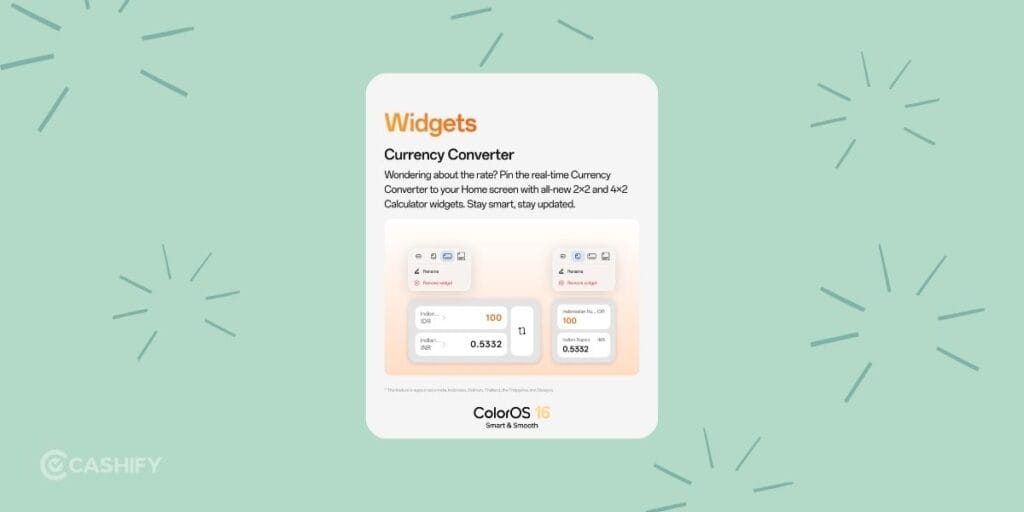
The feature is confirmed for India along with Indonesia, Vietnam, Thailand, the Philippines and Malaysia.
These widgets can be handy for:
- International shopping
- Travel bookings
- Tracking USD, EUR or AED rates
- Overseas transactions
- NRI remittances
- Students dealing with foreign currencies
- Professionals working with international clients
Instead of opening a separate currency app every time, users can check rates from the Home Screen.
Also read: Best Mobile Phone Under 20000 You’ll Love: Full List!
Notes App Gets Image Markup Tools
The Notes app also gets a useful upgrade.
Users can now draw, highlight, and annotate directly on images inside Notes. This goes beyond simply attaching an image to a note.
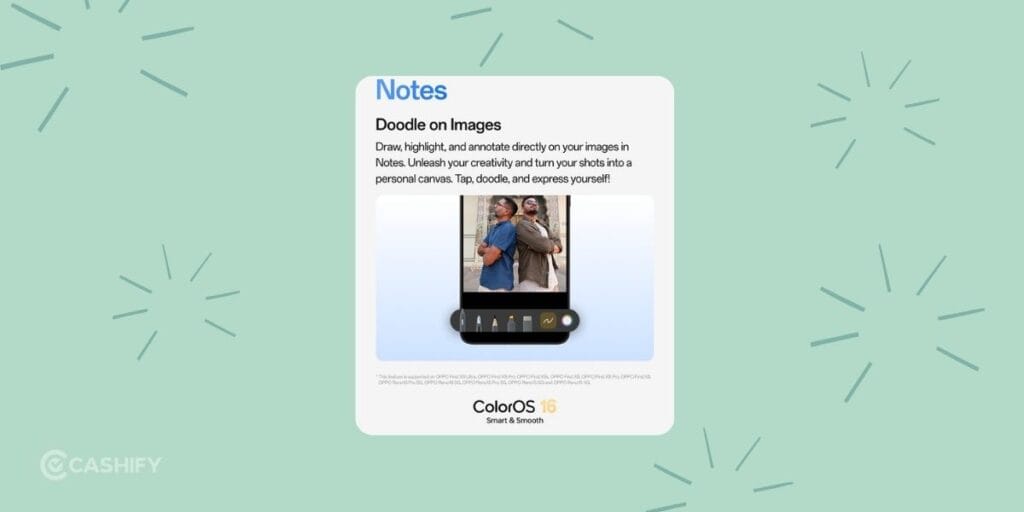
For example, you can mark a section of a screenshot, highlight information in a document or add notes to a photo.
It is a small change, but one that can save time if you frequently use your phone for work, studies, or content creation.
Oppo ColorOS 16 August Update Supported Devices
The August feature update is currently focused on select recent Oppo Find and Reno smartphones.
Here is the supported device list:
Oppo Find Series
| Supported Device |
|---|
| Oppo Find N6 |
| Oppo Find N5 |
| Oppo Find X9 Ultra |
| Oppo Find X9 Pro |
| Oppo Find X9s |
| Oppo Find X9 |
| Oppo Find X8 Pro |
| Oppo Find X8 |
Oppo Reno Series
| Supported Device |
|---|
| Oppo Reno16 Pro 5G |
| Oppo Reno16 5G |
| Oppo Reno15 Pro 5G |
| Oppo Reno15 5G |
| Oppo Reno15 4G |
The more affordable Reno15 F 5G and A-series models are generally not included in this particular August feature set.
Some reports may mention a larger list or broadly refer to the Reno15 and Reno16 families. For this feature update, the focused list above covers the 13 models consistently identified as supported.
Also read: Vivo V80 Lite Launch Date, Expected Price And Specs
When Will Your Oppo Phone Get The August Update?
The Oppo ColorOS 16 August Update is rolling out in stages rather than reaching every supported phone simultaneously.
The rollout began around August 1, 2026, with completion targeted by August 31. Your actual update date can differ based on your model, region, and software channel.
To manually check for the update:
- Open Settings on your Oppo phone.
- Go to System & Update.
- Tap Software Update.
- Check for a new ColorOS update.
If the update is available, download and install it using a stable Wi-Fi connection. It is also a good idea to keep your phone charged and have enough free storage before starting the installation.
What Does The ColorOS 16 August Update Mean For Us?
The August update is more useful for Indian users than it may initially appear.
The Currency Converter widgets are practical for people dealing with USD, EUR, AED and other foreign currencies. The security improvements also address common problems such as suspicious apps, intrusive pop-ups and abnormal battery drain.
The creative tools are another plus. AI Remix Collage can be useful for creating WhatsApp Status posts, Instagram content, YouTube thumbnails, festival greetings and other quick graphics.
The notification badge gesture is less flashy but arguably more useful in daily life. A quick two-finger gesture can clean up your Home Screen without deleting your actual notifications.
Also read: Google Pixel 10 Pro Best Camera Settings!
Is ColorOS 16 August Update A Major Update?
No. The August update is kind of like a feature refresh rather than a major ColorOS upgrade.
ColorOS 16 itself is the larger Android 16-based update. It introduced broader changes, including AI features, performance improvements through technologies such as Luminous Rendering and Trinity Engine, along with longer software support on selected newer Reno models.
The August 2026 update builds on that foundation with smaller features and usability improvements.
So, if you were expecting a completely redesigned interface, this update may feel modest. If you prefer practical features that improve everyday phone use, there is more to like here.
Frequently Asked Questions
Does the ColorOS 16 August Update include AI features?
Yes. AI Remix Collage is one of the key additions. It can create sticker sets, mood boards and collages, while Smart Cutout can extract subjects from photos.
Does ColorOS 16 August Update include a currency converter?
Yes. Oppo is adding 2×2 and 4×2 Currency Converter widgets with real-time exchange rates. The feature is confirmed for India.
Is the Oppo Reno15 F 5G getting this August update?
The Reno15 F 5G is generally not included in the focused supported-device list for this August feature set.
Is ColorOS 16 August Update available in India?
Yes. The August feature set includes India, but rollout timing can vary by device and software region. Users should check their phone’s Software Update section for availability.
Also read: Planning To Buy Pixel 11? Here’s Why The Pixel Upgrade Program Makes More Sense?
Final Thoughts
The Oppo ColorOS 16 August update is not a huge software overhaul, and that is fine. Its strength is in the little improvements that can actually become part of your daily routine.
If you own one of the supported Find or Reno phones, I would recommend installing the update once it reaches your device. It keeps ColorOS 16 fresh without forcing users to relearn the entire interface. For me, the combination of better security, useful widgets and small Home Screen improvements makes this a worthwhile monthly update. Even if it is not a major ColorOS release.
If you’ve just bought a new phone and don’t know what to do with your old phone, then here’s your answer. Sell old mobile to Cashify and get the best price for it. If you are planning to buy a new phone, check out Cashify’s refurbished mobile phones. You can get your favourite phone at almost half price with six-month warranty, 15 days refund and free delivery.