Sound issues are easy to ignore at first. You turn up the volume and try again. But when calls feel quiet, or videos play without sound, it becomes hard to ignore. Some iQOO 9 SE 5G users run into speaker problems like this during regular use. Audio may feel low, broken, or disappear completely. Let’s see what’s going wrong and how to fix iQOO 9 SE 5G audio problems.
Also read: How To Fix Vivo V11 Pro Screen Issues? Replace It Affordably!
Common Reasons Behind iQOO 9 SE 5G Audio Problems
Before knowing how to fix iQOO 9 SE 5G audio problems, here are some common reasons behind them:
Speaker Output Limited by Software Updates
After certain system updates, audio tuning can change in the background. Volume may feel lower than before, or the speaker may sound flat. In some cases, the update resets sound profiles without the user noticing. This often makes the speaker feel faulty, even when the hardware is fine.
Audio Routing Stuck on Bluetooth or Earphones
The phone may stay connected to a previously paired Bluetooth device. Even when nothing is connected, audio keeps routing there. Because of this, the speaker produces little or no sound. Users usually notice this during calls or media playback.
App-Level Audio Conflicts
Some third-party apps control sound access aggressively. These apps can block speaker output for other apps. The issue often shows up after installing recording, gaming, or call-related apps. Audio works in one app but fails in others.
Corrupt System Cache Affecting Sound Output
Temporary system files help the phone run smoothly. When these files become corrupt, audio services may stop responding. The speaker may work sometimes and fail at other times. This creates inconsistent sound behavior across the device.
Physical Speaker Module Wear
Over time, the speaker membrane can weaken due to heat or heavy usage. Sound may become crackly or uneven. At higher volumes, distortion becomes more noticeable. This usually develops slowly, not suddenly.
Moisture Impact Without Visible Damage
Even small exposure to moisture can affect speaker contacts. The phone may look fine from the outside. Internally, sound output can drop or cut off. This often happens days after exposure, not immediately.
Also read: How Do I Check My Android Hardware Health?
Quick Checks Before You Fix iQOO 9 SE 5G Audio Problems
After checking the reasons, here are a few quick checks to fix iQOO 9 SE 5G audio problems.
Reset Audio Settings From iQOO Sound Menu
Open Settings > Sound & vibration and check media, call, and ringtone levels. Turn off features like sound enhancement or equaliser if enabled. Restart your iQOO 9 SE 5G once and test the speaker again.
Force Speaker Output
Go to Settings > Bluetooth and switch it off completely. Also, remove paired devices temporarily. Restart the phone and play audio to confirm the speaker is active again.
Check App Permissions
Open Settings > Privacy > Permission manager and review microphone and audio permissions. Remove access from apps that do not need it. Restart the phone after making changes.
Clear Cache Using iQOO Recovery Mode
Power off the phone and enter recovery mode using the volume and power keys. Select the option to clear cache only. Reboot the phone and test sound across calls and media.
Clean the Speaker Area
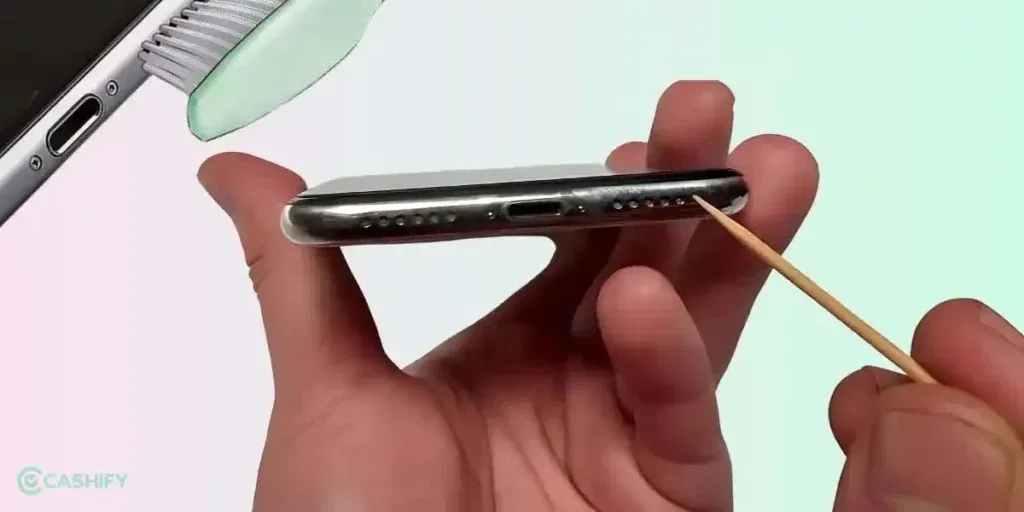
Use a soft brush or a clean, dry cloth to gently clean the speaker grille. Hold the phone upright while cleaning so dust does not move inside. Avoid sharp objects or blowing air directly into the speaker.
Handle Moisture Exposure
If the phone was exposed to moisture, power it off immediately. Keep it in a dry place with airflow and avoid charging for a few hours. Do not use the speaker sound until the phone feels completely dry. Audio often returns to normal after this.
Also read: 8 Signs That Your Android Phone Motherboard Needs Repair!
Why Choose Cashify To Fix iQOO 9 SE 5G Audio Problems?
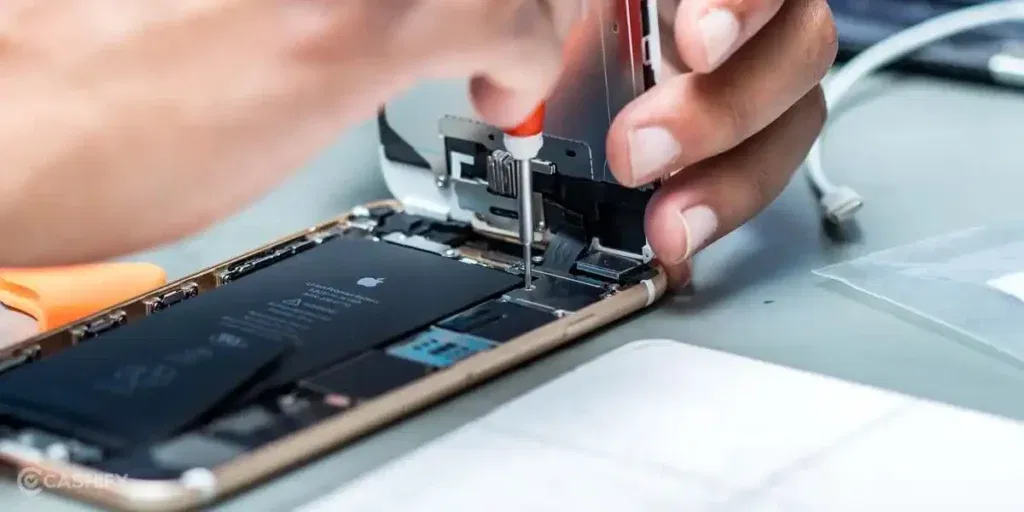
Even after trying these checks, the sound issue may still not go away. At that point, you may not be able to fix iQOO 9 SE 5G audio problems on your own. That’s when professional help makes sense. Cashify offers a simple, reliable iQOO mobile repair service. Here’s how Cashify helps.
- You can book a phone repair online through the Cashify website or app at any time.
- Once booked, a trained Cashify technician can visit your home or office. There is no need to travel or wait in queues. You only pay once the job is done.
- If visiting a store feels easier, Cashify also has 200+ stores across major cities. Walk in and get your phone checked without hassle.
- The mobile repair cost is shared upfront before any work begins. There are no hidden charges, and pricing depends on the phone’s condition.
- Cashify uses high-quality compatible parts, so the speaker on your iQOO 9 SE 5G delivers clear sound and remains reliable over time.
Also read: Vivo Y83 Pro Aux Jack Not Working? Repair It Fast With Cashify
How To Book iQOO 9 SE 5G Speaker Repair With Cashify?
To fix iQOO 9 SE 5G audio problems, here is how you can book a speaker repair with Cashify:
- Visit the Cashify website or open the Cashify app, and go to the Mobile Repair section.
- Select iQOO as your phone brand.
- Choose iQOO 9 SE 5G from the list of available models.
- Select Speaker as the issue to fix.
- Enter your address details to schedule a free doorstep service.
- Pick a date and time that suits you best.
- Confirm your booking, and a trained Cashify technician will visit your location to safely complete the mobile phone repair.
Also read: Vivo Y73 Not Powering On? Motherboard Repair Explained!
Final Thoughts
Now you know what can cause the iQOO 9 SE 5G speaker or audio issues. You can try the quick checks at home first. If the sound still doesn’t improve, Cashify can help you fix iQOO 9 SE 5G audio problems safely and efficiently. With quality replacement parts and clear pricing, your phone will sound as good as new without any hassle.
Use code: TECH25 to avail of a discount of up to Rs. 300 by using the (on the minimum order value of Rs. 2499).
Use code: RPR50 to avail up to 50 per cent off on a minimum spend value of Rs. 1000. (limited offer)
If you’ve just bought a new phone and don’t know what to do with your old phone, then here’s your answer. Sell old mobile to Cashify and get the best price for it. If you are planning to buy a new phone, check out Cashify’s refurbished mobile phones. You can get your favourite phone at almost half price with six-month warranty, 15 days refund and free delivery.