PC building for gaming can be a very tedious affair for beginners. More so when it comes to the best gaming PC under 20000. Besides, there are many things that you need to keep in mind when you have a set budget. When it comes to the best gaming PC under 20000, it is essential to choose the perfect components. With such a budget, going overboard with the best parts is impossible. However, there are a variety of different elements that can provide you with an excellent PC gaming experience at a price.
Also, it is essential to remember that if you need to do light tasks, just a CPU will suffice. However, an integrated or dedicated GPU is necessary if you want to play games. Many questions come to mind, like whether to go for Intel or AMD. However, it is a very detailed question, and here we are going with an AMD build. This is simply because of the budget, and the AMD APU also comes with an excellent integrated GPU. So, I’ve summed up the best of every aspect to help you build the best gaming PC under 20000.
Also read: How Much Money Do Popular Indian Gaming Streamers Make.
Tools You Need to Build a PC
Before, you dive into building a PC, gather some tools. Preparing yourself with workspace and materials ahead of time, you need to make sure that the build procedure goes smoothly. Make sure you have a large workspace, like a table.
Ensure you stand on the uncarpeted surface. Start building in a well-lit area, so you don’t have to worry about blocking the light source. Most components you need to build a PC have additional parts. Therefore, you need the proper system to keep these components, like cables, manuals, zip ties, screws, etc., assorted. You also need screwdrivers, a USB flash drive, scissors, and some other optional components like zip ties, anti-static wrist straps, etc.
Gaming PC: Ryzen Price Point
For starters, this is the AMD build we are looking at:
| CPU | AMD Ryzen 3 4300G | Rs. 8,501 |
| Motherboard | Gigabyte H310M-H Motherboard | Rs. 4,840 |
| RAM | CORSAIR 8GB Vengeance LPX DDR4 | Rs. 2,930 |
| Storage | Western Digital WD Green 120 GB SSD | Rs. 1,747 |
| PSU | Ant Value ECO400 Non Modular Gaming Power Supply | Rs. 648 |
| Case | BBC 8801 Gaming Cabinet | Rs. 2,850 |
| Total | Rs. 21,516* |
Note*: You may find the budget slightly exceeds 20000, but I have listed the best-suited components that you can get under 20K after taking bank offers.
1. CPU: AMD Ryzen 3 4300G
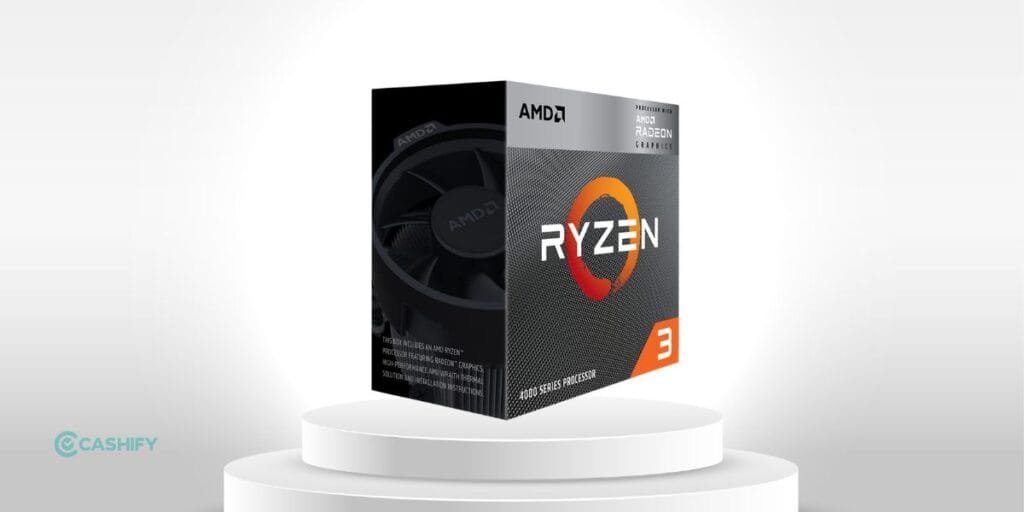
The AMD Ryzen 3 4300G Processor with Radeon Graphics and Wraith Stealth Cooling Solution is an excellent choice. It is also suitable for building a gaming PC under 20000.
Why should you buy this?
- 4 Cores & 8 Threads
- 3.8GHz Base Clock speed and up to 4.0GHz Max Boost Clock speed
- 4MB Cache
- 65W TDP
- 3200MHz System Memory
- DDR4 System Memory Type
- 2 Memory Channels
- AM4 Socket
- AMD Radeon Vega 6 Graphics
- Wraith Stealth Heatsink Fan
- 3 Years Warranty
2. Motherboard: Gigabyte H310M-H Motherboard
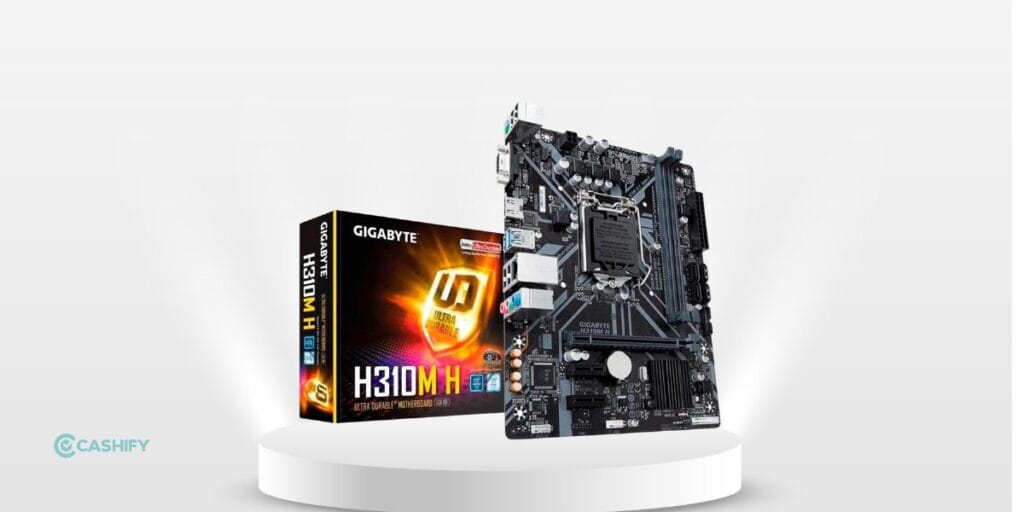
The Gigabyte H310M-H is a Micro ATX motherboard built on Intel’s H310 chipset, offering 2 DIMM DDR4 slots supporting up to 32GB of memory. The motherboard supports DDR4 memory speeds up to 2666MHz for dual-channel performance. It features HDMI and DVI-D outputs, one PCIe 3.0 x16 slot, and two PCIe x1 slots for expansion. Moreover, the storage options include four SATA III ports without RAID support.
In 2026, if you are thinking of assembling a budget Intel-based gaming PC, this motherboard is worth considering for entry-level builds.
Also read: Everything You Need To Know About Akshay Kumar’s Upcoming FAU-G Game
Why should you buy this?
- Supports Intel 8th and 9th generation processors
- DDR4 memory supports up to 2666MHz
- Realtek audio chipset
- Realtek Gigabit LAN
- Dual-channel memory support
- Suitable for an under-budget Intel gaming PC setup
- Design and built is sustainable: easily for 3-4 years.
3. RAM: CORSAIR 8GB Vengeance LPX DDR4
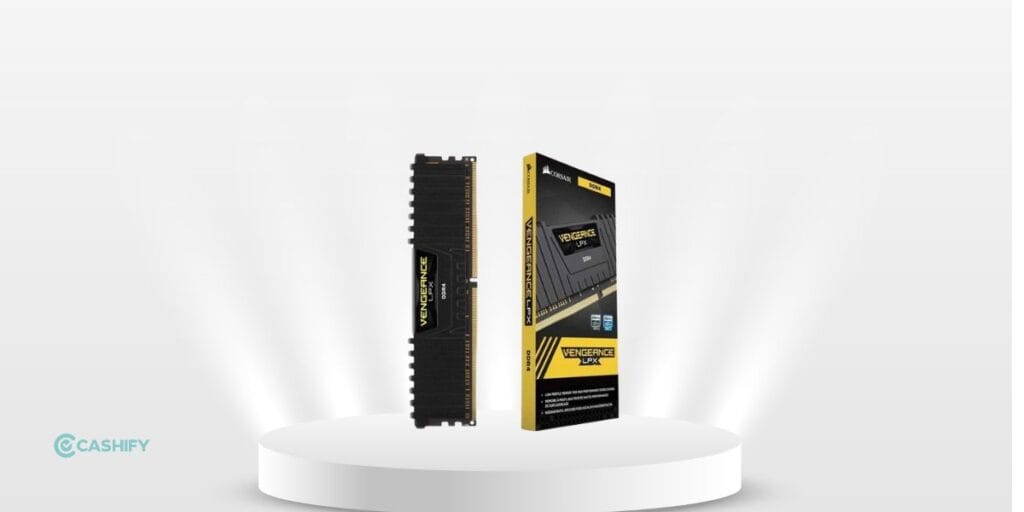
The Corsair Vengeance series of RAM modules is top-rated in the gaming realm, and it is the best gaming PC under 20000. Most YouTubers and PC builders use this as it is the most reliable. Additionally, there is a 100% chance that you won’t see the blue screen of death when using this RAM module.
Why should you buy this?
- Designed for high-performance
- XMP 2.0 support for trouble-free automatic overclocking
- Greater bandwidth
- Low power consumption
- Available in multiple colours
- Fits in smaller places
- Pure aluminium heat spreader for faster heat dissipation and cooler operation
- Compatibility tested across X99 & 100 series motherboards for fast performance
- Speed: 2400MHz
- Tested Latency: 16-16-16-39
- Voltage: 1.2V
- Format: DIMM
4. Storage Drive: Western Digital WD Green 120 GB SSD
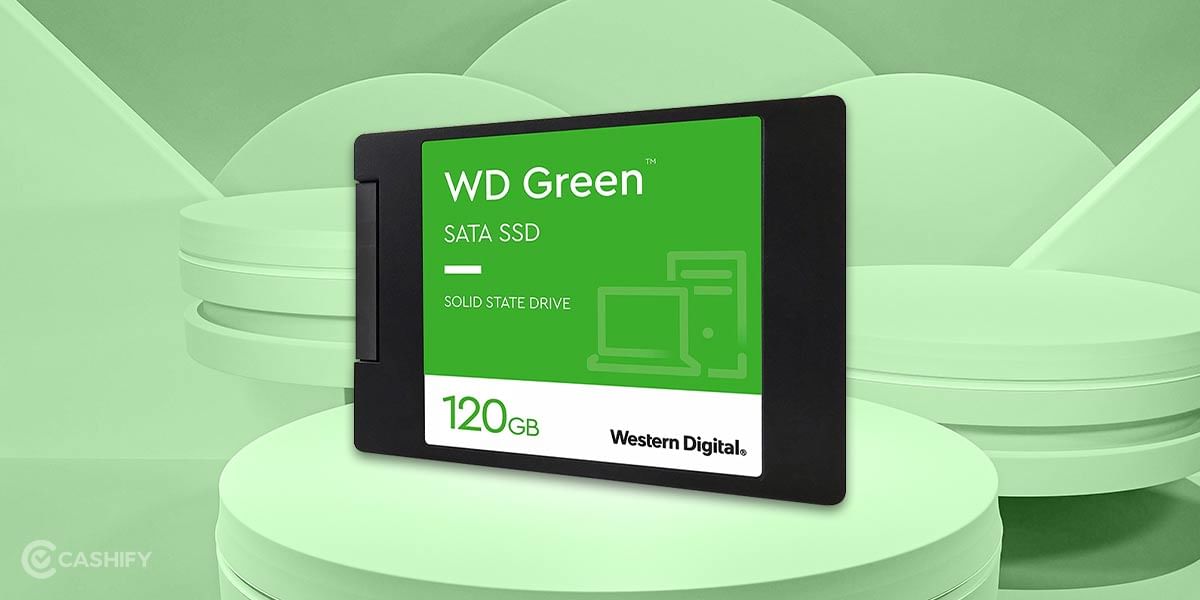
When choosing the best gaming PC under 20000, it’s imperative to understand that an SSD is always the best choice. Moreover, an HDD also slows down your system and affects your gaming.
Also read: OPPO Launches A33 With 90Hz Display In India
WD is the best brand for SSDs, but one can also choose Seagate.
Why an SSD?
- Improved performance for everyday computing
- Ultra-low power-draw
5. PSU: Ant Value ECO400 Non-Modular Gaming Power Supply
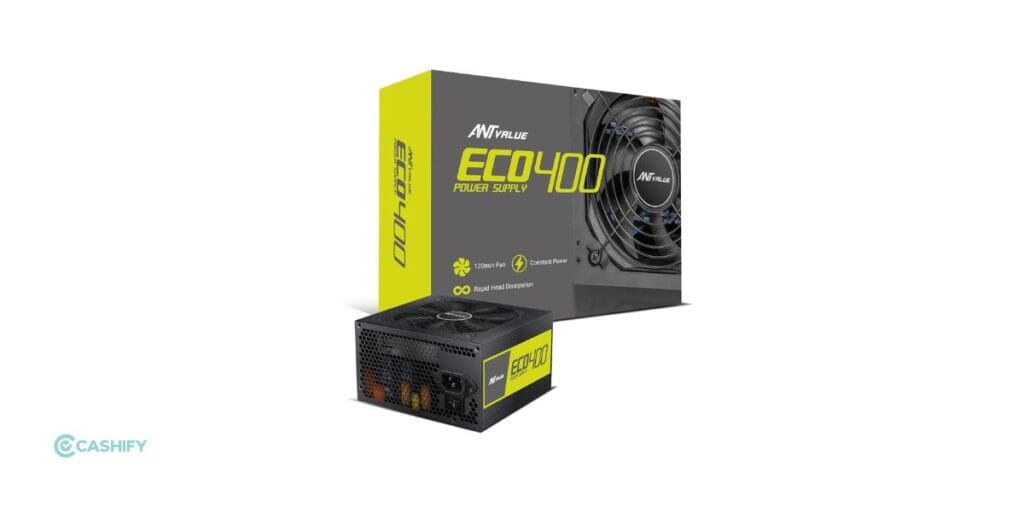
You must be thinking about why we did not have a better power supply. The answer is the budget. Moreover, this power supply by Zebronics is plentiful and very common in gaming best gaming pc under 20000 builds.
Also read: Huawei Y7a Launched: Price, Specifications
Why should you buy it?
- AC 230V 50Hz 3.5A input
- 80mm exhaust fan
- 3 pin power cable included Connectors
- 24 (20+4) pin connector
- 1 ATX 12v 4 Pin connector
- 1 Peripheral 4 pin connector
- 2 SATA 15 pin connector
6. Cabinet: BBC 8862 Gaming Cabinet

You must be thinking about why we did not have a better power supply. The answer is the budget. Moreover, this power supply by Ant Value is plentiful and common in gaming PC builds under 20000.
Why should you buy it?
- AC 230V 50Hz input
- Non-modular design
- 80mm exhaust fan
- 3-pin power cable included
- 24 (20+4) pin connector
- 1 × ATX 12V 4-pin CPU connector
- 2 × SATA 15-pin connectors
Also See This Latest List: The Best Alternatives To Build a Gaming PC Under 20,000
If you are keen to develop the best gaming PC under Rs. 20000, and are looking for the latest options in 2026, then you can also try these alternatives.
However, these tools might cost you an over-budget deal, as they are dynamically priced, and the overall cost might shoot to 25K to 30K. But still, with an overall satisfactory rating and with available discounts, you can definitely have a look at these alternatives.
Here are the alternatives you can have a look at:
| Part Of PC | Latest Choices |
| CPU | AMD Ryzen 5 4600G APU |
| Motherboard | ASRock A320M-HDV |
| RAM | 8GB DDR4 3000–3200 MHz (any good brand under 3K) |
| Storage | Western Digital WD Green 240 GB SSD |
| PSU | Ant Value ECO400 Non-Modular Gaming PSU |
| Case | Zebronics Gaming Cabinet |
A gaming PC under Rs 10,000 in India: Is it possible?
This helps to construct the best gaming PC under 20000 computers in around 10 to 11k by acquiring an old device. Then, choose your device.
Which is India’s finest gaming PC under Rs 30000 in 2026?
If you want to game, go with Intel, but if you’re going to multitask, go with AMD. You won’t get the same FPS as Intel while gaming, but you will notice a tremendous difference when multitasking on your PC. We don’t know about the future, but PCs running on AMD processors offer their customers a lot of multitasking power.
So, while AMD would be the best choice for multitasking, Intel offers better gaming performance.
Things to Keep in Mind Before You Build a Gaming PC
There are a few things that you need to remember before you build a gaming PC.
Budget
Keep your budget in mind before you start picking components. Later on, if you want to upgrade any component, you can do it.
Compatibility
Ensure you list down all the components before you make the purchase. All the components you choose should be compatible with each other.
System Requirements
First, decide what you’re building the PC for. If you want to play certain games, keep the system requirements for building that PC in mind and plan accordingly.
Besides the case, you also need to consider other components for a PC, such as memory, motherboard, CPU, GPU, RAM, OS, and Power Supply Unit.
FAQs
Can I build a gaming PC under 30000?
Yes, you can build a gaming PC within a Rs 30,000 budget. Look for components like an Intel Core i3 or AMD Ryzen 3 processor, 8GB of RAM, and a dedicated graphics card, such as an NVIDIA GeForce GTX or AMD Radeon RX. Opting for a solid-state drive (SSD) will also improve boot and game load times.
Can a gaming PC last 15 years?
The lifespan of a gaming PC depends on usage and maintenance. With proper care and occasional upgrades, a well-maintained gaming PC can typically last 5 to 7 years or longer before needing significant upgrades or replacement.
How to pick a gaming PC?
When choosing a gaming PC, prioritise a case that fits your setup and preferences. Focus on getting the right CPU and GPU combination for smooth gameplay, especially if you aim for higher resolutions or FPS. Consider SSDs for faster loading times and ensure the PC has enough USB ports for peripherals.
Why is PC gaming cheaper?
PC gaming offers cost savings over time due to a broader range of discounted games and free online services compared to console subscriptions. PCs also support emulating older titles, expanding gaming options without additional costs.
Is 50k enough for a gaming PC?
Yes, Rs 50,000 is sufficient to build a capable gaming PC that provides a great gaming experience without exceeding your budget. Careful component selection ensures optimal performance for your gaming needs within budget constraints.
Why is building a gaming PC under 20000 rupees challenging for beginners?
Building the best gaming PC under 20000 rupees can pose challenges, especially for beginners. With various components to consider and a limited budget, making informed decisions is crucial to ensure optimal performance and value for money.
What factors should I consider when building the best gaming PC under 20000 rupees?
When working within a strict budget, it’s essential to prioritise key components for gaming performance. Focus on selecting the right CPU, GPU, RAM, storage, power supply, and case within your budget constraints to create a balanced and capable gaming setup.
Why choose AMD over Intel for a gaming PC under 20000 rupees?
Opting for an AMD build is often preferred in budget-conscious gaming PC setups due to the value offered by AMD’s processors, particularly their APUs with integrated Radeon Vega graphics. With a limited budget, AMD’s offerings can provide a cost-effective solution for decent gaming performance without needing a dedicated GPU.
What are the essential components for the best gaming PC under 20000 rupees?
To build the best gaming PC under 20000 rupees, prioritize components like the AMD Ryzen 3 3200G APU for its strong CPU and integrated GPU performance, a reliable motherboard such as the Gigabyte H310M-H, sufficient RAM like the Corsair Vengeance LPX DDR4, an SSD for storage like the Western Digital WD Green 120GB, a Zebronics 450W power supply, and a budget-friendly gaming cabinet like the BBC 8862.
If you’ve just bought a new phone and don’t know what to do with your old phone, then here’s your answer. Sell old mobile to Cashify and get the best price for it. If you are planning to buy a new phone, check out Cashify’s refurbished mobile phones. You can get your favourite phone at almost half price with six-month warranty, 15 days refund and free delivery.
So, here was our list of the best components you can assemble to make a great gaming pc under 20k. Moreover, it is important to have realistic expectations as it is after all an under 20k build. One can easily play most games at low to medium settings and even high settings at times in 720p. 1080p gaming for certain games is easily do able as well. Hopefully, you have a fun time making this build. Happy gaming!