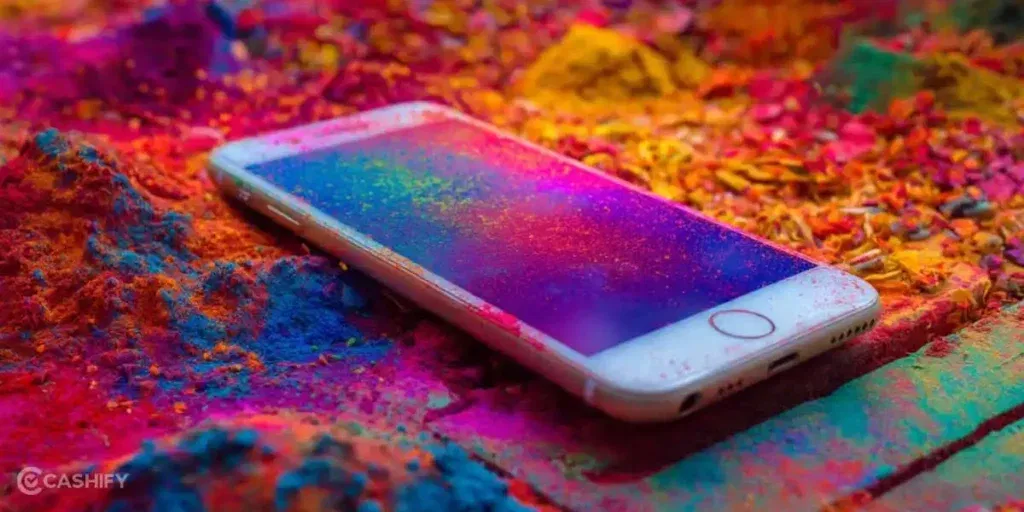
Holi celebrations can go from fun to chaotic pretty quickly. Between gulal clouds, water splashes, and endless photos, our phones are always at risk. In fact, fine gulal powder can easily slip inside tiny openings like the speaker grills, microphone holes, and charging port. And then, over time, that powder buildup can interfere with how your phone functions. So, it’s pretty important to know how to clean phone after Holi.
So, if you suspect gulal powders inside the vulnerable parts of your phone, like the mic, speaker, and charging port, this article will help. You can try a few safe cleaning methods at home before heading for a repair.
Also read: Holi Water Splash Killed Your Touchscreen? Try These Fixes First
Why You Should Clean Your Phone After Holi?
Gulal powder might look harmless, but smartphones are delicate devices. Even a small amount of powder can affect performance.
Here are some common problems you might notice:
- The speaker’s sound is becoming muffled
- Microphone not picking up the voice properly
- The charging cable is not fit tightly
- Dust stuck inside phone ports
Besides, if gulal mixes with moisture, it may lead to internal corrosion over time. That’s why it is important to understand how to clean a phone after Holi properly instead of ignoring the issue.
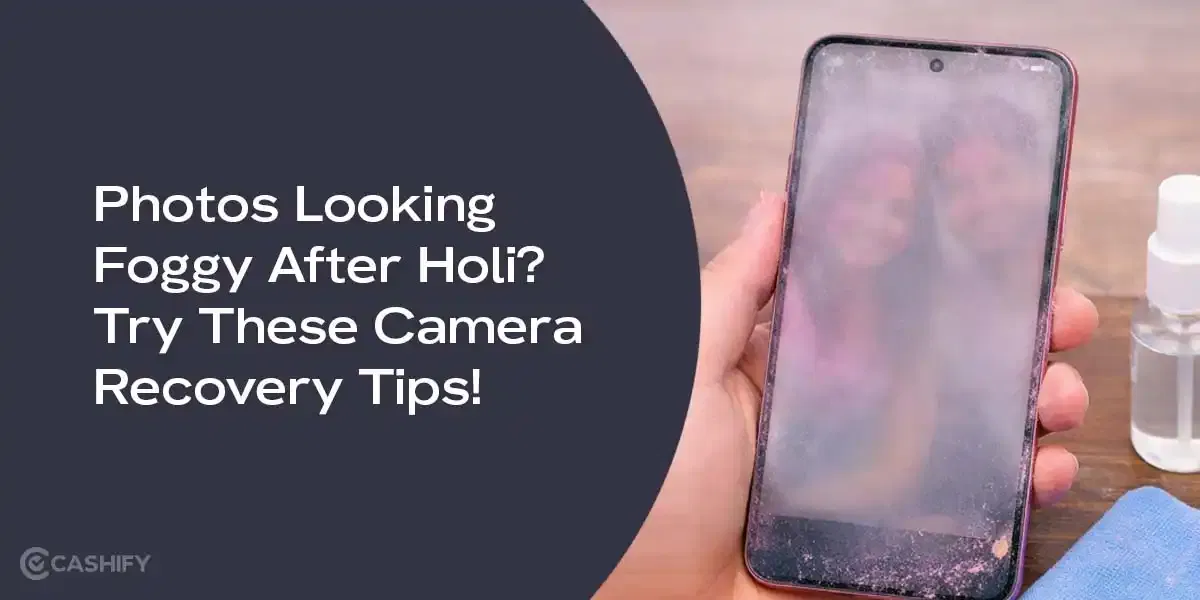
Also read: Photos Looking Foggy After Holi? Try These Camera Recovery Tips!
Best Ways To Clean The Mic Speaker Charging Port!
Before starting the cleaning process, switch off your phone completely. This prevents accidental damage to internal components.
Meanwhile, make sure you are working in a clean, dry area.
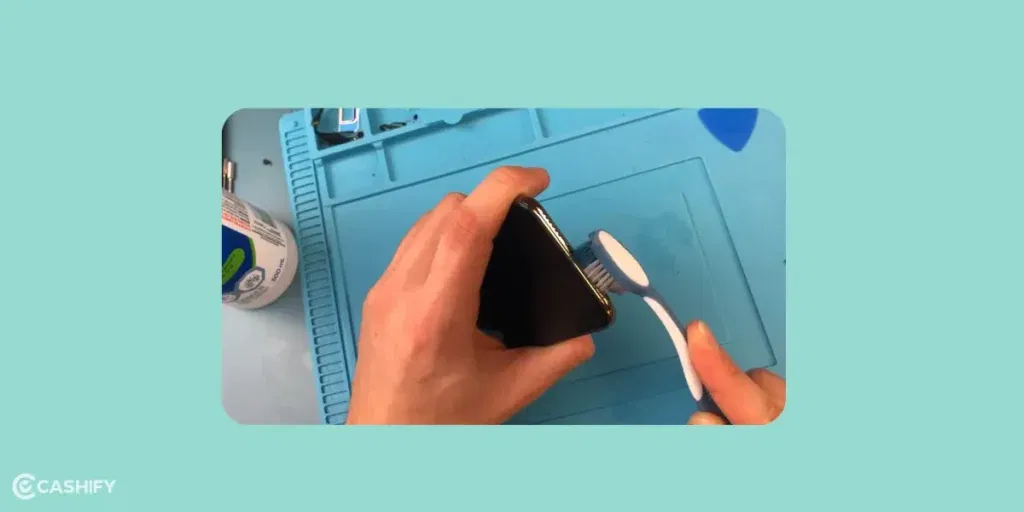
1. Use A Soft Brush To Remove Gulal
The first and simplest step is removing loose powder. Use a soft paintbrush or a clean makeup brush and gently brush around:
- Speaker grills
- Microphone holes
- Charging port edges
This helps remove surface gulal particles without pushing them deeper. So yeah, always use a soft brush because these openings are extremely delicate.
2. Blow Air Into The Phone Openings
Sometimes the powder settles deeper inside the grills. In that case, gently blow air into the speaker and charging port to push the particles out. A camera lens air blower works really well for this.
On the other hand, avoid using compressed air or powerful blowers. They can push the gulal further inside the device.
Also read: 8 Signs That Your Android Phone Motherboard Needs Repair!
3. Clean The Charging Port Carefully
If your charger suddenly feels loose, gulal may be stuck inside the charging port. Use a wooden toothpick to carefully loosen dust around the edges.
Then slowly remove the powder particles.
Also, you should never use metal pins, SIM ejector tools, or needles inside the port because they can damage the charging connectors.
4. Wipe The Phone Exterior
After cleaning the ports, focus on the phone body.
Take a dry microfiber cloth and wipe the entire device gently. This removes leftover coloured dust from the surface.
After that, check the camera area and speaker grills again to ensure no powder remains.
Also Read: Do You Lose Data When Replacing LCD Screen?
5. Test Your Phone Functions
Once the cleaning is done, turn the phone back on. And then test a few basic functions:
- Play music to check the speaker’s sound
- Record audio to test the microphone
- Plug in the charger to confirm the charging port connection
If everything works normally again, then your cleaning process has worked.
What Not To Do While Cleaning Your Phone After Holi
While learning how to clean a phone after Holi, it’s also important to avoid certain mistakes.
Avoid doing these things:
- Do not pour water or liquid cleaners into phone ports
- Avoid using hair dryers or vacuum cleaners
- Do not insert metal tools into the charging port
- Avoid shaking the phone aggressively
Remember that excessive pressure while cleaning may damage internal components.
If you have tried the above methods and still face issues, professional mobile phone repair from Cashify could be the safest option.
Also read: How To Save Your Smartphone From Water Damage During Holi?
Repair Mobile At Low Cost From Cashify!
Sometimes the phone may act weird, and it could possibly be due to colours entering from openings. If you can’t figure it out, let the experts solve it. Cashify’s certified mobile repair platform recruits highly skilled technicians for phone repair services. They understand how each component works and what’s the best way to handle it so that other parts don’t get hampered. Plus, if the damage goes too far as replacing components, you don’t need to worry. Cashify uses premium, highly compatible replacement parts that are backed by a warranty. Just not that, with Cashify phone repair services, you get:
- Free doorstep pickup and delivery
- Skilled technicians and genuine spare parts
- Quick turnaround time
- Discounts reducing final price
- Repair instantly in some cases.
So yeah, instead of struggling with stubborn gulal stuck inside your phone, you can simply book a repair and let experts handle it.
Check out these coupon codes while booking your service via Cashify online:
RPR50: Get up to 50 per cent off on a minimum order value of Rs. 1000
TECH25: Discount of up to Rs. 300 by using the code on the minimum order value of Rs. 2499.
Also read: POCO M4 Fast Battery Drain? Do These 5 Things Before Replacing The Battery!
In The End
During Holi, gulal powder can easily sneak inside sensitive phone parts like the speaker, mic, and charging port. Knowing how to clean a phone after Holi can help you fix small issues at home. However, if the problem continues, professional repair services are the safest way to restore your device.
And then, if your phone still isn’t working properly after Holi, Cashify mobile repair services can help bring it back to perfect condition.
If you’ve just bought a new phone and don’t know what to do with your old phone, then here’s your answer. Sell old mobile to Cashify and get the best price for it. If you are planning to buy a new phone, check out Cashify’s refurbished mobile phones. You can get your favourite phone at almost half price with six-month warranty, 15 days refund and free delivery.