If you are sitting there wondering whether your Pixel phone is too old for Android 17, good news, the list is longer than you think. Google has confirmed Android 17 for phones going all the way back to the Pixel 6, right up to the latest Pixel 10 series. So before you go shopping for a new phone, check this list first because your current one might be just fine. Hence, we bring you this list of which Pixel phones will get Android 17. So, the Pixel 10 series, Pixel 9 series, and which other phones come to this list, let us find out right here.
Also Read: Android 17 Beta New Features And Release Date: All Details Here
Pixel Phones Which Will Get Android 17: The Latest And The Oldest Have Joined
Android 17 was officially announced on May 12, 2026, and the stable update rolls out on June 15, 2026. That is much earlier than people expected, so the wait is almost over. While the Beta developer program suggested some eligibility changes, as per our research, we find that the list which reveals which Pixel phones will get Android 17 does not exclude any model. From the Pixel 6 to the Pixel 10 series, almost all the phones are eligible for Android 17. Well, the list right here will make it clearer.
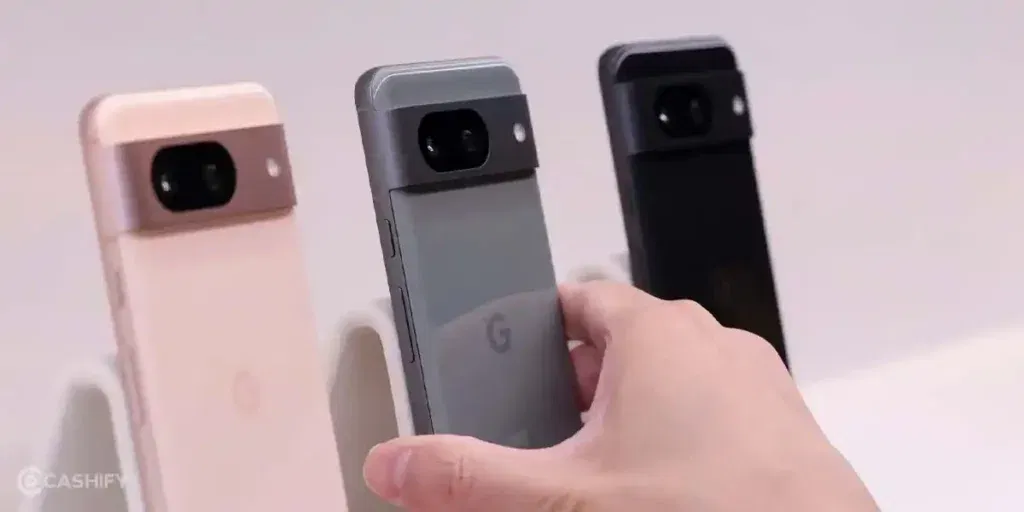
Here is the complete list of all Pixel phones that will get Android 17:
- Pixel 6
- Pixel 6 Pro
- Pixel 6a
- Pixel 7
- Pixel 7 Pro
- Pixel 7a
- Pixel Fold
- Pixel 8
- Pixel 8 Pro
- Pixel 8a
- Pixel 9
- Pixel 9 Pro
- Pixel 9 Pro XL
- Pixel 9 Pro Fold
- Pixel 9a
- Pixel 10
- Pixel 10 Pro
- Pixel 10 Pro XL
- Pixel 10 Pro Fold
Now that you know which Pixel phones get Android 17, it is time for us to know what changes your Pixel phone will experience for the first time after Android 17 comes to your phones. What are the factors that can change the performance of your phone, what UI changes will come, and what security upgrades will be added? It is time to reveal them all.
Also Read: HyperOS 3.1 Features: What’s New in Xiaomi’s Latest Update
What Will Change For Your Pixel Phone After Android 17? Here Are The Top 7 Facts To Know
Android 17 update is expected to bring several improvements for Pixel smartphones, focusing on smoother performance, smarter privacy controls, and better multitasking. While the update may look subtle at first, it introduces meaningful upgrades that can enhance everyday smartphone use.
Here are some big changes that Pixel users will experience after they install Android 17:
1. Your Phone Looks Way Better Now
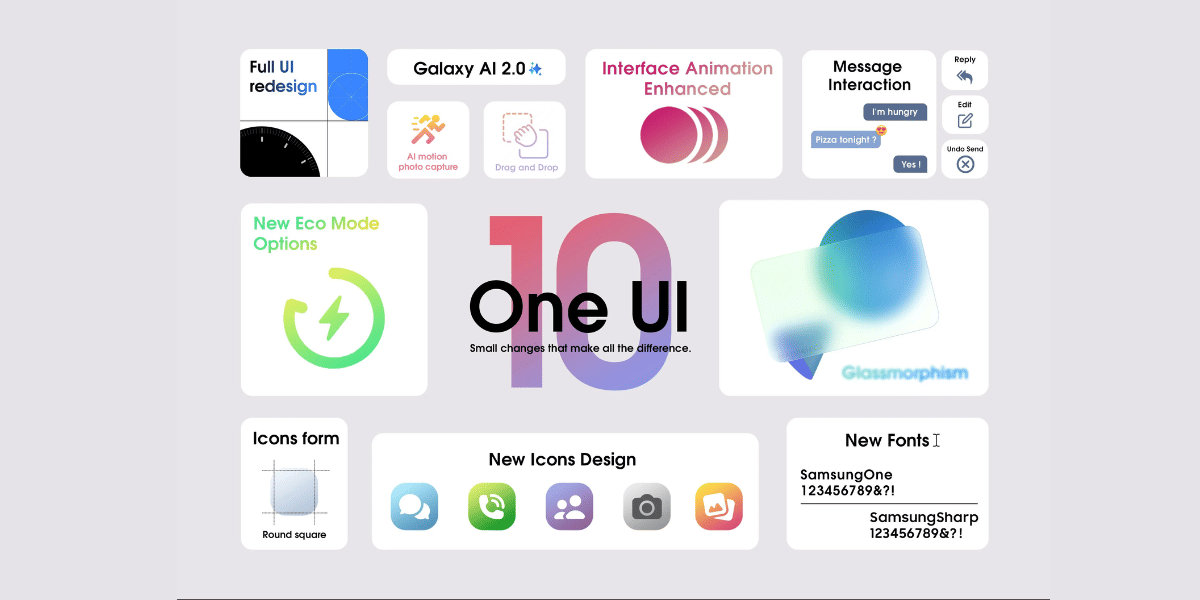
Android 17 gives the whole interface a frosted glass look. When you pull down your notifications or adjust the volume, the panel becomes see-through and picks up your wallpaper colours behind it. It just looks a lot more modern and premium than before.
2. You Can Finally Lock Individual Apps
This one is huge. You can now lock any single app with your fingerprint or PIN, without downloading any third-party app to do it. So if someone picks up your phone, they cannot just open your WhatsApp or banking app without your permission. Long overdue, and it is finally here.
3. Gemini Can Do Things For You
Instead of just answering questions, Gemini in Android 17 can actually do things inside your apps. Want to order food or book a cab? Just tell Gemini and it handles the steps for you. You can even ask it to create a custom widget for your home screen with a simple text prompt.
4. Live Delivery and Ride Tracking on Your Lock Screen
When you order food or book an Uber, a live tracker now shows up directly on your lock screen and status bar. You do not need to open the app or unlock your phone just to check where your order is. It updates in real time right there on your screen.
5. Any App Can Now Float on Your Screen
Before, only messaging apps could float as bubbles while you used other apps. Now any app can do it. Long-press an app icon, make it a bubble, and it floats over whatever else you are doing. Great for keeping Maps open while watching a video, or keeping notes open while browsing.
6. Switch Between Your Phone and Tablet Seamlessly
Drafting an email on your phone and want to continue on your tablet? Android 17 lets you pick up exactly where you left off on another device with one tap. It works a bit like how Apple devices hand off tasks between iPhone and iPad, but now on Android natively.
7. Separate Wi-Fi and Data Buttons Are Back
A lot of people hated that Android merged Wi-Fi and mobile data into one combined button a few years ago. Android 17 finally splits them back into two separate quick setting tiles. One tap to turn Wi-Fi on or off, another for mobile data. Simple and back to how it should be.
8. Lock Your Screen Buttons From Your Lock Screen
You can now add widgets directly to your lock screen to check your calendar, weather, smart home devices and fitness stats without even unlocking your phone. It is called Hub Mode and it is genuinely useful when you just want a quick glance at something.
9. Better Charging Speed When You Plug In
Android 17 has a new Priority Charging mode that pauses background apps when you plug your phone in, so more power goes straight to your battery instead of being wasted running things in the background. Your phone charges faster without you doing anything differently.
10. Gaming Controller Support That Actually Works
If you play games with a Bluetooth or wired controller, you can now remap every single button system-wide right from your settings. You set it once and it works across every game, without needing each individual game to support it separately.
11. Your Apps Cannot Quietly Slow Down Your Phone Anymore
Some apps hog way more RAM than they need and quietly make your phone sluggish over time. Android 17 puts a cap on how much memory any app can take up. If an app tries to go over its limit, the system shuts it down before it can affect everything else. Your phone stays fast for longer.
12. Smarter Privacy Controls
A few small but important privacy wins here. Apps can no longer access your full contacts list just to message one person. They only get temporary access to the specific contacts they actually need. Also, SMS OTP codes are now hidden from apps for three hours, which means by the time a sketchy app tries to read your OTP, it has already expired.
13. Scam Call Protection
When someone calls you claiming to be from your bank, Android 17 quietly checks with your bank’s actual app to verify whether they are really calling you. If it cannot confirm the call is real, it ends the call automatically. This works in the background with no effort needed from you.
Android 17 vs Android 16: Is The Upgrade Worth It?
The short answer is yes, and it is not close. Android 16 was fundamentally a stability and refinement release. Android 17 is where Google has gone aggressive with features, and it closes gaps that Android has had against competing platforms for years.
Native App Lock, system-wide App Bubbles, Cross-Device Handoff, the Liquid Glass UI, Desktop Mode, Live Updates coming to all Android phones, the separate Wi-Fi and notification panels, native game controller remapping, and the deeply improved Gemini integration all arrive together in one update.
If you are on Android 16 and eligible for Android 17, this is one of the most worthwhile updates the platform has offered in a long time.
End Note
Android 17 is genuinely one of the most exciting things to happen to Pixel phones in years. Whether you are on a Pixel 6 that has outlasted expectations or a brand-new Pixel 10 Pro Fold, this update brings real, tangible improvements to how your phone looks, performs, protects your data, and integrates with the rest of your devices.
The stable release lands on June 15, 2026, but if you want it right now, enrol in Google’s Android 17 Beta program and get ahead of the curve. The future of Android is not coming. It is already here, and your Pixel is ready for it.
Also Read: iOS 26.4 Beta 2: What’s New, Supported Devices, And All Details
FAQs
Which Pixel phones will get Android 17?
Android 17 is expected to support newer Pixel models, including Google Pixel 9, Google Pixel 9 Pro, Google Pixel 8, Google Pixel 8 Pro, and the Google Pixel 8a, Pixel 7, etc.
What New features will Android 17 bring?
Android 17 may introduce improved privacy controls, smoother animations, better multitasking tools, enhanced camera APIs, and performance enhancements for a faster and more responsive Pixel experience.
When will Android 17 be released?
Google officially announced Android 17 on May 12, 2026, at The Android Show. The stable release is confirmed for June 15, 2026. Pixel phones will be the first to receive the update. If you want it earlier, you can enrol in the Android 17 Beta program through Google’s official website right now.
Is the Google Pixel 6 series eligible for the Android 17 update?
Yes, it is eligible.
Is Pixel 7 eligible for Android 17?
Yes, Pixel 7 is also in the list of which Pixel phones will get Android 17.
Are you still browsing through your broken screen? Don’t worry! Book at-home mobile phone screen repair with Cashify—an affordable and one-stop destination for all your mobile phone needs. In case you break your screen within 1 month of repair, we will replace your screen again—for FREE.