Google launched the Google Pixel 9 Pro XL last year, featuring excellent camera capabilities. But the question is: can the Pixel 9 Pro XL camera outperform other similarly priced phones? Moreover, can this be an alternative to a camera in several aspects? To find out, I travelled to Agra to shoot the Taj Mahal and the Agra Fort. Plus, I also visited the Delhi night food market in Shaheen Bagh to check its strength at night. I’m not going to discuss specifications; I will share my experience, points, perspectives, and my understanding of the Google Pixel 9 Pro XL camera.
Also Read: Google Pixel 9 Pro XL Long Term Review: A Photographer’s Dream
Recap The Photography History
Moving on to the image results, let’s recap how we reached this moment. Photography has changed a lot over the years. We used to use film cameras, but now we can take pictures with the smartphones we carry. This journey shows how technology has improved and how we capture and share our memories in new ways.
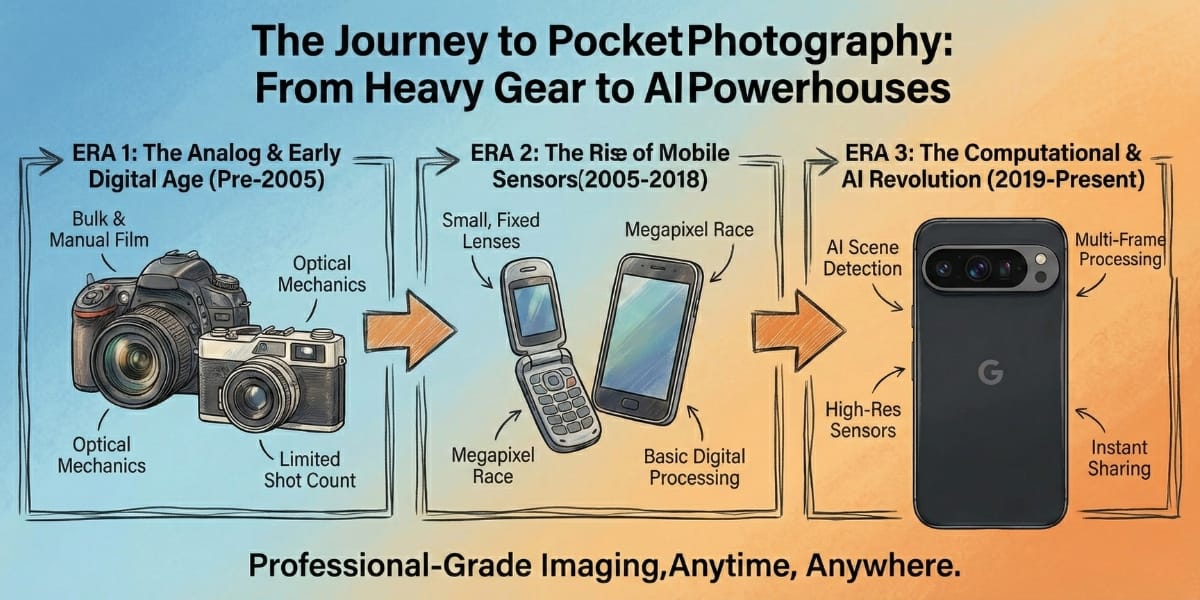
When I was growing up, photography meant DSLR. My mom and dad took me to a studio several times for photos with expensive charges for documentation. These cameras depended on the right lens and hours spent in editing rooms just to get one perfect portrait. In the 90s, it was even slower, film rolls, darkrooms, and waiting days to see if a single shot was usable.
Talking about portrait photography, especially, was once a luxury of professionals with expensive cameras and years of experience. I remember that my friends and I used to blur backgrounds manually in Lightroom to make portraits for social media. But today I’m standing at the Taj Mahal with just the Google Pixel 9 Pro XL in my hand, and that entire history feels compressed into a single tap. The soft background blur, accurate skin tones, and sharp subject separation that once belonged only to DSLR lenses now come from a phone in your pocket.
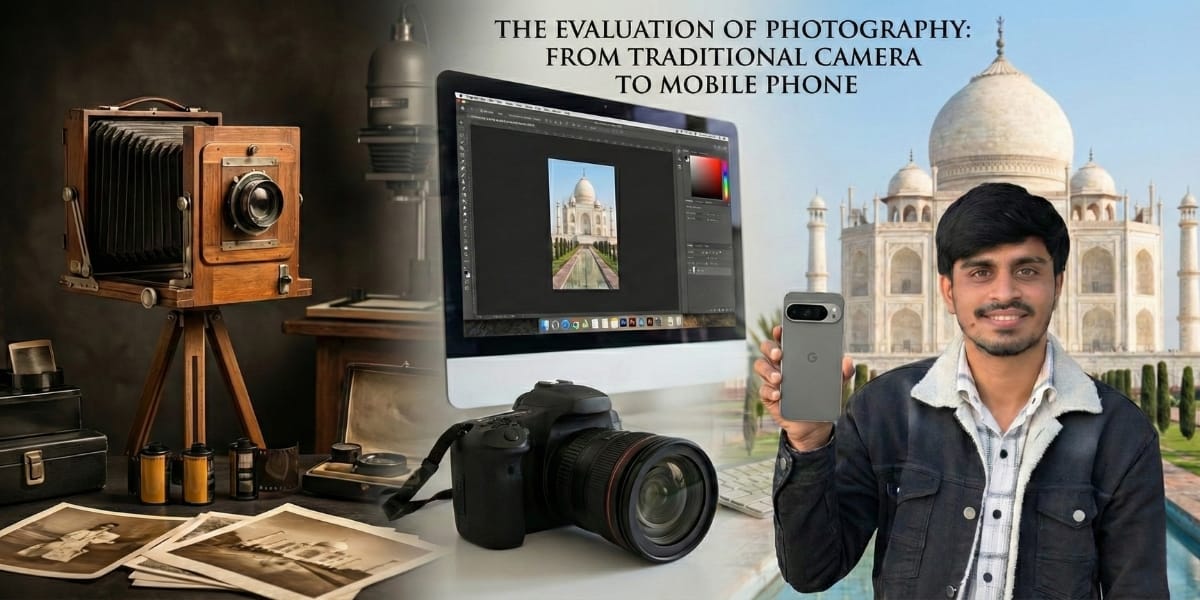
From black-and-white film to AI-powered portrait mode, photography hasn’t just evolved. It has been democratised. And this is exactly what makes testing a camera phone like the Pixel 9 Pro XL so exciting: it doesn’t just take photos, it carries decades of photographic innovation in a device we casually slip into our jeans.
Also Read: Vivo V60 Review: A Camera Phone That Puts Style First
Google Pixel 9 Pro XL: Telephoto Camera
As you know, standing in front of the Taj Mahal is overwhelming, not just because it’s huge, but because it’s a piece of engineering art. At the top, it reminds us of the power of love. In contrast, the whole Taj is made of marble textures, with the Persian and Arabic calligraphy on the walls.
The tiny inlays you don’t notice until you zoom in with your own eyes. That’s where a Google Pixel 9 Pro XL telephoto camera earns its place.
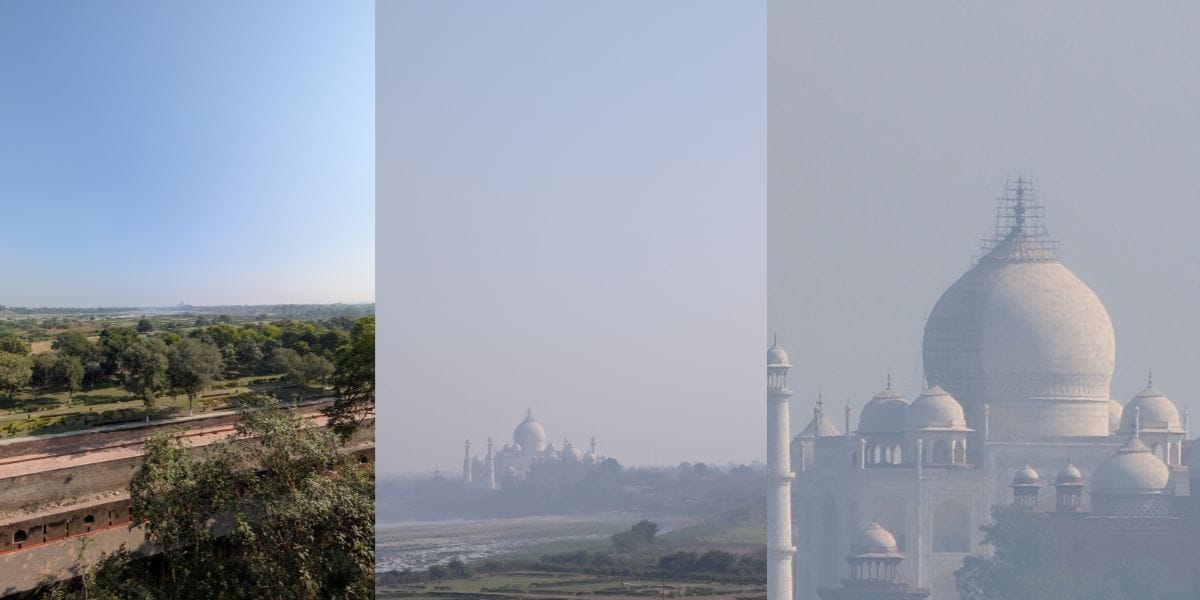
I visited Agra to test Zoom. Actually, I went to see if the Pixel 9 Pro XL could really perform.
Talking about specs, it has a 48-megapixel periscope telephoto sensor. But what matters is how it handles detail, light, and focus when the subject is too far from us. At the Taj and Agra Fort, that confidence showed up again and again.
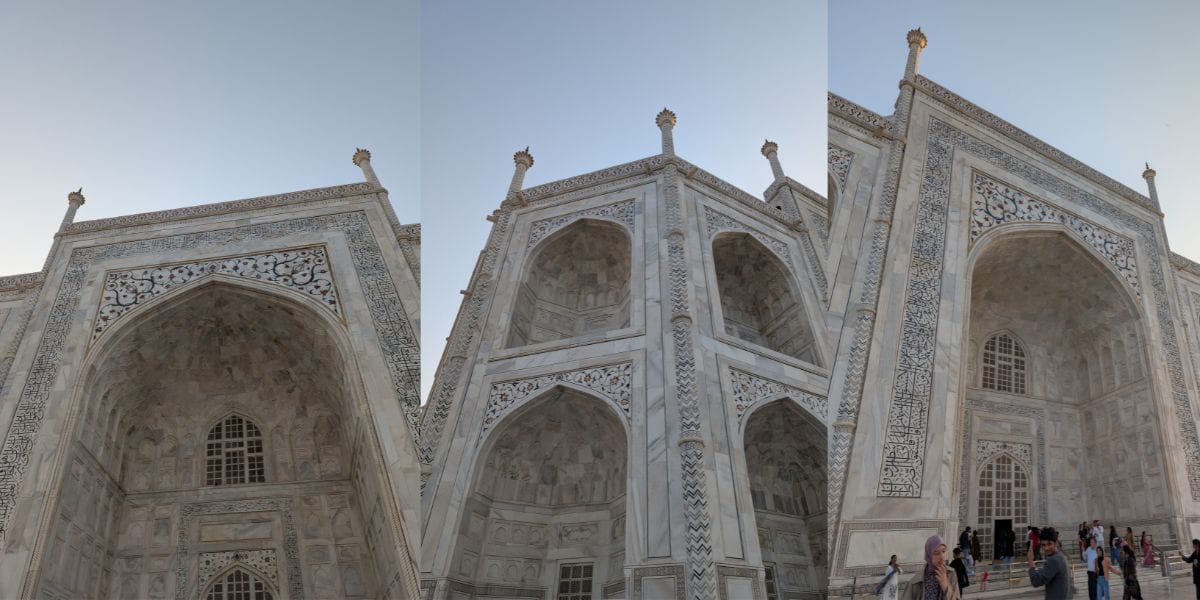
I reached Agra early in the day, when winter sunlight turns soft and forgiving. The Taj wasn’t glowing; it was breathing, with gentle highlights, cool shadows, and just enough contrast to test a camera’s honesty.
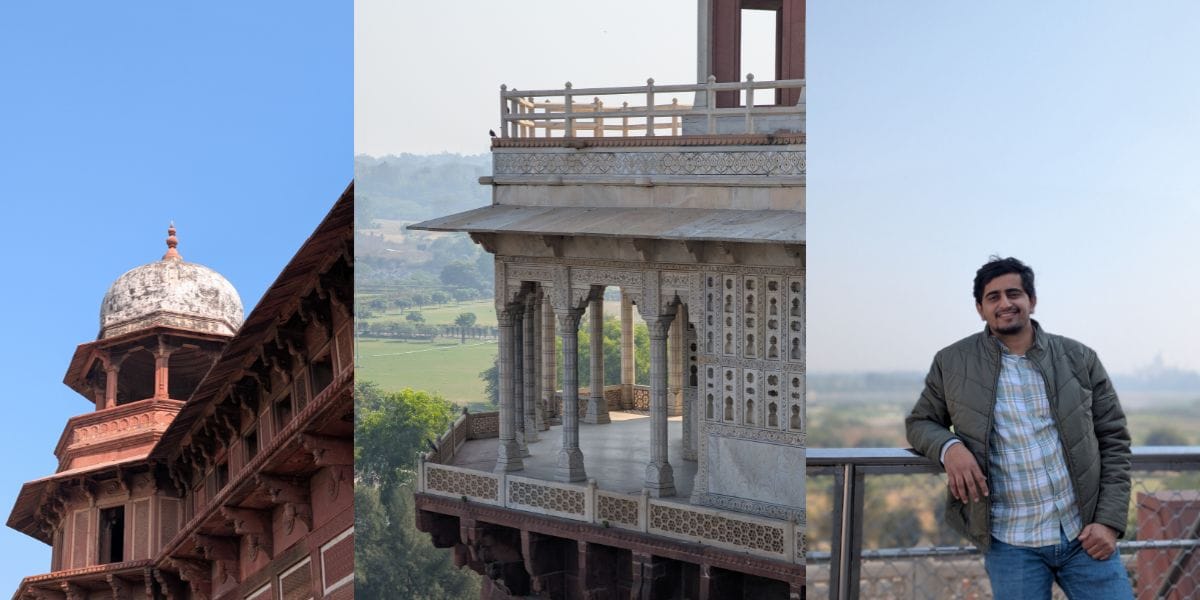
You can see colour contrast and image depth so accurately. It has 30x zoom, but 5x is the best, and sometimes 10x is also acceptable. Now you can see the image samples.
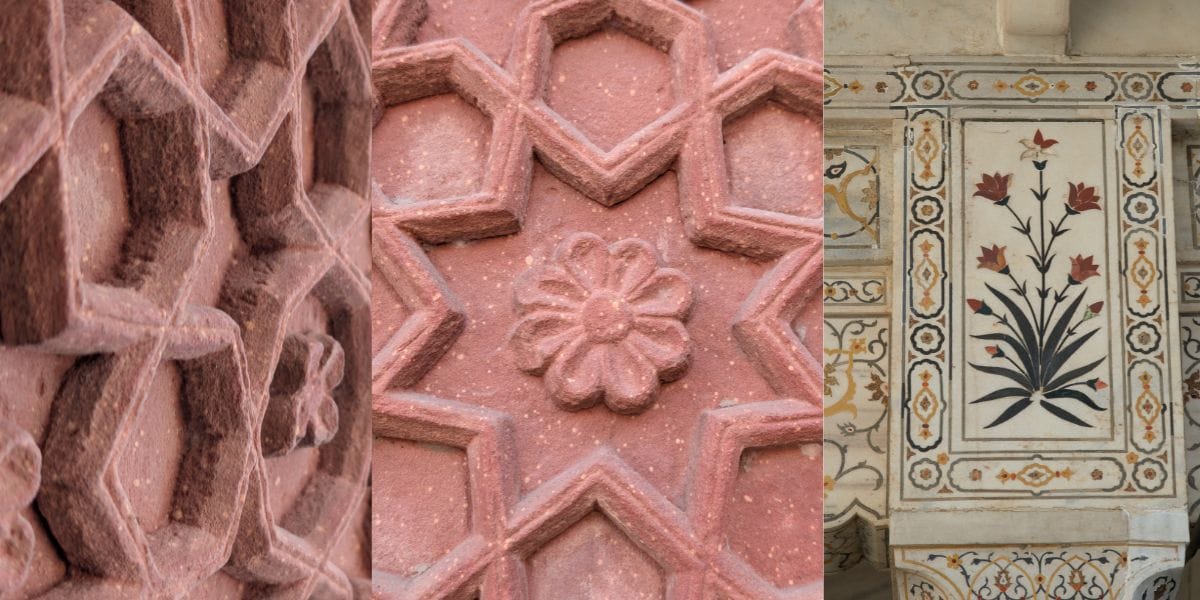
From the outer courtyard, the Taj feels close, until you notice how far away the real details actually are. The inlaid patterns, the tiny floral work, the calligraphy running across the arches, stones design are so cool. You can’t walk closer to those. You have to reach them optically.

I was most impressed because the images look real, and everything aligned with what it is. One of the best things: Zoom doesn’t look overprocessed, so the actual colours aren’t changed. Even some of the shadow parts and building structure were not crushed.

To give you more content, colours stay original, not drifting into oversaturation like the Vivo X300 Pro. You can see the Taj colour styled white, not becoming yellowish. Even at higher zoom, the frame felt anchored rather than shaky.
Also Read: OPPO Reno 14 Review: Flagship Feel At A Mid-Range Price
Google Pixel 9 Pro XL: Primary And Portrait Camera
Its primary and portrait camera samples, which I took the most of. It’s because this is a standard camera that gives perfect photos for social media.
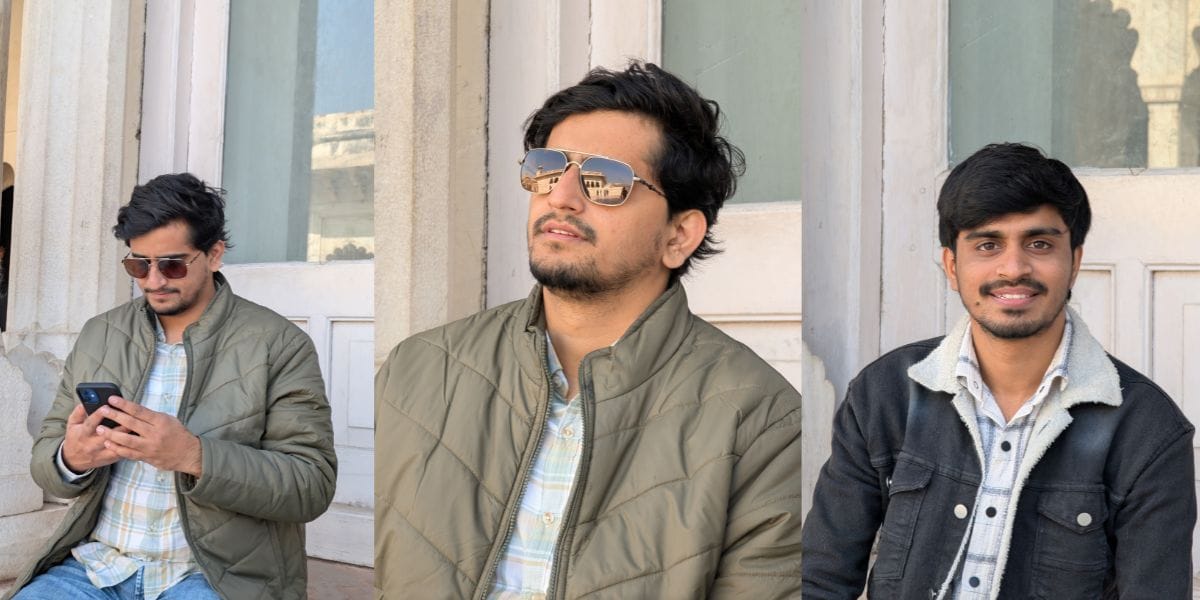
The Google Pixel 9 Pro XL camera uses multiple tools to deliver the best results. For example, most phones capture a single frame, then try to process it through AI, but the Pixel captures many frames before and after you press the shutter and analyses them in real time. Then builds a photo from the best possible data. That difference changes everything.
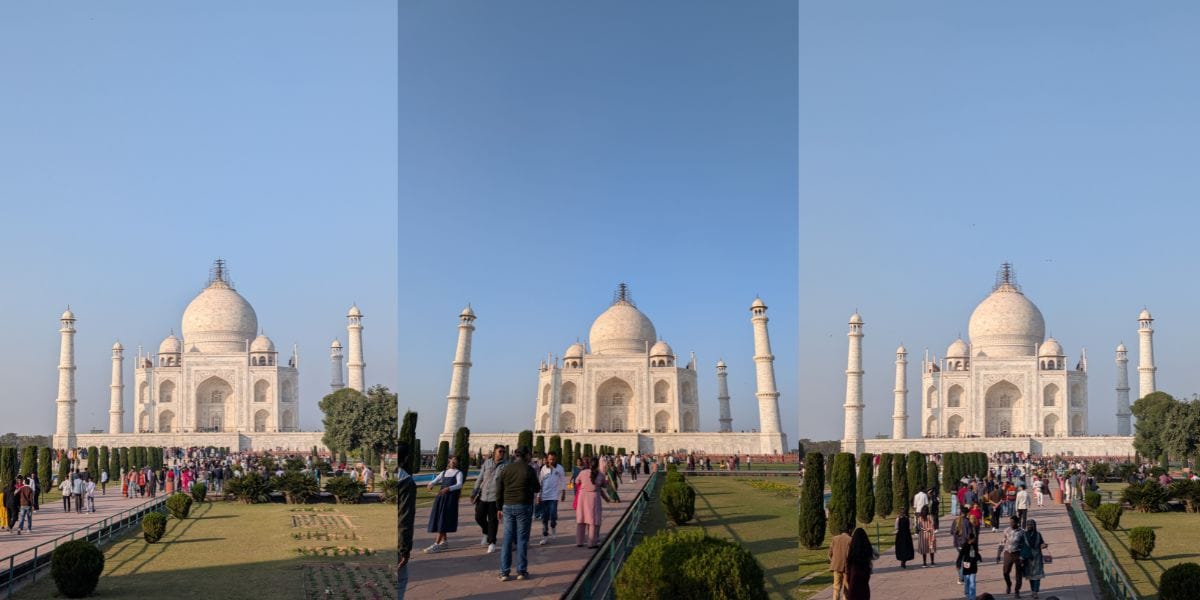
Second thing, when you press the shutter on the Pixel, the camera has already stored dark frames, normal frames, bright frames, and slightly offset frames.
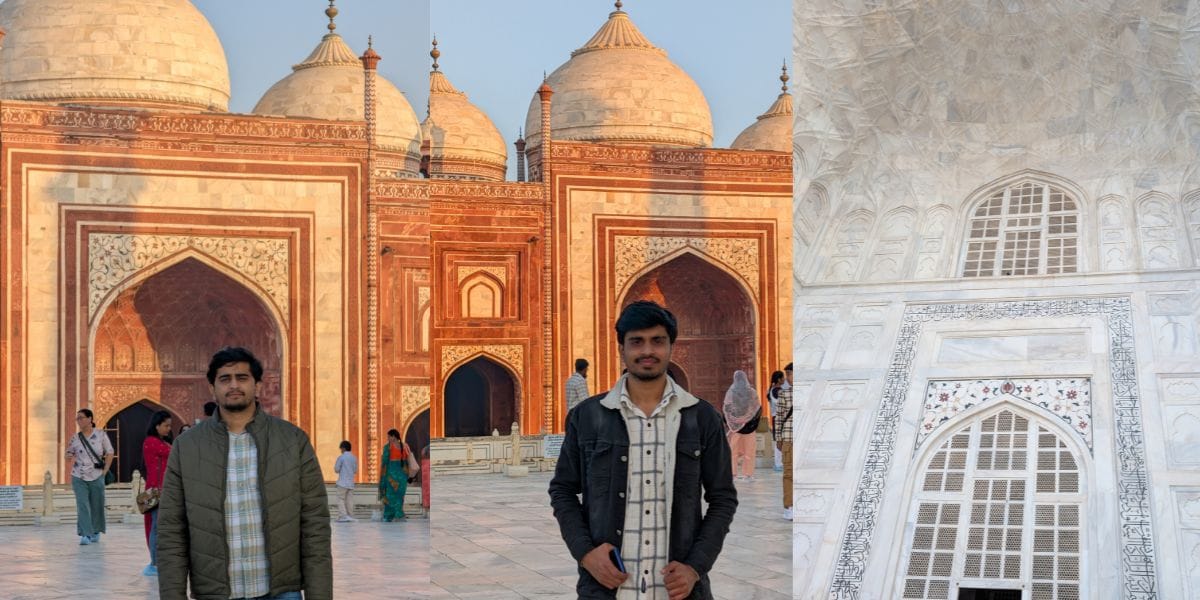
So, in the result, you see bright skies don’t blow out, white clothes keep texture, faces stay naturally lit, shadows don’t collapse into black, and don’t lose face colour in harsh sunlight.
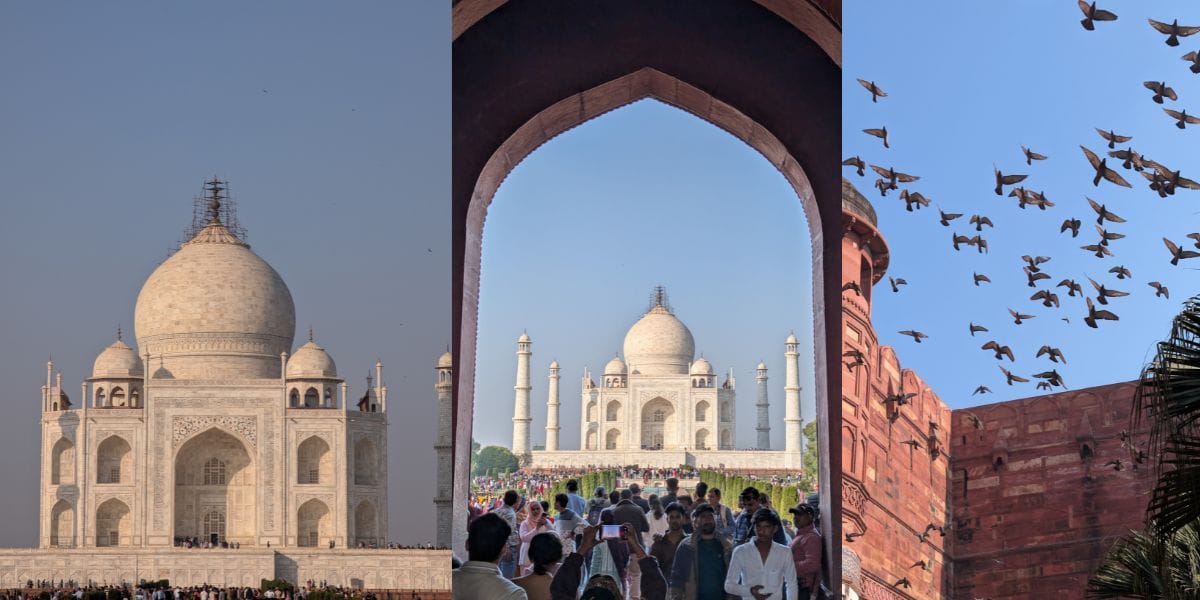
So, the results come from merging multiple shots. Other phones boost brightness, but the Pixel’s style strikes a balance with reality.
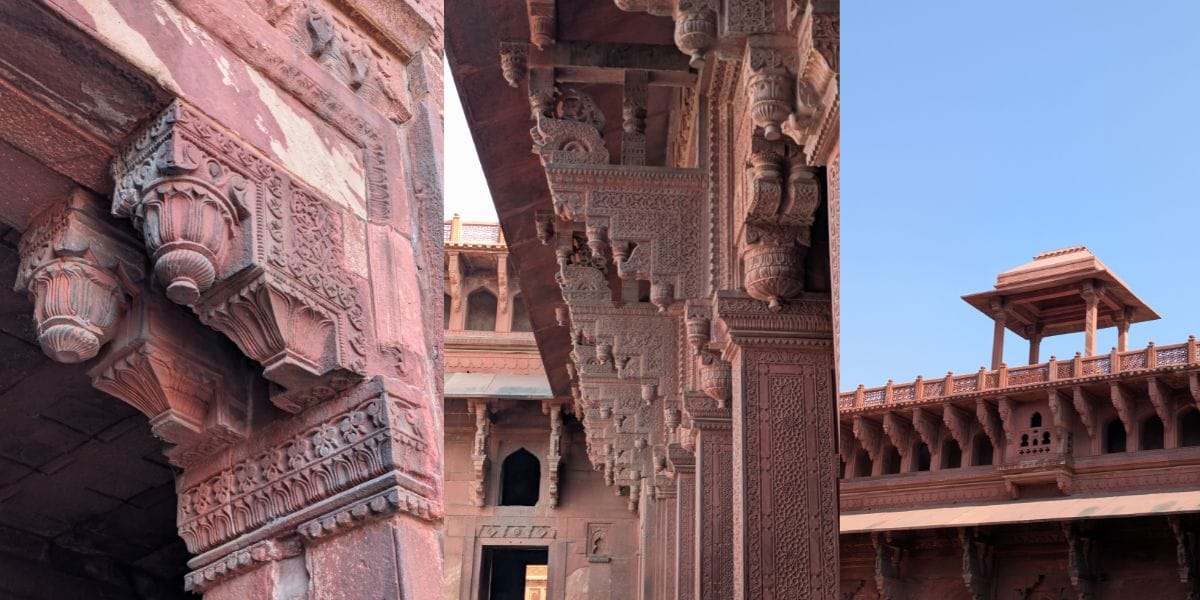
Now, talking about real skin tones, Google mastered its camera using millions of real faces from different ethnicities and lighting conditions. This is called Real Tone. Depth mapping for portraits is not just about blur.
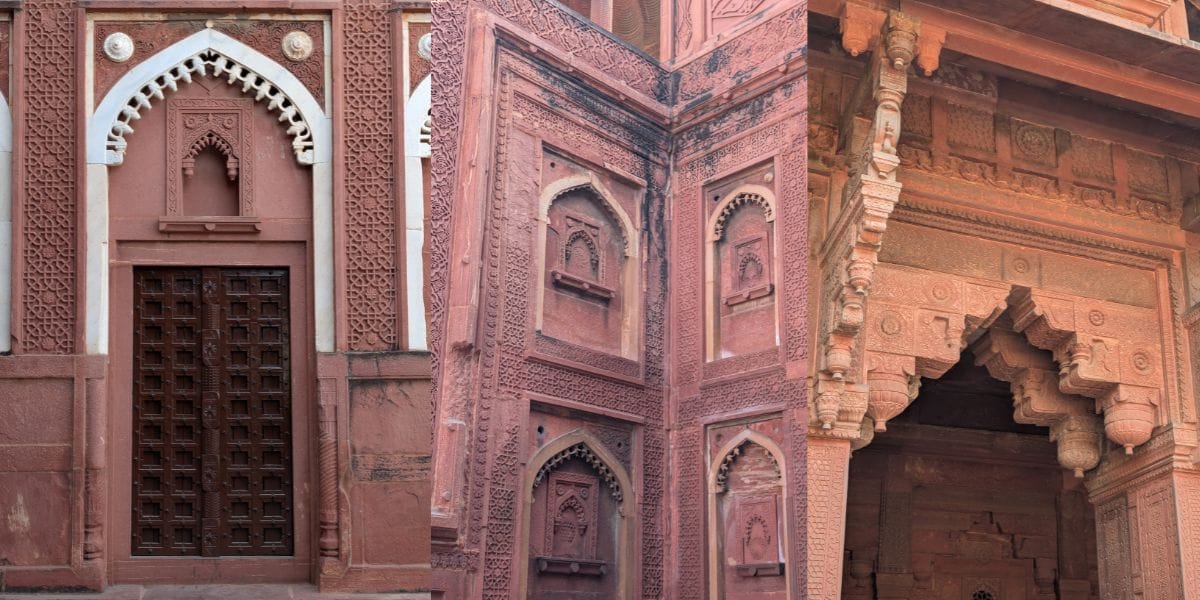
In this case, most phones find the subject and blur the background, but the Pixel builds a 3D depth map of the entire scene using multiple cameras, motion parallax, and AI face segmentation.

So, that’s why we got the hair colour accurate, depth is so incredible, and background blur looks optical, not fake. Just one issue I observed, edge detection sometimes. So enjoy some shots taken by me.
Also Read: Samsung Galaxy S25 FE Review: A Well-Balanced Phone That Nails the Essentials
Ultrawide And Night Mode
Google Pixel 9 Pro XL camera holds excellent accuracy in ultrawide as well. It comes with a 48MP ultrawide sensor. You can see my sample too.
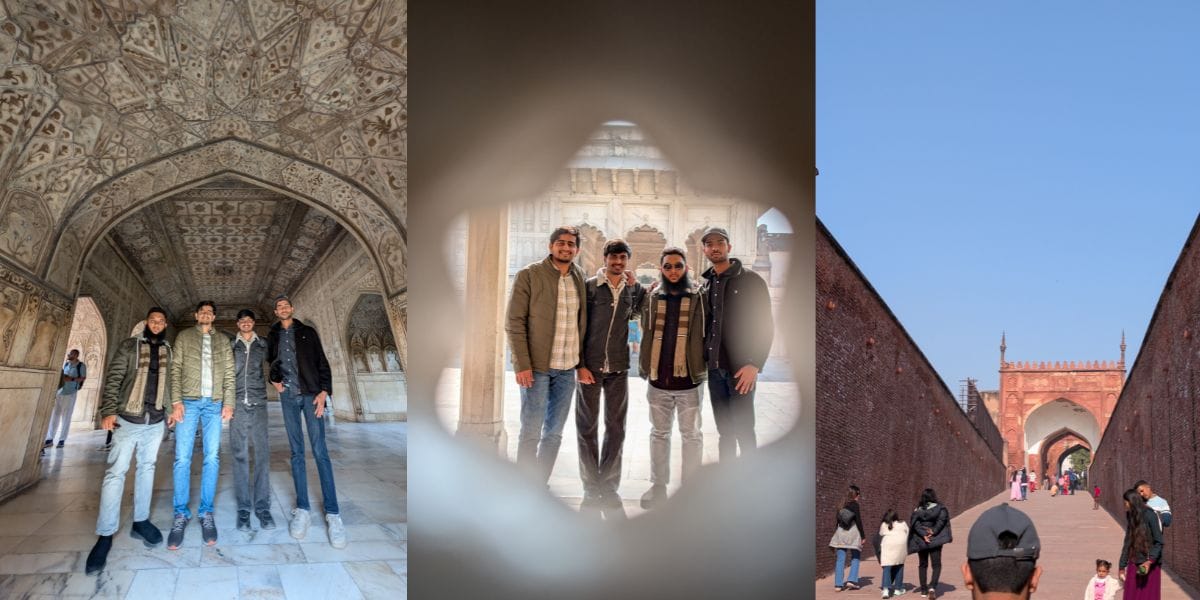
Now moving to low lights, the Google Pixel 9 Pro XL camera offers excellent low-light photography. I spent a lot of time at the Shaheen Bagh food market and even tried multiple dishes.

You can see the Rasmalai and Gulab Jamun depths in the close-up images. Its camera captures movement perfectly, even at night.


Because you can see the person preparing paratha quickly, but when I clicked flames, it captured the movement, and the paratha looked elegant, without even a shaky or blurry image.

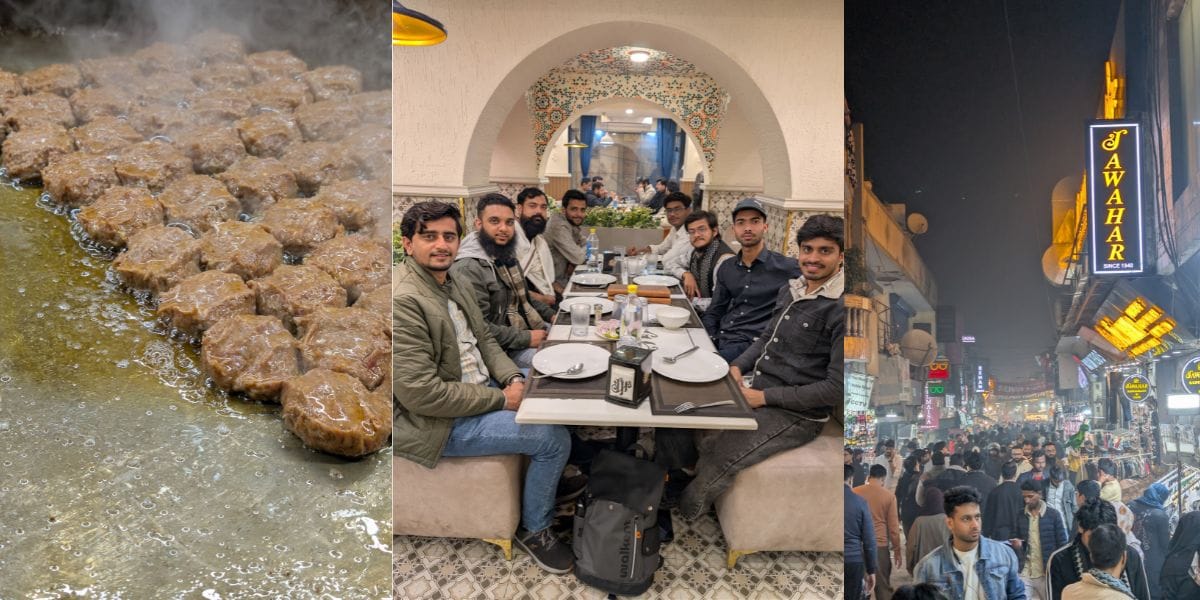
You can also look at smoke rings accurately captured, even in dense saturation. Kabab and Tikkas look so delicious in the photos with exact colour accuracy.
Google Pixel 9 Pro XL Front Camera
The Google Pixel 9 Pro XL front camera has a strong fan base for capturing skin tones. I’m so used to taking selfies, but a few I clicked look so elegant. Its portrait mode also offers true depth with proper edge detection.
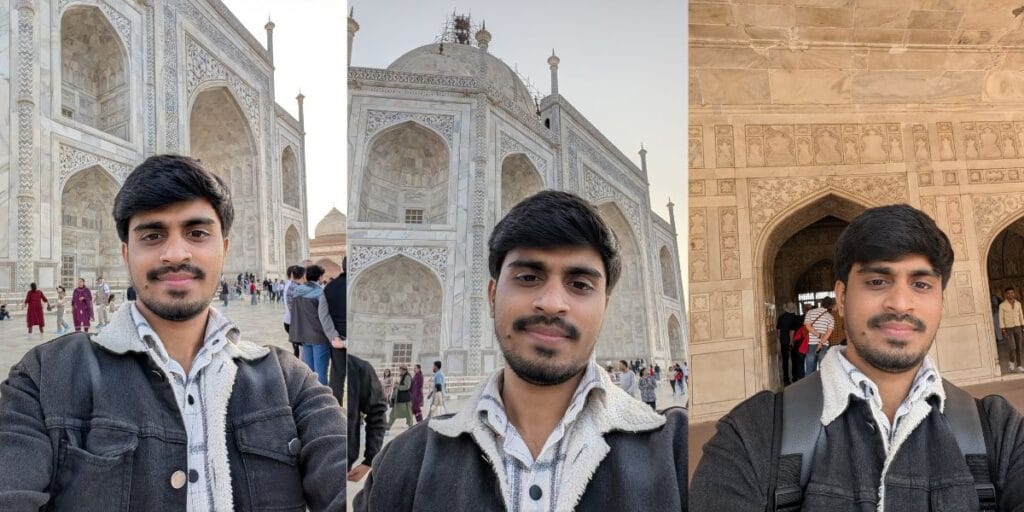
Videography
You can record 8K at 30fps videos with the Google Pixel 9 Pro XL camera. Its capabilities are also strong in 4K, as it offers 60fps as well. I recorded a few videos as well, offering excellent colour contrast and capturing clear audio even in a public place. It also allows you to record 4K videos at 60fps, making it ideal for vlogging.
Also Read: Lava Agni 4 Review: A Nationalism Flavour But Still Long Way To Perfection
Final Words
After shooting everything from the calm Taj Mahal mornings to the chaos of Delhi’s night food market, the Google Pixel 9 Pro XL proved one thing clearly: it’s a camera you can trust. It may not try to look flashy, but it captures moments the way they actually feel, and that’s what makes its camera special.
Are you still browsing through your broken screen? Don’t worry! Book an at-home mobile phone screen repair with Cashify—an affordable and one-stop destination for all your mobile phone needs. In case you break your screen within 1 month of repair, we will replace your screen again—for FREE.