If you are comparing ColorOS 16 vs ColorOS 17, here’s what you need to know. OPPO unveiled ColorOS 17 on September 17 at its developer conference in China. It runs on Android 17 and covers OPPO, OnePlus and Realme phones. OPPO also said ColorOS has 770 million active users across more than 90 countries and regions, per Wikipedia. ColorOS 16 focuses heavily on smooth performance, AI features, and cross-device connectivity. ColorOS 17 aims to refine those features further with smarter AI tools, improved animations, and a more polished design.
So, should you upgrade? If you’re already on ColorOS 16, there’s no urgent reason to jump to ColorOS 17. But if ColorOS 17 happens to deliver on its promises, it could be worth an upgrade.
Also read: Everything About iOS 18.5: Release Date, Features, And More!
ColorOS 16 vs ColorOS 17: Key Differences At A Glance
The main difference between ColorOS 16 and ColorOS 17 is the way OPPO approaches smoothness, artificial intelligence (AI) and everyday phone usage. ColorOS 16 introduced Seamless Animation, the Luminous Rendering Engine and the Trinity Engine. ColorOS 17 builds on this foundation with Living Flow Design, a Unified Rendering Architecture and an upgraded Laminar Flow Engine.
In simple words, the new version aims to make screen movements feel more natural, keep more apps available while multitasking and bring AI assistance into more everyday tasks. These are intended improvements, so users should not assume that every phone will show the same results.
Here is a difference table on ColorOS 16 vs ColorOS 17 to help you understand the key differences better:
| Feature | ColorOS 16 | ColorOS 17 |
|---|---|---|
| Android Version | Android 16 | Android 17 |
| Release Status | Stable (widely available) | Released on September 17, 2026 |
| Performance | Luminous + Trinity Engines | Further optimisations (Aurora Rendering?, Tidal Energy Efficiency 2.0), better CPU/RAM, reduced micro-stutters |
| Design | Luminous Design (depth, glows) | Refinements to existing (possible subtle Liquid Acrylic/light effects, unified rounded corners, dynamic lighting; no major redesign) |
| AI Features | Mind Space, Gemini Live, AI Recorder | AI Notes, AI Photo Editor, AI Call Assistant, AI Call Anti-Fraud |
| Gaming | Dynamic Frame Sync | Improved frame stability, thermal/CPU scheduling |
| RAM Management | Advanced | Better retention & allocation |
| Battery | Trinity Engine efficiency | Further tuning (potential 10-13% gains in some scenarios) |
| Connectivity | Phone/PC Connect, O+ Connect | Expanded cross-device |
| Stability | Mature | Beta bugs possible; focus on polish |
| Best For | Daily users | Early adopters |
Also read: One UI 8 Update: Release Date, Eligible Devices, Features Revealed!
A Look at ColorOS 16: The Best Features
ColorOS 16 brought major architectural improvements on Android 16. It includes the Luminous Rendering Engine (faster responses, smoother animations) and Trinity Engine (resource management). It delivers noticeable gains in app opening, scrolling, multitasking, and thermal control.
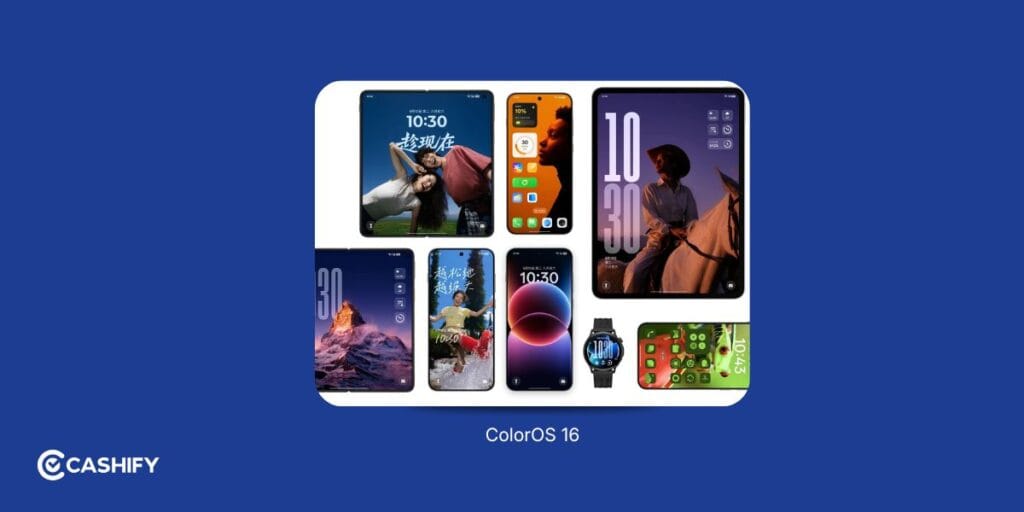
Here are some of its most useful features.
1. Seamless Animation
ColorOS 16 introduced Seamless Animation to make common actions feel more connected. Opening an app, switching between applications or returning to the home screen is designed to feel smooth rather than abrupt.
For everyday users, this can make the phone feel more responsive while moving between social media, messages, payments and other apps.
2. Luminous Rendering Engine and Trinity Engine
These two technologies work together to improve the phone’s visual performance and resource management.
- Luminous Rendering Engine: Handles visual elements and animations to make transitions smoother.
- Trinity Engine: Manages system resources to help maintain performance during demanding tasks, such as gaming and heavy multitasking.
- Project Breeze: OPPO’s optimisation initiative for delivering a smoother experience on supported devices with more modest hardware.
OPPO has published performance figures for these technologies, but the results depend on its testing conditions and supported devices. They should not be treated as guaranteed improvements for every user.
3. AI Mind Space
AI Mind Space acts as a place to save and organise useful information. Users can capture supported content and retrieve it later instead of searching through multiple apps.
For example, you could save information about a trip, a shopping list or an important note and find it again when needed. The usefulness of the feature depends on the supported capture options and the software version installed on the device.
4. AI Writing and Photo Tools
ColorOS 16 includes AI tools for writing, note-taking and photo editing on supported devices.
These can help users draft a message, organise notes, improve a portrait or create content without switching between several applications. Feature availability and the quality of the results can vary by phone model and region.
5. Connectivity and Personalisation
ColorOS 16 also focuses on making the phone more personal and connected.
- Customise the home screen, icons and supported lock-screen styles.
- Use supported cross-device features to share content between devices.
- Access relevant information through supported dynamic interface elements.
- Use compatible tools to manage notes, recordings and other productivity tasks.
Also read: Android 15 Features, Eligible Devices List, All Details!
ColorOS 17: What Changes Does The New OS Bring?
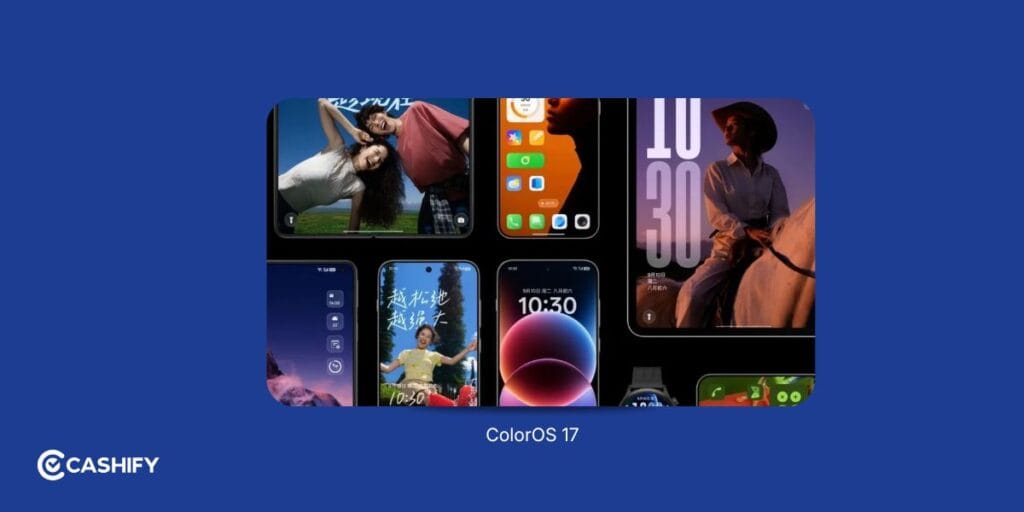
OPPO unveiled ColorOS 17 globally on 13 October 2026. The upcoming Find X10 series is set to debut with the software, while existing eligible devices are scheduled to receive it in stages.
The new version focuses on three main areas: a refreshed design, improved system performance and more integrated AI tools. Here is what users can expect.
1. Living Flow Design
Living Flow Design is the new visual style introduced in ColorOS 17. It builds on the Seamless Animation experience in ColorOS 16 with softer lighting, translucent elements and more responsive animations.
The design has three main elements:
- Luminous Effect: Adds subtle lighting and depth to interface elements.
- Fluid Motion: Makes transitions between screens and interface elements feel more connected.
- Flexible Feedback: Adds visual responses when users tap buttons, toolbars and other controls.
The aim is to make everyday interactions feel more natural, whether you are opening the quick settings panel, switching apps or moving through the interface.
2. A New Rendering Architecture
ColorOS 17 introduces a Unified Rendering Architecture based on the refreshed Luminous Rendering Engine. It brings previously separate rendering processes into a more unified system.
According to OPPO, this can reduce rendering workloads by up to 30% and rendering-related RAM usage by up to 25% in key scenarios compared with ColorOS 16.
These figures come from OPPO’s own testing. They do not mean that every app will use 25% less memory or that every phone will become 30% faster.
3. Better Multitasking
The upgraded Laminar Flow Engine is designed to manage foreground and background tasks more intelligently.
OPPO reports the following improvements compared with ColorOS 16:
- App-launch stability improves by 55%.
- Gallery thumbnails load up to 50% faster on first launch.
- More than 25% additional apps can remain running in the background.
- In simulations representing six years of use, the system retains over 90% of its initial smoothness, even with storage at 90% capacity.
These are manufacturer-reported results, not independent benchmark findings. Real-world performance will depend on the processor, available RAM, storage, temperature, apps and software build.
4. More Personalisation Options
ColorOS 17 brings the Living Flow visual language to supported interface elements, including transitions and interactive controls. It also expands the way users can interact with information and services through the system.
The focus is not simply on making the interface look different. OPPO wants visual changes and system responses to feel more consistent throughout everyday use.
5. AI That Can Do More
One of the biggest additions is AI Mind Pilot’s Agent Mode. Instead of only answering questions, it is designed to work with supported local files and photos, organise information and complete certain multi-step tasks.
For example, users may be able to ask it to find photographs from a particular trip, organise files or use saved information to create a travel plan. The exact tasks it can complete will depend on the available tools, permissions and supported device.
Other new and updated AI features include:
- AI Photo Agent: Supports natural-language photo editing and style matching using a reference image.
- AI Mind Space: Organises saved documents and video links into searchable information and collections.
- AI Mind Suggest: Surfaces relevant information, such as supported travel reminders and daily updates.
- OSee: Connects visual understanding with supported services, including object recognition, translation and scanning.
Also read: Realme UI 7.0: Release Date, Eligible Devices, Features, and More!
ColorOS 16 vs ColorOS 17: AI Changes and Performance Changes
AI and performance are two of the most important areas to consider when comparing the two versions. ColorOS 16 already offers several AI and optimisation tools, but ColorOS 17 aims to make these capabilities more integrated into everyday phone usage.
AI Features: What’s New?
| AI feature | What it does |
| AI Mind Space in ColorOS 16 | Saves and organises supported information for later use |
| AI Mind Pilot Agent Mode in ColorOS 17 | Works with supported files and photos to organise information and complete multi-step tasks |
| AI Photo Agent | Uses natural-language instructions and reference images to guide photo edits |
| AI Mind Suggest | Surfaces useful information and timely suggestions |
| OSee | Helps users access supported visual search, translation and scanning tools |
The biggest change is the move towards AI that can help complete tasks, rather than only generate an answer. For example, an AI assistant that can locate and organise supported files may save time compared with manually searching through folders.
However, AI tools should not be the only reason to upgrade. Their availability can vary by device, country and software build. Users should also review the permissions required before allowing an AI tool to access personal files or photographs.
Performance: Is ColorOS 17 Faster?
OPPO says its updated rendering architecture and Laminar Flow Engine improve system responsiveness, animation performance and multitasking.
| Performance area | OPPO’s reported ColorOS 17 improvement |
| Rendering workload | Up to 30% lower in key scenarios |
| RAM used for rendering | Up to 25% lower in key scenarios |
| App-launch stability | 55% improvement |
| First-launch Gallery thumbnails | Up to 50% faster loading |
| Background app retention | Over 25% more apps kept running |
For everyday users, the practical benefits could include smoother app switching, fewer apps reloading when you return to them and more consistent interface animations. However, a phone’s processor, RAM capacity, battery condition and available storage will continue to affect performance.
What About Battery Life and Gaming?
A more efficient system may help manage resources, but better performance does not automatically guarantee longer battery life. Gaming performance also depends on the game, graphics settings, temperature and hardware.
At present, users should avoid assuming a specific battery-life improvement unless it has been demonstrated on the same phone under comparable testing conditions.
For a fair comparison, a proper test would use the same device and settings to measure battery drain, app-launch times, gaming temperatures and background-app retention. Until such independent testing is available, OPPO’s figures should be understood as its own reported results.
ColorOS 16 vs ColorOS 17: Who Is Better for Security?
Security matters just as much as design and performance. Both versions include privacy and security measures, but ColorOS 17 adds new tools intended to make AI data processing more transparent and help users identify certain types of call fraud.
Security Features Compared
| Security area | ColorOS 16 | ColorOS 17 |
| Private Computing Cloud | Supports protected processing for compatible cloud-based AI services | Adds further protection for data transmission |
| AI data transparency | Existing privacy controls and relevant permissions | New Transparency Report showing details of AI service usage and processing |
| Call-fraud detection | Depends on available device and system security features | AI Call Guard uses on-device detection to flag potential fraud risks |
| Emerging encryption threats | Existing security protections | Adds post-quantum security capabilities to OPPO’s Private Computing Cloud |
| Device protection | OPPO Lock and other supported security features | Continues existing protections alongside new features |
What Does the New Transparency Report Do?
The Transparency Report is intended to show users which AI services have been used, when they were accessed and what operations were performed. Users can view the information on their device and export the report.
This can help people better understand how supported AI services are being used. It does not mean that users should stop checking app permissions or privacy settings.
How Does AI Call Guard Help?
AI Call Guard uses on-device AI detection to identify potential fraud indicators, including suspicious synthetic voices and AI-generated face swaps. OPPO lists India among the supported markets for this feature.
This is useful as scammers increasingly use technology to make suspicious calls or interactions appear convincing. However, no detection system can identify every scam. Users should never share an OTP, UPI PIN, password or banking details with an unknown caller, even if the caller sounds familiar.
Which Version Is Better for Security?
ColorOS 17 introduces additional security features, particularly around AI data transparency, cloud transmission and call-fraud detection. However, a newer operating system does not automatically make every device completely secure.
Users should install official security updates, use a screen lock, review app permissions and download apps from trusted sources. They should also check the support status of their particular OPPO model before deciding whether an upgrade is possible.
FAQs
Is ColorOS 17 faster than ColorOS 16?
Based on early beta testing, ColorOS 17 may offer slightly smoother animations and better memory management. However, ColorOS 16 remains the more stable performer today.
Does ColorOS 17 improve battery life?
Potentially yes, but the stable version hasn’t been released yet, so long-term battery improvements are still unconfirmed.
Is ColorOS 17 good for gaming?
Early tests look promising, but ColorOS 16 currently provides a more reliable gaming experience.
Which phones will support ColorOS 17?
OPPO has published China batches. Batch 1 on October 8 covers the Find N6, Find X9 series, OnePlus 15, OnePlus 15T and Realme GT 8 Pro. The full list for other regions is still pending. You can get more details here.
Can I downgrade from ColorOS 17 to ColorOS 16?
In many cases, yes, but the process may require data backup and a manual rollback package.
Does ColorOS 17 have new AI features?
Yes. ColorOS 17 have new AI features such as AI Photo Editor, AI Notes, AI Call Assistant, and AI Call Anti-Fraud flags.
Is ColorOS 17 more secure?
Security improvements are expected, but ColorOS 16 already offers robust privacy and protection features.
Should I update to ColorOS 17 immediately?
For most users, waiting for the stable release is the better option. Beta software is best suited for enthusiasts and developers.
Also read: ColorOS 17 Features, AI Tools, Performance Upgrades: Everything Explained!
Does Upgrading (Or Not) Affect Your Phone’s Resale Value?
Buyers of used phones pay attention to software support the same way they check battery health or screen condition. A phone that’s still receiving major OS updates and monthly security patches feels safer to buy second-hand. It is because the buyer knows they’re not inheriting a device that’s about to be unsupported. A phone running an outdated, unsupported skin tends to sell for noticeably less, even if the hardware itself is in perfect condition.
The smartest move is usually to sell before your phone drops out of the update cycle, not after. A device on its last supported OS version depreciates faster than one that’s still current.
If you do decide it’s time to move on, whether you’re switching to a newer OPPO flagship or just upgrading in general, you can check what your current device is worth today at Cashify.
In The End
When comparing ColorOS 16 vs ColorOS 17, the biggest takeaway is simple:. ColorOS 16 is the better choice today, while ColorOS 17 looks promising for tomorrow.
ColorOS 16 delivers everything at the current times. Be it performance, AI integration, customisation, and connectivity. More importantly, it’s stable, polished, and available on a growing list of OPPO devices.
ColorOS 17, on the other hand, focuses on refining that foundation. It introduces smarter AI features, smoother animations, and a more modern visual style. However, because it’s still in beta, it isn’t ready to replace ColorOS 16 for most users.
If your device supports ColorOS 16, you’re already getting one of OPPO’s best software experiences. Once ColorOS 17 reaches stable release, it should offer an even smoother and smarter experience. For that, we will have to wait till the newer flagship devices arrive.
If you’ve just bought a new phone and don’t know what to do with your old phone, then here’s your answer. Sell old mobile to Cashify and get the best price for it. If you are planning to buy a new phone, check out Cashify’s refurbished mobile phones. You can get your favourite phone at almost half price with six-month warranty, 15 days refund and free delivery.