

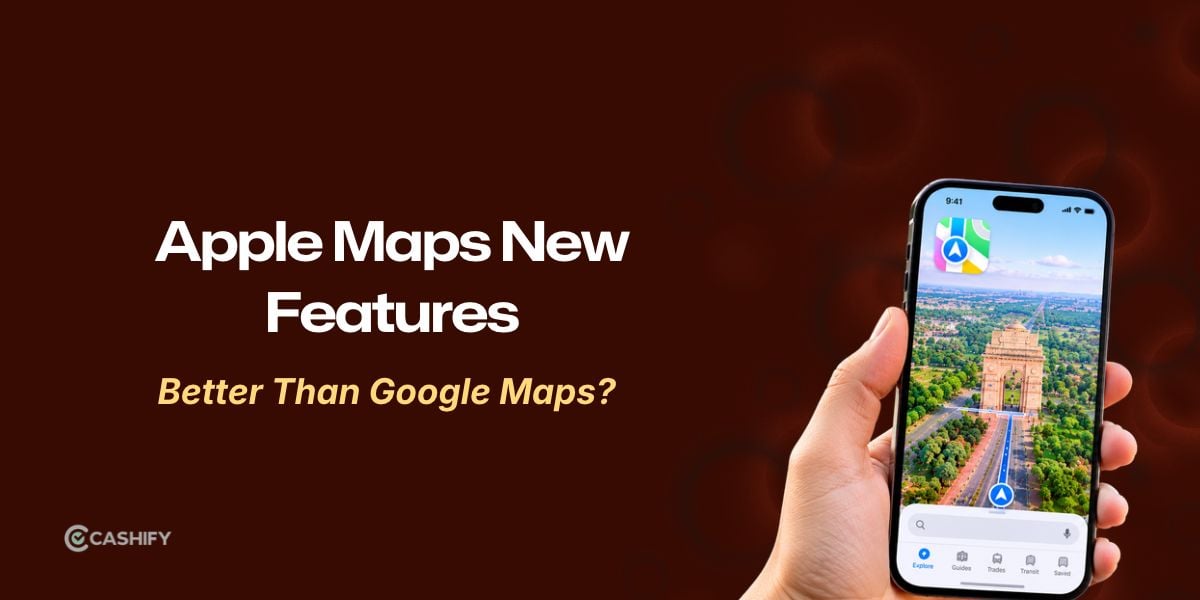
When was the last time you opened Apple Maps on your iPhone? If your answer is "hardly ever", you're probably not alone. Most iPhone users in India still rely on Google Maps for directions, traffic updates and finding nearby places. But Apple's latest Apple Maps features update might finally give you a reason to try it again.
Apple has introduced some major changes in India, including Look Around, AR walking directions, over 300 3D landmarks and Indian Railways journey planning. You can now explore streets before visiting them, follow walking directions using your iPhone camera and navigate with familiar landmarks.
Sounds useful, right? But are these additions enough to make Apple Maps a serious alternative to Google Maps? Let's look at what's new and how these changes could help you.
Also Read: How To Add Two Accounts In PhonePe? Step-By-Step Guide
What Are The New Apple Maps Features In India?
The latest Apple Maps features focus on making navigation more visual and useful for everyday travel. Here are the seven updates worth knowing about.
1. Look Around Brings Street-Level Imagery To India

If you've used Google Street View, you know how helpful it can be to see a place before reaching it. Apple's Look Around brings a similar experience to Apple Maps features.
You can explore streets through detailed, interactive street-level images instead of relying only on the map. For example, if you're visiting a café in an unfamiliar part of Mumbai, you can check the surrounding streets and get a better idea of what the area looks like.
It can be particularly useful when you're visiting a new neighbourhood or trying to recognise a building. However, Look Around coverage is not available everywhere, so the experience will depend on the location you're searching for.
2. AR Walking Directions Help You Find Your Way

Finding your way around a crowded market, railway station or unfamiliar street can be confusing, even when you have a map open.
Apple's AR walking directions aim to make this easier. Your iPhone camera can show navigation instructions over the real-world view, helping you understand which direction to take.
Instead of constantly looking down at your phone and checking the map, you can follow visual cues on your screen. It's a handy addition when you're walking through an unfamiliar area, although availability may vary by location and device.
3. Landmark-Based Navigation Makes Directions Easier To Follow

Not everyone remembers road names or street numbers. In India, it's often easier to recognise a petrol pump, temple, flyover or popular shop than a road name.
Apple Maps features now uses familiar landmarks to make some navigation instructions easier to understand. Instead of depending entirely on street names, directions can refer to recognisable places along your route.
This could make a difference when you're driving through areas where road names aren't clearly marked or are difficult to remember.
Also Read: iPhone 20 Pro Leaks And Rumors: Design, Display And Other Big Changes
4. More Than 300 Indian Landmarks Get 3D Views
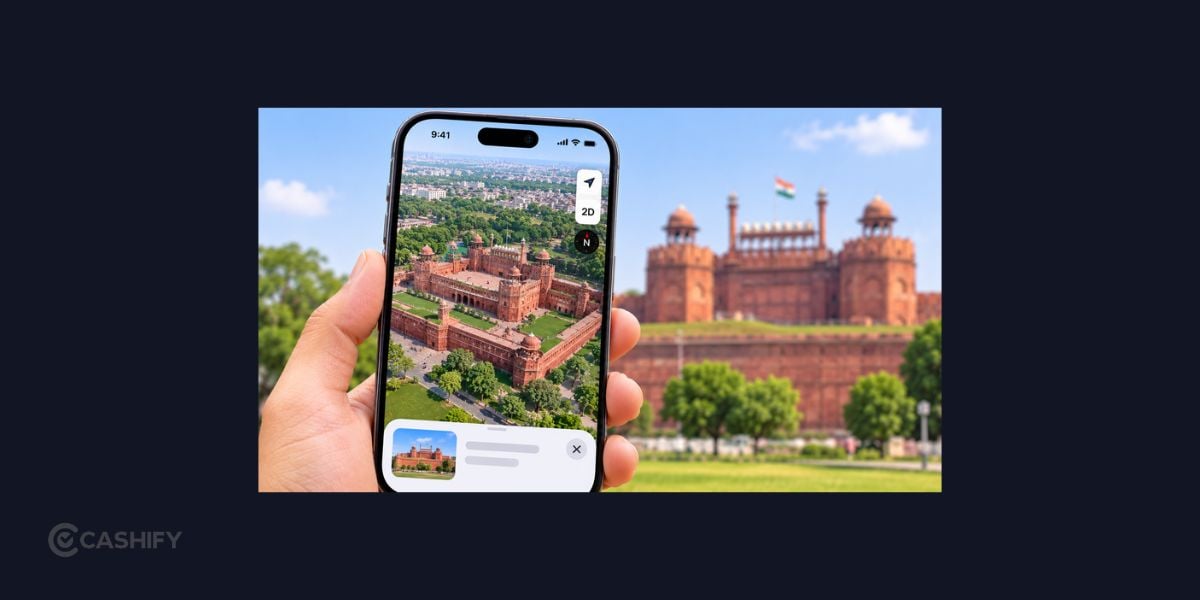
Apple is also bringing more detail to the map with over 300 3D landmarks across India.
You can view selected buildings and popular locations in three dimensions, making it easier to recognise places while exploring the map. The update includes prominent landmarks such as the Qutb Complex and Mumbai's BMC building.
It's not just about making the map look attractive. A more detailed visual representation can help you understand your surroundings and recognise important places along your journey.
5. Map Labels Now Support English And 11 Indian Languages
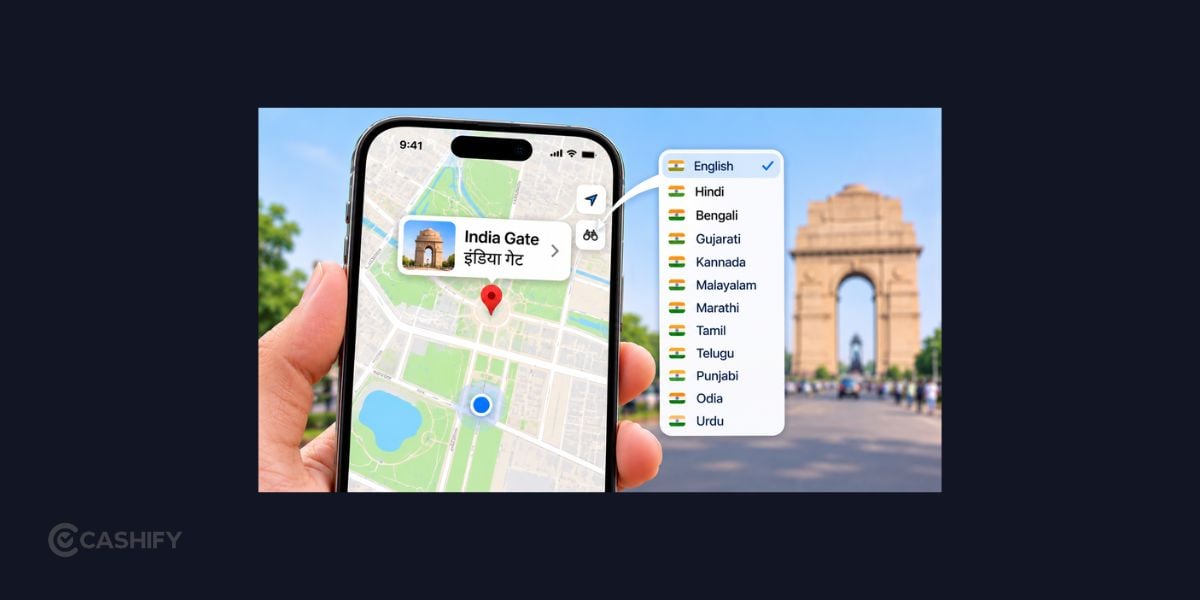
Language support is another useful addition to the new Apple Maps features.
Apple Maps now supports dual-language labels, showing place names in English alongside one of 11 Indian languages. These include Hindi, Bengali, Gujarati, Kannada, Malayalam, Marathi, Tamil, Telugu, Punjabi, Odia and Urdu.
This can make it easier to recognise local place names, particularly if you're more comfortable reading them in your preferred language.
6. Public Transport And Indian Railways Come To Apple Maps

If you mostly use public transport, this is one of the best Apple Maps features worth checking out.
Apple Maps has expanded its public transport information to eight Indian cities: Ahmedabad, Bengaluru, Chennai, Delhi, Hyderabad, Kolkata, Mumbai and Pune.
You can use the app to plan journeys using available public transport options and get relevant station and route information. Indian Railways journey planning is another important addition, helping users plan parts of their journey involving trains.
However, don't confuse journey planning with train ticket booking or a complete live train-tracking service. You'll still need dedicated railway apps for those tasks.
7. You Can Add Up To 15 Stops To A Route
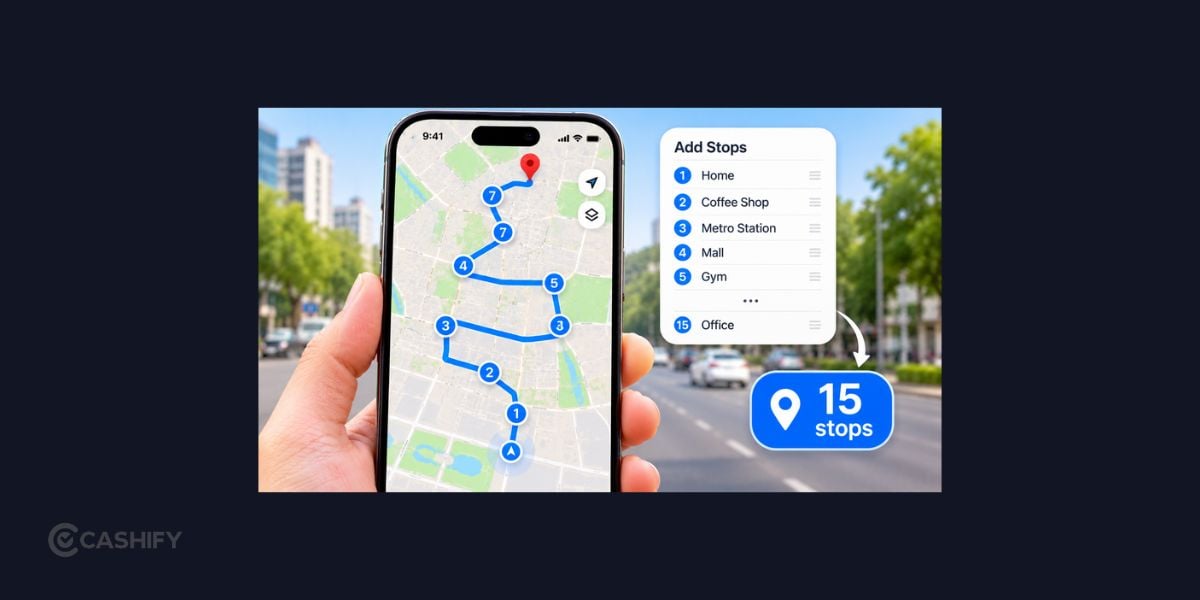
Planning a day with several stops? Apple Maps features now let you add up to 15 stops to a route.
This is useful when you're running errands, planning a road trip or visiting multiple places in one outing. You can organise your stops instead of creating a separate route for every destination.
You can also plan a route on your Mac or iPad and access it on your iPhone. Other navigation tools include lane guidance, cycling elevation details, Share ETA and options to report incidents or hazards using Siri.
Also Read: Top 5 Motorola Signature 27 Alternatives Worth Checking Out In 2026
Apple Maps Vs Google Maps: Which One Is Better In India?
With these new Apple Maps features, the gap between the two navigation apps is getting smaller. But Google Maps still has some established advantages, particularly in local discovery and everyday navigation.
Feature | Apple Maps | Google Maps |
Street-level imagery | Look Around in supported areas | Street View in supported areas |
AR walking directions | Available in supported areas | Live View in supported areas |
3D landmarks | 300+ Indian landmarks | 3D views in supported areas |
Landmark-based guidance | Supported | Available through navigation guidance |
Public transport | Eight Indian cities and railway journey planning | Wider public transport coverage |
Multiple stops | Up to 15 stops | Multiple stops supported |
Local business listings | Available, with coverage varying | Extensive listings, reviews and photos |
Traffic information | Available | Established real-time traffic information |
Where Apple Maps Has An Advantage
Apple Maps make sense if you're already using an iPhone, Apple Watch, Mac or CarPlay. Its integration across Apple's devices makes it convenient to plan a route on one device and continue navigating to another.
The interface is also clean and easy to follow. Features such as Look Around, 3D landmarks and AR walking directions make exploring unfamiliar places more visual.
Privacy is another area where Apple puts the emphasis. It uses techniques such as rotating identifiers and on-device processing to limit the personal data associated with your map activity.
Where Google Maps Still Has An Advantage
Google Maps remains a strong choice for everyday navigation in India. Its extensive business listings, user reviews, photos and location details make it useful when you're looking for a restaurant, shop, petrol pump or service nearby.
Its broader public transport coverage is another advantage. Google Maps also benefits from a large user base contributing traffic and road information, which makes it a dependable option for checking busy routes.
If you regularly explore new places or depend on local business information, Google Maps is still difficult to replace.
How To Get The New Apple Maps Features In India?
To access the latest Apple Maps features, make sure your Apple device is running a software version that supports the updates.
On your iPhone, follow these steps:
- Open Settings.
- Tap General.
- Select Software Update.
- Install an available update if your device is compatible.
- Open Apple Maps and check whether the new features are available in your location.
Keep in mind that some features depend on regional coverage and device compatibility. Updating your iPhone doesn't automatically mean every feature will be available everywhere.
So, Is Apple Maps Finally Better Than Google Maps?
Apple Maps features have made a noticeable improvement in India. Look Around, AR walking directions, 3D landmarks and Indian Railways journey planning make it much more useful than before.
But is it better than Google Maps? Not quite yet.
Google Maps still has an edge when it comes to finding local businesses, checking reviews, exploring public transport options and navigating traffic-heavy routes. Apple Maps, meanwhile, is becoming a compelling option if you prefer Apple's interface and use multiple Apple devices.
Honestly, you don't have to choose just one. Keep Google Maps for everyday searches and traffic-heavy journeys, but give Apple Maps a try when exploring a new place. With these updates, it finally has more to offer than just basic directions.
If you’ve just bought a new phone and don’t know what to do with your old phone, then here’s your answer. Sell old mobile to Cashify and get the best price for it. If you are planning to buy a new phone, check out Cashify’s refurbished mobile phones. You can get your favourite phone at almost half price with six-month warranty, 15 days refund and free delivery.