Can people hear you clearly when you speak on your Vivo T4X 5G? If your voice sounds low or people cannot hear you during calls, the microphone may be the reason. You may also face similar problems when recording voice messages or using the voice recorder. Before taking your phone for repair, you can try a few simple checks at home. Here are the common causes, fixes, and repair costs for the Vivo T4X 5G mic not working issue.
Also read: Vivo Y83 Pro Aux Jack Not Working? Repair It Fast With Cashify
Why Is Your Vivo T4X 5G Mic Not Working?
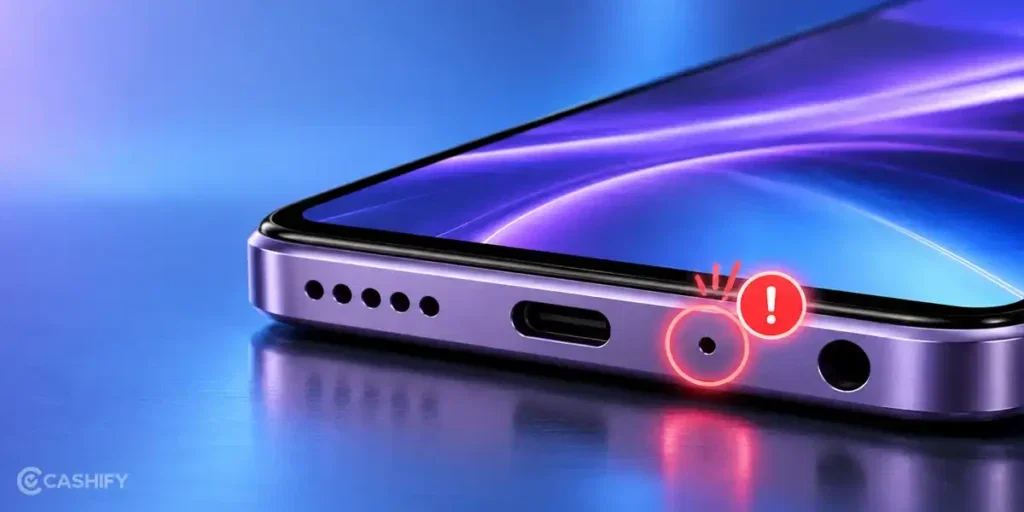
Before trying any fixes, let’s look at what may be causing the Vivo T4X 5G mic not working issue:
Dust Or Dirt In The Microphone
Dust, lint, and dirt can collect around the microphone opening over time. The blockage may prevent your voice from reaching the microphone clearly. As a result, people may hear you at a low volume or struggle to understand you during calls.
Software Glitches
A temporary software glitch can affect how your phone uses the microphone. You may notice the problem after a system update or while switching between apps. Restarting your phone may resolve a minor glitch.
App Permissions
Some apps need microphone access to record your voice or make calls. If microphone permission is disabled, the mic may not work in those apps. You might notice the issue while using WhatsApp, the voice recorder, or other calling apps.
Bluetooth Connection Issues
Your Vivo T4X 5G may remain connected to Bluetooth earphones or another audio device. In such cases, your phone may use the connected device’s microphone instead of its built-in mic. Disconnecting Bluetooth can help you check whether the connection is causing the problem.
Physical Or Water Damage
A drop, impact, or exposure to moisture can damage the microphone or its internal connection. If the mic stopped working after an accident or contact with water, the problem may require professional inspection and mobile phone repair.
Also Read: Do You Lose Data When Replacing LCD Screen?
How To Fix Vivo T4X 5G Mic Not Working At Home?
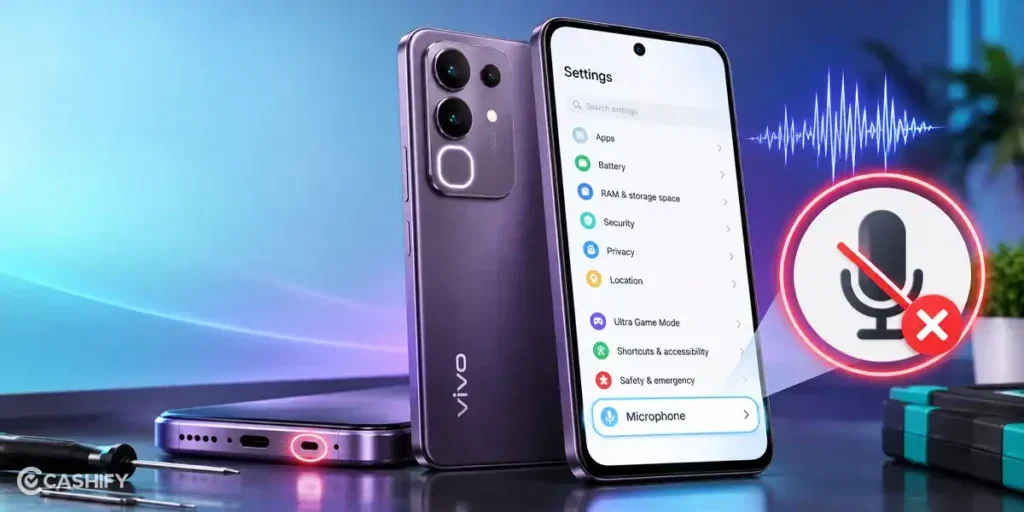
Here are some simple fixes you can try at home to solve the Vivo T4X 5G mic not working issue:
Restart Your Phone
Restart your Vivo T4X 5G and test the microphone again. Make a call or record a short voice note. Check whether your voice sounds clear.
Clean The Microphone Opening
Gently clean the microphone opening with a soft, dry brush. Avoid using liquids or sharp objects. Do not blow air directly into the opening, as it may push dirt further inside.
Check Microphone Permissions
Open Settings and find the app permissions section. Select the app you use for calls or voice recordings. Make sure microphone access is allowed.
Turn Off Bluetooth
Disable Bluetooth and make a test call. If you use wireless earphones, disconnect them first. Check whether the phone’s built-in microphone works without them.
Update The App
If the microphone fails in one app, check for an update in the Play Store. Install any available update and test the app again. You do not need to update every app if the issue occurs in only one.
Also read: How To Fix Vivo V11 Pro Screen Issues? Replace It Affordably!
When Should You Get Your Vivo T4X 5G Mic Repaired?
If you have tried all the fixes and the Vivo T4X 5G mic not working issue is still there, it may be time to get it repaired. Choosing the right mobile repair service is equally important. At Cashify, you can get your Vivo T4X 5G microphone issue fixed for just Rs. 999.
Along with affordable pricing, you also get several other benefits. Here are some reasons to choose Cashify for your phone repair.
| Cashify Service | What It Means for You |
| Doorstep Repair | Get your phone repaired at home if doorstep service is available in your area. |
| Phone Inspection | A technician checks your Vivo T4X 5G to find the microphone problem and decide what repair is needed. |
| Cost Before Repair | Know the repair cost before the technician starts the work. |
| Payment After Repair | Pay for the service after the repair is complete. |
| High Quality Compatible Parts | Cashify uses high-quality compatible parts suited to your phone |
| Visit a Service Centre | You can also visit a Cashify service centre for in-person assistance. Cashify has over 200 service centres across India. |
Use code: RPR50 to avail up to 50 percent off on a minimum spend value of Rs. 1000 (limited offer)
Also read: Pixel 6A Detected Water In USB Port? Get Your Best Fix Today!
How To Book Vivo T4X 5G Mic Repair With Cashify?
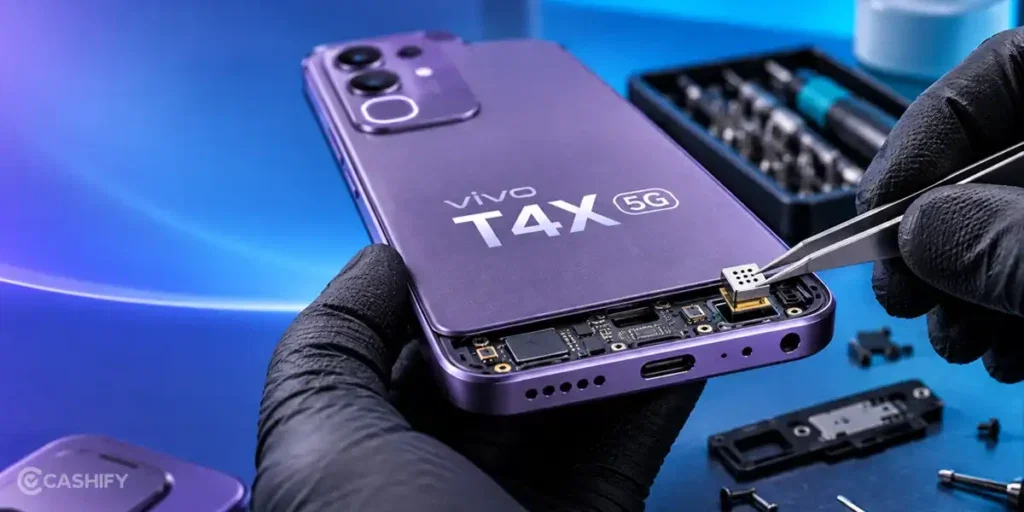
Once you have decided to get your Vivo T4X 5G mic repaired, you can book a service with Cashify by following these steps.
- Visit the Cashify website or open the app.
- Go to the Mobile Repair section.
- Select Vivo as your phone brand.
- Choose Vivo T4X 5G from the list.
- Select Mic as the repair service.
- Enter your address for doorstep service, where available.
- Choose a suitable date and time.
- Review the details and confirm your booking.
Also read: 8 Signs That Your Android Phone Motherboard Needs Repair!
Final Thoughts On Vivo T4X 5G Mic Not Working
To sum up, the Vivo T4X 5G mic not working issue can occur due to software glitches, app permissions, dirt, or physical damage. Try the basic fixes first if the problem is minor.
If the microphone still does not work, get it checked by a professional. Cashify offers microphone repair for Rs. 999, along with convenient service options and quality compatible parts.
If you have any questions about Vivo mobile repair, feel free to leave a comment below. I’ll be happy to help.
Are you still browsing through your broken screen? Don’t worry! Book at-home mobile phone screen repair with Cashify, an affordable and one-stop destination for all your mobile phone needs. In case you break your screen within 1 month of repair, we will replace your screen again for FREE.