When people decide to sell their old laptop, most of them only think about the price they want to get. What they do not think about is preparing the laptop properly before the sale, and that is exactly where most sellers make mistakes. Knowing what to do before selling an old laptop is not complicated, but skipping these steps can cost you either your data or your deal, or both. So before you look for a buyer or check the price online, make sure you have done these 3 things first.
Also Read: 5 DSLR Camera Accessories Buyers Prefer With Used Cameras
1. Delete Everything From The Laptop
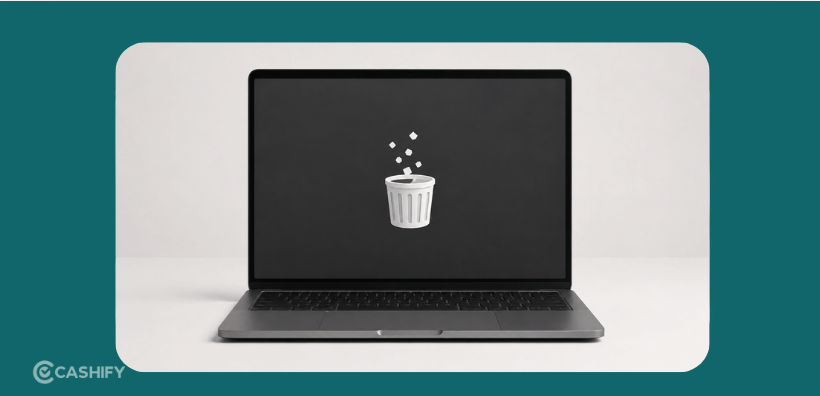
Your laptop has a lot of personal information on it, like old files, saved passwords, photos, emails, and work documents, all of it is stored there. If you just delete the files and hand the laptop over, that is not safe enough. Deleted files can often be recovered using simple tools that anyone can find online.
The right thing to do before selling an old laptop is to do a full factory reset. On Windows, you can go to Settings, then Recovery, and choose the option to remove everything. On a MacBook, you need to go into Recovery Mode, erase the disk through Disk Utility, and then reinstall macOS fresh. This takes some time, but it makes sure your personal data is completely gone before someone else gets the device.
Also Read: Gadgets That Become Difficult To Sell Without Original Bills
2. Sign Out Of All Your Accounts
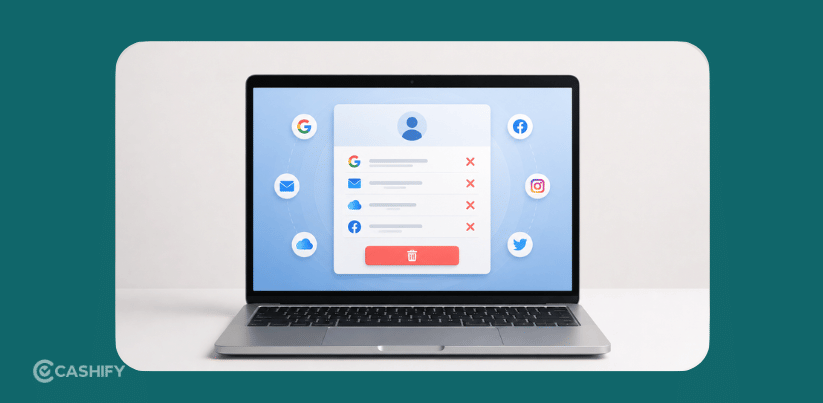
This is something most sellers forget. Even if you do a factory reset, you should sign out of your accounts before you start the reset. Your laptop is probably signed into Google, iCloud, Microsoft, and other apps. If you skip this step, some accounts can still cause problems for the next person who uses the device.
For MacBook users, this is very important. If your Apple ID is still linked to the laptop, the iCloud Activation Lock will stay on. The buyer will not be able to use it properly. When this happens, they may refuse to buy it or ask for a much lower price.
So before you reset anything, go through your accounts one by one and sign out of each one. It does not take long, and it prevents a lot of problems that come up after the sale.
Also Read: 5 DSLR Camera Models That Still Have High Buyer Demand
3. Check The Laptop’s Condition And Keep Your Documents Ready
Many sales fall apart at the last moment because the buyer finds something the seller did not mention. A scratch, a broken key, a loose hinge, these things matter. And if you are not aware of them yourself, you will not be able to price the laptop correctly either.
Before doing anything else, knowing what to do before selling an old laptop means taking a careful look at the device first. Check the screen for any spots or damage. Press every key on the keyboard and see if they all respond. Test the charging port and check the battery health from your system settings.
Once you know the real condition, price it honestly. This helps you get a fair deal without last-minute arguments with the buyer. Also, keep the original box, charger, and purchase bill ready if you have them. Laptops that come with original accessories and a bill are easier to sell and usually get a better price.
Also Read: Most Common Payment Scams In Used Electronics Deals
Where To Sell Your Old Laptop?
Once you know what to do before selling your old laptop and have taken care of all three steps, the next thing is choosing the right platform to sell it on. Cashify is India’s most trusted resale platform for laptops. It offers free doorstep pickup, AI-based price evaluation, and instant payment once the device is collected.
- Visit the official website of Cashify. You can also use the app to sell your phone.
- Go to the Sell Gadgets section> Sell Old Laptop and choose the brand.
- Now, from there, choose the model.
- On the next pages, you will be asked a few easy questions about your device’s condition.
- Then, you will have the final price for selling your laptop.
- As a next step, fill in the necessary details like Name, Address, Number, Pickup time and date, etc., and click on “Book/ Confirm Order”.
- Finally, A Cashify pickup executive will pick up the device from your doorstep, and you will be paid instantly.
Buying refurbished laptops was never this easy. Sell old laptop and get exclusive offers & discounts on refurbished devices. Every refurbished laptop is put through 32-point quality checks to ensure like-new standards and comes with a six-month warranty and 15-day refund. Buy refurbished laptops easily on no-cost EMI today!