

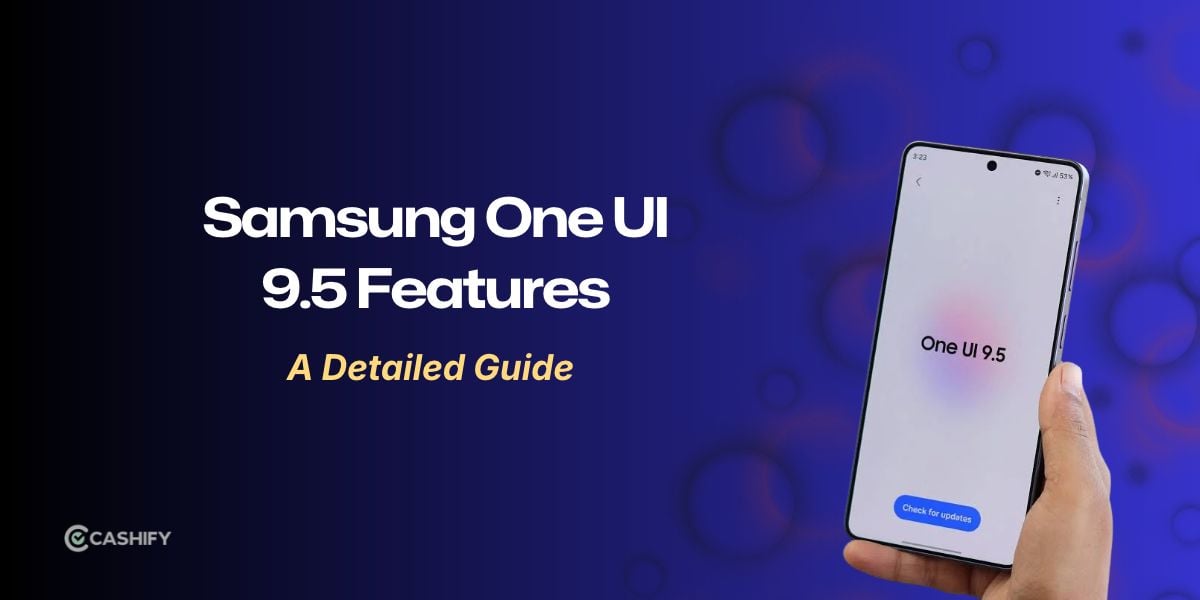
Samsung's latest One UI update brings several useful changes to its Galaxy smartphones. The new Samsung One UI 9.5 features focus on making everyday phone usage more convenient, whether you want better privacy, improved camera controls or smarter health tracking.
From native App Lock to custom camera presets and new Samsung Health tools, there is quite a bit to explore. The update also improves the lock screen, Samsung DeX and accessibility settings. So, what's new, and which Galaxy phones can get it? Let's take a closer look.
Also Read: Apple Maps Just Got A Major Upgrade In India: Finally Better Than Google Maps?
Samsung One UI 9.5 Features: What's New?
One UI 9.5 focuses more on improving existing experiences than introducing a completely different interface. Samsung has added features that make common tasks easier and give you more control over your device.
Here are the eight major Samsung One UI 9.5 features worth knowing about:
- Native App Lock for better privacy.
- Improved camera controls and Pro mode.
- Live depth effects and lock screen customisation.
- Pause Before App Launch to manage screen time.
- Improved Samsung DeX multitasking.
- New Samsung Health features.
- Better accessibility and hearing aid controls.
- Improvements to My Files, biometrics and Quick Panel.
Let's look at what these changes bring to your Galaxy phone.
1. Native App Lock Adds More Privacy To Your Galaxy Phone
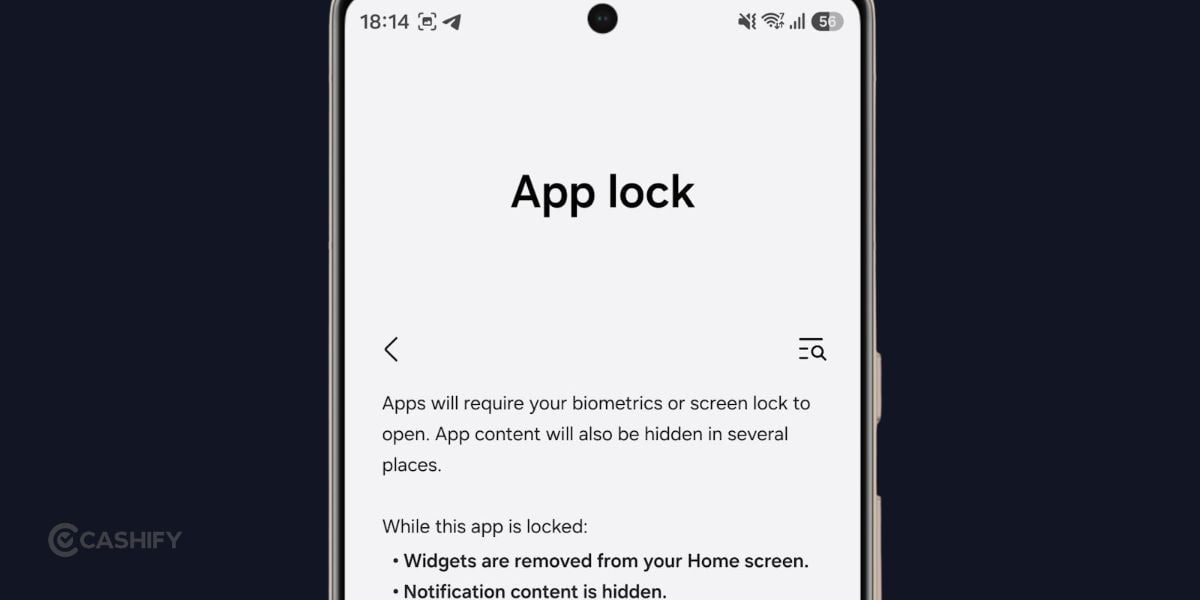
One of the most useful Samsung One UI 9.5 features is native App Lock. Until now, you may have relied on Secure Folder or third-party applications to keep certain apps private.
With the new feature, you can lock individual apps using your fingerprint, face recognition (where supported) or your phone's screen lock. This means someone borrowing your unlocked phone won't automatically get access to your private applications.
Samsung has also made sure that locked apps don't reveal their notification content or widgets. So, even if someone checks your notification panel or home screen, they won't be able to see sensitive information from those apps.
This can be particularly useful for banking apps, messaging platforms and personal galleries.
2. Camera Controls Get A More Practical Upgrade
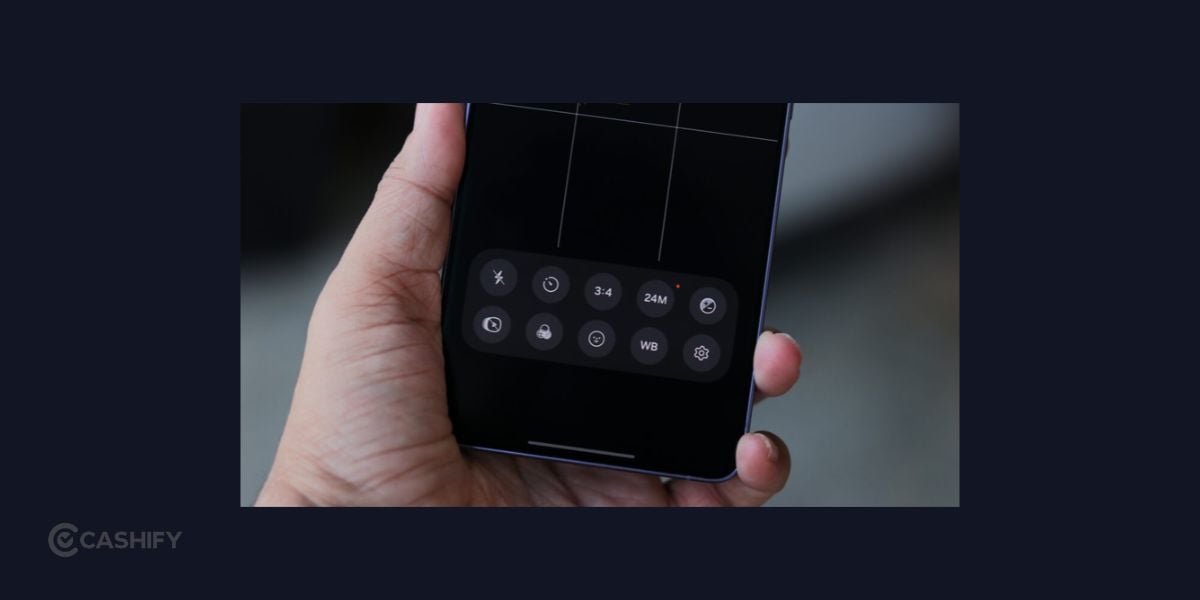
If you regularly use your Galaxy phone to take pictures, the camera improvements are worth checking out.
Samsung has redesigned parts of the camera interface to make important settings easier to access. The updated layout brings quick controls together on one screen, while an improved zoom bar makes it easier to adjust magnification without navigating through multiple menus.
The Pro and Pro Video modes also receive useful upgrades. You can create custom buttons and presets based on your shooting preferences, so you don't have to adjust the same settings every time.
Samsung One UI 9.5 features have also improved monitoring tools, including the histogram and audio meter. Another addition lets you view lens and zoom levels as focal lengths.
These changes should make photography and video recording more convenient, particularly if you prefer having manual controls. Some advanced options are limited to Galaxy models that support Pro and Pro Video modes.
Also Read: How To Add Two Accounts In PhonePe? Step-By-Step Guide
3. Lock Screen Gets Live Depth Effects And More Customisation
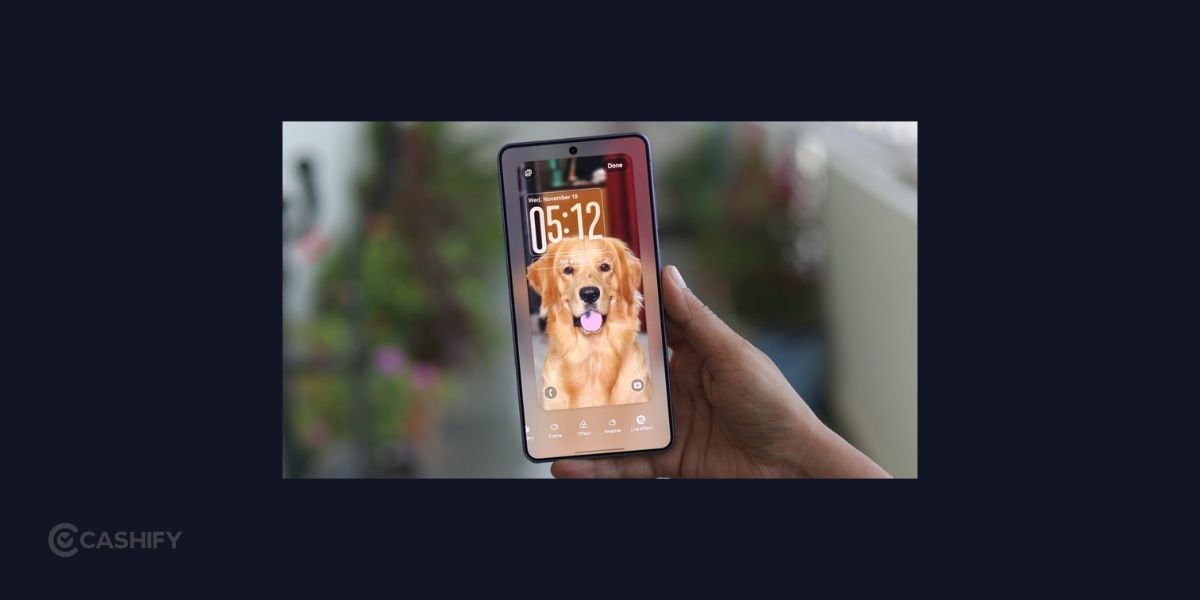
Your lock screen is one of the first things you see whenever you pick up your phone. Samsung is making it more interesting with new visual effects and customisation options.
One of the notable Samsung One UI 9.5 features is the live depth effect for supported wallpapers. It makes different elements in an image appear at different distances. When you tilt your phone, these elements shift slightly, creating a subtle three-dimensional effect.
For example, a wallpaper featuring a person standing in front of a scenic background can show movement between the foreground and background.
Samsung is also giving you more control over the lock screen clock. You can choose how long the clock with seconds remains visible, with options ranging from 10 seconds to 10 minutes.
The Now Bar is getting additional sports animations, too. These visual effects can celebrate your favourite team's goals and victories.
4. Pause Before App Launch Helps You Reduce Screen Time
Do you sometimes open Instagram or another social media app without even realising it? Samsung One UI 9.5 features include a feature that could help you become more mindful of such habits.
The new Pause Before App Launch option adds a 10-second delay before selected apps or app categories open.
Instead of immediately taking you to the application, your phone gives you a moment to reconsider whether you actually need to use it.
You can enable this for apps that tend to distract you, including social media, games or entertainment platforms.
It won't prevent you from opening these applications. Instead, it creates a small pause between your decision and the action. If you often spend more time on certain apps than planned, this can be a helpful addition.
5. Samsung DeX Gets Better Multitasking Options
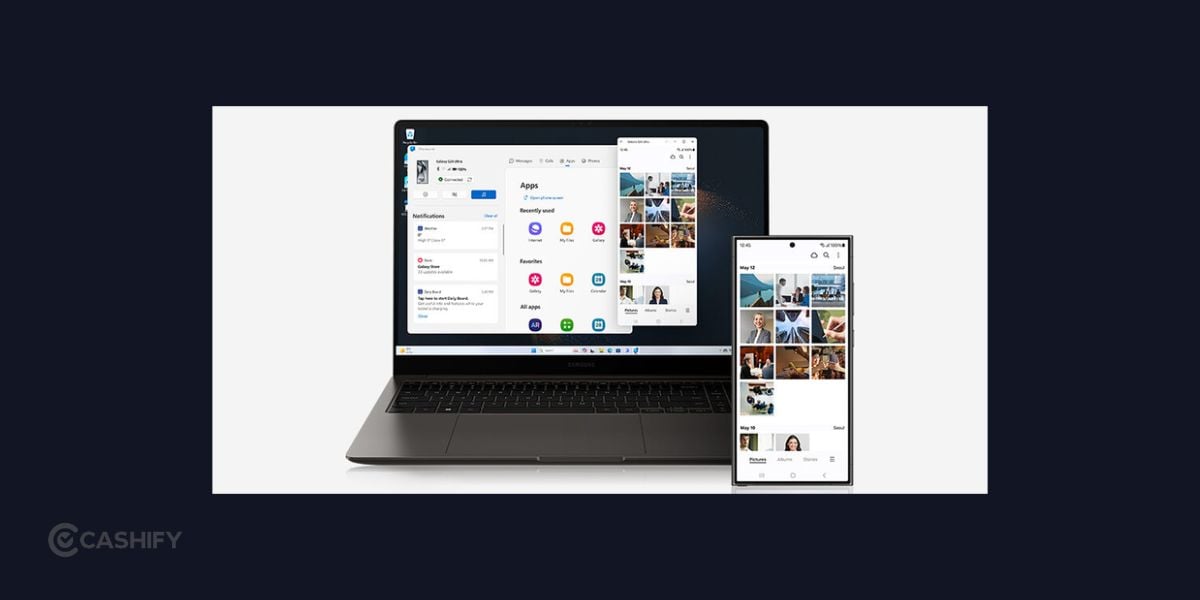
Samsung DeX turns your compatible Galaxy device into a desktop-like workspace when connected to an external display. With Samsung One UI 9.5 features, Samsung is improving the way you manage multiple applications.
You can now arrange running apps in two, three or four split-screen windows. The update also adds more window-snapping options, allowing you to position windows in all four corners of the display.
Samsung has improved the maximised window experience as well. When you maximise an app, it fills the screen more effectively, while window controls are integrated into the status bar.
These changes can make a difference if you use your Galaxy phone for work, multitasking or managing several applications at once.
6. Samsung Health Gets Mindful Notes, Medication Tracking And More
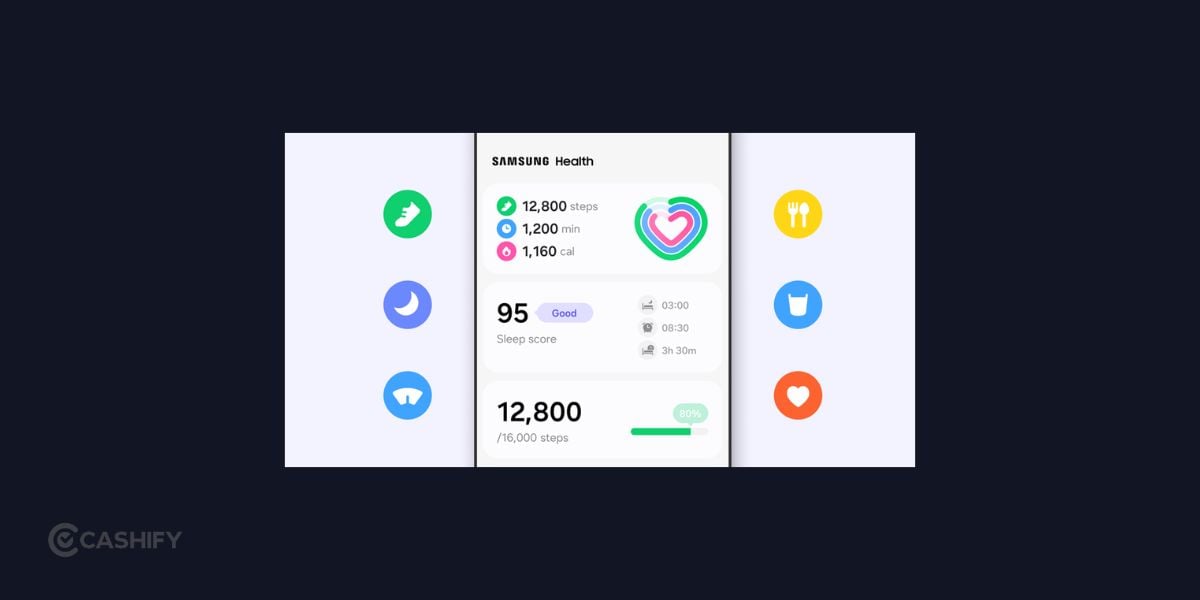
Samsung Health is receiving several useful additions, making it more than just a place to check your daily steps and activity.
One of the notable Samsung One UI 9.5 features is Mindful Note. It gives you a dedicated space to write down your thoughts and feelings. You can either write freely or use guided prompts if you aren't sure where to start. Your notes also work with Mood Check-in, helping you understand changes in your mood over time.
Samsung is also improving medication tracking. You can add prescriptions, vitamins and supplements, set reminders and keep track of your daily intake. This is useful if you regularly take medication and want a simple way to manage reminders.
Sleep coaching is becoming more flexible, too. You can now start receiving sleep coaching with just three days of sleep data from the past two weeks. Samsung Health uses this information to offer guidance based on your sleep patterns and goals.
Another addition is meal scanning. You can photograph your food before eating, and the app will provide estimated nutritional details, ingredients and calorie information. This saves you from manually searching for every food item, although the estimates may not always be exact.
Also Read: iPhone 20 Pro Leaks And Rumors: Design, Display And Other Big Changes
7. Accessibility Improvements Make Everyday Controls Easier
Samsung is also improving accessibility for people who rely on specific phone controls.
One of the Samsung One UI 9.5 features is a dedicated floating accessibility shortcut. Instead of navigating through multiple settings, you can access frequently used accessibility tools through a floating button on the screen.
Another useful improvement involves hearing aids. You can adjust the volume of connected hearing aids directly from the notification panel.
You also get more control over which phone sounds reach your hearing aids. For instance, you can choose whether notifications, ringtones and alarms should be routed to them.
These changes save you from opening separate accessibility settings whenever you want to make an adjustment.
8. Other Useful Changes In One UI 9.5
Apart from the major upgrades, Samsung has introduced a few smaller improvements across its apps and interface.
Here's what else you can expect:
- My Files: You can open DOCX and PPTX files directly in the file manager without installing a separate office application. Storage management also gets additional cleanup options.
- Biometric authentication: Fingerprint and face recognition can work together when both are registered and supported by the feature you're using. Samsung has also redesigned their registration screens.
- Quick Panel search: You can search for an app or control while editing the Quick Panel instead of scrolling through the entire list.
- Downloadable ringtones: You can download older versions of Samsung's Over the Horizon ringtone and other sounds from previous Galaxy devices.
These aren't major changes on their own, but they make the overall One UI experience more convenient.
Should You Be Excited About Samsung One UI 9.5?
The Samsung One UI 9.5 features bring several practical improvements rather than a complete redesign. App Lock is particularly useful if you share your phone with others, while the camera upgrades offer more flexibility if you enjoy photography and video recording.
The improvements to Samsung Health, DeX and accessibility also make the update more useful for everyday activities.
However, remember that this is still a beta release. Some features may change before the stable version arrives, and availability can vary depending on your Galaxy device and region. If you own a Galaxy S26 series phone, you can explore the beta through Samsung Members. For everyone else, waiting for the stable rollout is the better option.
If you’ve just bought a new phone and don’t know what to do with your old phone, then here’s your answer. Sell old mobile to Cashify and get the best price for it. If you are planning to buy a new phone, check out Cashify’s refurbished mobile phones. You can get your favourite phone at almost half price with six-month warranty, 15 days refund and free delivery.