If your Samsung Galaxy M51 is not working properly, you may be wondering if you can fix it yourself. Some problems have simple fixes. Others need a technician to replace a damaged part. Cashify offers Samsung Galaxy M51 repair at Rs. 999 for some common problems. Let’s look at which issues you can fix at home and which ones need professional repair.
Also read: Vivo Y83 Pro Aux Jack Not Working? Repair It Fast With Cashify
Common Problems With Samsung Galaxy M51
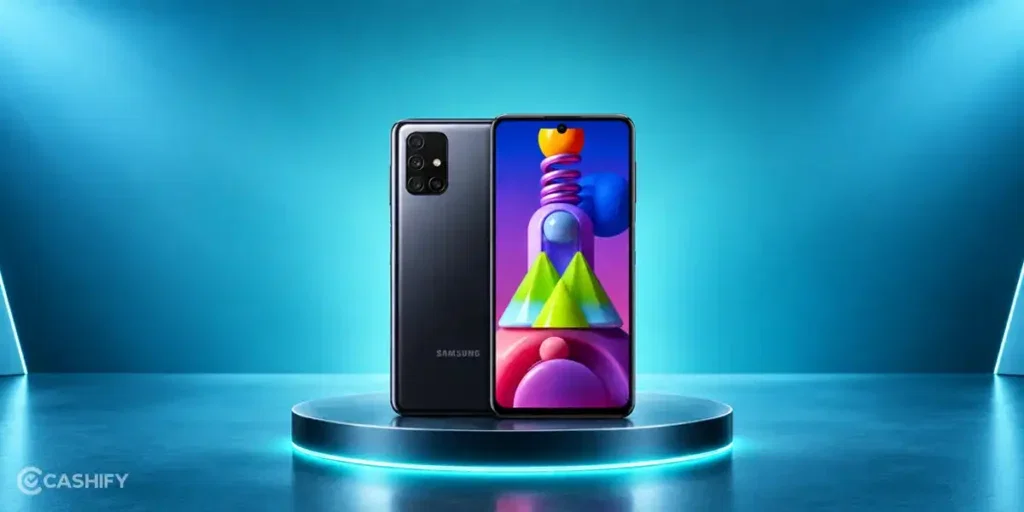
Here are some common problems you may face with the Samsung Galaxy M51 as the phone gets older:
Samsung Galaxy M51 Is Not Charging
You plug in the charger, but the phone does not charge properly. The charging may also stop after a few minutes or work only when the cable is held at a certain angle.
Samsung Galaxy M51 Speaker Is Not Working Properly
The speaker may produce low or unclear sound. You may face this while playing music, watching videos, or using the speaker during calls.
Samsung Galaxy M51 Mic Is Not Working
People may not hear you properly during calls. Your voice can also sound very low when you record a voice message.
Samsung Galaxy M51 Receiver Has Low Sound
You may find it hard to hear the other person during a call. Increasing the call volume may not make much difference.
Samsung Galaxy M51 AUX Jack Is Not Working
Your wired earphones may not work when connected to the phone. The audio may also keep cutting out while you use the AUX jack.
Also Read: Do You Lose Data When Replacing LCD Screen?
Can You Fix Samsung Galaxy M51 Problems At Home?
Sometimes, you can fix these problems yourself at home. Here are a few simple steps you can try:
Check The Charging Cable And Adapter
Try charging your Samsung Galaxy M51 with another cable and adapter. This can help you check if the charger is causing the problem.
Clean The Charging Port
Check the charging port for dust or dirt. If you see anything inside, clean it gently with a soft, dry brush.
Restart Your Samsung Galaxy M51
Restart the phone and check if the problem is still there. A restart can fix some temporary issues with charging, sound, or other phone functions.
Check The Volume Settings
Turn up the media and call volume on your phone. Play a video or make a call to check if the sound has improved.
Test The Mic With A Voice Recording
Open the voice recorder and record a short clip. Play it back to check if your voice sounds clear.
Try Another Pair Of Wired Earphones
Connect another pair of wired earphones to the AUX jack. If the new pair works properly, the problem may be with your earphones rather than the phone.
Also read: How To Fix Vivo V11 Pro Screen Issues? Replace It Affordably!
When Should You Get Samsung Galaxy M51 Repaired By A Professional?
If the basic fixes don’t solve the problem, you may need a professional repair. Let’s look at when you should get your phone checked:
The Phone Still Won’t Charge
If your Samsung Galaxy M51 still does not charge after trying another cable and adapter, the charging port may need to be checked by a technician.
The Speaker Still Sounds Low
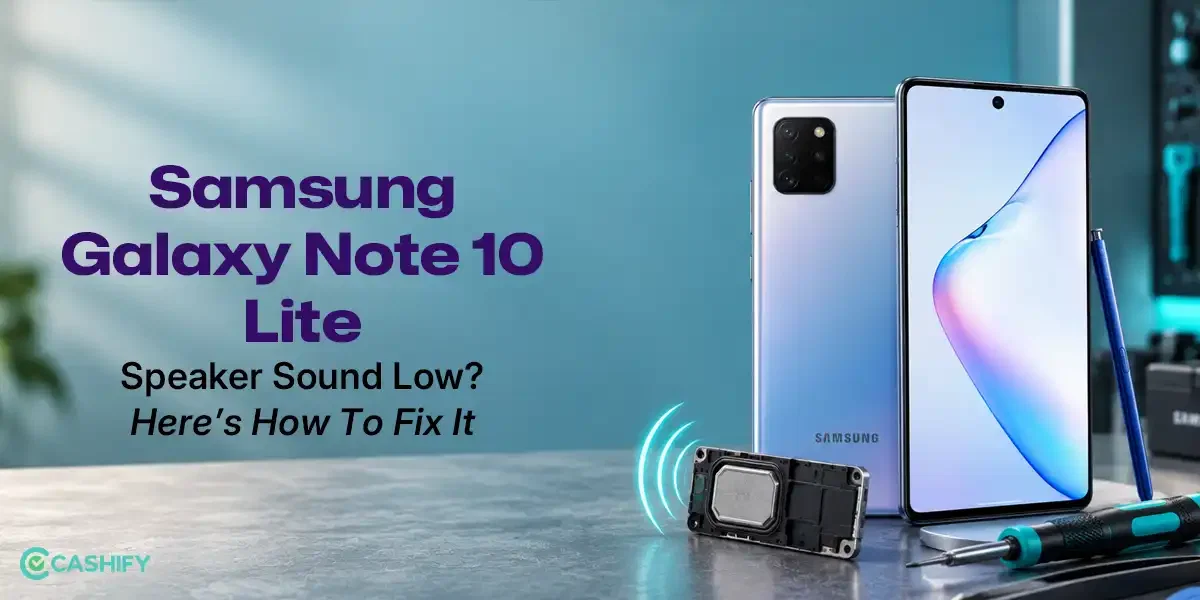
If the speaker remains quiet after checking the volume settings, there could be a problem with the speaker. A technician can check the part and repair it if needed.
Your Voice Is Not Clear On Calls
If people still cannot hear you properly after testing the mic, the microphone may need to be repaired or replaced.
You Cannot Hear The Other Person Clearly
If the call sound remains low even after increasing the volume, the receiver may need to be checked by a technician.
Wired Earphones Still Do Not Work
If another pair of earphones also fails to work, the AUX jack could be the problem. In this case, you can get the phone checked by a professional.
Also read: Pixel 6A Detected Water In USB Port? Get Your Best Fix Today!
Why Choose Cashify For Samsung Galaxy M51 Repair?
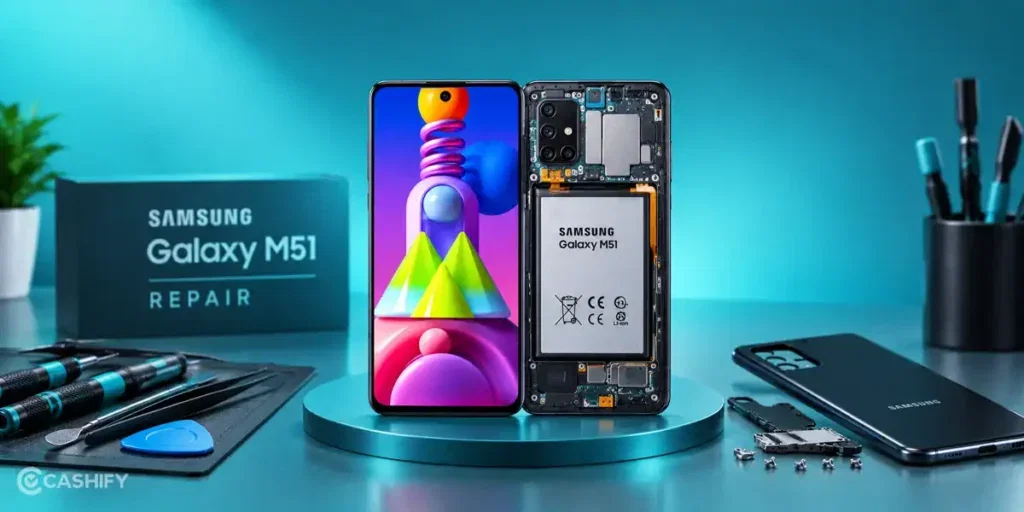
Choosing the right repair service is important when your phone needs a part repaired or replaced. Cashify offers Samsung Galaxy M51 repair at Rs. 999 for the following parts:
- Receiver
- Charging Jack
- Mic
- AUX Jack
- Speaker
You also get other benefits with Cashify mobile repair services. Here are some of them:
Easy Online Booking
You can book your Samsung Galaxy M51 repair through the Cashify website or app and choose a time that works for you.
Doorstep Repair Service
If doorstep service is available in your area, a technician can visit your home or office. You don’t have to visit a store, and you pay after the phone repair is completed.
200+ Service Centres
Cashify has 200+ service centres across India. You can visit a centre if you prefer to get your phone repaired in person.
Know The Repair Cost Beforehand
You get the mobile phone repair estimate before the work begins, so you know the cost upfront. You only pay after the repair is completed.
Quality Compatible Parts
Cashify uses high-quality compatible parts for repairs. These parts are used to restore the affected function of your Samsung Galaxy M51.
Use code:
- TECH25 to avail a discount of up to Rs. 300 (on the minimum order value of Rs. 2499).
- RPR50 to avail up to 50 percent off on a minimum spend value of Rs. 1000 (limited offer).
Also read: 8 Signs That Your Android Phone Motherboard Needs Repair!
Final Thoughts On Samsung Galaxy M51 Repair
To sum up, some Samsung Galaxy M51 problems can be fixed at home with a few simple checks. If the problem continues, it may be time to get the phone checked by a professional.
Cashify offers Samsung Galaxy M51 repair at Rs. 999 for services such as receiver, charging jack, mic, AUX jack, and speaker repair. You also get doorstep service, 200+ service centres, clear repair estimates, and payment after the repair.
If you still have any questions about Samsung mobile repair, feel free to leave a comment below. I’ll be happy to help.
If you’ve just bought a new phone and don’t know what to do with your old phone, then here’s your answer. Sell old mobile to Cashify and get the best price for it. If you are planning to buy a new phone, check out Cashify’s refurbished mobile phones. You can get your favourite phone at almost half price with six-month warranty, 15 days refund and free delivery.