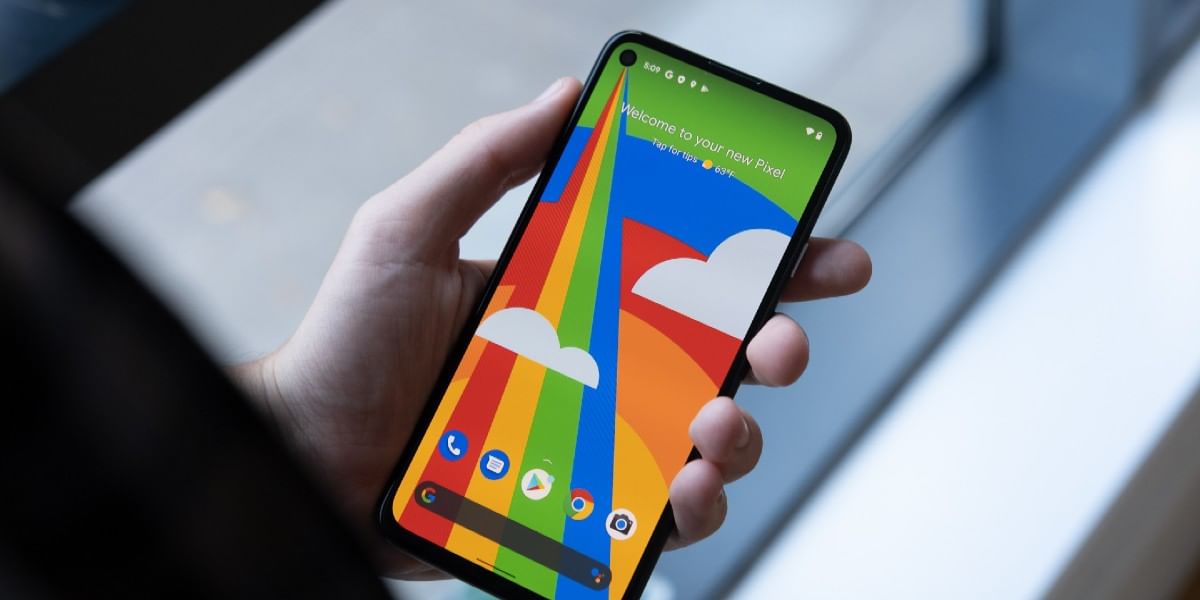
Google Pixel 4a 5G users on Android 11 are reporting touchscreen issues following the December update. However, the latest update has reportedly failed to resolve the issue. According to several reports, it is having touch reliability issues following last month’s update. The taps are not registering. In addition, those that use 3-button navigation are particularly affected.
Also Read: Best Smartphones To Play Call Of Duty Mobile
The users are reporting the issue of Pixel 4a 5G is on the company’s forum or support page. Google has responded on December 24, 2020, saying that the company is aware of the issue. It promised a fix in the upcoming software update. Additionally, it also suggested ways to improve the responsiveness of the device.
How to fix the issue on Pixel 4a 5G?
It was first reported by Android Police. It now confirms that the January patch does not include a fix for it. Users on the support page have also said the same. Google Pixel 4A 5G January update, however, does include some other bug fixes, including a fix for a speaker noise that occurred in certain scenarios.
Also Read: Oppo Reno 5 Pro 5G Specs, Price in India, Launch Offers Leak
However, the January update did not bring a fix for the touchscreen issue on 4a 5G. So, we can expect it to happen in February. On the other hand, Google suggests some tricks to make it easier in the meantime. Pixel 4a 5G users can try tapping the center of the button or the side of the button/ icon furthest away from the edge of the display while tapping on icons on the edge of the screen.
Moreover, users can also try using the tip of their finger or thumb while tapping icons. It is also including the navigation buttons at the bottom of the screen. Google said that this could improve touch recognition.
Also Read: HTC Desire 21 Pro 5G Launched: Price, Specifications
On the other hand, the community forum also includes suggestions from other Google Pixel 4a 5G users, including reverting back to the November software. In addition, the other popular solution is to switch to gesture navigation.
Marketer to the core, a writer from the soul. Engineer and an MBA turned budding tech writer - dabbling her hands in all genres of writing from tech to fiction. If not writing, you will always find me reading anything and everything. Otherwise, you will find me learning new languages.