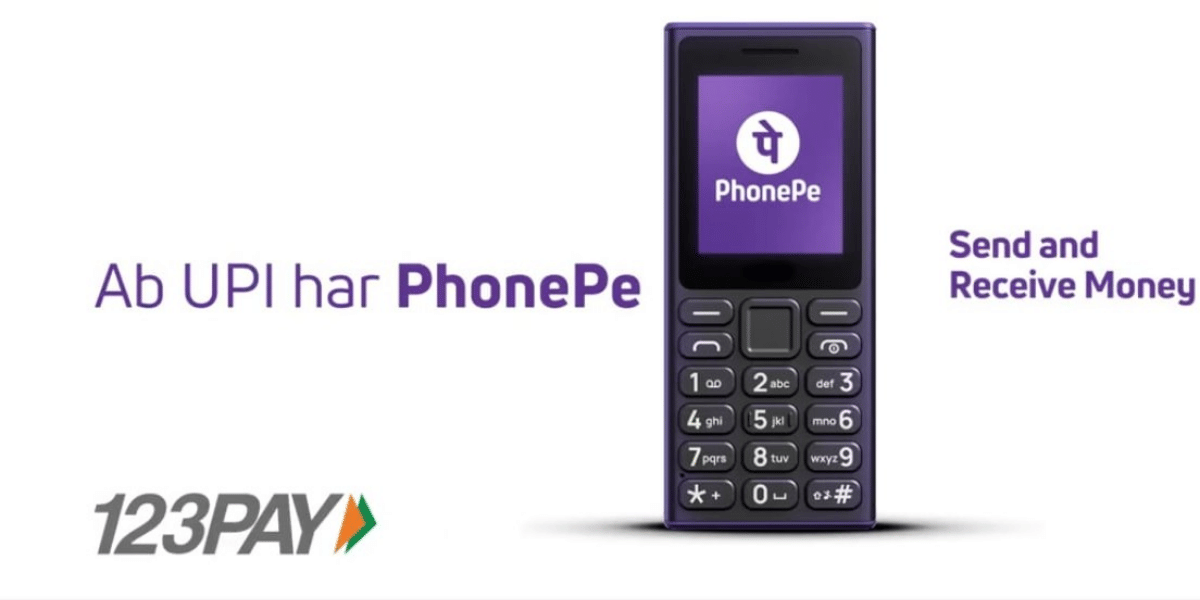
PhonePe has launched a new way for feature phone users in India to make UPI payments without needing a smartphone or an active internet connection. Called PhonePe UPI 123Pay, the service brings essential UPI features to select keypad phones and is designed to work even in areas with limited 2G connectivity.
The service is initially available on select feature phones from Nokia, HMD, Lava International and Itel Mobile, with PhonePe saying more handset makers will be added in the coming months. The company says the service is aimed at India's more than 200 million feature phone users.
These Nokia and HMD Phones Support PhonePe UPI 123Pay
HMD India has confirmed PhonePe UPI 123Pay support on several Nokia and HMD feature phones. The confirmed models include:
- HMD 105 2G
- HMD 110 2G
- Nokia 105 Classic
- Nokia 105 Single SIM
- Nokia 105 Dual SIM
- Nokia 106
- Nokia 123 Shield
On these compatible devices, users can send and receive money using a mobile number or UPI ID. Camera-equipped models can also scan QR codes and make payments. Users can check their bank balance and transaction history as well.
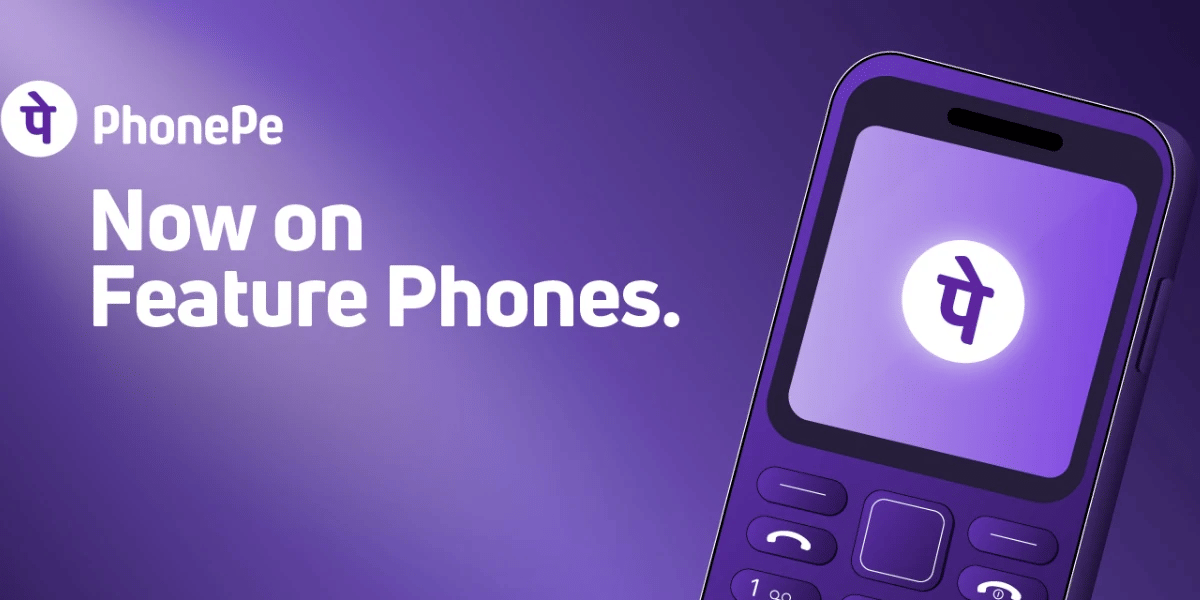
PhonePe has confirmed that the service will also come pre-bundled on select Lava and Itel feature phones. However, the company has not published a complete model-by-model list for these brands yet. More devices are expected to receive support as PhonePe expands the service.
Also Read : Why Is My Phone Camera Blurry And Not Focusing: Know The Answer Here
How PhonePe UPI Works Without Internet
PhonePe UPI 123Pay uses an SMS-based technology architecture, allowing transactions to work even in locations where users have limited 2G connectivity. This means users do not need mobile data or Wi-Fi to make supported UPI transactions.
Setting up the service is also straightforward. The PhonePe app comes pre-installed on supported feature phones. Users need to open the app, accept the terms and conditions, select their bank and enter the last six digits of their debit card and its expiry date. They can then set their UPI PIN, after which their UPI ID becomes active.
To make a payment, users can choose options such as Mobile Number or Pay to UPI ID. They can enter the recipient's details, enter the amount and authorise the payment with their UPI PIN. On feature phones with cameras, PhonePe also supports Scan & Pay using QR codes.
PhonePe has also introduced an AI-powered voice helpline to help first-time users activate and understand the service. The assistant supports English and 12 Indian languages. The company plans to add features such as bill payments, mobile recharges and Aadhaar-based UPI onboarding in future updates.
For now, users should check whether their particular feature phone is supported before expecting PhonePe UPI 123Pay to work. The service is being expanded gradually, so the list of compatible phones is expected to grow.
If you’ve just bought a new phone and don’t know what to do with your old phone, then here’s your answer. Sell old mobile to Cashify and get the best price for it. If you are planning to buy a new phone, check out Cashify’s refurbished mobile phones. You can get your favourite phone at almost half price with six-month warranty, 15 days refund and free delivery.