Oppo is now rolling out a big new software update for its Find X8 smartphone. The Oppo Find X8 Gets July 2025 OS Update, which is based on ColorOS 15, brings a host of new AI tools, camera upgrades, and useful system improvements.
The update is 1.01 GB in size and includes the latest Android security patch to keep your phone safe.
Oppo Find X8 Gets July 2025 OS Update: Smarter Camera and Photo Tools
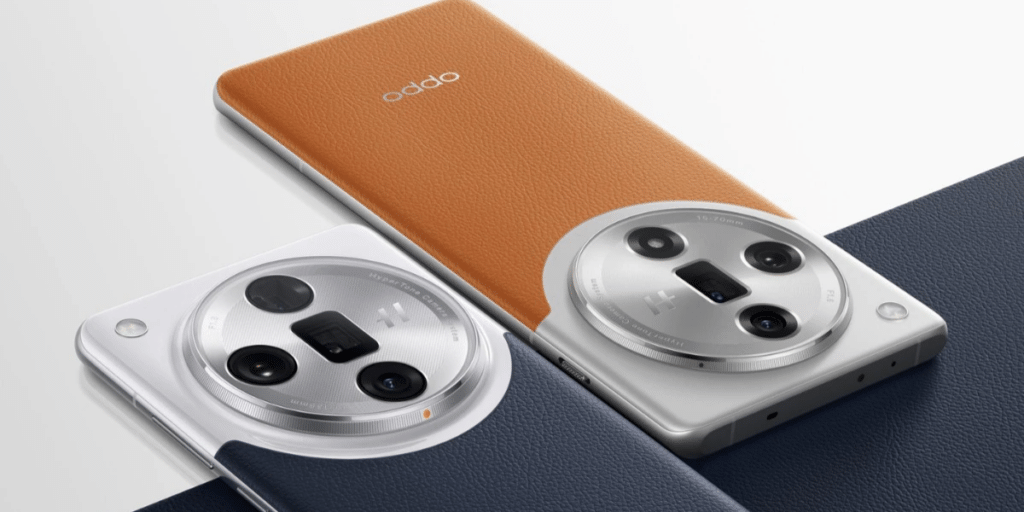
The biggest changes in Oppo Find X8 OS Update come to the camera and Photos app, which get powerful new AI features. The camera gets a new “soft light filter” that you can use in both Photo and Portrait modes. This filter helps you take more dreamy and visually beautiful pictures.
The Photos app gets even smarter. A new “AI Group Photo Composer” lets you add people into your group shots. Another cool AI tool can fix a bad expression in a photo by swapping it with a better one from another picture of the same person. You can also now hide certain photo albums from your main list for better privacy and organization.
Also Read: Best Camera Settings For Oppo Reno14: Tips & Tricks Inside
Useful System And App Improvements
Oppo Find X8 OS Update is packed with small but very useful changes that make the phone easier to use every day. These improvements affect system-wide settings and common apps like the Clock and Recorder.
Here are the key improvements you will find:
- Gentler Alarms: The Clock app now has a gradual alarm volume that starts quiet and gets louder.
- Better Organization: The Recorder app lets you create custom groups for your recordings.
- More Font Choices: You can now use OPPO Sans and One Sans fonts in more languages.
- Stacked Widgets: You can now stack widgets of the same size on top of each other to save space on your home screen.
- Block Notifications: A new option in Oppo Find X8 OS Update lets you temporarily block annoying notifications while you are gaming or watching videos.
- Quick Restart: A new Restart button has been added to the Quick Settings menu for faster reboots.
- Save Your Ideas: A new “Save to Mind Space” feature lets you save screen content as memories, which are then automatically summarized for you.
Are you still browsing through your broken screen? Don’t worry! Book at-home mobile phone screen repair with Cashify—an affordable and one-stop destination for all your mobile phone needs. In case you break your screen within 1 month of repair, we will replace your screen again—for FREE.