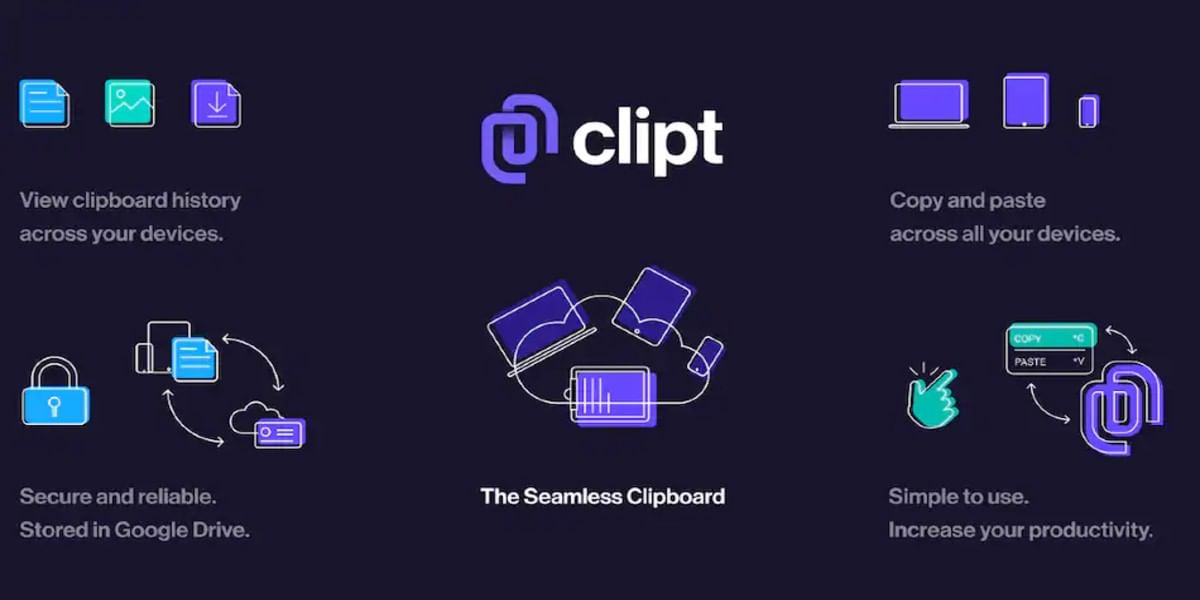
OnePlus launched a new app – OnePlus Clipt – for the safe and secure transfer of files, images, and texts across devices. It is a new application from the OneLabs team. In addition, it comes in as an effort to experiment more within the company. This app will enable clipboard-like functionality across multiple devices. Moreover, it allows you to send text, images, and files between your phones, tablets, and laptops.
Also Read: Moto Razr Price Reduced By Rs 20,000 In India
With the OnePlus Clipt app, users can copy text from their phone and paste it onto their computer seamlessly. They no longer have to look for a workaround to send text from their mobile to their laptop. Additionally, it also uses your Google Drive account to transfer text, images, and files across devices. Although, one has to make sure you log in with the same Google account on their devices.
As of now, the OnePlus Clipt is available as an app on Android devices on Google Play Store. However, it comes as a chrome extension for Windows and Mac users. Although, the brand says it will launch an iOS version soon. This app and chrome extension creates a link between your devices to seamlessly connect your clipboard.
Also Read: OnePlus Phones Will Get a Theme Store With The Android 12 Update
“Once installed you can copy on one device and paste on another. Or use OnePlus Clipt to send files back and forth easily, connected to as many devices as you’d like”.
the company states.
This sharing app looks to eliminate the need to email yourself an image or message yourself on a chat app just to get something from one device to another. In addition, you will not have to worry about the 25MB limit with the OnePlus Clipt. You will be able to send large files across devices.
Also Read: Xiaomi J18s Foldable Phone’s Camera Specifications Tipped in New Leak
Furthermore, OnePlus also stresses its privacy and security with data. The company only identifies the data to tell the other devices so it’s safe and secure. The Clipt app also asks for access to read and write Google storage, but Clipt can only download the files it creates and it’s siloed. “In the app or extension we keep the last 10 items available to you, but after that it auto deletes so it won’t fill up your storage”.

Living and breathing technology. From unboxing to reviews, I strive to be your one stop buying guide to purchase the tech product that's best suited for you.