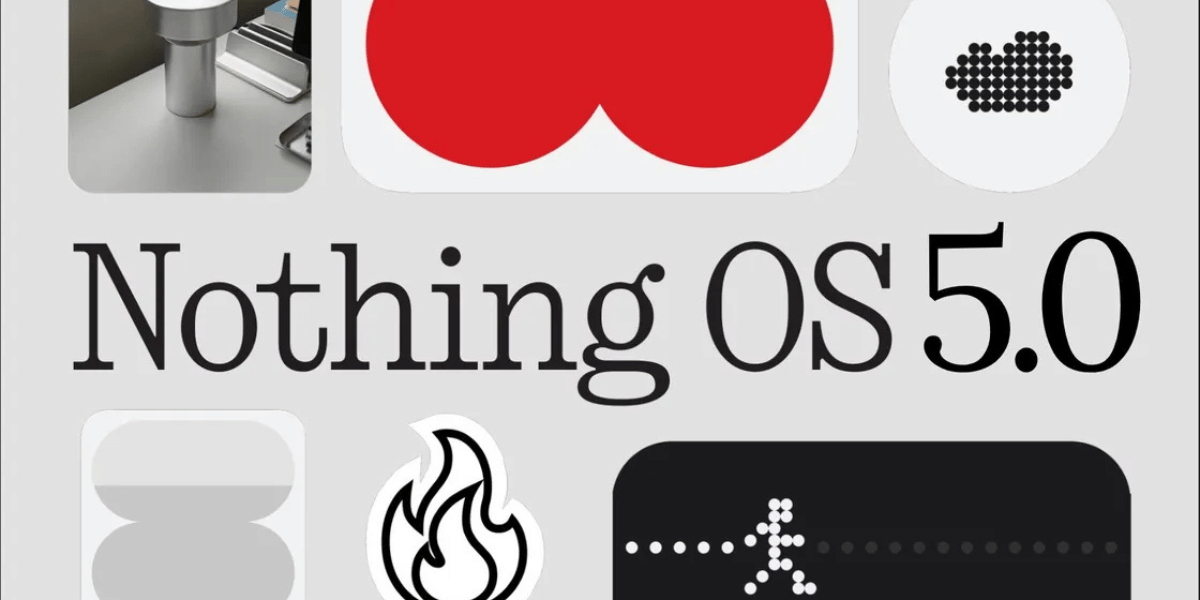
The Nothing OS 5 beta program is expanding to two more smartphones, giving Nothing Phone (2a) and Nothing Phone (2a) Plus users an early chance to try the company’s latest software based on Android 17. Nothing initially introduced the beta for the Nothing Phone (3) in late August 2026. With the Phone (3) now receiving the stable update, the company is extending beta access to more devices. The new software brings a refreshed interface, redesigned system menus and several useful features.
Nothing OS 5 Beta: Eligible Phones And New Features
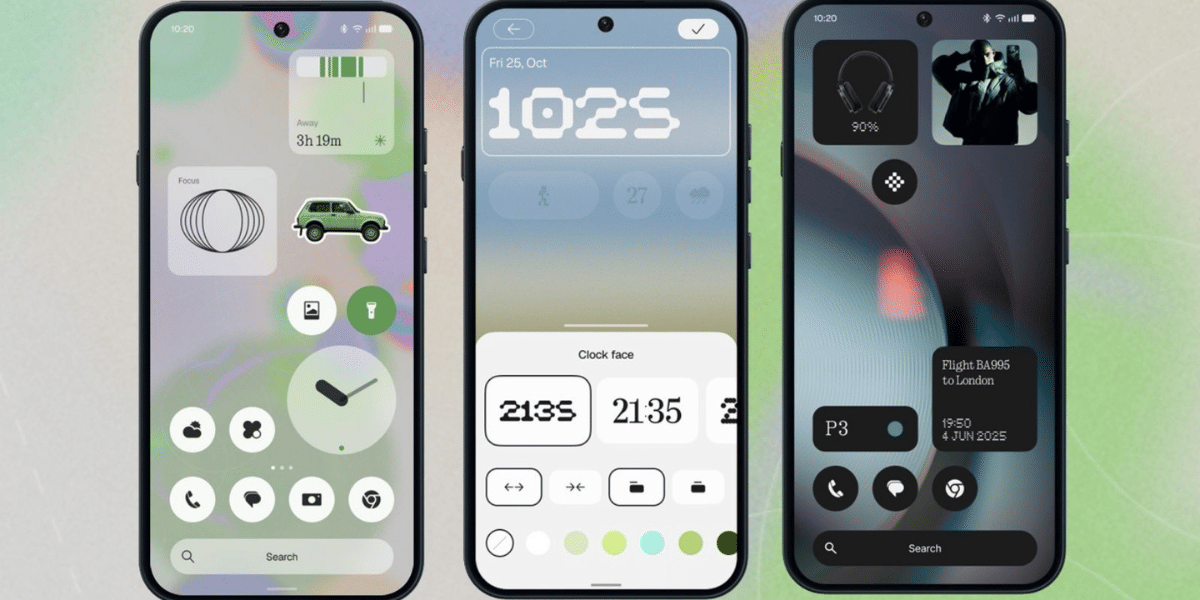
Nothing OS 5.0 introduces several visual changes and improvements designed to make the user experience more convenient. Here are the major highlights:
- New system font: Refreshes the software’s overall appearance.
- Redesigned Settings menu: Offers an updated interface for system options.
- New home screen theme: Changes the default home screen appearance.
- Updated lock screen: Adds new clock face designs.
- Dedicated Glyph app: Provides a separate space for Glyph related features.
- Separate Quick Settings and notifications: Makes these controls easier to access independently.
- Live status bar updates: Adds live information to the status bar.
- Essential Space improvements: Introduces MCP support for expanded functionality.
Also Read: Nothing Phone 4a Deal: Get The Phone At Rs 36,999, Nothing Phone 4b Starts At Rs 28,499
Users who want to try the Nothing OS 5 beta must download and install the latest Nothing Beta Hub app from Nothing’s official website. They can then follow these steps:
- Open Settings on their phone.
- Go to System and select Nothing Beta Hub.
- Tap Check version.
- Select Join Beta and wait for the over the air update.
Since this is unfinished software, users should back up their important data before installing it. Returning to the stable version through Request Rollback will erase the phone’s data.
Stable Update Rollout Timeline
Nothing has also outlined its expected software rollout schedule for other devices.
- Nothing Phone (2a) and Nothing Phone (2a) Plus: Stable update expected in mid November.
- Nothing Phone (4b): Open beta expected in mid December.
- Nothing Phone (3a) Lite: Stable release expected in late December.
- CMF Phone 2 Pro: Stable release expected in mid January.
However, the Nothing Phone (1), Phone (2) and CMF Phone 1 will not receive Nothing OS 5.0 because they have reached the end of major software support.
The expanded beta gives eligible users an early look at Nothing’s Android 17 based software. Users who prefer a more reliable experience can wait for the stable release.
Are you still browsing through your broken screen? Don’t worry! Book at-home mobile phone screen repair with Cashify—an affordable and one-stop destination for all your mobile phone needs. In case you break your screen within 1 month of repair, we will replace your screen again—for FREE.