Nothing has started rolling out the Nothing OS 5.0 Stable Update, based on Android 17, to four more smartphones. The update is now reaching the Nothing Phone (4a), Nothing Phone (4a) Pro, Nothing Phone (3a) and Nothing Phone (3a) Pro. The rollout began on October 30, 2026, ahead of the early November schedule mentioned in the company's roadmap.
The latest update brings several changes to the user interface, notification panel, home screen, privacy features and camera experience. Nothing Phone (3) users received the stable update earlier, on October 12.
Nothing OS 5.0 Stable Update: Eligible Phones And New Features

Nothing is distributing the update in phases, so it may take some time to reach all users. Here are the software builds for the four eligible smartphones:
- Nothing Phone (3a): C5.0-261023-2146
- Nothing Phone (3a) Pro: C5.0-261023-2146
- Nothing Phone (4a): C5.0-261023-2145
- Nothing Phone (4a) Pro: C5.0-261021-1625
The Nothing OS 5.0 update introduces several useful features, including:
Also Read: Nothing Phone 5a Leaks Hint At Powerful Cameras, Qi2 Charging, Affordable Price
- Split Quick Settings: Separates notifications and Quick Settings into different panels.
- Privacy Indicator: Displays a three-colour status bar indicator for sensitive access, location and AI processing.
- Expanded Dark Theme: Forces dark mode on apps that do not offer native dark mode.
- Translucent Theme: Adds a transparent look to the launcher.
- Enhanced HDR Brightness: Introduces a new brightness slider.
- Bluetooth Controls: Allows users to connect and disconnect Bluetooth devices with one tap.
- New Widgets: Adds Collector, Away Time and Glyph Timer widgets.
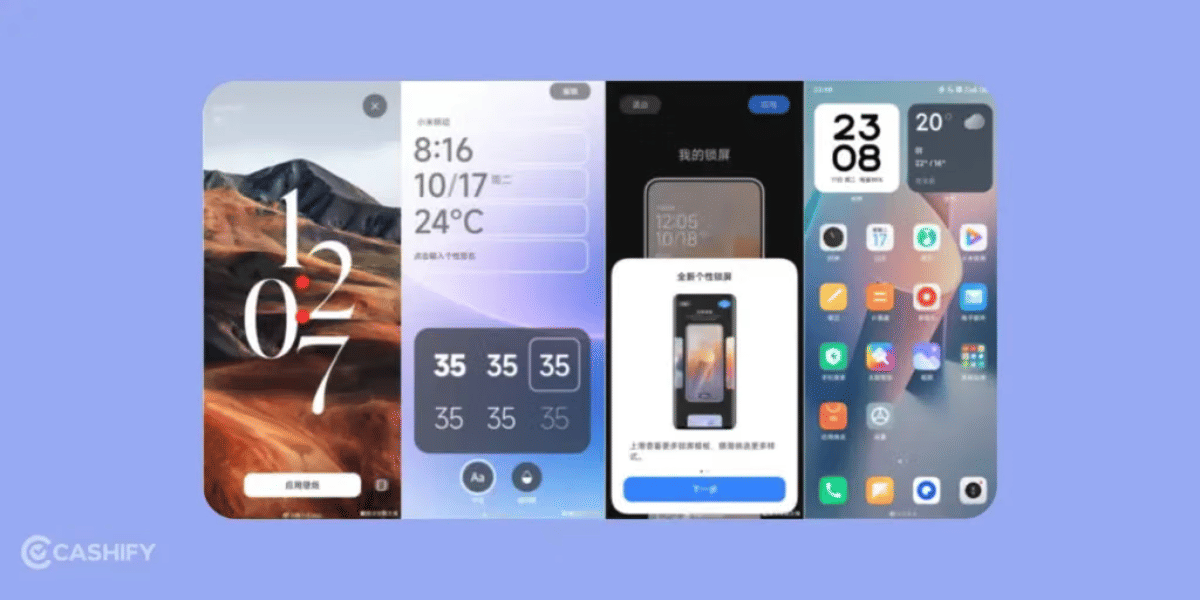
- Lock Screen: Includes new clock faces and clock colour options.
Users can also arrange multiple home screen icons together and access the Glyph app directly from the app drawer.
Camera Improvements And How To Download
The camera experience also receives improvements. All four smartphones get a refreshed camera interface and Dual-view Video, which allows users to record videos using both front and rear cameras simultaneously.
However, some features differ between the two smartphone series. The Phone (3a) and Phone (3a) Pro receive Tuning with seven adjustable effects, upgraded Presets and additional video filters. Meanwhile, the Phone (4a) and Phone (4a) Pro get faster Essential Voice transcriptions with reduced latency.
To check for the update, users can follow these steps:
Settings > System > System Updates > Check for Updates
Nothing recommends backing up photos, contacts and call logs before installation. The smartphone may also become warm and consume more battery during the update process.
Meanwhile, the Nothing Phone (2a) and Nothing Phone (2a) Plus are expected to receive Nothing OS 5.0 in mid-November. The Nothing Phone (3a) Lite is scheduled for December, while the Nothing Phone (4b) and CMF Phone 2 Pro are expected to receive it in mid-January.
Comparison With Nothing OS 4
Features | Nothing OS 4.0 | Nothing OS 5.0 |
|---|---|---|
Android Version | Android 16 | Android 17 |
User Interface | Refined minimalist design | New Translucent theme |
Font | Existing system font | New Geist typeface |
Quick Settings | Traditional panel with 2×2 tiles | Separate Notifications and Quick Settings |
Widgets | Weather, Pedometer, Screen Time | Collector, Away Time, Glyph Timer |
Privacy | AI activity indicators | Enhanced three colour privacy indicators |
Dark Mode | Extra Dark Mode | Expanded Dark Theme |
Lock Screen | New clock faces | More clock styles and colour options |
Camera | Refined camera experience | Dual-view Video and camera improvements |
Are you still browsing through your broken screen? Don’t worry! Book at-home mobile phone screen repair with Cashify—an affordable and one-stop destination for all your mobile phone needs. In case you break your screen within 1 month of repair, we will replace your screen again—for FREE.