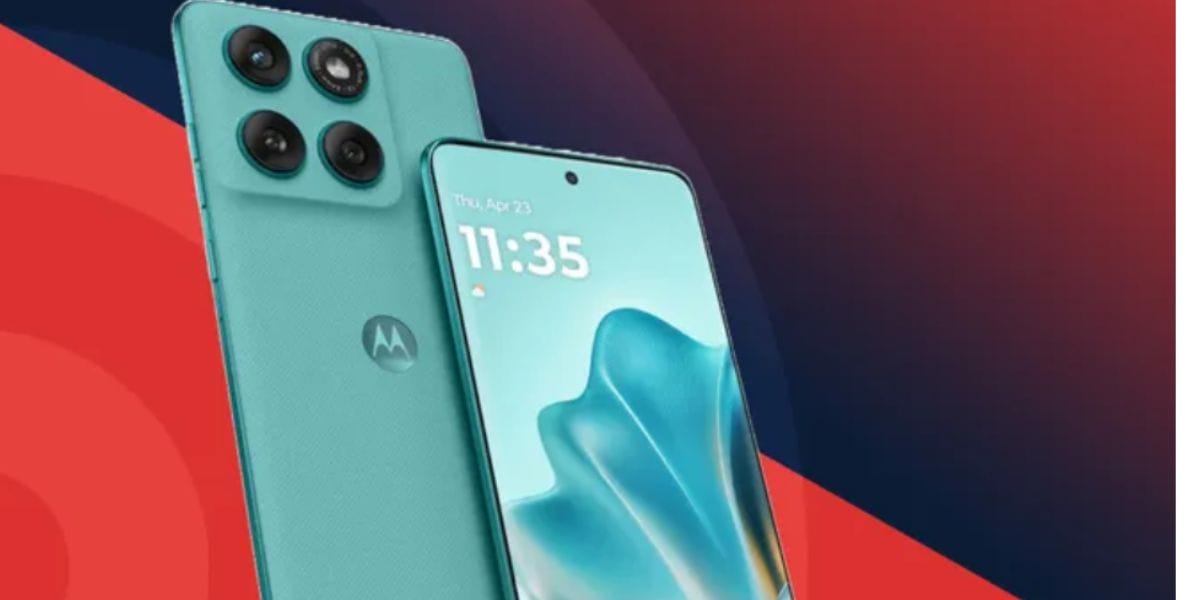
Motorola is trending all over the internet as Hello UI is here with the Android 17 Beta version for Motorola phones with some special nuances and minimal changes, and has brought one of the biggest bug fixes for all the Moto fans! So, let us dive into this news and tell you all about the new Motorola Android 17 Beta update features and new changes that you will witness on your devices.
Also Read: ColorOS 17 Unsupported Devices: These Won't Get The Update
Motorola Android 17 Beta Update Rollout Begins, And Qira AI Steals The Show!
Motorola has officially begun rolling out the Android 17 Beta to select eligible devices, giving users an early look at the next evolution of its Hello UI. The update introduces a cleaner interface, deeper personalisation options, improved productivity tools, and several Android 17 enhancements designed to make everyday interactions more intuitive.
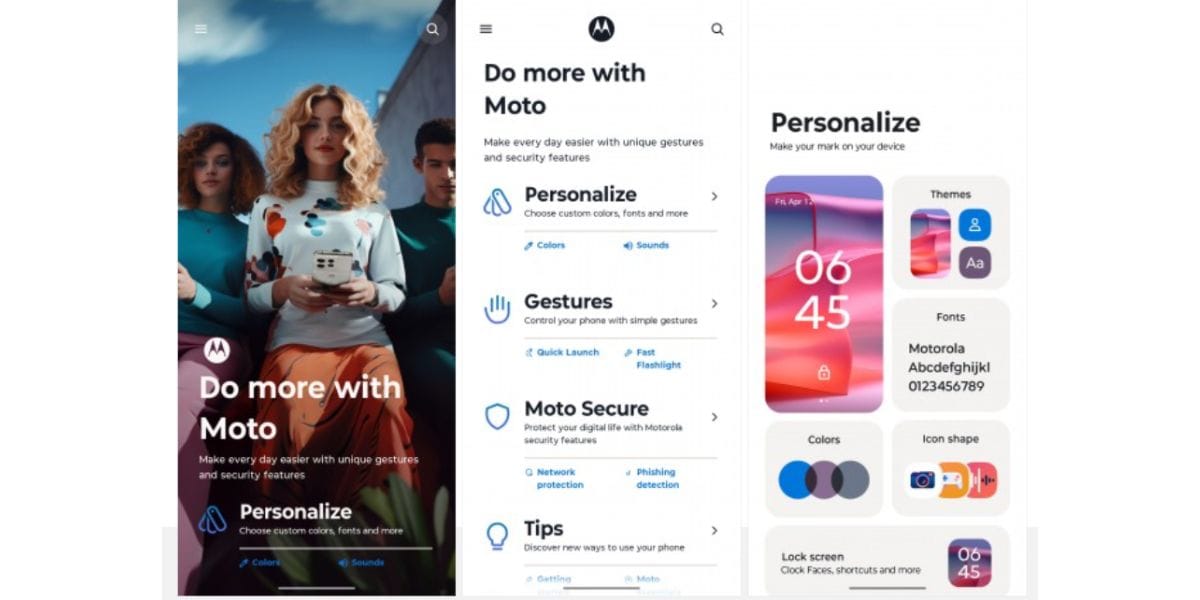
One of the biggest additions is Motorola's new Qira AI assistant, alongside a redesigned user interface that focuses on usability and modern aesthetics. The beta also expands Smart Connect capabilities, helping users enjoy a more seamless experience across compatible Motorola devices. As this is a beta release, Motorola notes that some features may change before the stable version becomes available, and users may encounter occasional performance issues during testing.
All New Features in Motorola Android 17 Beta
- Dynamic Live Activities displayed around the front camera for ongoing tasks such as music playback, calls, and timers.
- Redesigned Quick Settings with resizable tiles for greater customisation.
- New Hello UI visual refresh, including updated system icons, Settings pages, and the volume control panel.
- Additional lock screen clock styles and enhanced personalisation options.
- Improved notification management for a cleaner and more organised experience.
- Qira AI assistant for smarter, AI-powered interactions and productivity features.
- Smart Connect Cloud integration for smoother connectivity across compatible Motorola devices.
- Enhanced haptic feedback for a more responsive typing and navigation experience.
- Updated app drawer and themed icons to better align with Android 17's design language.
Also Read: Hello UI vs One UI: Which Is The Better Android OS For You?