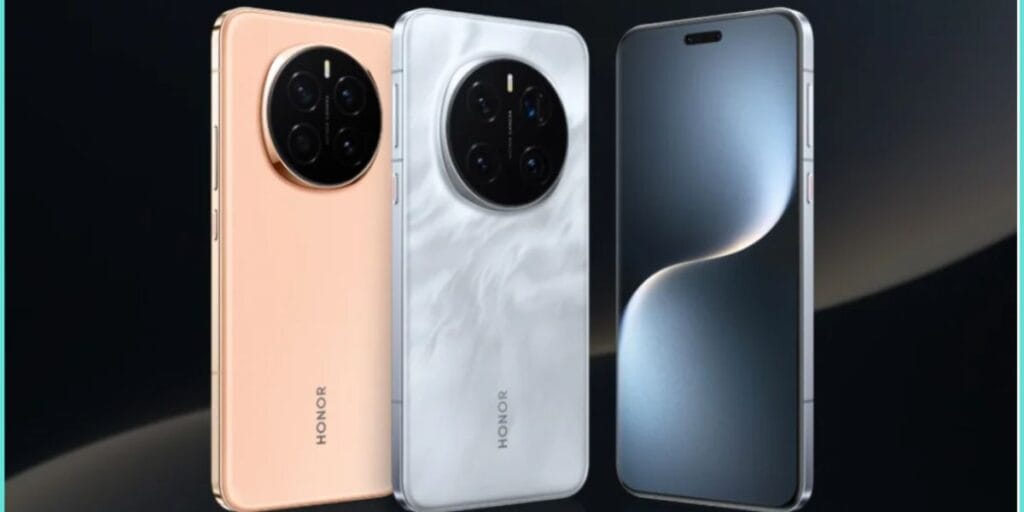
Honor Magic 7 series was waiting a long time for the latest MagicOS update to arrive, and now finally the date has come. From 19th February, the MagicOS 10 is available in Honor Magic 7 Pro devices. This new OS update brings lots of prosperous specs, so let us discover them right here.
Also Read: OxygenOS 17 Leak: OnePlus Gears Up For The Smoothest Android 17 Experience Yet
MagicOS 10 Launched For Honor Magic 7: Long Wait Is Finally Over
From 19 February 2026, Honor has started rolling out MagicOS 10 globally to the Honor Magic 7 and Honor Magic 7 Pro, marking its upgrade to Android 16. The update carries version number 10.0.0.121 and has a download size of 3.27GB, requiring 4-5GB of free storage on the device.
The Long Wait
This update was pending for a long time. It arrives approximately eight months after Google’s official Android 16 release. While Android 17 is around the corner, this release feels a bit too late.
Also Read: One UI 8.5 Samsung Devices Get Huge Upgrade: Smarter Lock Screen, Floating Tabs, More
Now, it’s time to reveal all the features of this OS update.
All New Features Of MagicOS 10 For Honor Magic 7
- Turbo X performance engine with visible optimisation indicators.
- Parallel home screen operations, refined app animations, enhanced camera & keyboard responsiveness.
- AI call translation & behaviour-learning AI screenshot suggestions.
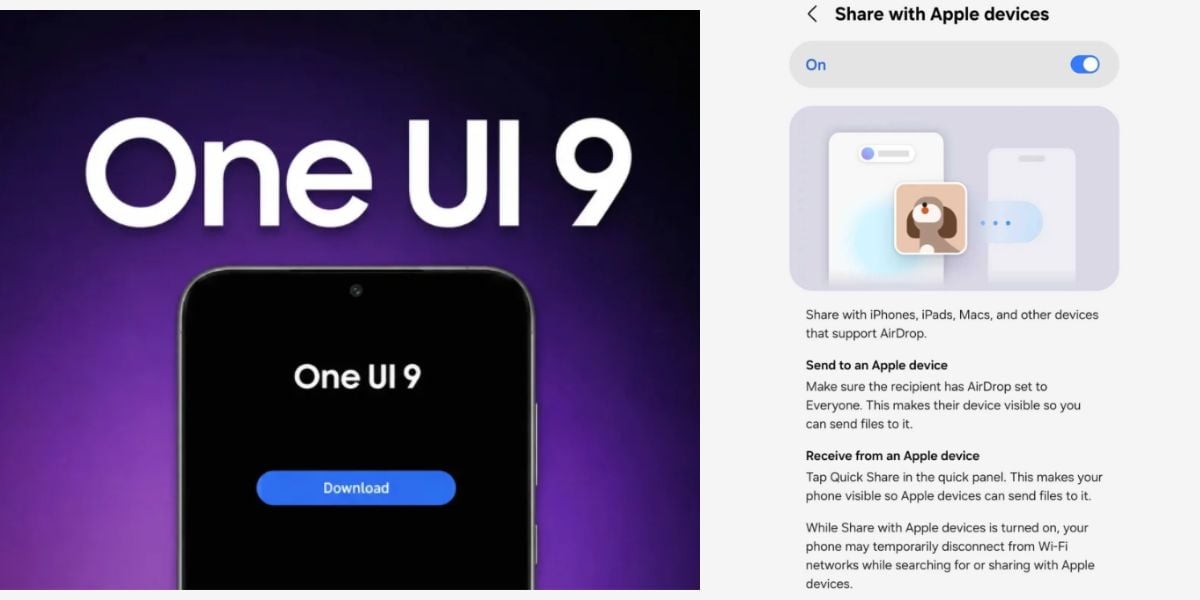
- Direct file sharing with iPhones (via Honor Connect app).
- Honor WorkStation for Mac/Windows connectivity.
- Redesigned Control Centre (dark theme, colourful/customizable icons).
- Expanded lock screen customisation & transparency mode for widgets/folders.
- Magic Capsule shows real-time charging & screen recording status.
- Bluetooth LHDC 5.0 audio support.
- Motion Sickness Relief mode (auto in driving).
- Updated camera UI, expanded screenshot tools & smoother app animations.
How To Download
Just go to Settings > System & updates > Software update, and then click on download/iinstall the update.
So, as the MagicOS 10 for Honor Magic 7 Pro arrives, fans will be eager to see when does Honor announce about the next series of updates.
Also Read: HyperOS Updates Pause: Xiaomi Freezes The Rollout For This Reason
Are you still browsing through your broken screen? Don’t worry! Book at-home mobile phone screen repair with Cashify—an affordable and one-stop destination for all your mobile phone needs. In case you break your screen within 1 month of repair, we will replace your screen again—for FREE.