Apple rolls out iOS 26 beta 2 for developers. It comes after the WWDC announcement in June 2024. This major update follows iOS 18. Apple now matches its software names with the year 2024, so iOS, iPadOS, and others are version 26.0. Here’s what you need to know about iOS 26 beta 2, its features, and how to get it.
How to Download iOS 26 Beta 2?
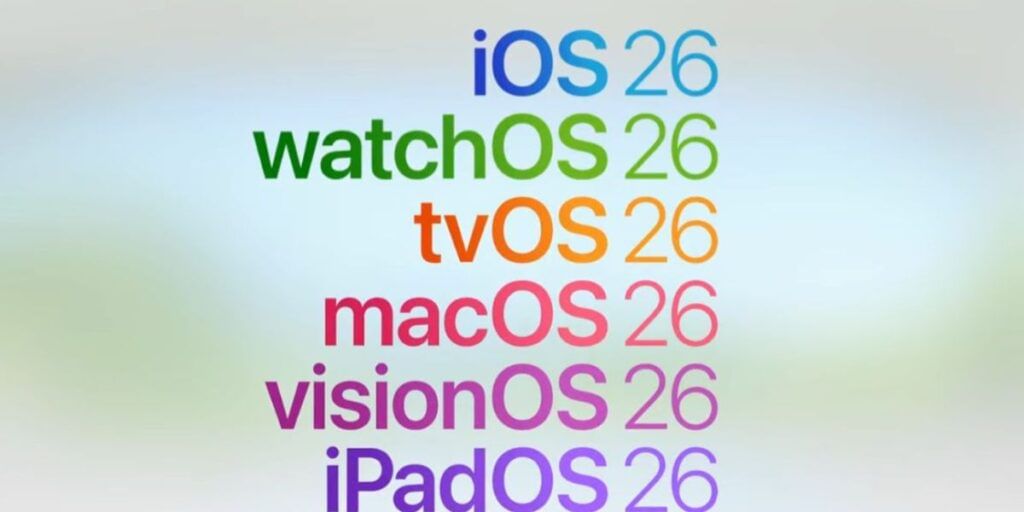
iOS 26 beta 2 is live for developers only. The public beta arrives next month. Developers join the Apple Developer Program at developer.apple.com. Enrolled users go to Settings. They tap General. Then they select Software Update. They choose iOS 26 beta Developer Beta 2 from the Beta Updates list. The process is simple and quick.
Also Read: Best iPhones To Buy In 2025
New Features
iOS 26 beta 2 brings fresh and easy-to-use features. It makes the iPhone smarter and smoother. Below are the key features:
- Liquid Glass Interface: Offers a sleek, transparent look for a dynamic feel.
- Redesigned Photos App: Simplifies finding and organizing memories.
- Smarter Siri: Understands natural language better and reads on-screen content.
- Passwords App: Manages secure storage for passwords.
- Enhanced Messages: Adds new tapback reactions for chats.
- Mac Mirroring: Mirrors iPhone screen directly to a Mac.
- Accessibility Improvements: Makes iPhone easier to use for everyone.
- Systemwide Enhancements: Boosts performance and user experience.
iOS 26 beta 2 live update focuses on a modern design and smarter tools. It aims to enhance how users interact with their iPhones. Developers can test it now, while the public awaits the public beta in July 2024. This update promises a more intuitive and powerful iPhone experience. Stay tuned for more details!
Are you still browsing through your broken screen? Don’t worry! Book at-home mobile phone screen repair with Cashify—an affordable and one-stop destination for all your mobile phone needs. In case you break your screen within 1 month of repair, we will replace your screen again—for FREE.