iOS 26.4 Beta 1 has finally released for all Apple users globally. Bringing several AI upgrades and security enhancements, this new OS upgrade is the best mini-update for Apple users. If you like iOS 26, then this mini-update will surely impress you. So, let’s reveal all the details of the iOS 26.4 Beta 1 release and the new specs of this OS update right here.
Also Read: Apple Special Event March 2026 – iPhone 17e Launch And Big Surprises Await
iOS 26.4 Beta 1 Releases With New Features On Apple Music, Security Updates, and More Cool Specs
The iOS 26.4 Beta 1 update is finally here. Apple had planned to release this upgrade mid-February, and on 17 February 2026, iPhone users got a notification for this OS update’s beta program availability.
All New Features Of iOS 26.4 Beta 1
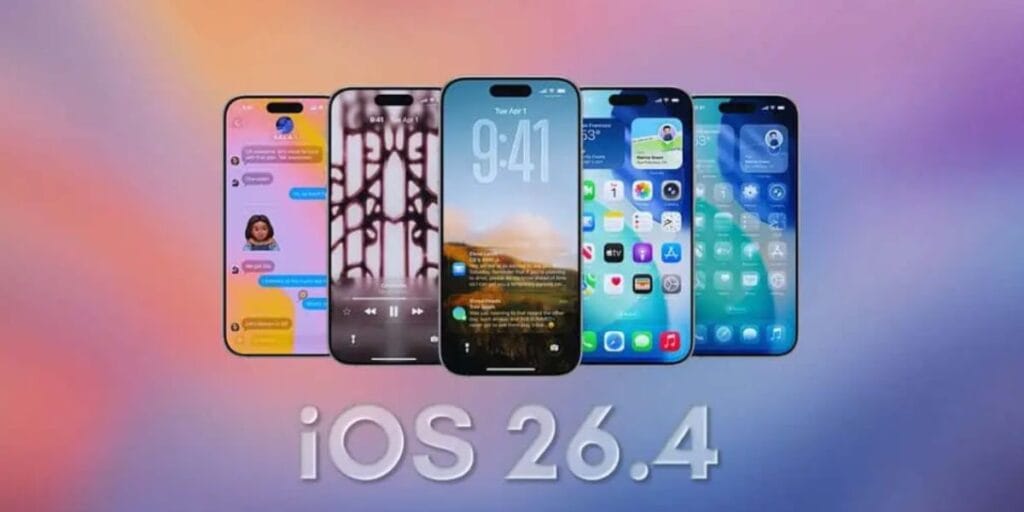
Here are all the key iOS 26.4 beta 1 features:
- Apple Music: This OS introduces text-prompted AI playlists and artist tour date visibility.
- Security: Stolen Device Protection is now enabled by default.
- Messages: Testing end-to-end encryption for cross-platform RCS messaging (currently Apple-only).
- Reminders: Adds an “Urgent” label with extra alarms for high-priority tasks.
- EU Regulation: Allows alert forwarding to non-Apple smartwatches.
- CarPlay: Includes under-the-hood groundwork for in-car video playback.
Which iPhones Have Received It?
The latest series of iPhones has received this update already. Meanwhile, the iPhone 15, 14, and other such Apple phones under 35000 or older devices are yet to receive the iOS 26.4 Beta 1 release, and will receive the notification very soon.
Also Read: YouTube Outage On 18 Feb: Why Is YouTube Down Today?
How to Install iOS 26.4 Beta 1 Update On Your Apple Device?
- Go to Settings > General > Software Update.
- If enrolled in the beta program (via beta.apple.com for public betas or developer.apple.com for developers), the update should appear.
- Tap Download and Install, authenticate with your passcode, and reboot after completion.
So, make sure you enjoy all the new features of the iOS 26.4 Beta 1 release and enjoy new specs right away!
Also Read: Nothing Phone 4a Launch Date March 5 – Will It Beat iPhone 17e Buzz?
Are you still browsing through your broken screen? Don’t worry! Book at-home mobile phone screen repair with Cashify—an affordable and one-stop destination for all your mobile phone needs. In case you break your screen within 1 month of repair, we will replace your screen again—for FREE.