Confused whether the latest update of Apple is iOS 26.2 or 18.7.3? Which one should you update to? Why is your iPhone not able to update to iOS 26.2? Well, the recent buzz around Apple iOS updates has been very crazy. Every bi-weekly update brings some or the other mess, with iPhone users getting frustrated and searching all over the internet for download procedures, eligible devices, and whatnot. So, in this news story, we uncover everything and bring you all the real facts around iOS 26.2 and 18.7.3. So let’s begin.
Also Read: iOS 26.2 Is Mandatory Or Not? Find Out Here
The Confusion Between iOS 26.2 and iOS 18.7.3: What’s the Fuss?
Today, on 22 December 2025, Apple proceeded with the release of iOS 26.2 and iOS 18.7.3 together. This created confusion among many Apple users. The main reason for this confusion was that many users were not able to find the iOS 18.7.3 update on their devices. But why? Well, here’s the reason.
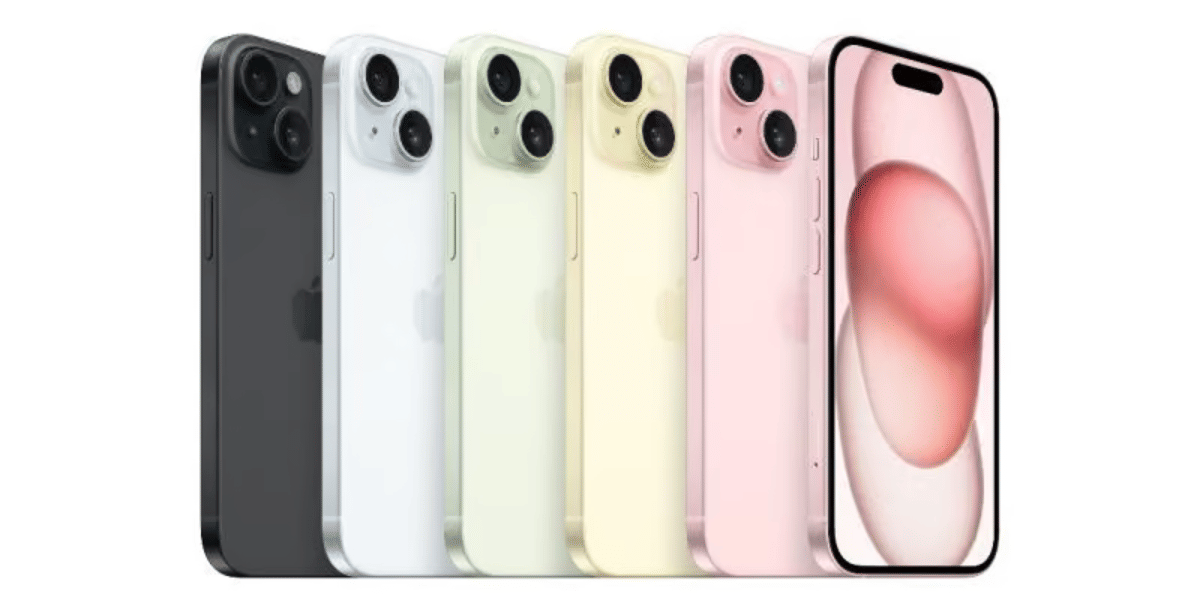
This is because the iOS 18.7.3 update is currently only available on these devices: iPhone XS, iPhone XS Max, iPhone XR, iPad Pro 13-inch, iPad Pro 11-inch 1st Gen and up, iPad Air 3rd Gen, and iPad 7th Gen and above.
Hence, all the latest iPhones will receive only iOS 26.2 and not iOS 18.7.3.
Also Read: iOS 26.3 Features Unveiled: Easier Android Switch, Notification Forwarding
So, now, let us take you through the update process and tell you how to download the latest iOS update.
How You Can Download iOS 26 On Your Phone?
- Back Up Your iPhone: Before updating, back up your data to iCloud or your computer to protect your information.
- Wi-Fi & Battery: Make sure your iPhone is connected to a reliable Wi-Fi network and has sufficient battery power.
- Open Settings: On your iPhone, tap the Settings app to begin.
- Go to General: In Settings, scroll down and tap General.
- Check for iOS 26.2 and iOS 18.7.3: Based on your device eligibility, check which latest update you are getting, 26 or 18.
- Select Software Update: Tap Software Update, and check Apple’s servers for iOS 26.2 availability.
- Download iOS 26.2: If iOS 26.2 is available, you’ll see it listed. Tap Download and Install.
- Install the Update: After the download completes, tap Install Now, then follow the on-screen instructions.
Also Read: iOS 26.2 Devices List: Which iPhones Will Receive iOS 26.2?
Are you still browsing through your broken screen? Don’t worry! Book at-home mobile phone screen repair with Cashify—an affordable and one-stop destination for all your mobile phone needs. In case you break your screen within 1 month of repair, we will replace your screen again—for FREE.