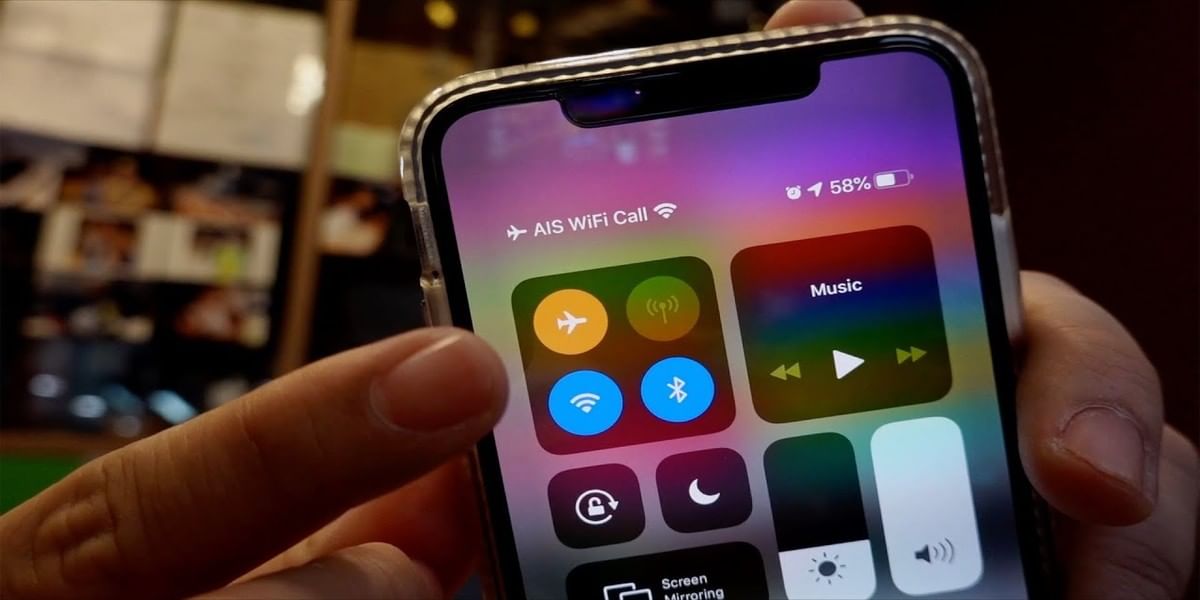
Vodafone and Idea, now known as Vi has developed the WiFi calling service for iPhones with iOS 14.5 software update.
Also, see Why Do Apple iPhones Overheat And What Can Be Done To Prevent This!
Vi earlier introduced the WiFi calling feature to selected Android smartphone brands such as OnePlus, Oppo, Xiaomi, Realme, and Samsung. And now, the telecom company has declared WiFi calling support for Apple iPhones in India.
Also, Read How To Easily Share WiFi Password On iPhone!

How To Enable Vi WiFi Calling (iPhone 6s or above):
- First, the users should have a working WiFi supported handset and an active 4G SIM card.
- Then, upgrade your iPhone Operating system to 14.5 (latest version)
- Now, Go to Settings > Phone > and enable WiFi-calling.
That’s it, and you are ready to go!
Apple can use do calls using Wi-Fi if they are in an area that has an irregular network connection to get a clear voice quality. The feature is only available in select regions. According to the Vi website, the service is currently being offered in Maharashtra, Goa, Kolkata, Gujarat, Delhi and Mumbai.
Also, read 4G vs VoLTE: Why Should You Upgrade?
How to add a device for Wifi calling:
- Go to Settings > Phone > Wi-Fi Calling.
- Turn on Add Wi-Fi Calling For Other Devices.
- Then go back to the previous screen, and tap Calls on Other Devices.
- Turn on ‘Allow Calls on Other Devices’ A list of your available devices appears under Allow Calls On.
- Turn on each device that you want to use with Wi-Fi Calling.
- Next, make sure that your other devices will accept calls from your iPhone.
That’s it! Now you can enjoy WiFi calling on your iOS device.
Always on the quest to learn and share the knowledge. Big fan of books (but not the self help ones) specially fiction. A grammar Nazi who loves to eat, cook, travel and watching thunderstorms.