Elon Musk’s artificial intelligence company, xAI, unveiled a new launch of the Grok Imagine 1.0 on 2 February 2026. This launch brought the first-ever 10-second clip generation AI tool inside Grok, and several new upgrades, which will surely excite you. So, are you ready to see all the new features inside this tool? Then let us begin to brief you about all the new upgrades of Grok Imagine 1.0 right inside this news story.
Also Read: Airtel Perplexity Pro Offer Ends: Users Must Act To Avoid Charges
xAI Launches Grok Imagine 1.0: Major Upgrade Brings 10-Second HD Videos with Enhanced Audio
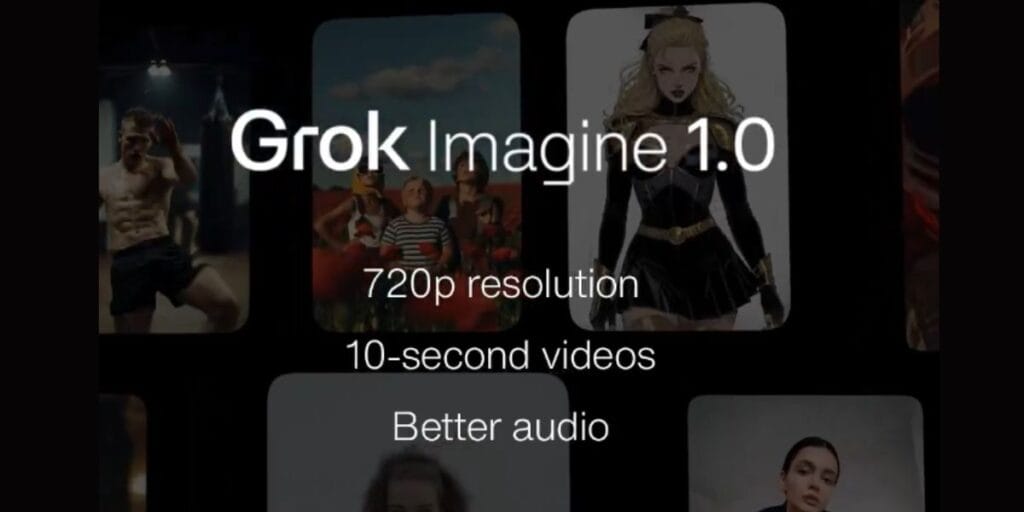
On 2nd February 2026, xAI unveiled Grok Imagine 1.0, describing it as the platform’s “biggest leap yet” in generative AI media.
The update significantly expands video creation capabilities within Grok, allowing users to generate clips up to 10 seconds long at 720p resolution. It also delivers “dramatically better audio,” including more expressive character voices, emotional delivery, and scene-synced immersive music, addressing key limitations in earlier versions.
Also Read: OPPO Reno 15c Launches In India At This Affordable Price
According to xAI’s announcement on X (formerly Twitter), the Imagine tool has already proven massively popular: over 1.245 billion videos were generated in the 30 days leading up to the launch, surpassing the combined output of competitors like OpenAI’s Sora and Google’s Veo models during similar periods.
But what’s new inside this tool? Well, let us find out.
All New Features Of The Grok Imagine 1.0 Upgrade
- Up to 10-second video clips (longer storytelling possible).
- 720p resolution for sharper, smoother visuals.
- Dramatically improved audio with expressive, emotional character voices.
- Better scene-synced immersive music and sound effects.
- Enhanced prompt adherence, including complex follow-up refinements.
- Superior image-to-video animation (e.g., family photos, pets).
- Realistic cinematic motion with object interaction and visual continuity.
- Tops benchmarks for quality in text-to-video and image-to-video.
Also Read: Get Samsung S25 Plus For Half Price: 67000 Discount Available
How To Use This Tool?
All you need to do is just install the Grok app on your phones or laptops, and then log in or sign up with your credentials. Once you open the app, you will find the Grom Imagine 1.0 tool on your homepage, access it, and give good video-generation prompts. That’s it, and enjoy your AI-made videos!
If you’ve just bought a new phone and don’t know what to do with your old phone, then here’s your answer. Sell old mobile to Cashify and get the best price for it. If you are planning to buy a new phone, check out Cashify’s refurbished mobile phones. You can get your favourite phone at almost half price with six-month warranty, 15 days refund and free delivery.