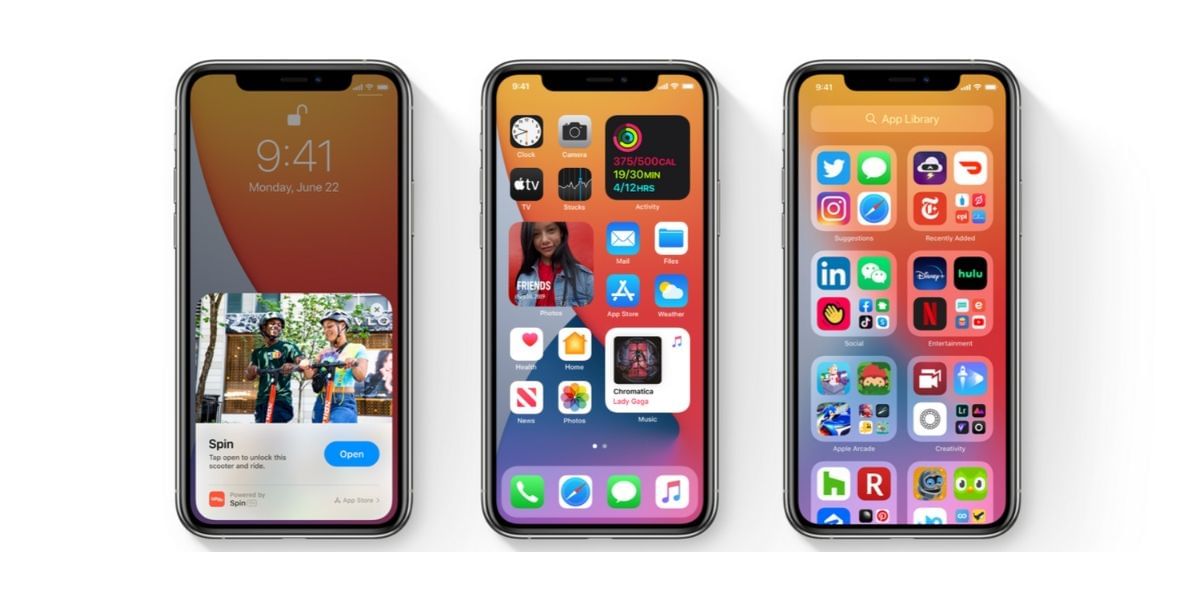
In a move that boosts iPhone safety, Apple launches the iOS 26.3 beta test, giving beta users a sneak peek at its revamped security system. This update, spotted on January 6, 2026, focuses on testing the ‘Background Security Improvements’ without adding actual fixes. Tech enthusiasts and developers eagerly dive in, as it promises smoother protection between major software releases. The iOS 26.3 beta test arrives just as new year updates loom for iOS, iPadOS, and more, keeping devices secure in an ever-evolving digital world. So, here is all you need to know about this latest update.
What The iOS 26.3 Beta Test Brings
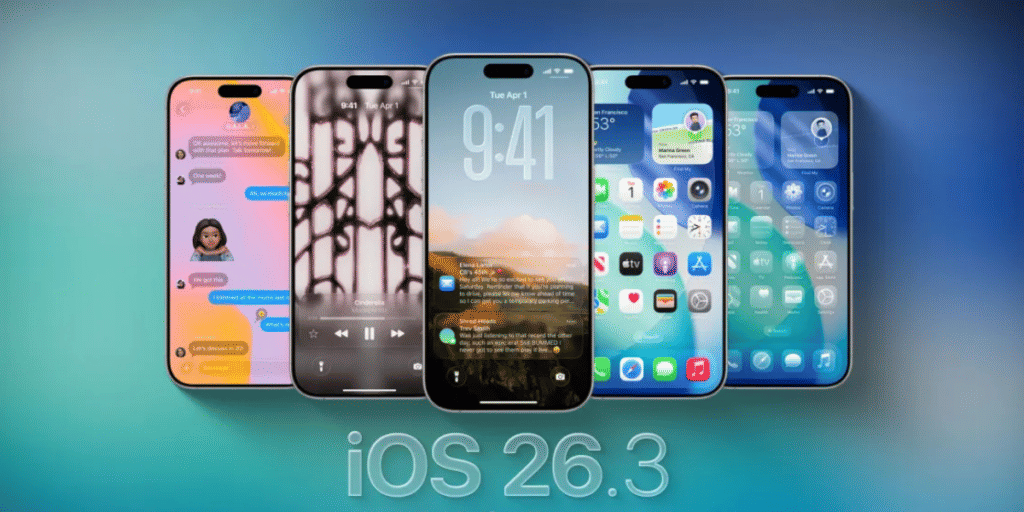
Apple introduces this test to refine its Background Security Improvements system, first overhauled in iOS 26.1 last fall. Unlike regular updates, this one does not patch vulnerabilities; it’s purely for trial. Users on the iOS 26.3 beta can now experience how the system installs and operates in the background.
Also Read: 7 Hidden iOS 26 Features That Instantly Make Your iPhone Better
Key highlights include:
- No Real Fixes: The release notes clearly state this Background Security Improvement serves testing purposes only and lacks any security patches.
- Easy Removal Option: After installation, users remove the update directly from Settings, triggering a quick restart to revert changes.
- Compatibility Focus: Apple designs it to handle rare issues, allowing temporary removal before permanent integration in future updates.
How To Access And Install This Update?
Beta testers find the update in a fresh spot within the Settings app. Apple hides it from the standard Software Update screen to emphasize its unique nature.
Follow these steps:
- Navigate to Privacy & Security > Background Security Improvements.
- Toggle on Automatic Install if needed.
- Download and install ‘iOS 26.3 (a)’—the process mirrors regular updates but lives in this dedicated menu.
- Once done, check the same screen to remove it if desired.
This iOS 26.3 beta test signals Apple’s commitment to proactive security. As beta users provide feedback, expect refined features in upcoming stable releases. For iPhone owners prioritizing privacy, this development marks a step toward seamless, behind-the-scenes protection. Stay tuned for full iOS 26.3 rollout details as Apple continues innovating in mobile security.
Are you still browsing through your broken screen? Don’t worry! Book at-home mobile phone screen repair with Cashify—an affordable and one-stop destination for all your mobile phone needs. In case you break your screen within 1 month of repair, we will replace your screen again—for FREE.