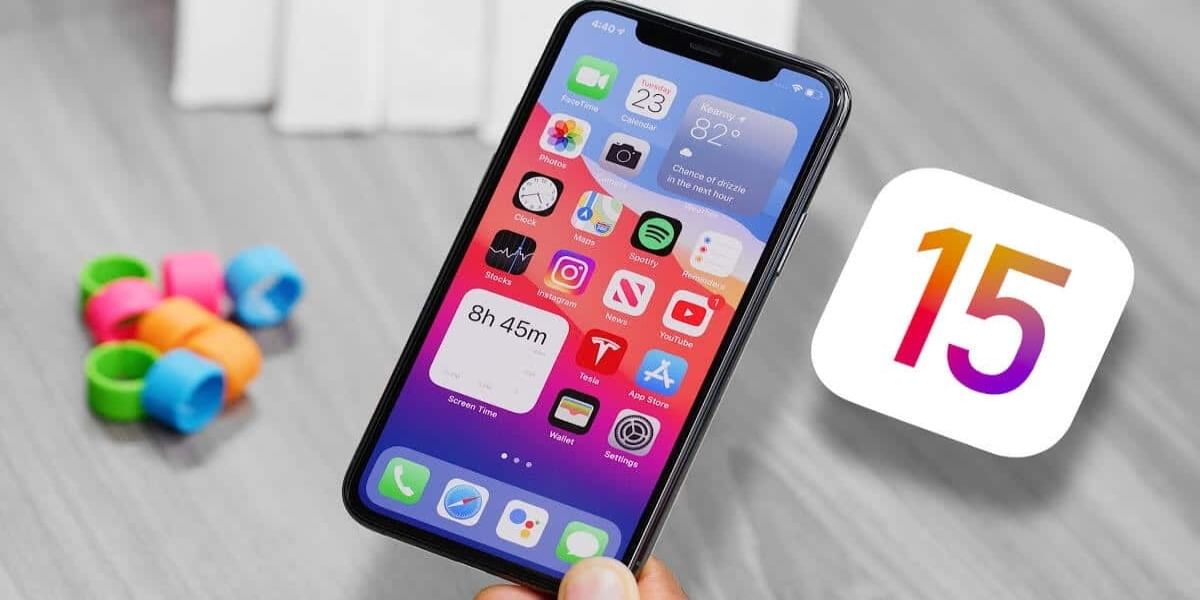
Only a week ago, Apple unveiled iOS 15, the next update of the company’s mobile operating system. It will be available later this year on both new and older devices. Now since developers have accessibility to the iOS 15 beta, new features are slowly emerging. This includes a recently uncovered multitasking feature that lets users move content between apps with ease.
According to MacRumors, iOS 15 now allows you to drag photos, selected text, files, and other content between apps on your iPhone. Federico Viticci of MacStories, who released a screen-recording of the feature in motion, was the one who tweeted regarding the feature’s support. The drag-and-drop content feature for iPhones appears to be similar to the one present on Apple’s iPads.
Also read: Fitbit To Unveil Snore And Noise Detection Features Soon
While this isn’t technically a new functionality on iPadOS, which has allowed users to drag and drop files between apps for years, it appears that the feature is now working its way to Apple’s popular iPhones, which would benefit from it. However, copying and pasting text and images, which is already there on iOS 14, may be more convenient. Dragging files, on the other hand, appears to have the potential to be useful, depending on your needs.
Also read: Leaks Suggest Battlegrounds Mobile India Could Launch In Third Week of June

Also read: Google and Jio Working Together To Bring 5G In India
How to Use This Feature on Your Apple Device?
Users must confirm that they are using the developer beta version of iOS 15 in order to access the feature. After the install the update, users can simply pick text or a picture from the gallery by long-pressing it. Long-pressing the content prompts it to follow your finger. It allows users to swipe up with another finger to move to another app and release the “dragged” item.
Viticci’s tweet demonstrates dragging a picture from the Photos App’s grid view into the Mail app. The image is shortly followed by some selected text from Safari being “dragged” into the inbox. After the launch of iOS 15 later this year, the feature is likely to work on all of Apple’s apps. Although it’s unclear if third-party apps would be required to add functionality for drag & drop items, such as images, from a third-party app.

Always on the quest to learn and share the knowledge. Big fan of books (but not the self help ones) specially fiction. A grammar Nazi who loves to eat, cook, travel and watching thunderstorms.