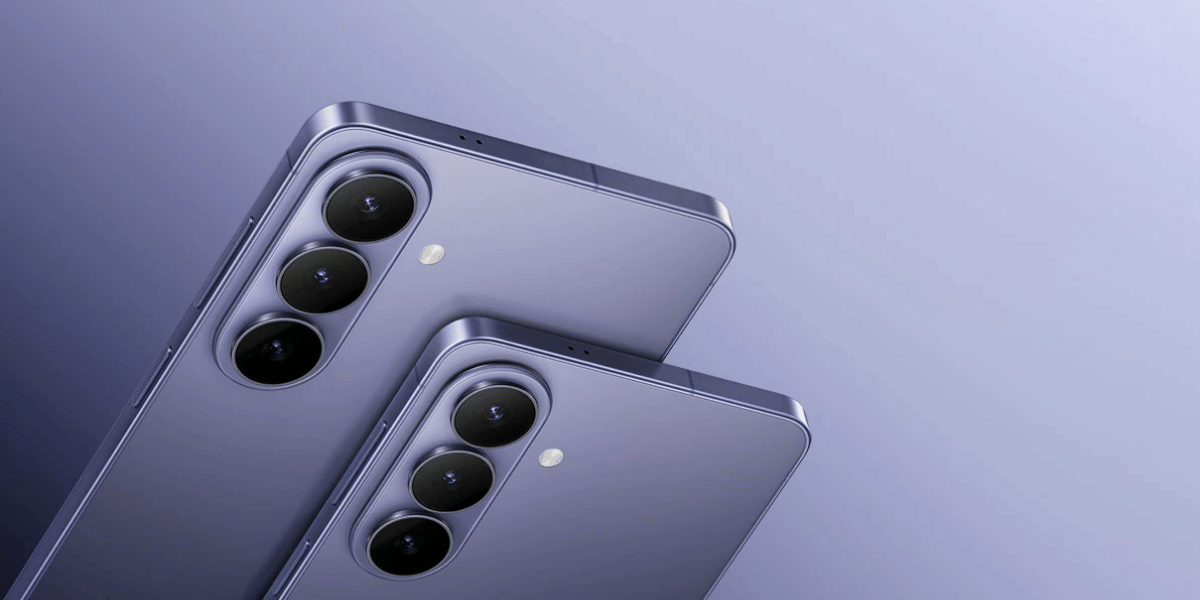
Bought a new Samsung phone and learning about its activation date and purchase details? Well, then this guide is for you. If you are a second-hand Samsung phone buyer or have recently bought a new handset, checking the activation date is the most important and first thing you should prioritise. So, let us dive in and tell you how to check Samsung phone activation date in this blog.
Also Read: How To Transfer Photos From Android To iPhone? See The Easiest Steps Here
Why Should You Check Your Samsung Phone’s Activation Date? Know Before You Begin
Now, before we start this blog and tell you how to check Samsung phone activation date, it is important to know why the activation date is an important aspect of your phone’s data records, and for any measure of your Samsung phone, why knowing the activation key and date helps.
See, checking a Samsung phone's activation information can be particularly useful when buying a second-hand or refurbished phone. Imagine that a seller tells you a phone is only three months old. You can compare the seller's claim with the available Samsung product, warranty, purchase, and device information. If the information doesn't appear to match, you can ask the seller for clarification before paying. But what exactly is an activation date of a smartphone? Well, here is the answer:
What Does Activation Date Of Your Phone Mean?
The activation date is simply the date when your Samsung phone was first activated or started being used with a mobile network. It can help show when the phone was originally set up or registered. For example, if the activation date is August 10, 2026, it generally means the phone was activated on that date.
Knowing your activation date can also help when checking warranty status. Samsung's My Page provides registered device information and allows users to check warranty information. Samsung says registering a device can also provide access to repair support, manuals, device tips, and other services.
There are several practical situations where checking this information makes sense:
- Buying a used Samsung phone: Compare the device's history with the seller's claims.
- Checking warranty: Determine what warranty information Samsung has associated with the device.
- Verifying a supposedly new phone: Compare the invoice, box, device information, and Samsung records.
- Selling your phone: Having accurate purchase and warranty information can make the device easier to sell.
- Getting service: Your IMEI and serial number help Samsung identify your specific device.
Now it is time to reveal the steps on how to check a Samsung phone activation code. So, let us now tell you about the steps quickly.
Here Is How To Check Samsung Phone Activation Date
Here are all the methods to answer how to check Samsung phone activation date:
Method 1: Check Samsung Phone Details Online
- Open Settings on your Samsung phone.
- Tap About phone.
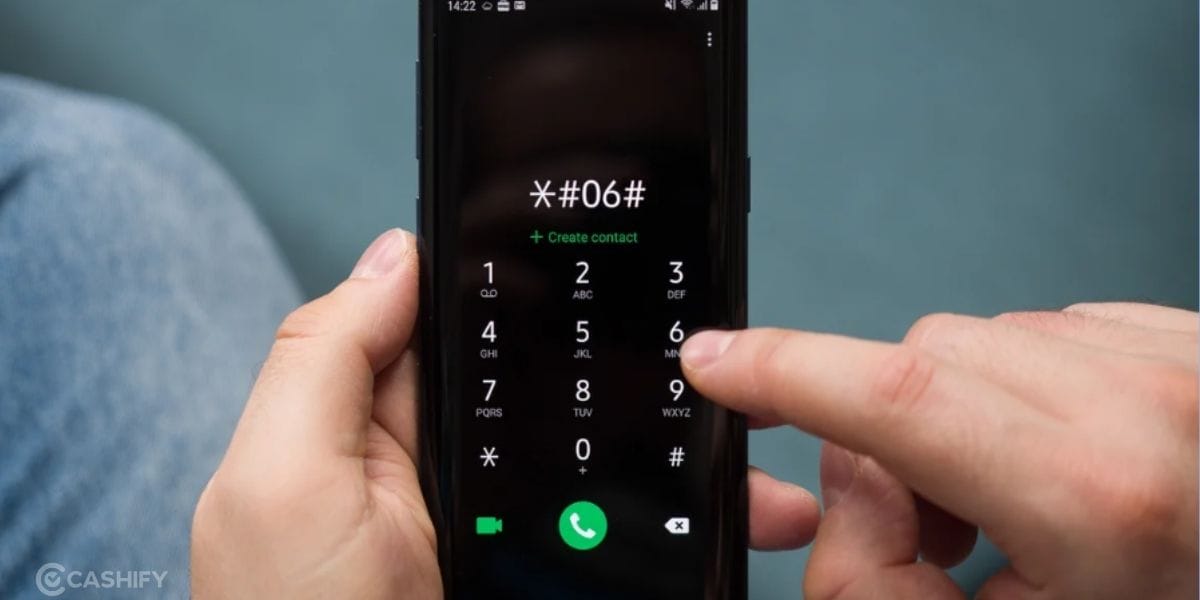
- Note the IMEI number and Serial Number. Or alternatively, dial *#06# to display the IMEI.
- Visit Samsung's official My Page and sign in.
- Go to My Products and select Register.
- Enter your phone's IMEI or Serial Number.
- Check the available product and warranty information.
- Compare these details with your purchase invoice.
- Remember that this may not show the exact activation date.
Method 2: Check Through the Samsung Members App
If you'd rather not use the website, the Samsung Members app offers the same information directly from your phone, along with a few extra tools.
- Open the Samsung Members app (pre-installed on most Samsung phones, or download it from the Play Store).
- Tap the Support tab.
- Tap your Device name at the top.
- Locate IMEI or SN in the device details.
- From the same screen, you can also register your product, run diagnostics, open a support ticket, or book a repair.
This is the faster option if you're already troubleshooting something else on the device, since it keeps everything in one app instead of switching to a browser.
Method 3: Use a Third-Party IMEI Checker
If you just want a quick answer without creating a Samsung account or registering the device, third-party IMEI lookup tools can pull warranty, production date, carrier, and model information directly from the IMEI or serial number.
- Get your IMEI by dialing *#06# or through Settings > About phone.
- Go to a third-party checker such as Dr.Fone's Online Unlock (IMEI Check > Samsung Warranty) or UnlockBoot's Samsung IMEI Checker.
- Enter the IMEI or serial number and run the check.
- Review the results, most tools show production date, estimated device age, carrier, model, and warranty status.
This method is quick and doesn't require signing in anywhere, but treat the results as an estimate rather than an official Samsung record, since these are third-party services pulling from manufacturer data, not Samsung's own system.
Method 4: Contact Samsung Support
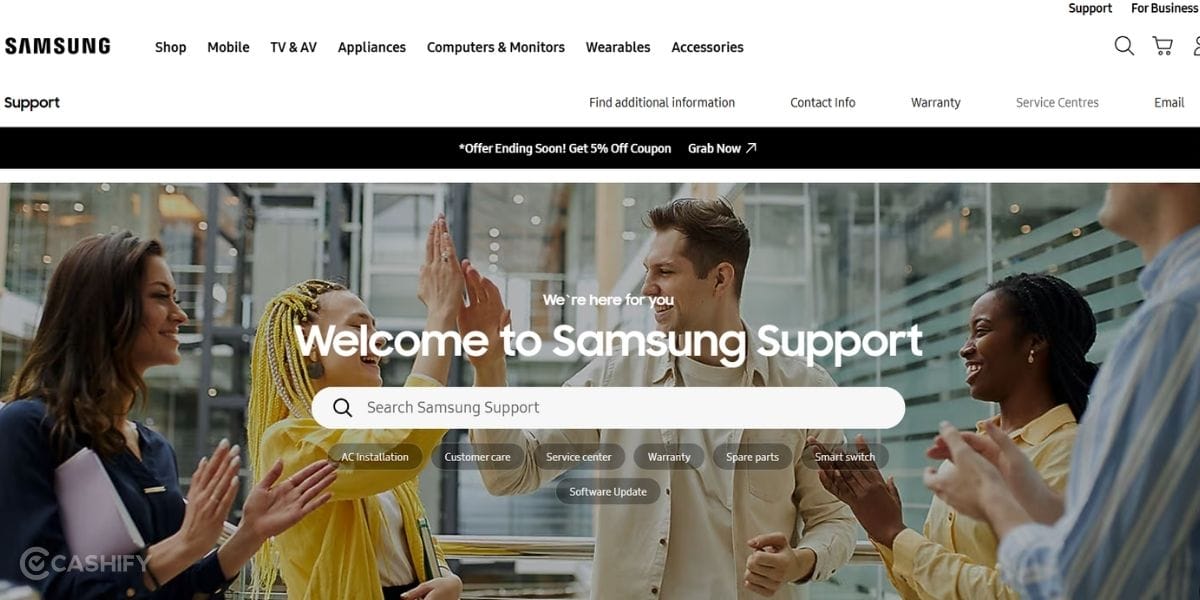
If you specifically need the exact Samsung activation date, contact Samsung Support or visit an authorised Samsung Service Centre. Provide your phone's IMEI or Serial Number so Samsung can identify the device and check the relevant records.
These two methods are full-proof ideas to know how to check Samsung phone activation date.
Also Read: How To Use Two WhatsApp Accounts In iPhone: Simple Steps!
Method 5: Cross-Check With Your Carrier (If Bought Through One)
If the phone was purchased through a carrier rather than directly from Samsung or a retailer, the carrier's own account portal (Jio, Airtel, Vi in India; AT&T, Verizon, T-Mobile elsewhere) often has the actual line-activation date on record. This can be a more precise match to the true activation date than Samsung's registration-based warranty date, since it reflects when the SIM was first activated on the network.
Method 6: Check Google Account Sign-In History (Approximate, Fallback Only)
When carrier records and Samsung's own tools don't give you a clear answer, particularly common with older or heavily used-and-resold phones, checking your Google account activity can offer an approximate timeline instead:
- Google Dashboard: Shows device activity history tied to your Google account.
- Play Store account history: Can show when the account was first used on that device.
- Find My Device: Lists when a device was first linked to the account.
These only show the first Google sign-in on the device, not an official activation date, so use this only as a rough cross-check, not a primary source.
A code to avoid relying on: Some guides suggest dialing #12580369# to find an "activation date." This actually displays the RF Cal date, the date the phone's radio was factory-calibrated, which is close to the production date, not the date it was actually activated by a consumer. Don't treat this as a reliable activation-date check.
These methods together give a fuller picture of how to check Samsung phone activation date than relying on just one source.
Activation Date vs Purchase Date: What Is The Difference And What Should You Check?
One of the biggest mistakes people make is assuming that the activation date and purchase date are always identical. They aren't necessarily. The purchase date is when you bought the Samsung phone, while the activation date is when the phone was first activated or registered for use. These dates can be different, especially if the phone was purchased but activated later.
Check | What it tells you |
Purchase date | When the phone was bought |
Activation date | When it was first activated |
Warranty | Whether the dates affect warranty coverage |
IMEI/serial number | Whether the phone matches your records |
When checking a Samsung phone, especially a used device, look at multiple pieces of information rather than relying on one date. Samsung also recommends keeping the purchase invoice because it may be required for warranty claims.
In A Nutshell
That’s it for this guide on how to check Samsung phone activation date. There are only two solid methods, and we have mentioned them in our blog. Now, talking about the meaning and importance of knowing the activation date, well, it is one of the most important and vital data that helps you keep the track of originality, authenticity, and lifespan of your device. Also, in tracking a phone’s history and data, this date helps, so knowing it is extremely crucial. So know your phone’s activation date through these measures and stay informed!
Also Read: Vivo V80 Lite Launch Date, Expected Price And Specs
Are you still browsing through your broken screen? Don’t worry! Book at-home mobile phone screen repair with Cashify—an affordable and one-stop destination for all your mobile phone needs. In case you break your screen within 1 month of repair, we will replace your screen again—for FREE.