Are you facing Apple iPhone 17 Pro overheating? If yes, this is for you! The Apple iPhone 17 Pro is a very powerful smartphone. It comes with the new A19 Pro chip. The phone has a strong camera system with 8x zoom and Apple Intelligence features. It was launched in September 2025. The battery life is also good. However, despite having such amazing features, some users have reported overheating issues.
In this article, I will explain all the details about Apple iPhone 17 Pro overheating. We will discuss the reasons, how it affects the phone, and some easy tips to keep it cool. Let’s get started:
Also Read: Apple iPhone 17e Release Date, Price And More!
Why Does Apple iPhone 17 Pro Overheat?

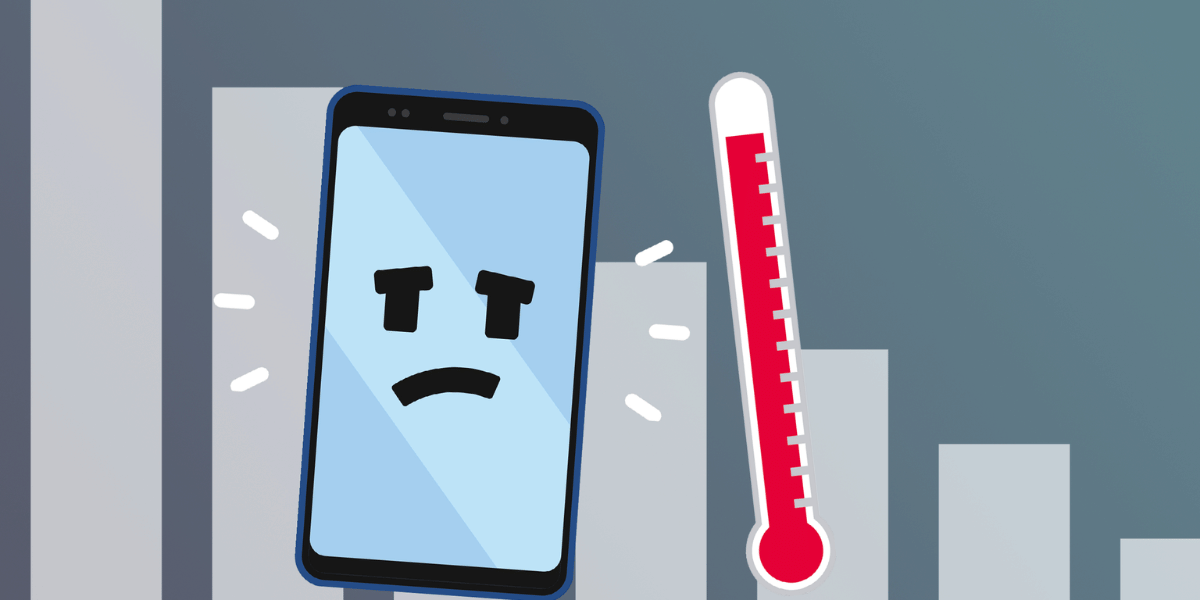
Mobile phones get warm when they work hard. The iPhone 17 Pro has a very strong A19 Pro Chip. It can handle gaming, 4K videos, AI features, and even fast charging. All these make the phone use a lot of power which creates heat.
Even with high performance and a new cooling system, some users say the phone can still get warm. This usually happens during heavy use, such as gaming or using many apps at once, or when the weather is very hot. The new cooling system helps control heat better than older iPhones. Apple claims that a little warmth is normal, but serious overheating is rare.
There are many reasons why the iPhone 17 Pro can get overheat, even though it has a good cooling system.
- Too many apps running in the background.
- Using heavy apps and games like AR games and even recording 4K videos
- There might be software bugs due to new updates.
- Network is weak and hence the Phone works harder to stay connected
- Fast charging and using local chargers
- Hot weather or using the phone under direct sunlight
Most of the time, this heating is normal during heavy use. The new vapour chamber cooling system helps spread heat better than older iPhones and keeps the phone safe.
When Is iPhone 17 Pro Overheating A Real Problem?
When you are doing simple things like scrolling social media, browsing the web, charging while idle, or using certain apps like Snapchat or games. In this case, if you face that the device is getting too hot to handle, it simple means that it is overheating.
This happens when you have just purchased the device and are setting up stuff. It can also happen if you just updated your phone to the latest software. The reason is simple: there are a lot of background tasks happening during this time. But if it happens repeatedly even after one or two weeks, it can be a serious overheating issue.
If the device is new, wait for 4-10 days. After the background indexing finishes, heat usually goes down.
Also read: 5 Reasons To Buy The Latest Apple iPhone 16e!
Apple iPhone 17 Pro Overheating Quick Fixes
Most iPhone 17 Pro overheating problems can be fixed with simple steps. You can try these one by one:
| Quick Fix | What to Do |
|---|---|
| Close background apps | Close apps you are not actively using. |
| Update iOS and apps | Go to Settings > General > Software Update and install the latest version. |
| Change some settings | Lower screen brightness, disable unnecessary Location Services, turn off Background App Refresh, Bluetooth, and auto-downloads when not needed. |
| Delete unused apps | Remove heavy or old apps you no longer use. |
| Avoid using the phone while charging | Do not game, stream, or edit videos during charging. |
| Use original or certified chargers | Use Apple or MFi-certified chargers and cables only. |
| Cool the phone naturally | Move to a cooler place, remove the phone case, turn off the device for 10 to 15 minutes, or enable Airplane Mode temporarily. |
| Reset settings if needed | Go to Settings > General > Transfer or Reset iPhone > Reset > Reset All Settings. |
| Contact Apple Support | Visit an Apple Store or contact Apple Support if overheating occurs during light use or warnings appear. |
Also read: iPhone 16 vs iPhone 16 Plus vs iPhone 16 Pro vs iPhone 16 Pro Max: The Ultimate Comparison
How Overheating Affects iPhone 17 Pro Performance?
When the iPhone 17 Pro becomes too hot, iOS uses safety features to protect the phone from damage. Let’s check out how it affects the performance.
- Battery health and fast drain: Too much heat can damage the battery over time. It can also make it drain faster. This mostly happens during heavy use.
- Slower performance: To reduce heat, the phone slows down the processor. This can cause games to run slower and apps to take longer to open.
- App lag and crashes: Heavy apps or games may lag, freeze, or even close suddenly when the phone is too warm.
- Screen dimming and charging stop: The screen brightness reduces automatically. Even the charging may pause with a message until the phone cools down.
- Long-term damage risk: If overheating happens again and again, it can reduce battery life or affect parts inside the phone. But Apple’s safety system helps prevent serious damage.
If the phone gets very hot, you may see a warning saying the iPhone needs to cool down before you can use it. Apple says the iPhone works best between 0°C and 35°C.
Also read: iPhone 16 Hidden Features That Will Blow Your Mind!
FAQs
Is heating normal on the iPhone 17 Pro?
Yes, a little warmth during gaming, charging, or updates is normal. But overheating with warning messages is not normal for regular use.
Can overheating damage the battery?
Small heating is safe, but too much heat again and again can reduce battery life over time.
Does fast charging cause heating?
Yes, fast and wireless charging can make the phone warm. This is normal, but avoid using the phone heavily while charging.
How hot is too hot for an iPhone?
Apple says iPhones work best between 0°C and 35°C. If you see a warning on the screen, the phone is too hot and needs to cool down.
Also Read: 5 Phones That Deliver DSLR-Like Photography!
Conclusion
In the end, do know that some heating during heavy use is normal. Most of the times, iPhone 17 Pro overheating happens because of apps, settings, or hot surroundings. This is not because the phone is faulty. Apple’s cooling system helps control heat better than older models.
Also Read: Best Upcoming Phones In 2026: From Flagship To Budget!
Since it’s a premium device, it’s important to take care of it. Let me know if you have any further questions about the iPhone 17 Pro overheating issue in the comments below. I would love to hear your thoughts.
If you’ve just bought a new phone and don’t know what to do with your old phone, then here’s your answer. Sell old mobile to Cashify and get the best price for it. If you are planning to buy a new phone, check out Cashify’s refurbished mobile phones. You can get your favourite phone at almost half price with six-month warranty, 15 days refund and free delivery.