Your Apple iPhone 17 is plugged in, but the battery isn’t moving like it should. You wait. Nothing. You try again. Still nothing. It can be stressful when your phone doesn’t work the way you expect, especially when you rely on it all day. Most of the time, it’s something you can fix at home, but sometimes it may need professional repair to get back to normal. Let’s take a closer look at the Apple iPhone 17 not charging issue, why it happens, and how you can get your phone working properly again.
Also read: 8 Signs That Your Android Phone Motherboard Needs Repair!
Common Reasons Behind The Apple iPhone 17 Not Charging
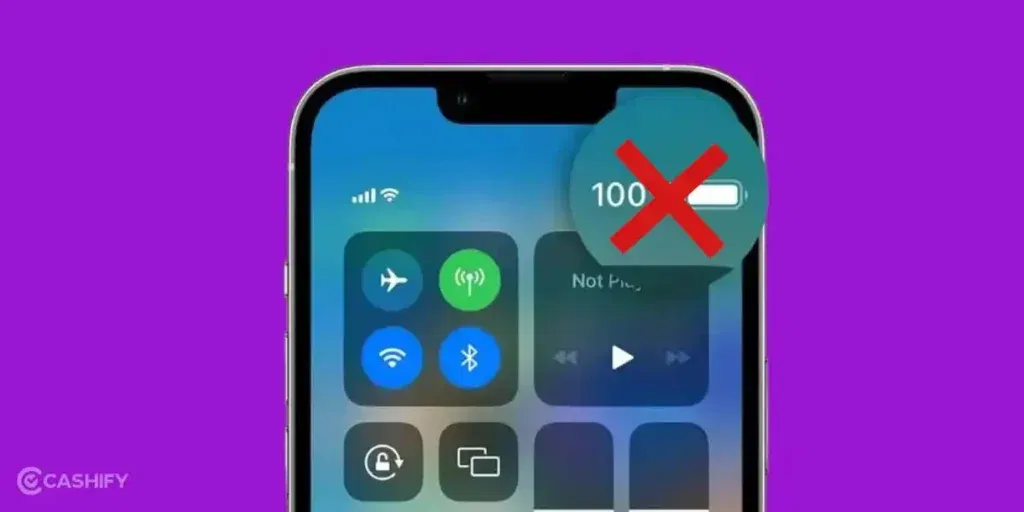
Let’s go through the common causes before we see how to fix the Apple iPhone 17 not charging issue:
USB‑C Cable or Charger Isn’t Fully Supported
The iPhone 17 needs chargers and cables that follow Apple’s USB‑C rules. Some third-party or older chargers don’t supply the right current. Your phone may refuse to charge, or charging can start and stop randomly.
Charging Port Has Internal Contact Issues
Even if the port looks clean, the pins inside are delicate. Tiny misalignment or dust trapped inside can stop power from flowing, making the phone fail to charge or act like it’s charging but isn’t.
Battery Protection Pauses Charging
Apple iPhone 17 automatically pauses charging if it gets too hot or detects unusual power. This is normal, but it can feel like the phone is refusing to charge when really it’s just protecting itself.
Software or Power Negotiation Glitches
After iOS updates or minor software bugs, the phone may not properly detect certain chargers. This can make a perfectly working cable fail, or make charging stop unexpectedly.
Hardware Wear or Minor Damage
Even without visible damage, repeated drops, pressure, or normal wear can affect the charging IC or battery connection. This can cause slow charging, intermittent charging, or complete failure.
Also read: Vivo Y83 Pro Aux Jack Not Working? Repair It Fast With Cashify
Quick Checks To Fix Apple iPhone 17 Not Charging At Home
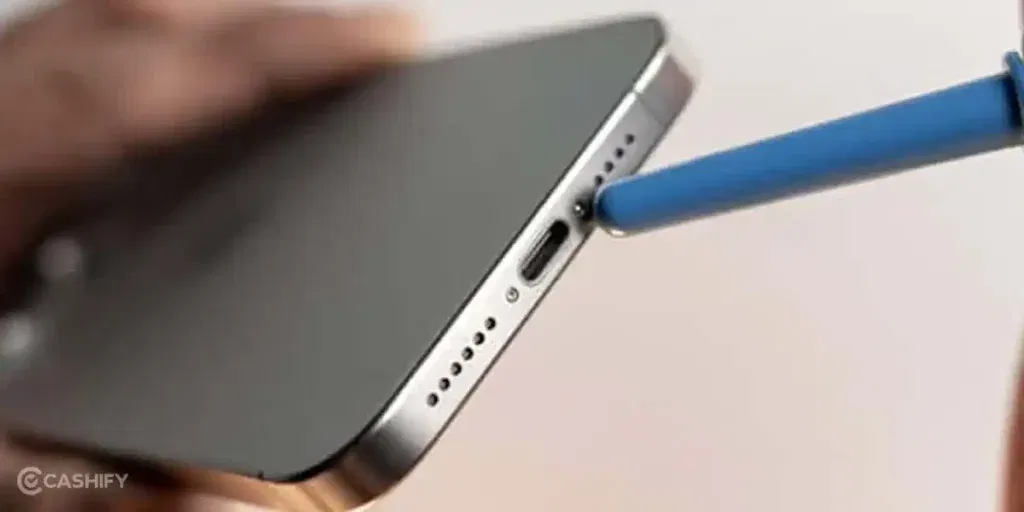
Now that you’ve seen the reasons, here’s how you can fix the Apple iPhone 17 not charging issue at home:
Gently Adjust the Cable
Plug the cable in and make sure it sits snugly. Try a slight wiggle to ensure a proper connection without forcing it.
Clean the Charging Port
Use a soft brush or toothpick to remove any dust or debris inside the port. This helps the cable make full contact.
Let the Phone Cool Down
If the phone feels warm, remove the case and let it rest for a few minutes. Then plug it in again to continue charging.
Restart and Update iOS
Restart your iPhone to refresh the system. Also, update to the latest iOS version to ensure smooth charging performance.
Use a Different Charger or Outlet
Plug your iPhone into another wall socket, USB port, or certified cable to see if it charges properly.
Inspect and Replace the Cable if Needed
Check for frayed wires or bent connectors. If the cable is damaged, replace it with a certified one.
Use a Higher-Power Adapter
Use a charger that delivers 20W or more to the iPhone 17 for stable charging. Low-power adapters may not charge efficiently.
Remove Magnetic or Metal Cases
Take off any magnetic or metal cases before charging to ensure proper contact with the cable.
Force Restart the iPhone
If the phone refuses to charge, perform a force restart. After restarting, try charging again.
Also read: 8 Signs That Your Android Phone Motherboard Needs Repair!
When You Might Need Professional Repair
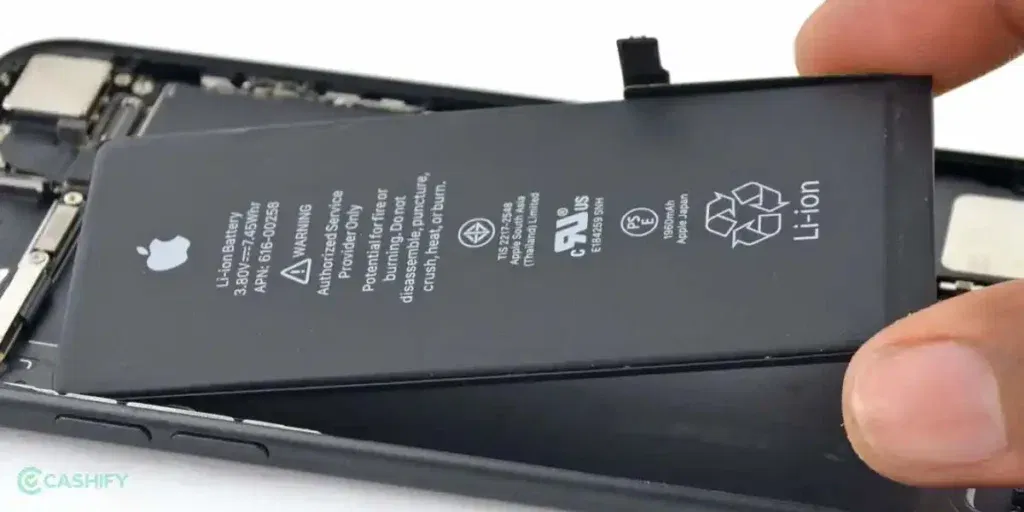
Even after trying all the home solutions, the Apple iPhone 17 not charging problem may still persist. In such cases, professional Apple mobile repair is the best option. If you’re unsure where to go, Cashify is a reliable choice. Here are the benefits of choosing Cashify:
Inspection by Trained Technicians
A trained technician checks your iPhone 17 thoroughly before starting any mobile repair. Minor issues can often be fixed immediately, while more complex problems are handled in a service centre.
Transparent Pricing
The repair cost is shared with you upfront. You only pay once the mobile phone repair is complete, with no hidden charges.
Use of High-Quality Compatible Parts
Cashify uses high-quality compatible parts for repairs. This helps your phone work smoothly and maintain proper performance after repair.
Convenient Service Centres
With over 200 service centres across India, you can choose in-store phone repair at a location that’s convenient for you.
Battery and Component Repairs
Whether it’s a battery replacement or another internal component, repairs are handled carefully to restore full functionality. Every battery replacement comes with a 3-month warranty.*
(*Repair warranties are subject to Cashify’s terms and conditions. Please refer to the warranty policy for full details.)
Also read: How Do I Check My Android Hardware Health?
Tips To Avoid Apple iPhone 17 Not Charging Issues
Once you have fixed the Apple iPhone 17 not charging problem, here are some tips to keep it from happening again:
- Always unplug your iPhone gently instead of pulling the cable forcefully.
- Avoid using your iPhone while it’s charging to reduce stress on the port and battery.
- Rotate between two or more certified cables to reduce wear on a single one.
- Charge your iPhone on flat, stable surfaces to prevent strain on the port.
- Disconnect the charger once the battery reaches 100% to avoid unnecessary heat exposure.
- Inspect your iPhone case openings to make sure the charging port isn’t blocked.
- Avoid using cheap or unbranded power banks for extended charging sessions.
Also read: How To Fix Vivo V11 Pro Screen Issues? Replace It Affordably!
Final Thoughts On Apple iPhone 17 Not Charging
So you have seen the reasons behind the Apple iPhone 17 not charging issue. We have also shared simple solutions that you can try at home to get your phone working again. If the problem still persists, professional repair can help, and Cashify is a reliable option to get your iPhone fixed safely and quickly.
If you are still confused or unsure about what to do, drop a comment below. I’ll be happy to help and guide you through the next steps.
Use code: TECH25 to avail of a discount of up to Rs. 300 by using the (on the minimum order value of Rs. 2499).
Use code: RPR50 to avail up to 50 per cent off on a minimum spend value of Rs. 1000. (limited offer)
If you’ve just bought a new phone and don’t know what to do with your old phone, then here’s your answer. Sell old mobile to Cashify and get the best price for it. If you are planning to buy a new phone, check out Cashify’s refurbished mobile phones. You can get your favourite phone at almost half price with six-month warranty, 15 days refund and free delivery.