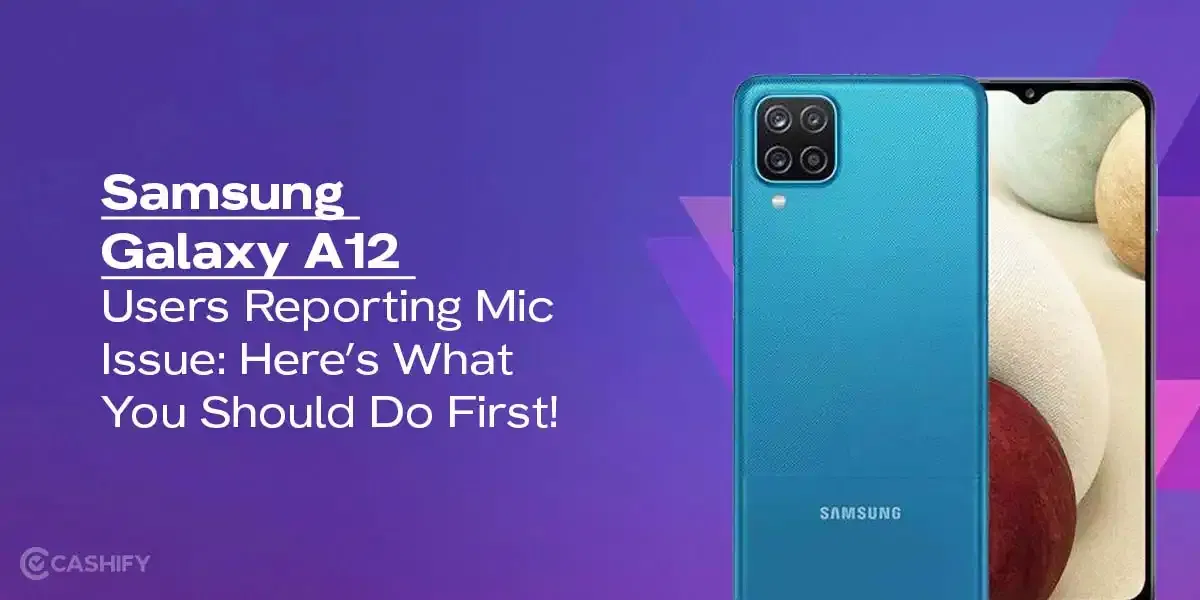
Are you facing the Samsung Galaxy A12 charging port issue? If yes, we have the perfect solution for you. The Samsung Galaxy A12 is a pretty popular phone. It has a strong battery and works well even in 2025. But, since it’s an old device, it can get damaged over time. One of the most common problems that people face is the USB-C Charging Port issue. It can be damaged over time for a lot of reasons.
- It gets filled with dust or lint from pockets.
- It can be bent if the charger is forced in.
- Worn out after years of plugging and unplugging.
If you are facing an issue with the charging port of the Samsung Galaxy A12, you are in the right place. The good news is, you can fix it at the time without spending too much money. In this guide, we will learn how to fix the Samsung Galaxy A12 charging port issue. Let’s get started:
Also Read: Google Pixel 7 Pro Screen Ghost Touch? Here’s the Fix That Actually Works!
Fix 1: Clean the Charging Port
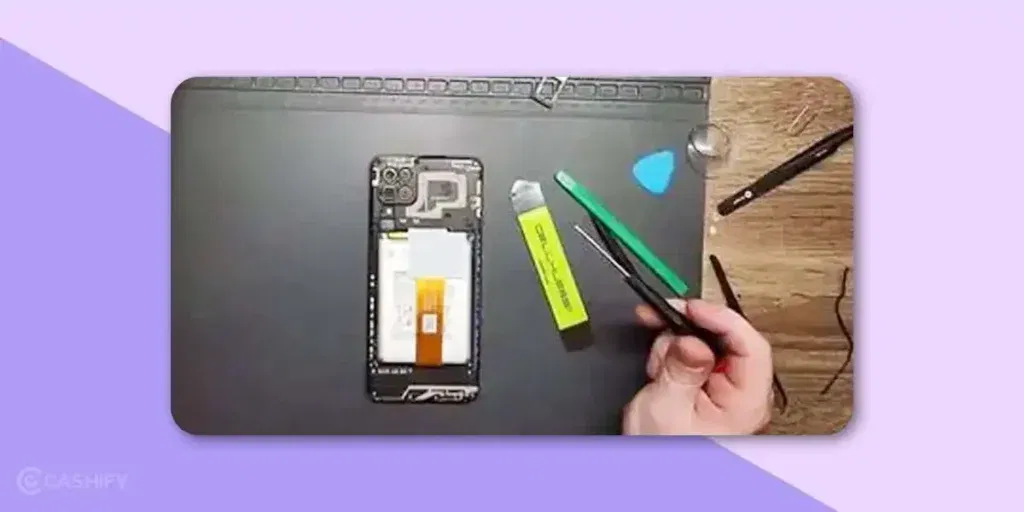
People face issues with the charging port because the port is dirty most of the time. It can also be the case that the inside pins get misaligned.
- You should power off the phone as it prevents accidental short circuits.
- Get a wooden or plastic toothpick. Make sure it is not metal.
- You can also use an old toothbrush.
- You would need a flashlight to see clearly. Look inside the port to see if it’s bent.
- Check for dust, lint, bent pins, and green or white corrosion. If the pin is bent, you would need to go to a mobile phone repair shop.
- Insert the toothpick just a little and wiggle lightly to loosen the lint. Brush it out softly.
- You can blow gently into the port. Plug it into a charger and check if it’s charging now.
It is recommended to do this once a month to get rid of dust and lint on time.
Also read: Broken Glass Or Dead Pixels? What Is Your Phone Screen Issue Type?
Fix 2: Check the Charger and Cable
Sometimes the phone’s charging port is completely fine. It is a problem with the cable or the adapter. So, we need to look for that, as weak or damaged chargers are the main culprit in most cases.
- You can try using a good-quality cable to charge the Galaxy A12.
- Make sure you avoid cheap or unbranded adapters, as they may not have enough power supply.
- The Galaxy A12 does not normally support wireless charging. But you can try a Qi Wireless Charging Case to see if it works.
- Go to Settings > Battery and Device Care > Battery > More battery settings. Here, you can turn Fast Charging ON.
Fix 3: Restart and Software Check
If the charging port is not working and you have recently updated your device, it can be the culprit. In this, a simple restart can fix the issue.
- Hold Power + Volume down for 10 seconds to boot into safe mode.
- Tap Safe Mode and plug the charger.
- If it charges, an app is causing the problem.
- Restart normally and exit the safe mode.
You can also wipe the cache partition. For this, hold Volume Up + Power button and select Wipe Cache Partition using volume keys. Press Power to confirm.
Also Read: What Is Repair Mode On Android Devices And How Does It Work?
Fix 4: Battery & Temperature Check
Your phone may refuse to charge if the temperature is too low/high. It will also not work if the battery is unhealthy.
- If the temperature hits below 0 degrees, the phone automatically blocks charging. Let it warm to room temperature.
- Dial *#0228# to see the battery voltage and basic health details.
- Make sure you charge the phone in a cool and dry place.
Also read: 5 Key Warnings: Your Phone Needs Repair ASAP!
If Nothing Works, Try Cashify For Samsung Galaxy A12 Charging Port Issue!
If the above fixes don’t work for your Galaxy A13 charging port issue, you can try Cashify. They have the most professional and fast phone repair service in India. Cashify has offline stores as well as they are available online with free pickup and drop off. You can either visit their store or repair the device while enjoying the comfort of your phone. Apart from this, you also get multiple benefits. Let’s check out:
- Competitive Pricing for affordable Samsung phone repair options
- Trained and Skilled experts
- At-home and same-day repair
- 100% high-quality compatible parts
- Warranty options for repair
- Discounts on mobile repair services
- Quality customer support
Also Read: What Is LCD Damage On Phone? Find Causes And Solutions
Final Thoughts On Samsung Galaxy A12 Charging Port Issue
In the end, I can say that Samsung Galaxy A12 Charging port issue can be annoying but there are fixes. You can easily try these fixes and get back to using your phone with ease. If the damage is something you cannot fix, you can always use the quality service of Cashify to fix the issue.
Also read: Fix Screen Burn Most Effectively For iPhone And Android Users!
Let me know if there are any thoughts in the comment section below. I would love to hear from you!
For old and refurbished smartphones, Cashify is a great platform. It offers 32 distinct checkpoints that phones must pass through before receiving a grade from one of three quality grades. Via Cashify, you can recycle, buy, and sell smartphones. So, what are you waiting for? Go to the Cashify Store and purchase any of the refurbished phones.