Your Samsung Galaxy Z Flip 7 screen suddenly has a line on it. Or the display starts flickering when you open the phone. Maybe the touch stops working in one area. What could be causing it? Can you fix it yourself, or does the display need to be replaced? If you are facing a Samsung Galaxy Z Flip 7 display issue, let’s look at the possible causes, fixes, and repair options.
Also Read:What Is The Difference Between Screen Repair And Screen Replacement?
What Causes Samsung Galaxy Z Flip 7 Display Issues?
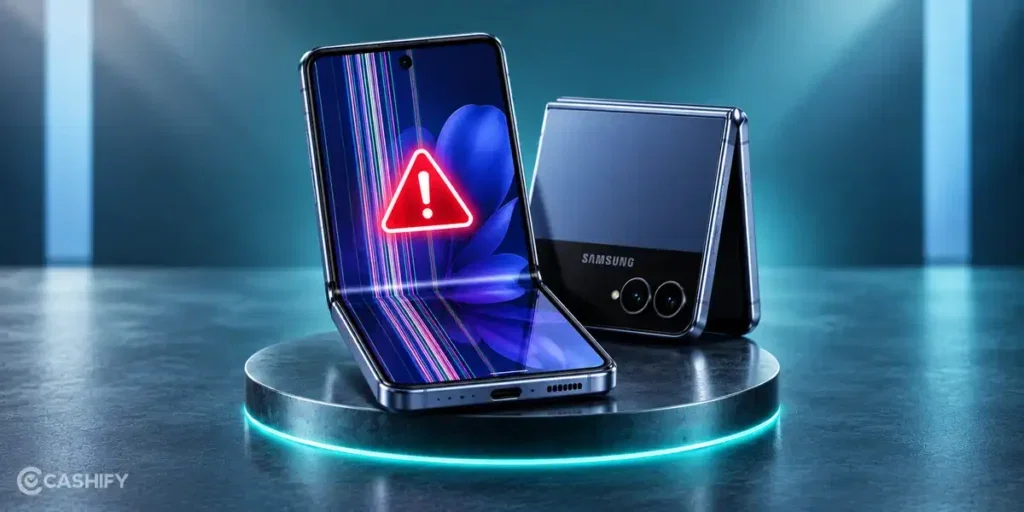
Before trying any fixes, let’s look at some common reasons behind a Samsung Galaxy Z Flip 7 display issue:
Physical Damage To The Display
A fall or a hard hit can affect the inner display of the Samsung Galaxy Z Flip 7. The outer glass may still look fine, but the panel beneath it can be damaged. Lines, black patches, or touch problems can appear after such an impact.
Problems Around The Hinge
The hinge controls how the phone opens and closes. Dust or debris around this area can affect its movement. If the hinge does not move smoothly, it can also affect the display.
Software Problems
A recent software update or an app issue can sometimes cause display flickering or touch issues. If the screen problem started after an update or only appears in one app, software may be the cause.
Display Settings
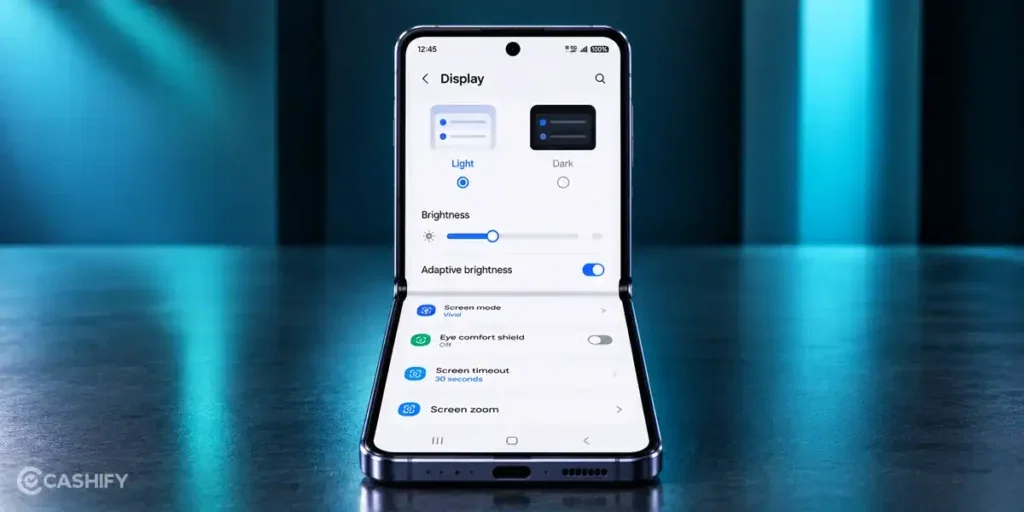
Check the screen settings if the flickering happens only at certain brightness levels. Adaptive brightness and refresh rate settings can change how the display behaves. Turning them off temporarily can help you see if they are linked to the problem.
Damage Along The Fold
The crease is the part of the inner screen that folds every time you close the phone. Damage in this area can cause lines, flickering, or touch problems. You may notice the issue more clearly when the phone is partly folded.
Also read: 8 Signs That Your Android Phone Motherboard Needs Repair!
How To Fix Samsung Galaxy Z Flip 7 Display Issues At Home?
Sometimes, you can fix a Samsung Galaxy Z Flip 7 display issue at home. Here are a few things you can try:
Restart Your Phone
A simple restart can fix small software problems that affect the display. Turn off your Galaxy Z Flip 7, wait for a few seconds, and turn it back on. Then check if the display is working normally.
Check The Display Settings
Open the display settings and check features such as adaptive brightness and motion smoothness. Turn them off one at a time and see if the flickering or other display problem stops.
Update Your Phone
Check if your Galaxy Z Flip 7 has a software update. If the current software causes the problem, a new update may fix it. Go to Settings > Software update and check for updates.
Check Apps In Safe Mode
If the display problem started after you installed an app, that app could be causing it. Start the phone in Safe Mode and check the display. If the problem stops there, remove recently installed apps one by one to find the cause.
Check The Screen For Physical Damage
Look closely at the inner display and the area around the crease. If you see cracks, black spots, lines, or other visible damage, avoid pressing or folding the screen repeatedly. A damaged foldable display usually needs professional repair.
Also read: Pixel 6A Detected Water In USB Port? Get Your Best Fix Today!
Why Choose Cashify For Samsung Galaxy Z Flip 7 Display Repair?
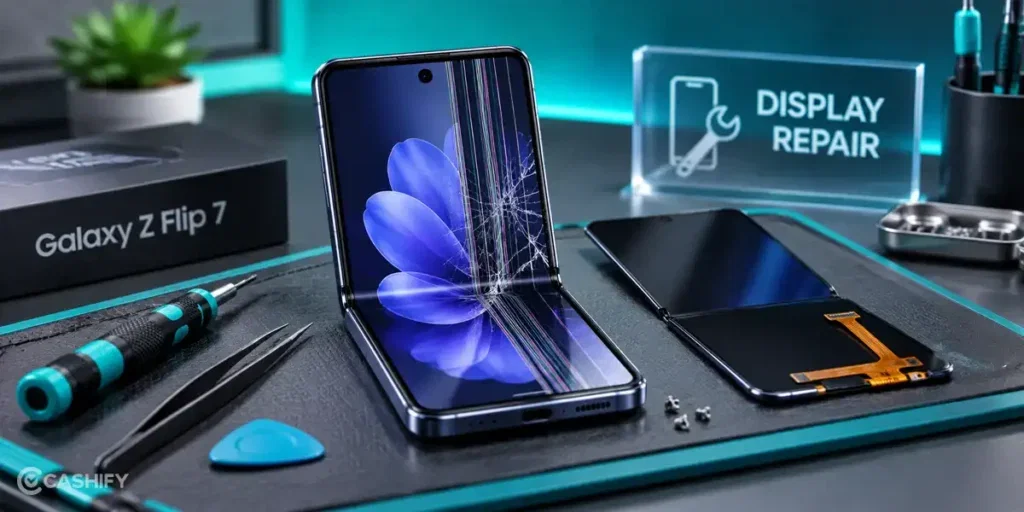
If the home fixes do not solve the problem, it is best to get the phone checked by a professional. For Samsung Galaxy Z Flip 7 display repair, here’s why you should choose Cashify:
Get Display Repair At Your Doorstep
You don’t have to take your phone to a store for a mobile repair. If doorstep service is available in your area, you can book a visit and have your Galaxy Z Flip 7 checked at home
Visit A Cashify Service Centre
If you prefer to visit a store, you can take your phone to a Cashify service centre. With 200+ centres across India, you can choose a location that works for you.
Get Your Phone Checked Before Repair
The technician will first check your Galaxy Z Flip 7 to find the display problem. This makes sure the right part is repaired or replaced.
High-Quality Compatible Parts
If your display needs to be replaced, Cashify uses high-quality compatible parts made for your phone model. The technician uses the suitable part based on the phone repair needed.
Know The Repair Cost Beforehand
You will know the mobile phone repair cost before the work starts. Once the repair is complete, you can pay the amount quoted for the service.
Get Warranty Support On Eligible Parts
Cashify offers warranty* support on eligible replacement parts. Display replacements come with a 6-month warranty.
(*Repair warranties are subject to discretion based on Cashify’s terms and conditions. Please refer to our warranty policy for detailed information.)
Also read: How To Fix Vivo V11 Pro Screen Issues? Replace It Affordably!
How To Book Samsung Galaxy Z Flip 7 Display Repair With Cashify?
To fix your Samsung Galaxy Z Flip 7 display issue through Cashify, follow these simple steps:
- Visit the Cashify website or open the Cashify app.
- Go to the Mobile Repair section.
- Select Samsung as your phone brand.
- Choose Samsung Galaxy Z Flip 7 from the list.
- Select the Screen as the repair service.
- Enter your address for doorstep service.
- Pick a suitable date and time.
- Confirm your booking.
Also Read: Do You Lose Data When Replacing LCD Screen?
FAQs About Samsung Galaxy Z Flip 7 Display Repair
Q. Can A Galaxy Z Flip 7 Display Problem Affect Touch?
Yes. Display damage can sometimes affect the touch response on the screen.
Q. Can A Line On The Galaxy Z Flip 7 Screen Spread?
It can get worse if the display has internal damage. Avoid putting pressure on the affected area.
Q. Is The Galaxy Z Flip 7 Screen Fragile?
The inner display needs more care than a regular phone screen because it folds. Avoid sharp objects, heavy pressure, and debris near the fold.
Q. Can The Galaxy Z Flip 7 Be Used With A Damaged Screen?
It may still work, but using a damaged display can lead to more screen or touch problems. It is better to get it checked.
Q. How Long Does A Galaxy Z Flip 7 Display Last?
There is no fixed lifespan for the display. How long it lasts depends on usage and how the phone is handled.
Also read: Vivo Y83 Pro Aux Jack Not Working? Repair It Fast With Cashify
Final Thoughts On Samsung Galaxy Z Flip 7 Display Issues
To sum up, a Samsung Galaxy Z Flip 7 display issue does not always mean you need to replace the screen. Try the basic fixes first if the problem is related to the software or settings.
If the display has physical damage or the problem continues, getting it checked by a professional is a better option. This is especially important if the issue is around the fold.
If you still have any questions about Samsung mobile repair, feel free to leave a comment below. I’ll be happy to help.
Use code:
- TECH25 to avail a discount of up to Rs. 300 (on the minimum order value of Rs. 2499).
- RPR50 to avail up to 50 percent off on a minimum spend value of Rs. 1000 (limited offer).
If you’ve just bought a new phone and don’t know what to do with your old phone, then here’s your answer. Sell old mobile to Cashify and get the best price for it. If you are planning to buy a new phone, check out Cashify’s refurbished mobile phones. You can get your favourite phone at almost half price with six-month warranty, 15 days refund and free delivery.