Is your Samsung Galaxy Note 10 Lite not loud enough anymore? You may have turned the volume all the way up, but the sound still feels weak. Calls, songs, and videos can all become harder to hear when this happens. Before you assume that the speaker needs a repair, there are a few things worth checking. Let’s see what you can do if you’re facing the Samsung Galaxy Note 10 Lite speaker sound low issue.
Also read: Pixel 6A Detected Water In USB Port? Get Your Best Fix Today!
Why Is My Samsung Galaxy Note 10 Lite Speaker Sound Low?
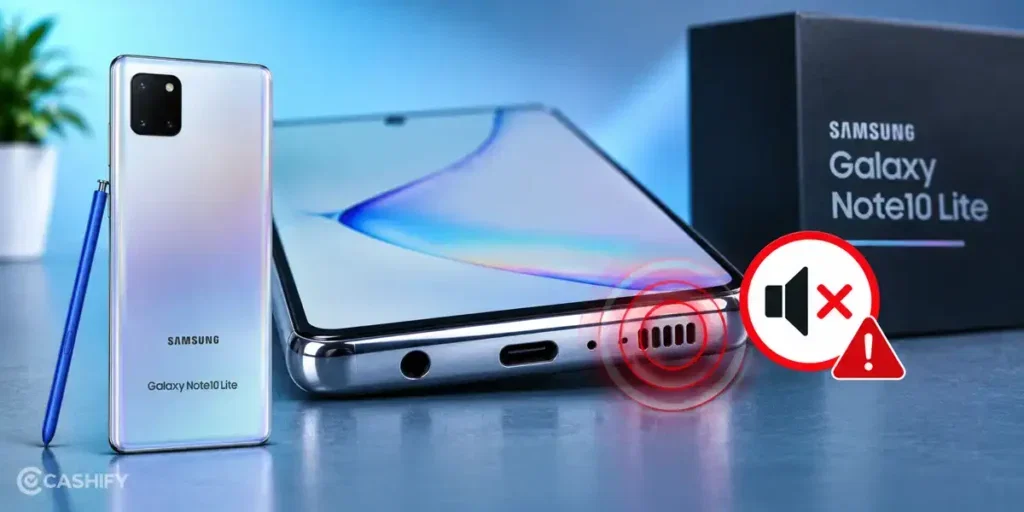
Before trying any fixes, here are some common reasons for the Samsung Galaxy Note 10 Lite speaker sound low issue:
Earpiece Speaker Has A Problem
The Galaxy Note 10 Lite uses its earpiece speaker for call audio. If calls sound unusually quiet while music and videos play normally, the earpiece may have a hardware issue.
Water Has Affected The Speaker
Liquid can enter the speaker area and affect the speaker diaphragm. Even if the phone still works normally, the sound can become weak, muffled, or distorted after exposure to water or moisture.
Audio Output Is Limited By An App
Some apps have their own volume controls or audio settings. If the sound is low only inside a particular app, its audio settings may be limiting the output.
Speaker Component Has Worn Out
The speaker can lose its normal output after years of regular use. A worn speaker may produce noticeably lower sound than it did when the phone was new, even when the volume is set to maximum.
Equaliser Or Sound Effects Affect The Output
Samsung phones include audio features that can change how media sounds. Settings such as an equaliser or sound effects can alter the balance and make certain audio frequencies less noticeable.
Audio Is Being Routed Through The Earpiece
In some situations, the phone may route audio differently depending on the app or feature you are using. This can make the sound seem unusually quiet compared with normal media playback.
Also Read: How Can Cashify Smart Repair Service Enhance Your Mobile Repair Experience?
How To Fix Samsung Galaxy Note 10 Lite Speaker Sound Low At Home?
Now that you know the reasons, try these fixes to solve the Samsung Galaxy Note 10 Lite speaker sound low issue:
Restart Your Samsung Galaxy Note 10 Lite
Restart the phone to clear temporary system glitches that may affect audio playback. Press and hold the Power button, tap Restart, and check the speaker after the phone turns back on.
Check Media Volume
Play a song or video and press the Volume Up button. Tap the three-dot menu on the volume panel and make sure the Media volume is turned up.
Turn Off Bluetooth
Swipe down from the top of the screen and check the Bluetooth icon. Turn Bluetooth off and play the audio again. This makes sure the phone uses its built-in speaker instead of a connected audio device.
Check Sound Effects
Go to Settings > Sounds and vibration > Sound quality and effects. Check the available sound options and turn off any effect that changes the audio output. Play a video again to compare the sound.
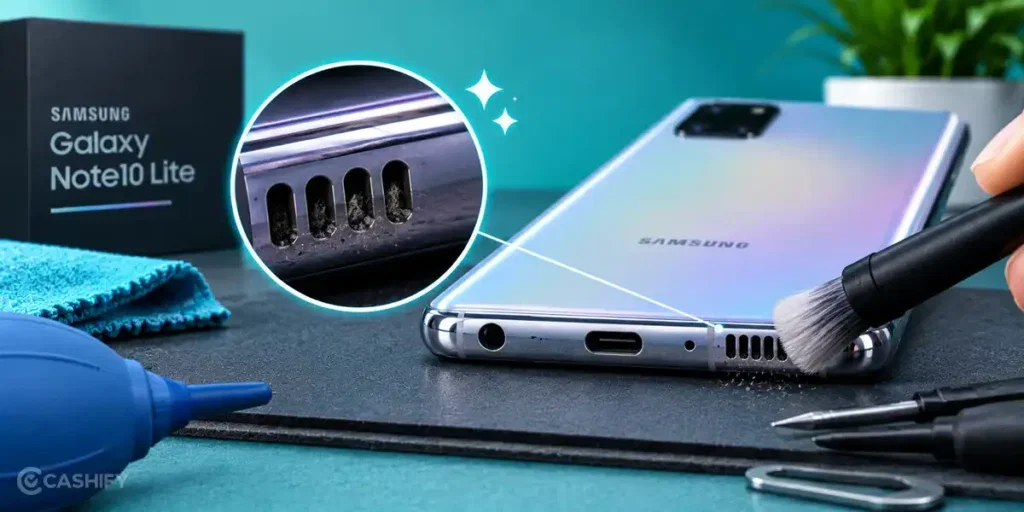
Clean The Speaker Opening Carefully
If the speaker opening has visible dirt, clean it gently with a soft, dry brush. Do not use water, sharp objects, or compressed air, as these can damage the speaker or push debris further inside.
Test The Speaker With Different Audio
Play a ringtone, video, music track, and voice recording. This helps you check whether the low sound happens across different types of audio or only with one source.
Run Samsung Members Diagnostics
Open the Samsung Members app and use its diagnostic tools to test the phone’s speaker. If the test detects an issue, you can consider professional Samsung mobile repair.
Also read: 8 Signs That Your Android Phone Motherboard Needs Repair!
Why Choose Cashify For Samsung Galaxy Note 10 Lite Speaker Repair?
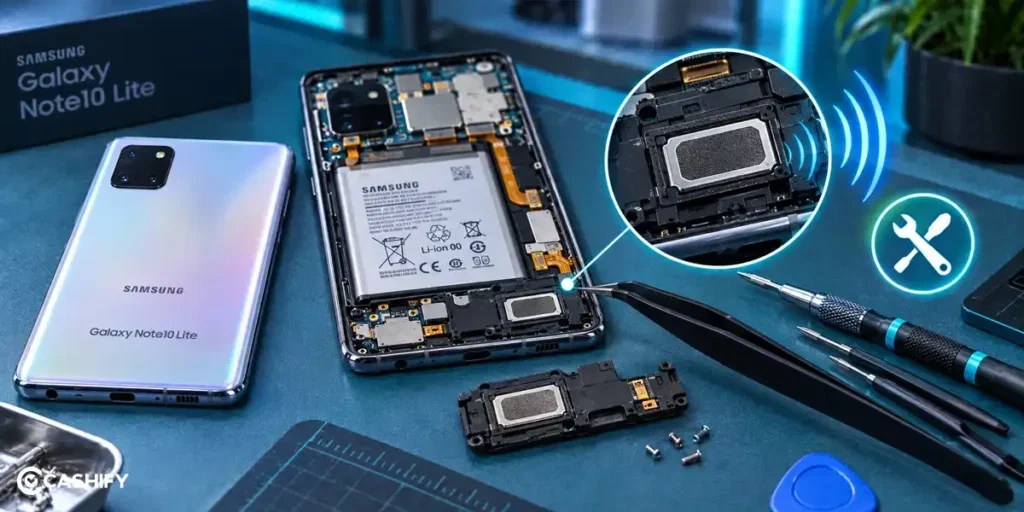
If the above fixes don’t solve the problem, there may be an issue with the speaker itself. In that case, Cashify can help with the mobile repair. Here’s what you get with the service:
- You can book your Samsung Galaxy Note 10 Lite repair through the Cashify website or app at a time that suits you.
- If doorstep service is available in your area, a technician can visit your home or office. You don’t have to take the phone to a store, and you pay after the phone repair is completed.
- Cashify has 200+ service centres across India if you prefer to visit a store and get your phone checked in person.
- You get the mobile phone repair estimate before the work starts, so you know the expected cost beforehand without worrying about hidden charges.
- Cashify uses high-quality compatible parts for repairs to help restore the speaker’s normal sound output.
Also read: Vivo Y83 Pro Aux Jack Not Working? Repair It Fast With Cashify
How To Book Samsung Galaxy Note 10 Lite Speaker Repair With Cashify?
If you’ve decided to fix the Samsung Galaxy Note 10 Lite speaker sound low issue with Cashify, here’s how you can book a repair:
- Open the Cashify app or website.
- Go to Phone Repair.
- Select Samsung.
- Choose Samsung Galaxy Note 10 Lite.
- Select Speaker as the issue.
- Enter your address details.
- Pick a suitable time slot.
- Confirm the booking.
Also Read: Do You Lose Data When Replacing LCD Screen?
FAQs About Samsung Galaxy Note 10 Lite Speaker Sound
Q. Why is my Samsung Galaxy Note 10 Lite speaker quieter than before?
A speaker can lose some of its output as the phone gets older, especially if the speaker component has worn down.
Q. Why is my Samsung Galaxy Note 10 Lite speaker loud on some calls but quiet on others?
Call volume can vary depending on the app or calling service you use. Check whether the issue happens with every call or only with a particular service.
Q. Can water damage cause low speaker sound on the Samsung Galaxy Note 10 Lite?
Yes. Moisture can affect the speaker and cause low, muffled, or distorted audio.
Q. How can I test the Samsung Galaxy Note 10 Lite speaker?
Play different types of audio, such as a ringtone, music, and a video. This can help you check whether the issue affects all speaker output.
Q. Can a Samsung Galaxy Note 10 Lite speaker be repaired?
Yes. If the speaker has a hardware problem and the basic checks do not help, you can get it inspected and repaired by a technician.
Also Read:What Is The Difference Between Screen Repair And Screen Replacement?
Final Thoughts On Samsung Galaxy Note 10 Lite Speaker Sound Low
A low speaker can make calls, music, and videos difficult to hear on your Samsung Galaxy Note 10 Lite. Try the basic checks first to see if you can fix the issue at home.
If the sound remains low after trying these steps, the speaker may need a professional inspection. Cashify offers doorstep repair, 200+ service centres, upfront repair estimates, and quality compatible parts.
If you still have any questions about the Samsung Galaxy Note 10 Lite speaker sound low issue, feel free to leave a comment below. I’ll be happy to help.
Also check:
- TECH25 to get up to Rs. 300 off on a minimum order value of Rs. 2,499.
- RPR50 to get up to 50 per cent off on a minimum spend of Rs. 1,000. This is a limited-time offer.
Are you still browsing through your broken screen? Don’t worry! Book at-home mobile phone screen repair with Cashify, an affordable and one-stop destination for all your mobile phone needs. In case you break your screen within 1 month of repair, we will replace your screen again for FREE.