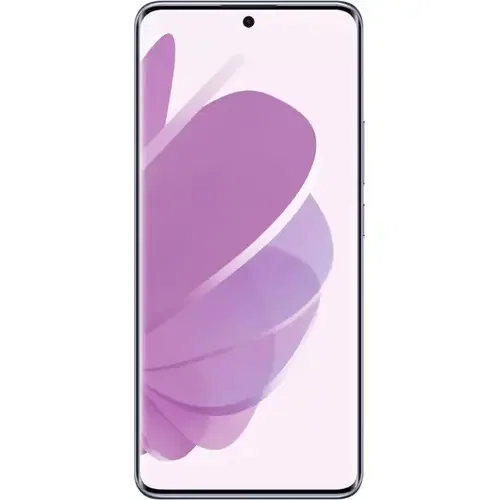
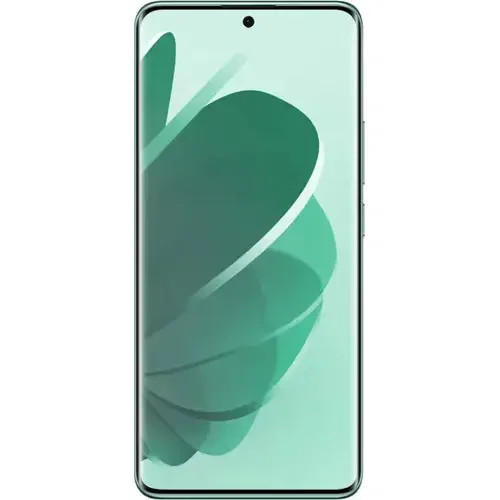
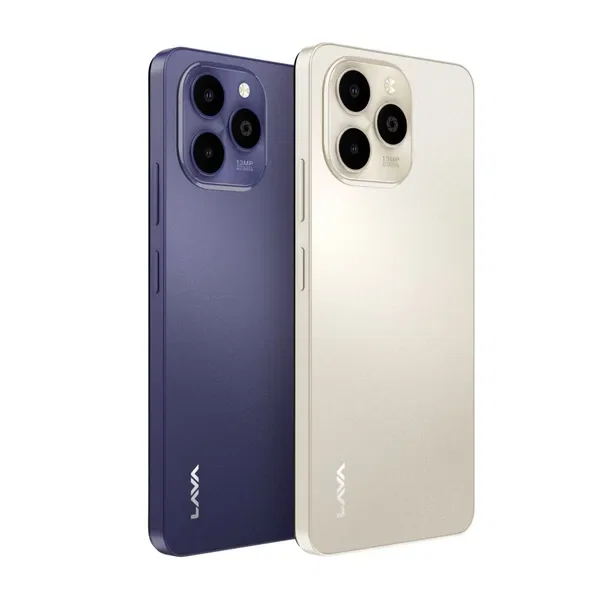
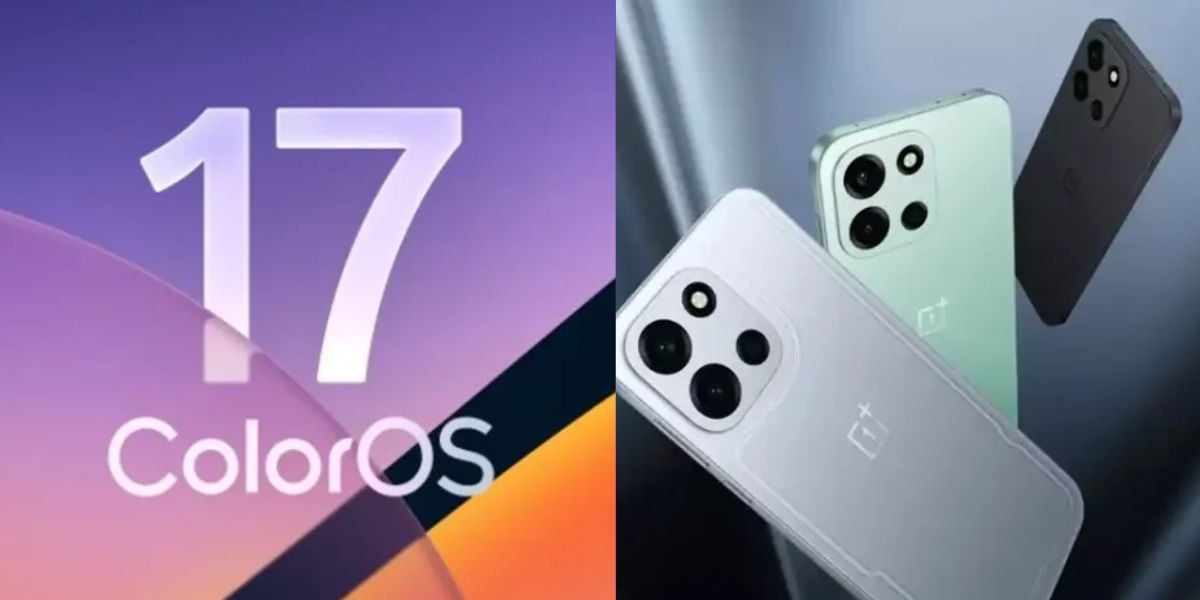
ColorOS 12 was been updated for Oppo A53s 5G versions across India. The rollout comes a month after Oppo made the beta version available to Indian consumers. Oppo may soon make a statement about future upgrades for worldwide consumers. ColorOS 12 for Oppo A53s 5G, which is based on Android 12, may be downloaded from the smartphone’s settings. Users must confirm that their phone is running the most recent version of ColorOS 11 in order to receive the update.
Also Read: Most Awaited Phone Is Here: Redmi 10 Power
Oppo A53s 5G ColorOS 12: Steps to Update

Oppo has published a lengthy post about the new update that includes all of the pertinent details. Users of the Oppo A53s 5G in India will be able to receive the current update in the following manner:
Select Settings > Software Updates > Select ‘ColorOS 12 version’ and then Update.
Also Read: Samsung Galaxy Z Flip3 to Have Accessories Never Offered Before
Users must confirm that their Oppo A53s 5G is running firmware version A.08/A.09 and software ColorOS 11 in order to get the official version. Before upgrading your phone, make a backup to guarantee that you don’t lose any data.
About the New ColorOS 12 Version
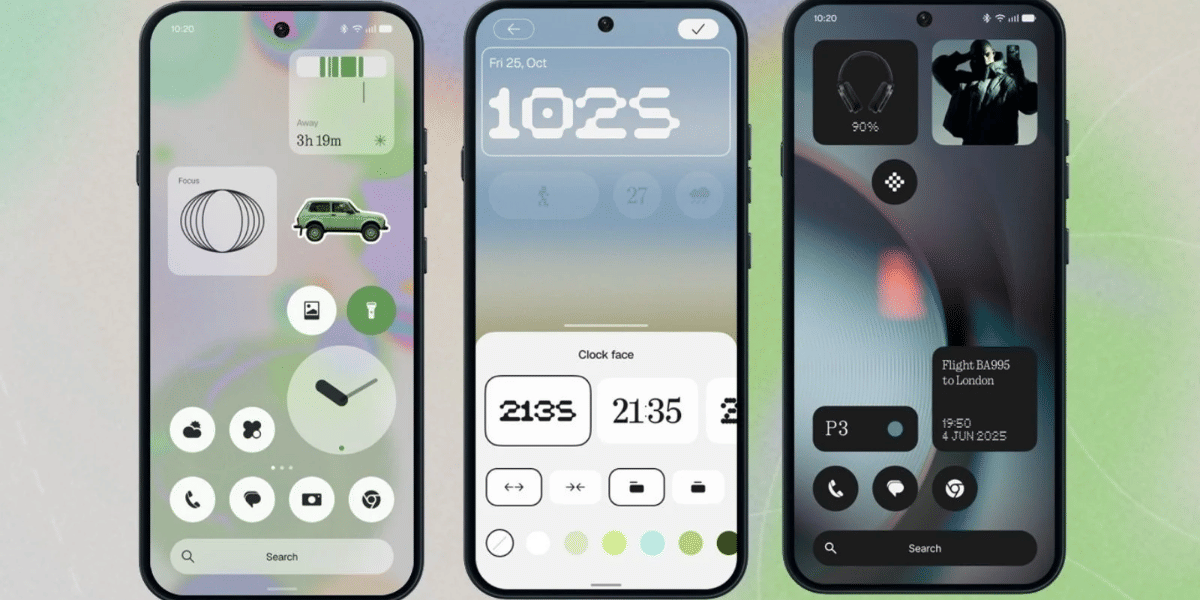
With the stable ColorOS 12 version based on Android 12, Oppo has added various new features and upgrades. The latest software update has made adjustments to the smartphone’s UI components, like icons, system programs, and the fast settings panel. Users will now get access to Android 12 privacy features such as the Privacy Dashboard and microphone and camera Indicators.
The phone may reboot numerous times shortly after the update, draining the battery fast. It is advised that you maintain the device fully charged and switch off the screen when not in use to guarantee a seamless update.
Also Read: Snap! Apple’s App Tracking Transparency Framework Has Loopholes
Users may experience lagging as a result of apps that are not compatible with Android 12. For a quick update, Oppo has also published a list of incompatible third-party applications.