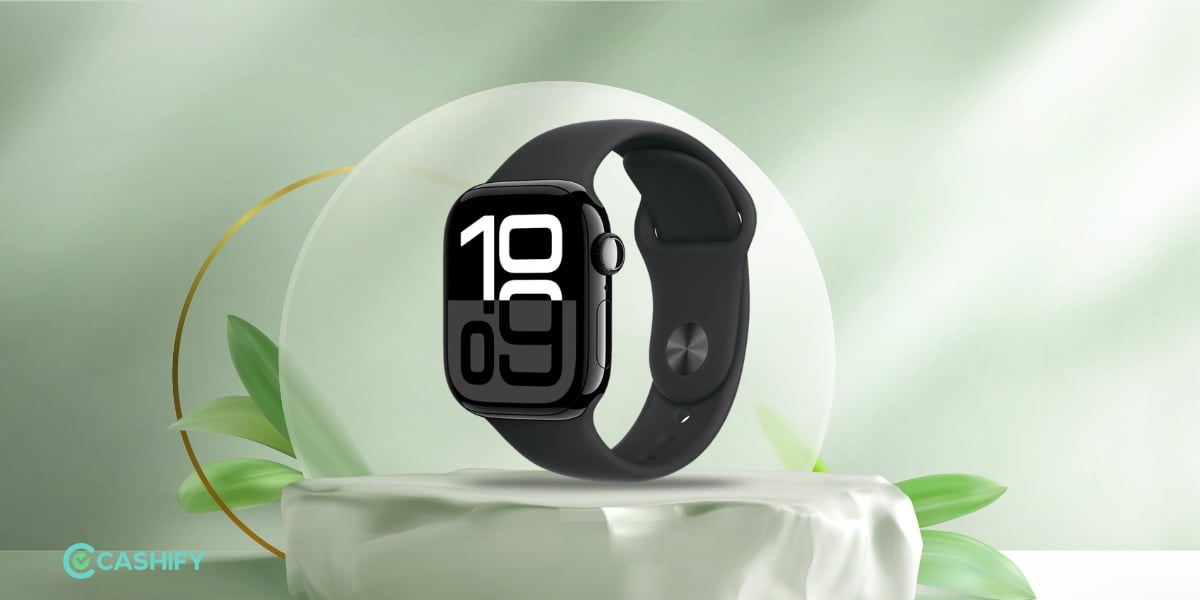
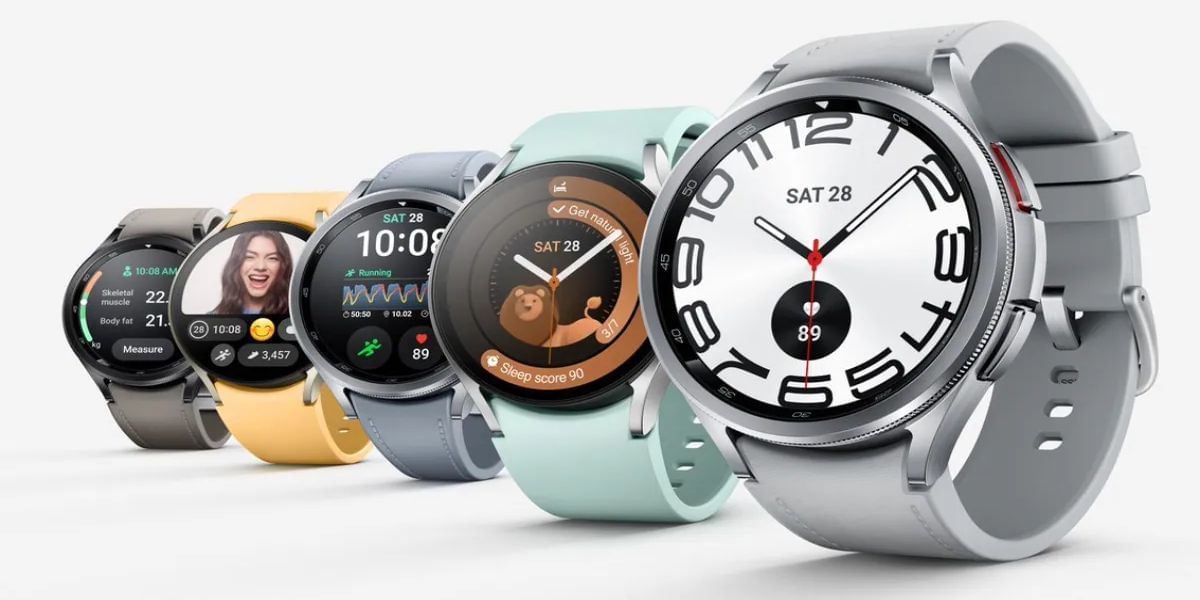
Samsung has released the OneUI 5 Watch update for the Samsung Galaxy Watch 4 and Samsung Galaxy Watch 5. This major update for Samsung OneUI 5 brings a lot of changes and improvements, including the new Watch Unlock feature. It is a convenient feature that can help you unlock your phone in a new way.
What Is Google’s Watch Unlock Feature?
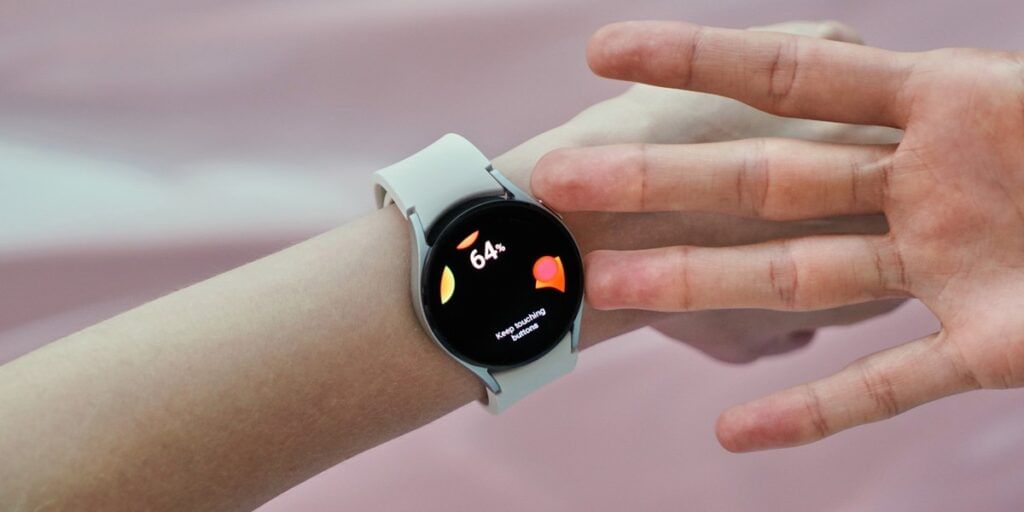
The Watch Unlock feature made its debut with the Pixel Watch on Wear OS 4. It allows users to automatically unlock their Android phone while wearing a paired smartwatch on their wrist.
Also Read: Apple Watch Series 6 Vs Samsung Galaxy Watch 3: Comparison
This means you don’t need to enter a PIN or use your fingerprint as long as you wear the watch. Apple also has a similar feature that allows consumers to unlock their iPhones using the Apple Watch. It can be pretty helpful if you wish to unlock your smartphone and your hands are dirty or wet.
Using the Watch Unlock feature, you can easily bypass the smartphone’s lock screen without entering a PIN, password or fingerprint as long as you have the Galaxy Watch on your wrist.
Samsung OneUI 5 Watch Adds Watch Unlock To Galaxy Watch
This feature is rolling out as a part of the Wear OS 4 update for the Galaxy Watch 4, 5 and 6 series. It can also be helpful in situations where you are wearing a mask or helmet and need to unlock your phone.
Also Read: Apple Watch Series 9: Here Is What You Can Expect From Apple This Fall
Android expert Misaal Rahman discovered the presence of this feature in the latest build of OneUI 5. He found that the build added the com.google.android.clockwork.active_unlock feature. Active_Unlock corresponds to the API for the Watch Unlock feature.
While Watch Unlock might sound similar to the Trusted Devices feature, it is actually different. Unlike Trusted devices, you must add a PIN or password to your watch before enabling it to unlock your phone. It is more secure as it will keep the phone unlocked as long as your smartphone stays unlocked.
Are you interested in buying a refurbished smartwatch? Cashify offers the best deals on refurbished smartwatches so you can trend in style even on a tight budget!