Amazon has made it more difficult for customers to purchase Kindle books. The e-commerce giant previously allowing its users to purchase Kindle books via the Amazon app on an Android device, but that luxury has now been taken away. This was not possible for iOS users. Amazon never allowed users to purchase Kindle books through the Amazon iOS app. Let us look at the story in details.
Also Read:
How To Download Apple iPhone Wallpaper HD 4K?
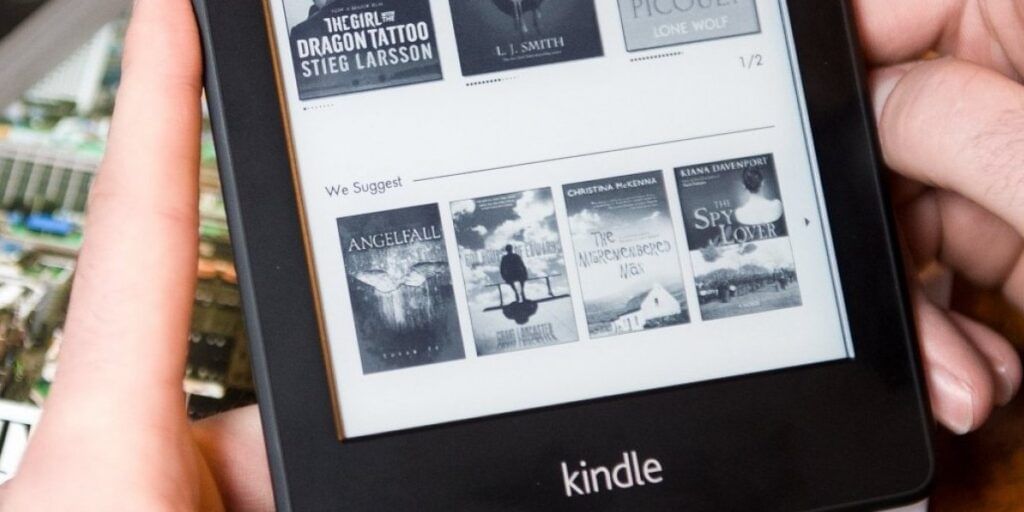
When you try to buy a Kindle book through the Amazon Android app. You will be redirecting to a new screen that explains why the purchase option is no longer available. If you update the app, you will see a similar note. Users can already see a note explaining why they can’t buy a Kindle book from Amazon’s iOS app. Ars Technica reported on the development.
Amazon Has Made It Tougher For Users To Buy A Kindle Book
“In order to comply with Google Play Store policies, you will no longer be able to purchase new content from the app.” “You can build a reading list on the app and buy on [the] Amazon website from your browser,” says the message when you try to buy a Kindle book on Amazon. In 2011, the e-commerce giant removed digital book purchasing support from iOS devices.
Also Read:
How To Type Apple Logo On Mac, iPhone or iPad?
Google has stated that it will take action against apps that do not follow its billing guidelines. Google had previously stated that it would begin trying to remove apps from Play Store on June 1, 2022, if developers failed to follow the company’s guidelines.
That is primarily why, on April 1, 2022, the company discontinued support for purchasing audible audiobooks via the Android app. The company has discontinued support for purchasing Kindle books via its Android app. The only way to purchase Kindle books is via the browser on your computer or laptop.
Also Read: