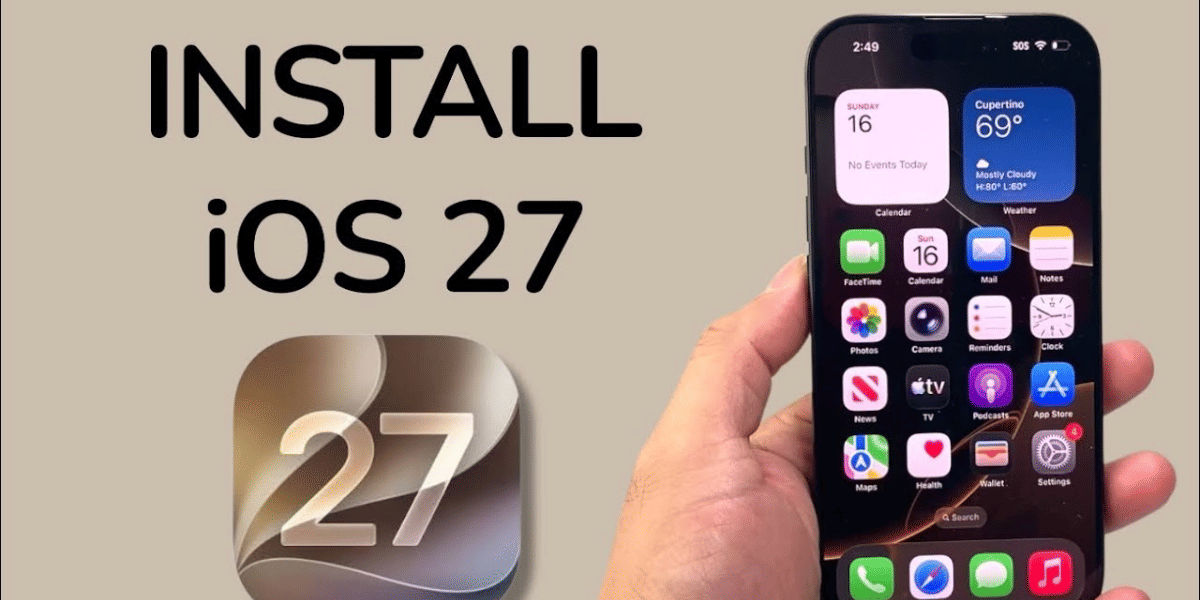
Apple has officially released iOS 27 for compatible iPhone models. The new software update is now available to users, bringing major changes including new Apple Intelligence features, Siri AI and other system upgrades. Apple says iOS 27 is available from September 14.
If you have a supported iPhone, you can download and install iOS 27 directly from the Settings app. Before starting the update, however, there are a few things you should check to avoid problems during installation.
iOS 27 Compatible iPhones
Apple has confirmed that iOS 27 supports a wide range of iPhone models. The update is available for the Apple iPhone 11 series and newer models, along with the iPhone SE (2nd generation and later).
This means iOS 27 can be installed on models including the iPhone 11, iPhone 12, iPhone 13, iPhone 14, iPhone 15, iPhone 16 and iPhone 17 series, as well as newer models.
However, not every new feature will be available on every supported iPhone. Some of Apple's advanced Apple Intelligence features require newer hardware. Apple says Apple Intelligence and Siri AI features in iOS 27 are available on iPhone 16 models and later, as well as the iPhone 15 Pro and iPhone 15 Pro Max.
How To Download iOS 27 On Your iPhone
Installing iOS 27 is straightforward. Follow these steps:
- Open the Settings app on your iPhone.
- Tap General.
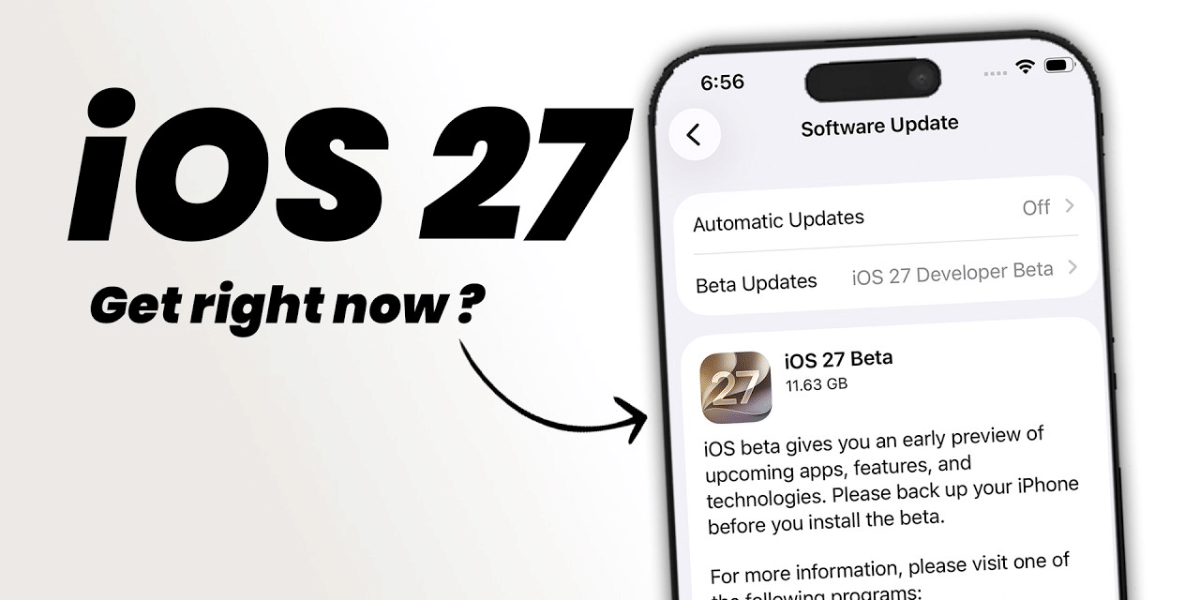
- Select Software Update.
- Wait for your iPhone to check for available updates.
- You should see the iOS 27 update if your iPhone is compatible.
- Tap Download and Install.
- Enter your iPhone passcode if asked.
- Agree to the terms and conditions.
- Keep your iPhone connected to Wi-Fi and preferably plugged into a charger while the update completes.
Apple's standard software-update process allows users to check the installed iOS version and download an available update directly from Settings.
Also Read: Siri AI Beta Launches With iOS 27 On This Date For English Users
Things To Check Before Installing iOS 27
Before downloading the update, it is a good idea to back up your iPhone. This gives you a copy of your important data if something goes wrong during the update. Apple also recommends backing up the device before installing new software.
Make sure your iPhone has enough free storage space for the update. If storage is nearly full, you may need to remove or offload some apps, photos or other files before starting.
It is also better to install the update while connected to a stable Wi-Fi network and with sufficient battery or a charger connected. Avoid switching off the iPhone while the installation is in progress.
Users should also avoid downloading iOS 27 from third-party websites or unofficial links. The safest option is to install the update directly through Settings > General > Software Update.
Finally, keep in mind that some iOS 27 features depend on the iPhone model, language and region. Apple notes that certain features are not available in every region or language.
So, if you own a compatible iPhone, you can now check the Software Update section and download iOS 27 officially.
Are you still browsing through your broken screen? Don’t worry! Book at-home mobile phone screen repair with Cashify—an affordable and one-stop destination for all your mobile phone needs. In case you break your screen within 1 month of repair, we will replace your screen again—for FREE.