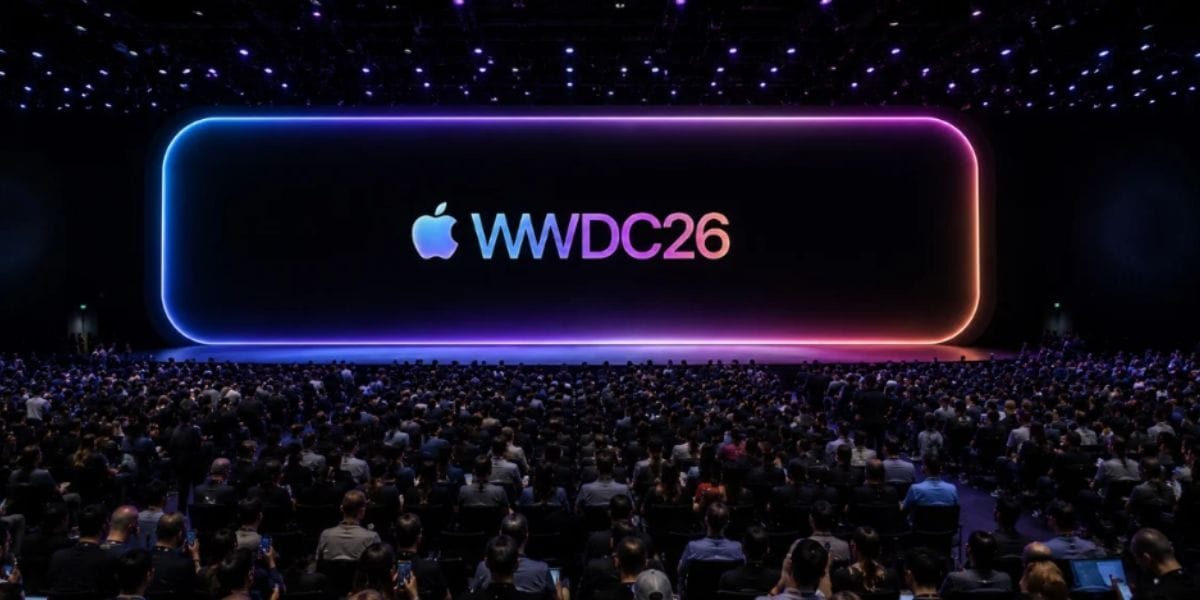
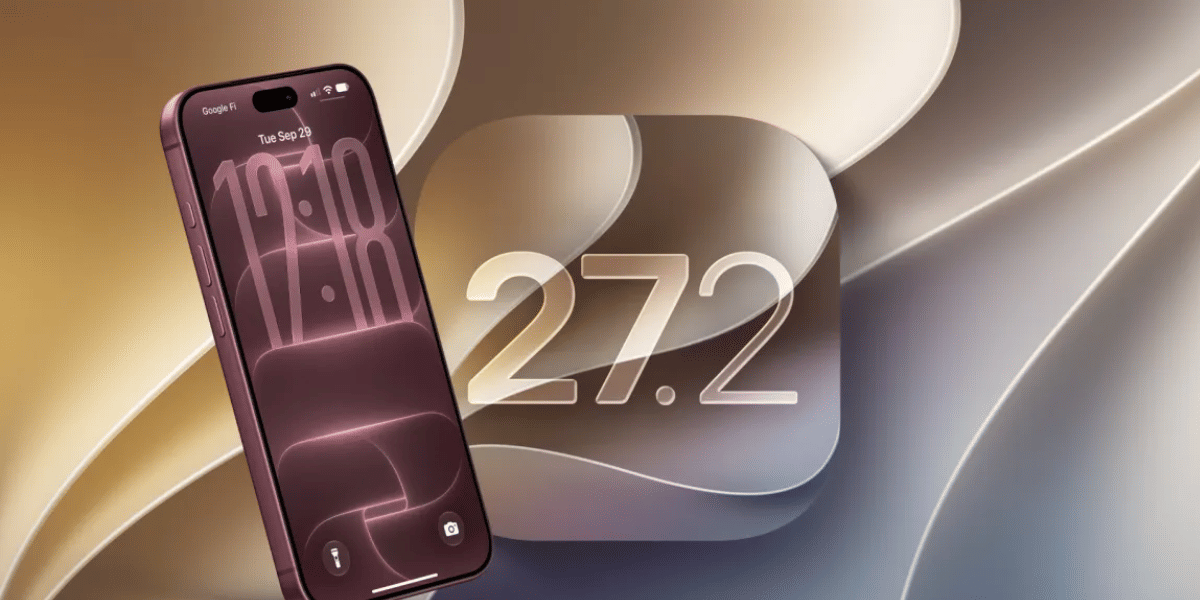
Apple just wrapped up WWDC 2026 and iOS 27 is officially here. The first developer beta dropped today and you can download it right now. If you have been waiting to see what Apple has been working on all year, today is finally the day.
Here is everything that is new and what it actually means for your iPhone.
iOS 27 Beta New Features
This update is one of the bigger ones Apple has shipped in years. Some features are completely new. Others are fixes for things that should have worked better a long time ago. Here is the full list explained simply.
- Siri finally gets its own app – For the first time ever Siri lives in a standalone app. You can have a real back and forth conversation with it just like you would with ChatGPT. Ask something, get an answer, ask a follow up question. It remembers what you said earlier in the conversation. This is a massive upgrade from the old Siri that forgot everything the moment you stopped talking. One of the best iOS 27 beta features is the completely redesigned Siri experience.
- A new Search or Ask screen – Swipe down on the Dynamic Island area at the top of your screen and a brand new interface opens up. You can type a search or ask Siri something directly from there. It is much faster than the old way of activating Siri.
- Make your own passes in Apple Wallet – You can now create digital passes for physical cards you already own like a gym membership card or a loyalty card. Take the card with you on your phone instead of in your wallet.
Also Read: How To Watch WWDC Live? This News Will Help You
- Split bills with Apple Cash – This one is genuinely useful. Take a photo of a restaurant receipt and iOS 27 lets you assign each item to a different person at the table. It then sends Apple Cash payment requests to everyone automatically. This feature is available in the US only for now.
- Two new photo editing tools – Apple is adding Extend and Reframe to the Photos app. Both are powered by Apple Intelligence. Extend stretches the edges of a photo to make it wider or taller. Reframe helps you recompose a shot after you already took it.
- Automatic captions for your personal videos – Any video you shoot on your iPhone can now get automatic subtitles. This is great for accessibility and also really handy when you want to watch a video without turning the sound on.
- Apple Maps works via satellite – You will be able to use Apple Maps even when you have no mobile data and no WiFi. The map loads through satellite connection. If you travel to remote areas or go on hikes this is going to be a genuinely useful addition.
- Better battery life across the board – Apple is treating iOS 27 the same way it treated Mac OS X Snow Leopard years ago. The whole focus is on cleaning up bugs and making everything run more efficiently. As a result, you should notice your battery lasting noticeably longer after the update.
- Autocorrect that actually works – Apple has rebuilt the autocorrect system from scratch. It should stop making embarrassing mistakes in your messages and actually predict what you meant to type.
- Visual Intelligence in your camera – Point your camera at a nutrition label on a food product and Siri reads it out for you. Point it at a business card and it pulls the contact details automatically. Thus, no tapping or searching needed.
- Build shortcuts just by describing them – Open the Shortcuts app and type what you want to automate in plain simple English. Apple Intelligence builds the shortcut for you. So, you do not need to understand how shortcuts work to use this.
- AI generated wallpapers – Describe a wallpaper you want and Apple Intelligence creates it for you. So, you can have a completely unique wallpaper on your iPhone that nobody else has.
Also Read : These Are The iPhones Eligible For iOS 27 As Announced In WWDC 2026
How To Download On Your iPhone Today
The good news is you do not need to pay anything this year. Apple is letting anyone with a free developer account install the beta. Here is how to do it step by step.
- First go to developer.apple.com and create a free account if you do not already have one
- Once your account is set up restart your iPhone
- Open the Settings app and tap on General
- Tap on Software Update and then tap Beta Updates
- Select iOS 27 Developer Beta and let it download
If you would rather wait for something more stable and less buggy, Apple will release a public beta sometime in July. That version goes through more testing before release and is much safer for daily use.
One thing worth saying clearly before you rush to install it. Beta software always has bugs. Apps can crash. Features might not work properly. Some things may not work at all. So, do not install this on your main iPhone without backing it up first. Go to Settings, tap your name at the top, go to iCloud and tap iCloud Backup. Back everything up before you start.
The full public version of iOS 27 will be available to everyone for free this September. If you are not in a hurry, waiting for September is the safer and smarter choice for most people.
Are you still browsing through your broken screen? Don’t worry! Book at-home mobile phone screen repair with Cashify—an affordable and one-stop destination for all your mobile phone needs. In case you break your screen within 1 month of repair, we will replace your screen again—for FREE.