Google is streamlining account management for iPhone users with its latest Chrome update, eliminating the need to constantly sign in and out. The update allows users to effortlessly switch between their work and personal Google accounts, keeping each account’s data separate. This feature is particularly helpful for those juggling both professional and personal tasks on the same device. So, here is everything you need to know.
Chrome Update For iPhone Users: How Does It Work?
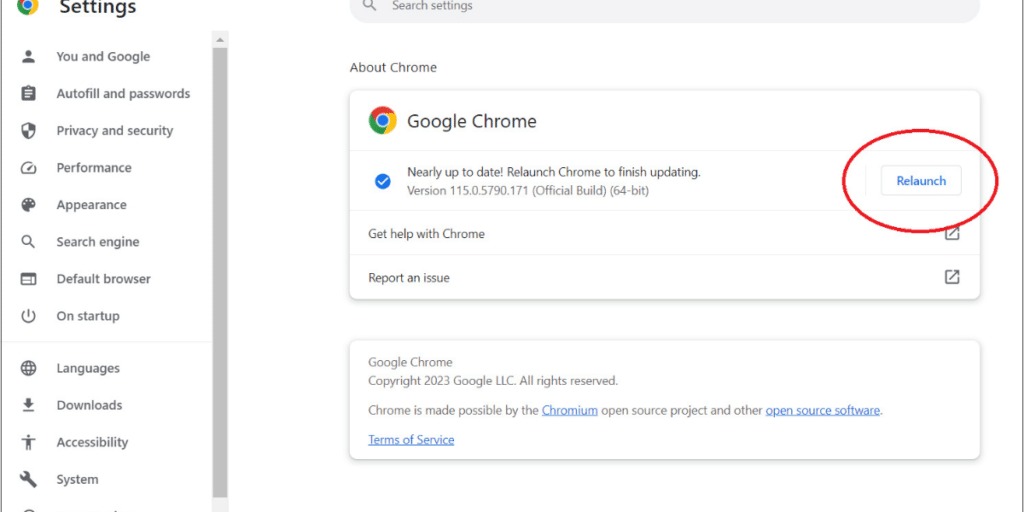
This new Google Chrome update ensures that when iPhone users switch to their work account in Chrome, all work-related browsing—such as history, tabs, and saved passwords—remains within that specific account profile.
Also Read: How Can We Use Chrome Extensions On Android?
This keeps personal data separate from work data. Additionally, a notification appears when switching to the work account, confirming that the user is now in a managed, company-controlled environment. This new feature is part of Google’s ongoing efforts to enhance Bring Your Own Device (BYOD) policies, enabling employees to seamlessly use personal devices for work. It also brings iPhones in line with Android devices, which have offered better separation of work and personal data for a while.
Reporting And Tracking For Businesses
The latest Google Chrome update for iPhone introduces enhanced data protection features. When users log into a managed account on Chrome, companies can enforce stricter security measures, such as blocking dangerous websites or tracking browsing activity via reporting tools. IT teams now have the ability to monitor mobile browsing through the Google Admin console or other security platforms, and can also restrict access to unauthorized sites. For businesses, this update provides an added layer of security without requiring full control over the user’s device. For users, it ensures they can remain productive while maintaining their personal privacy.
Are you still browsing through your broken screen? Don’t worry! Book at-home mobile phone screen repair with Cashify—an affordable and one-stop destination for all your mobile phone needs. In case you break your screen within 1 month of repair, we will replace your screen again—for FREE.