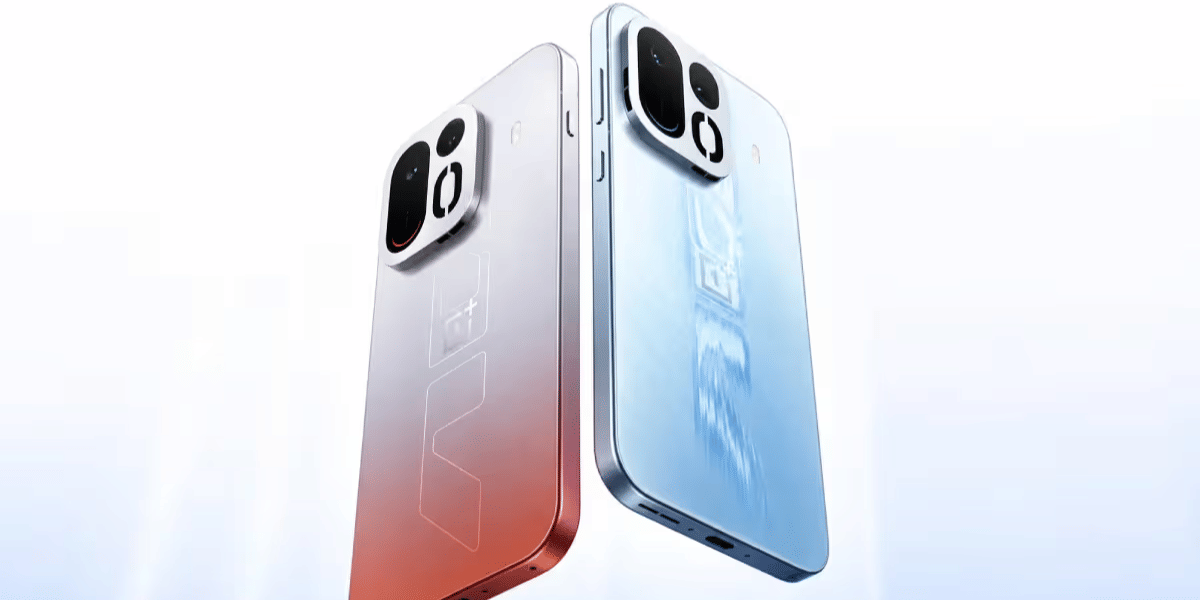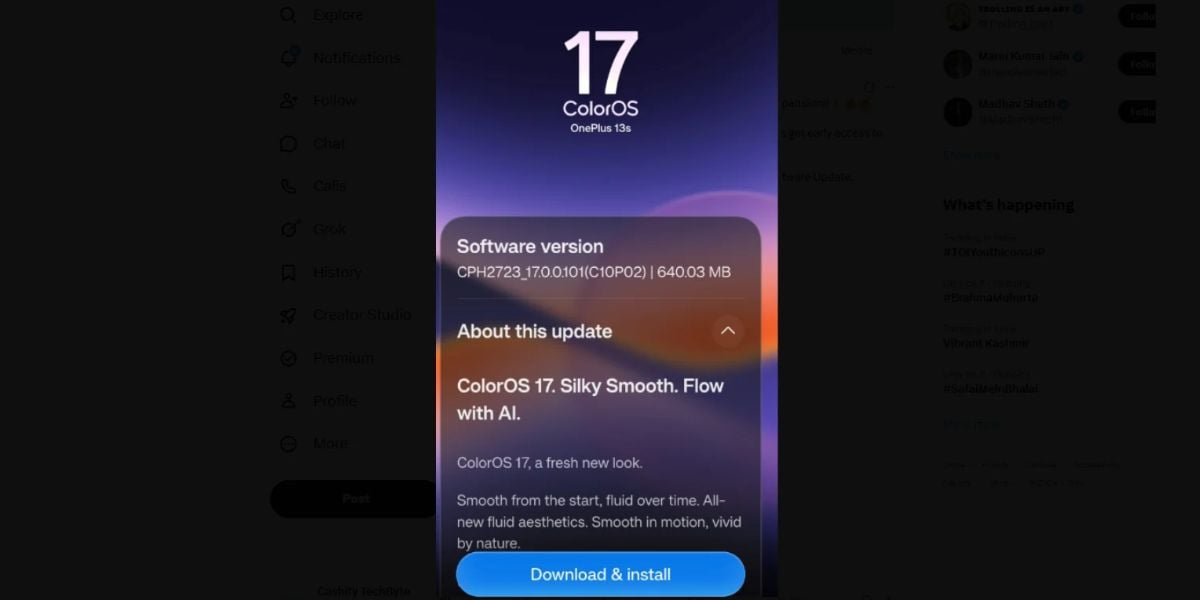
ColorOS 17 is on a superfast bullet train and bringing rapid-run updates one after the another. Just a few days back, it had arrived for the OnePlus 15 phones globally, and now it has rolled out in the popular OnePlus 13s phones worldwide. Yes, the ColorOS 17 update has officially arrived in the stable beta version for the OnePlus 13s users. This is happening much before the proposed schedule of ColorOS 17 rollout, so you can say that it is a preponed event! So, let us dive into this news and tell you more.
Also Read: Ipad Mini 8th Gen Launch Announced: Price, Specs, And All You Need To Know
ColorOS 17 Update Rolls Out For OnePlus 13s, And Here's Why It Is The Biggest Performance Boost
OnePlus has begun rolling out the stable Android 17-based ColorOS 17 update for the OnePlus 13s, arriving under firmware version CPH2653_17.0.0.110(CN01). Originally slated for wider availability on October 30, OnePlus pushed an early release starting October 26 for early adopters. The broader phased rollout will continue expanding over the coming days.
Why It Is The Big Performance Revamp?
Under the hood, the revamped Luminous Rendering Engine and Trinity Engine upgrades cut graphic load by 30% and boost app retention by 25%, making it the snappiest software experience yet on the OnePlus 13s.
Moreover, OnePlus 13s has always been used to OxygenOS, but now everything will change as ColorOS 17 update arrives. So, it is like the biggest overhaul on performance and software level ever since OnePlus 13s has launched.
All Key Features You’ll See
Here are all the new features that the ColorOS 17 update will bring in your OnePlus 13s:
- Living Flow Design: Features continuous clock animations transitioning seamlessly across AOD, lock, and home screens, alongside frosted translucent Quick Settings.
- Elastic Touch: UI controls and sliders provide responsive, elastic bounce feedback under finger pressure.
- Luminous Rendering Engine: Eliminates micro-stutters during heavy multitasking, high-refresh scrolling, and rapid app switching.
- Mind Pilot AI: On-device AI Agent handles batch document sorting, file organization, and natural-language photo retouching in Gallery.
- Enhanced Security: Scans unknown calls for synthetic deepfake voices and flags AI face-swapped video streams.
Also Read: iOS 27.2 Update: Is Your iPhone Eligible For These New Features?
<blockquote class="twitter-tweet"><p lang="en" dir="ltr">Looks like OnePlus is on a rapid run for #coloros17 expansion!!🏃🔥🔥 Much before the proposed schedule, #oneplus 13s get early access to the ColorOS 17 stable beta version. How to ⬇️- Go to Settings &gt; System &amp; Updates &gt; Software Update. #Cashify #ColorOS #news #TrendingNow https://t.co/ORXESYmed0</p>— Cashify TechByte (@CashifyTechByte) <a href="https://x.com/CashifyTechByte/status/2114677893272092933?ref_src=twsrc%5Etfw">October 26, 2026</a></blockquote> <script async src="https://platform.x.com/widgets.js" charset="utf-8"></script>
How To Download ColorOS 17 Update On OnePlus 13s?
- Open Settings on your OnePlus 13s.
- Scroll down and tap About Device.
- Select the software card at the top.
- Tap Check for Updates.
- Once the ColorOS 17 build appears, tap Download and Install. Ensure at least 50% battery before updating.
Also Read: iPhone 17 Diwali Sale: Flipkart Announces Big Bang Sale 2026 Date And Bank Offers
Are you still browsing through your broken screen? Don’t worry! Book at-home mobile phone screen repair with Cashify—an affordable and one-stop destination for all your mobile phone needs. In case you break your screen within 1 month of repair, we will replace your screen again—for FREE.