NothingOS 4.0 is finally here for the most-loved and the most budget-friendly phones of the Nothing brand, the CMF Phone 1 and CMF Phone 2. So, it’s time that we disclose all the details about the CMF Phone 1 update right inside this news story.
Also Read: Honor Win And Win RT Launches As The Best Gaming Phones With Massive Battery
NothingOS 4.0 Comes For CMF Phones
The NothingOS 4.0 update is finally here and has started rolling out for CMF Phone 1 and CMF Phone 2. This is the final update for this year, and it has introduced many exciting new features.
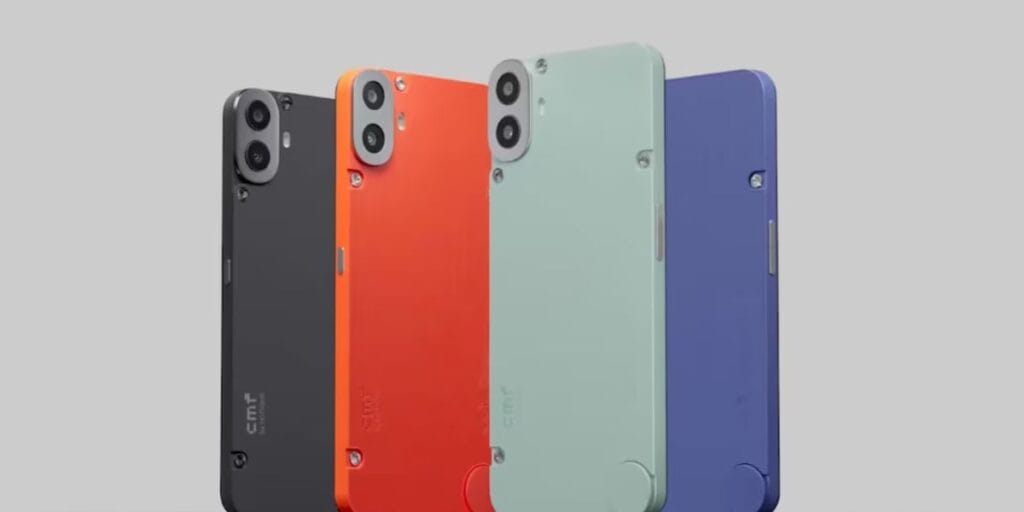
Talking about the new features in this CMF Phone 1 update, users can expect enhanced personalisation options, including new themes and wallpapers. It also brings performance improvements, with faster app launches and smoother multitasking.
The update adds a refreshed UI for a more intuitive experience, alongside a revamped camera app for better photo quality. Moreover, better security enhancements, enhanced privacy controls and improved battery optimisation are also key highlights.
Now, let us tell you about the download procedure and know how you can get the latest NothingOS 4.0 in your CMF phones.
Also Read: Gmail Update For Indians: Google Rolls Out Option To Change Email Address
How To Download NothingOS 4.0 CMF Phone 1 Update?
Here are the steps to download NothingOS 4.0 in your CMF phone:
- Connect your CMF Phone 1 to Wi-Fi or mobile data.
- Open Settings, scroll down to System, then tap System Update.
- Tap “Check for update” and download the latest update if available.
- Follow the on-screen instructions to install and restart your phone.
- For manual update, download the correct OTA file, create an “ota” folder in internal storage, and dial ##682## in your phone app to trigger the update.
So, get yourselves the latest NothingOS 4.0 and upgrade your CMF phones right away!
Also Read: These Are HyperOS 3 Eligible Devices In December: Note 15, POCO M7 & More
If you’ve just bought a new phone and don’t know what to do with your old phone, then here’s your answer. Sell old mobile to Cashify and get the best price for it. If you are planning to buy a new phone, check out Cashify’s refurbished mobile phones. You can get your favourite phone at almost half price with six-month warranty, 15 days refund and free delivery.