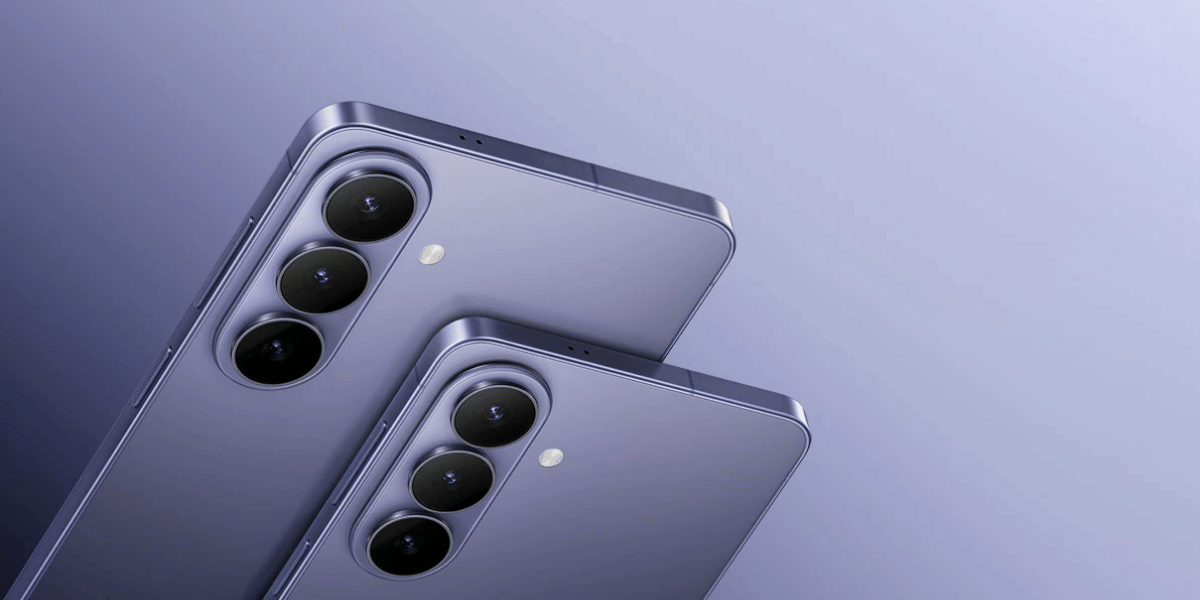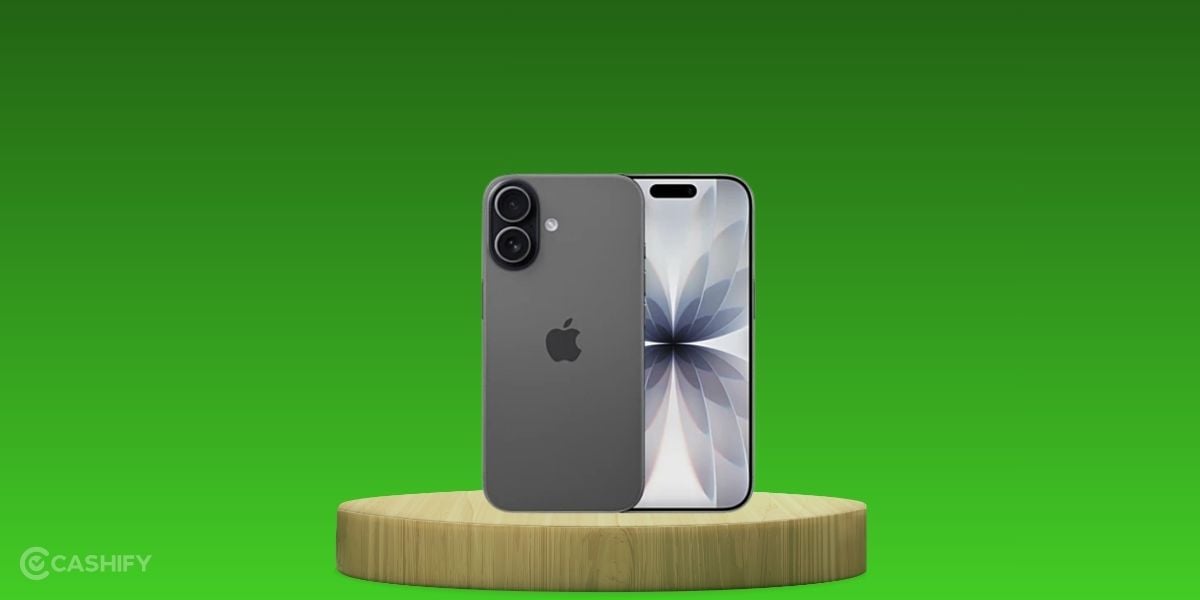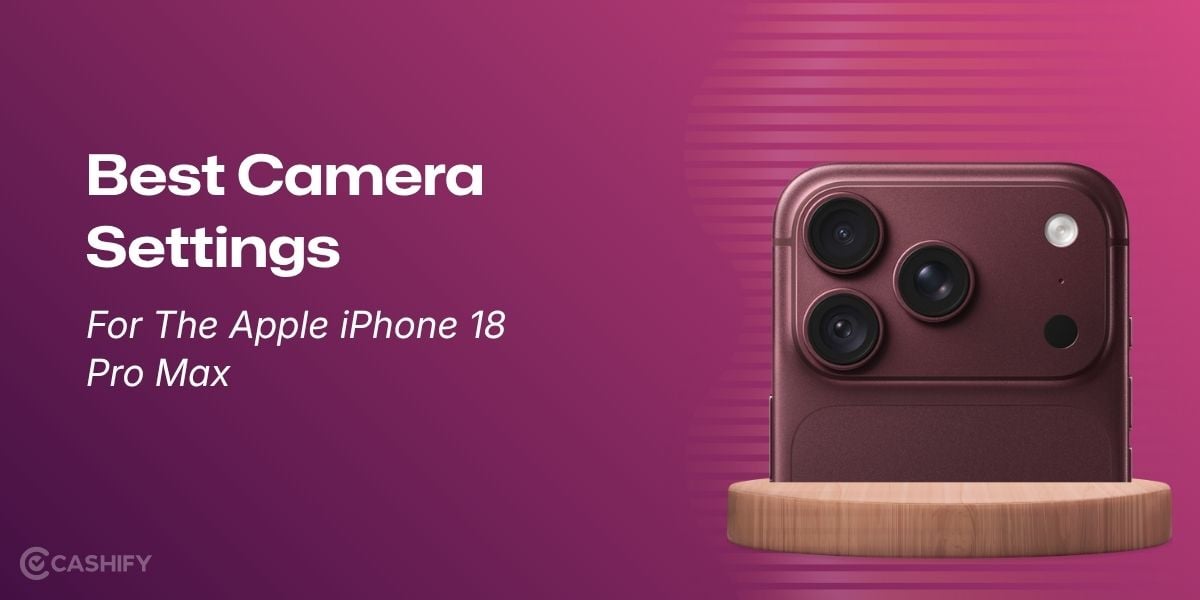
Bought the latest iPhone 18 Pro Max? Well, the butterflies must be fluttering all around your eyes, and the pure joy of bringing home the best Apple phone of 2026 is surely worth celebrating! But we are here to max out your Pro Max by bringing you some of the best tips for the camera on your 18 Pro Max. Yes, in this article, we give you the best camera settings for the Apple iPhone 18 Pro Max and tell you all the tips that give you the best photography results. So, without further ado, let us begin.
Also Read: 5 Best Reasons To Buy The iPhone 18 Pro Max: Is It Really Worth Your Investment?
Here Are The Best Camera Settings For The Apple iPhone 18 Pro Max
Here are the best camera settings for the Apple iPhone 18 Pro Max for different modes:
Experiment With The Variable Aperture
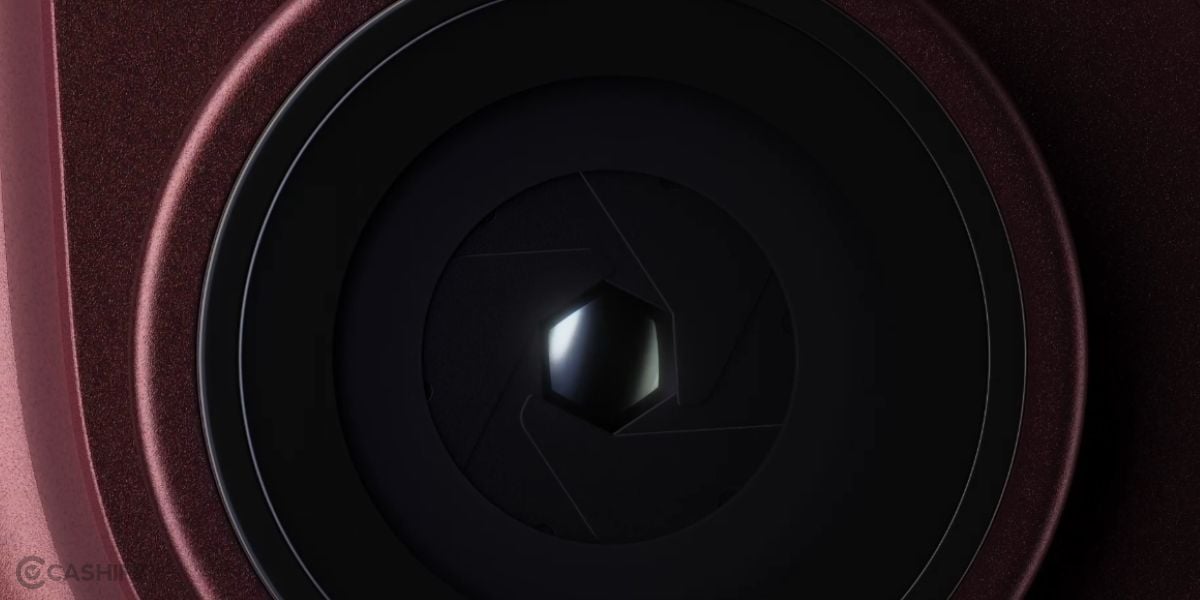
The biggest camera upgrade in the iPhone 18 Pro series: the variable aperture lets you control how much light enters the camera lens, giving you greater control over exposure and depth of field. A wider aperture is useful in low-light conditions and can create stronger background separation, while a narrower aperture can keep more of the scene in focus. This gives you greater flexibility across different shooting conditions.
Set Up Your Preferred ProRAW Format
The ProRAW format is for JPEG size, quality, and compatibility. You can choose your preferred ProRAW resolution and format based on your storage and editing requirements. You can choose the lossless format, which gives you the best quality even while exporting or sharing your photo to other devices or apps.
Turn On ProRes For Video Shooting
There is a ProRes mode in the iPhone 18 Pro Max, which is again one of the best camera settings for the Apple iPhone 18 Pro Max in video mode. Enabling ProRes can be useful when recording footage that you plan to colour-grade or edit professionally. The trade-off is larger file sizes, but the additional data gives editors more control over colour, exposure and other aspects of the footage.
Also Read: Best Camera Settings For OPPO Reno 16: See The Top Modes And Tricks Here
Turn On Macro Control For Automatic Adjustment Of Macro Shots
Just go in the settings and turn on the Macro Control. This mode automatically adjusts the ultrawide lens for your Macro shots. Turning on this mode means you get automatic optimised settings for your Macro shots. This is particularly useful for close-up photography of flowers, textures, products and other small subjects where precise framing matters. For macro photography, this is the main and one of the best camera settings for the Apple iPhone 18 Pro Max.
Use Center Stage Mode For The Front Camera
Next up, we come to the front camera of the iPhone 18 Pro Max. There are not many experiments you should perform when it comes to the front camera. The front camera is all about clear, bright, and optimised vlogging and the perfect angles. But there is a Center stage mode, which Apple brought in the iPhone 17 series and continues in the iPhone 18 series, and this brings us to the front camera chapter of the best camera settings of the Apple iPhone 18 Pro Max. Center Stage uses intelligent framing to keep you properly positioned within the frame while using the front-facing camera. It can automatically adjust the composition as you move, making it particularly useful for video calls, selfies and recording yourself. This means you can move naturally without constantly repositioning the phone to remain centred in the shot.
Use Night Mode For Low Light And Night Photography
This is one of the most basic among the best camera settings for the Apple iPhone 18 Pro Max, yet sometimes the most ignored ones. Night mode can help preserve shadow detail while reducing the impact of low-light conditions. Use it for evening scenes, indoor photography and night landscapes when you want a clearer image without relying heavily on additional lighting.
Adjust Shutter Speed For Video Recordings
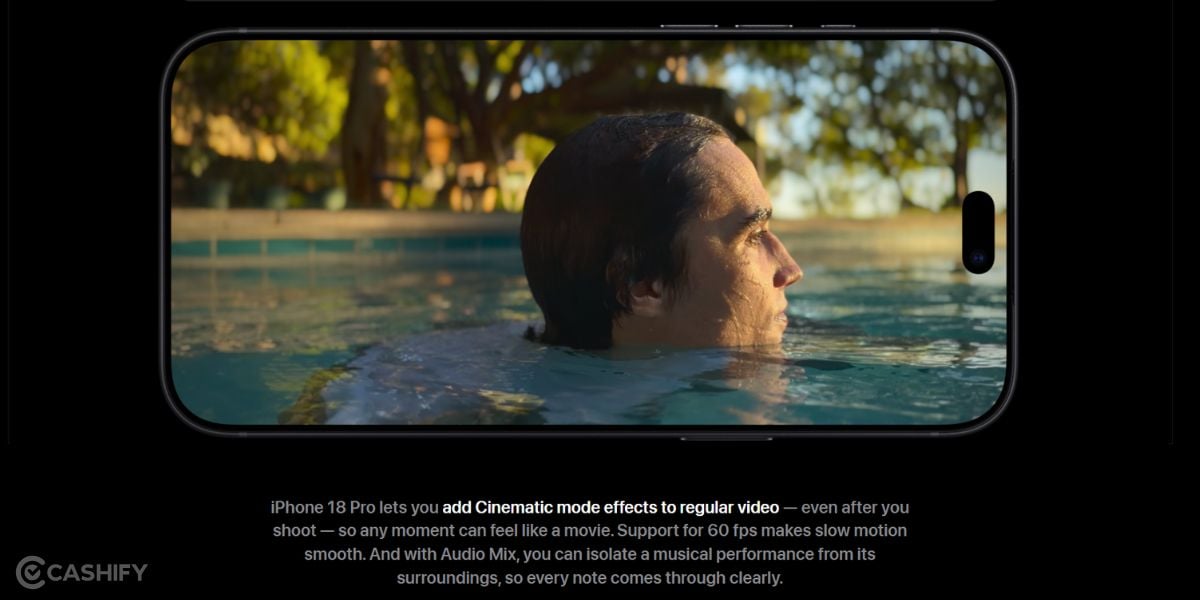
This one is for reel shooters and vloggers. Shutter speed is for Pro mode owners. Shutter speed determines how long the camera sensor captures each frame and directly affects motion blur in video. A faster shutter can freeze movement, while a slower shutter produces more motion blur.
Use Portrait Mode For Object Shoots And Human Shots
This mode helps draw attention to the main subject by creating stronger background separation and a more focused composition. So, use Portrait Mode always if you are using objects photography or want to click your family members’ single frame shots.
Also Read: Why Is My Phone Camera Blurry And Not Focusing: Know The Answer Here
Final Words On The Best Camera Settings For The Apple iPhone 18 Pro Max
The iPhone 18 Pro Max is undoubtedly the best camera phone you’ll have in the Apple series currently. It has brought minor but significant upgrades which are a true asset if you’re into photography and video editing. From experimenting with the variable aperture and using ProRAW to enabling ProRes, Macro Control, Center Stage, Night mode, and Portrait mode, each feature gives you greater creative control over your shots. The best results will come from experimenting with these settings in different lighting and shooting conditions. Whether you are photographing people, products, landscapes, close-ups, or recording videos for social media, take time to understand what works best for your style. So, make sure you utilise these best camera settings for the Apple iPhone 18 Pro Max to make the best out of your shots, and put that premium ‘shot on iPhone 18 Pro Max’ tag on your photos and reels!
Are you still browsing through your broken screen? Don’t worry! Book at-home mobile phone screen repair with Cashify—an affordable and one-stop destination for all your mobile phone needs. In case you break your screen within 1 month of repair, we will replace your screen again—for FREE.